
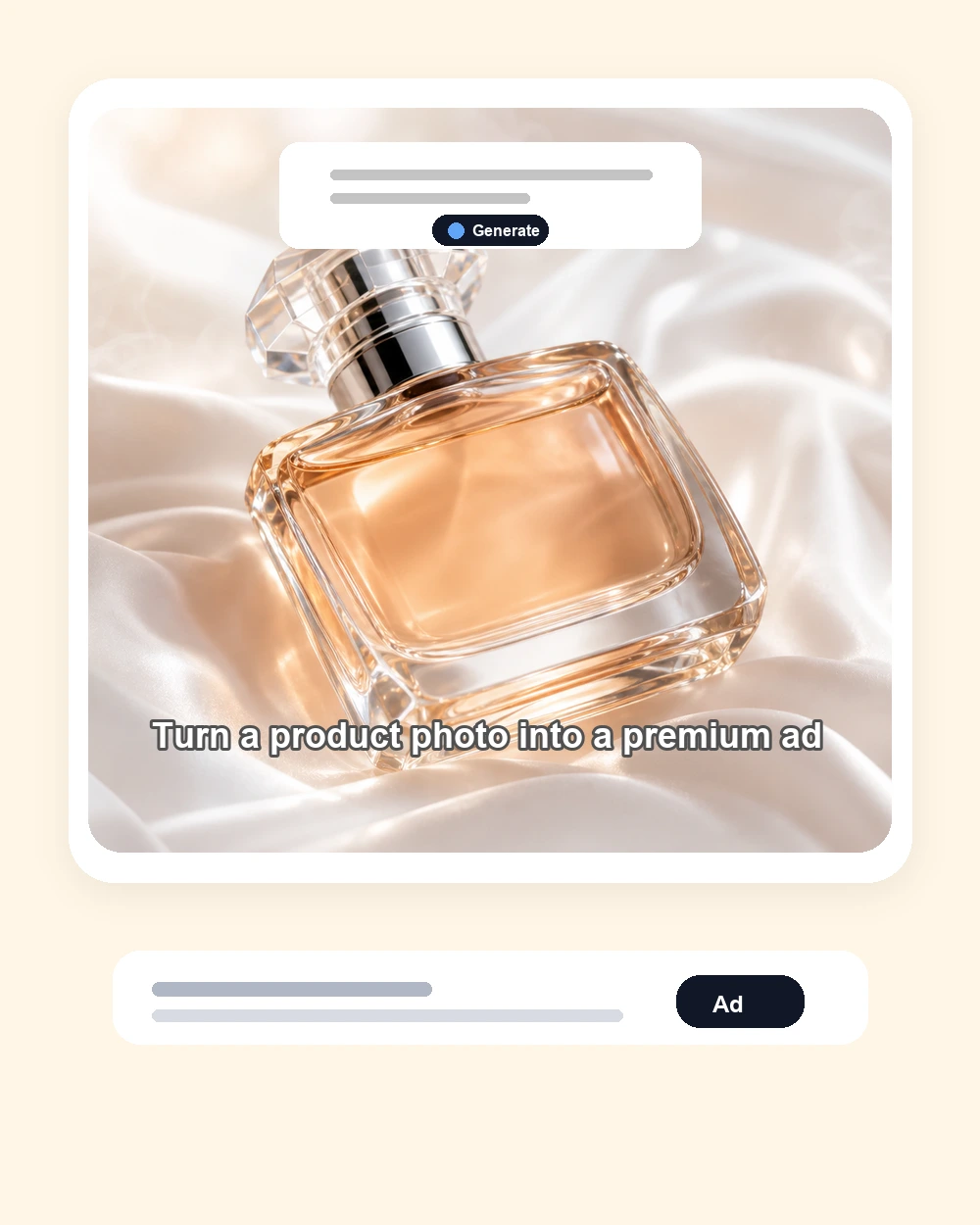
Premium Product Hero Ad
Create a polished product commercial image with clean lighting, tactile materials, a strong hero crop, and space for a short selling line. This works well for beauty, fragrance, accessories, and launch creatives.
Upload a product photo or start from a prompt, then use the AI Commercial Generator to create polished commercial ad images for ecommerce, launches, social posts, UGC hooks, and campaign testing. The page is built for product-first ads: clear hero shots, caption space, voiceover-style overlays, and variants that feel like real paid creative.
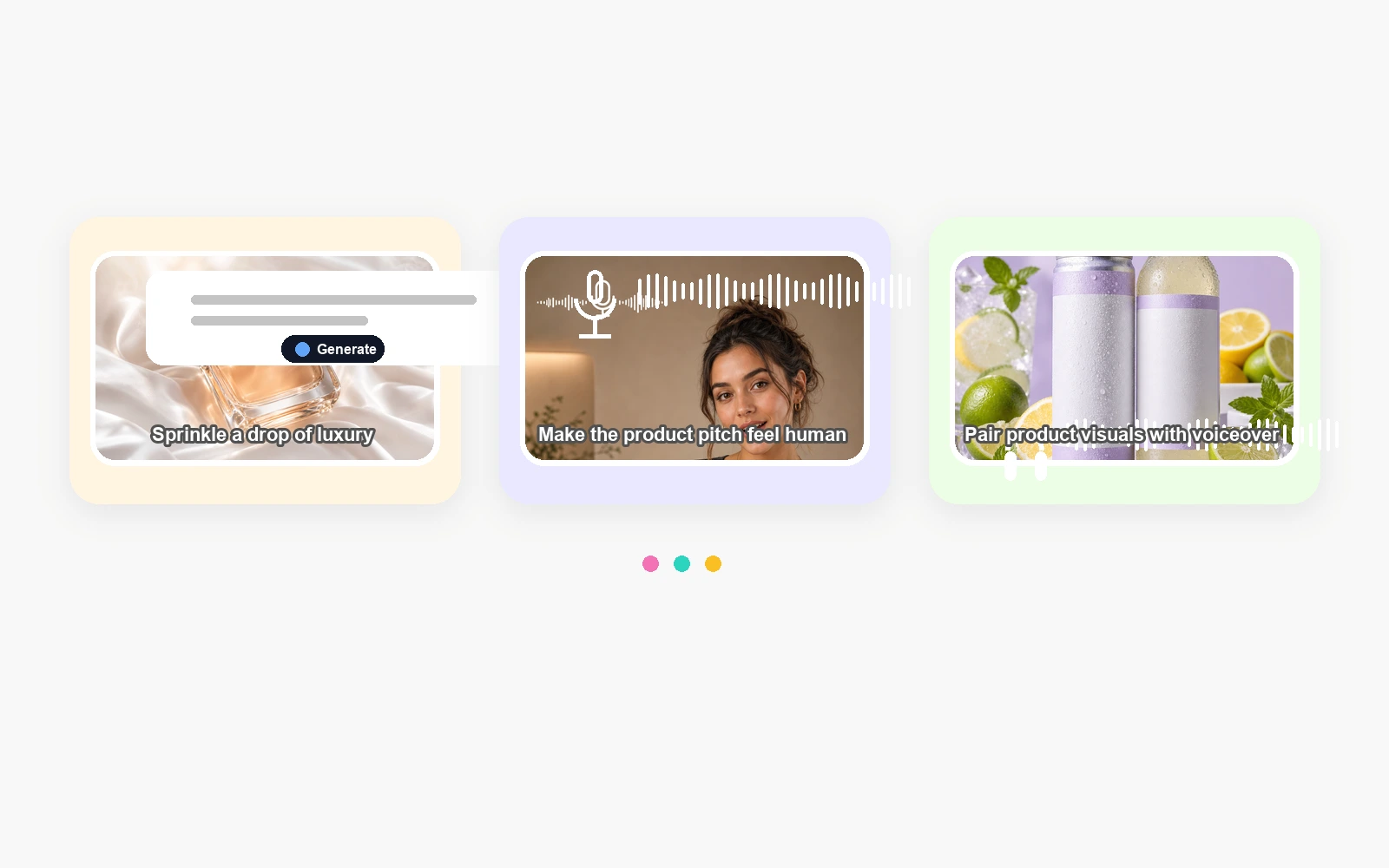
A useful commercial starts with the product, not generic decoration. This workflow keeps the product visible, gives the scene a selling angle, and leaves room for captions, hooks, and offer copy.
Use a clean product photo when shape, label, packaging, or color matters. Text-only prompts are useful for concepting, but product references make commercial images easier to trust.
Name the audience, pain point, product benefit, setting, visual mood, caption space, and CTA direction. A tight ad brief gives the generator a clearer reason to create each frame.
Check product accuracy, label clarity, claims, and visual polish. Then generate variants for product hero shots, creator-style ads, voiceover frames, seasonal promos, and paid social tests.
Google Search
Use web grounding for real-time context
These examples show the kind of ad images the page is designed around: product-first, polished, caption-ready, and closer to campaign creative than generic AI artwork.
Create a polished product commercial image with clean lighting, tactile materials, a strong hero crop, and space for a short selling line. This works well for beauty, fragrance, accessories, and launch creatives.
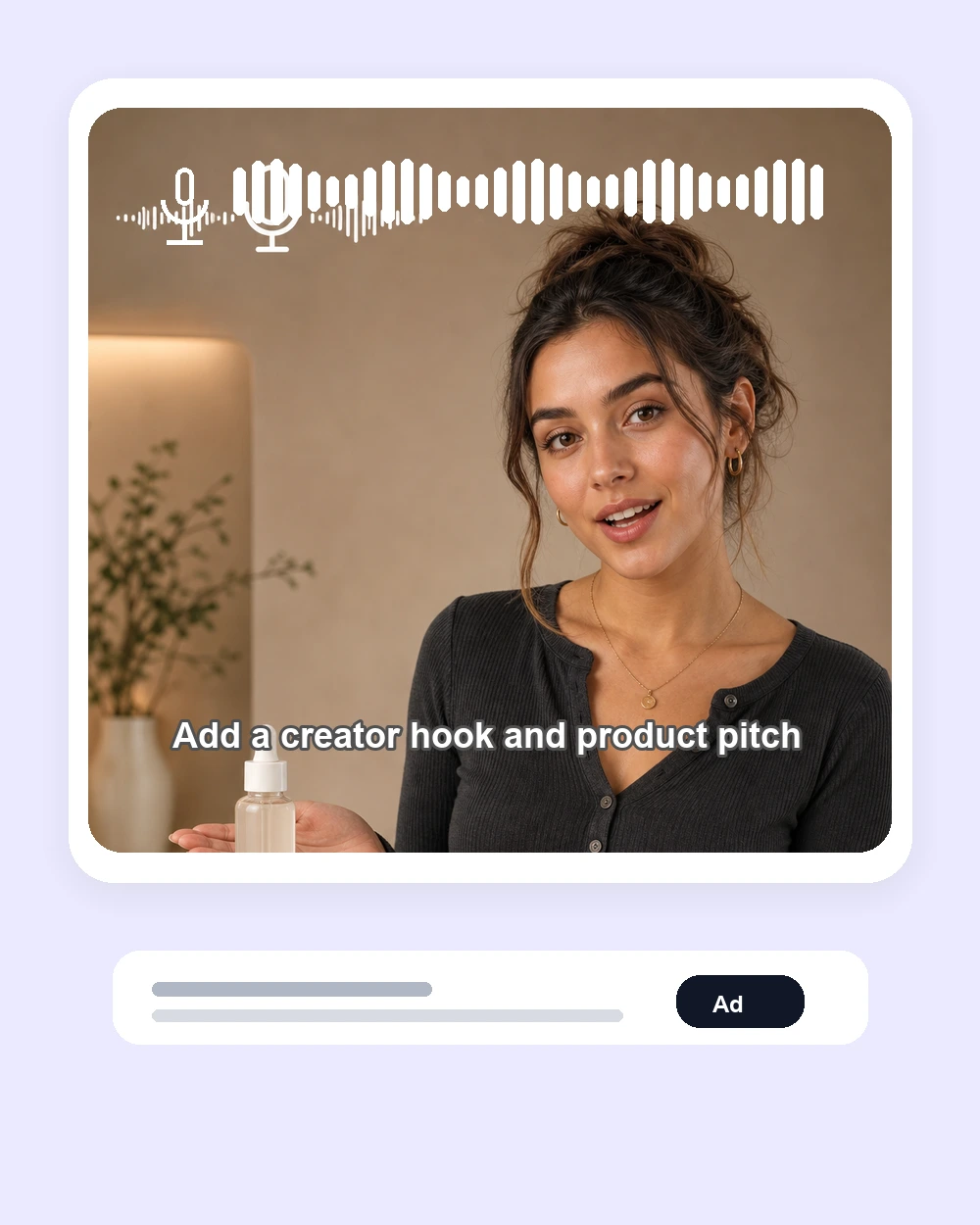
Make a creator-style ad frame with a product in hand, a clear spoken hook, and social-ready framing. Use this direction when your ai ad generator workflow needs a human presenter instead of a catalog shot.
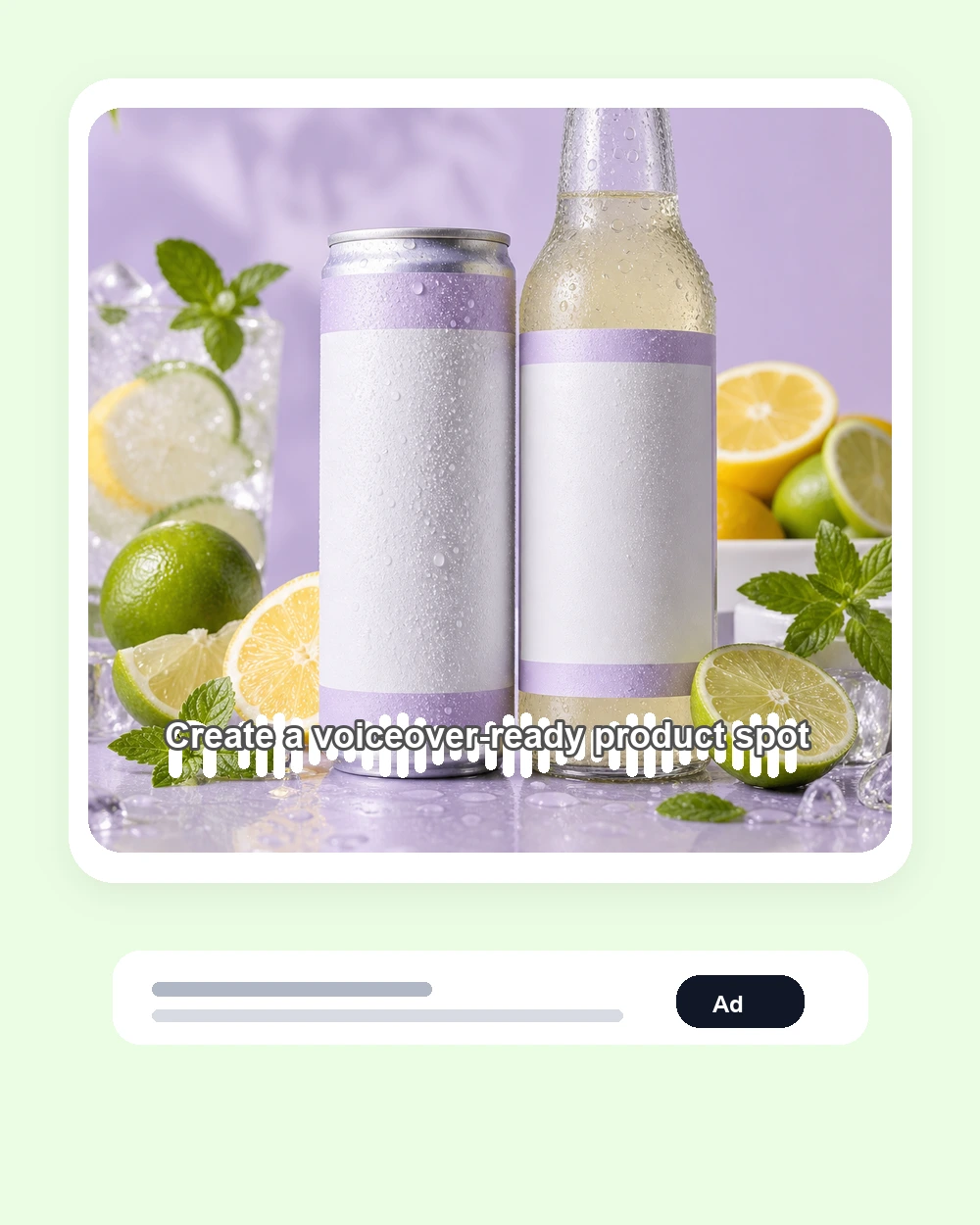
Generate a product scene that already feels ready for captions or narration. Beverage, food, wellness, and FMCG ads often need this kind of bright product styling and simple message space.
The default prompt is built around ecommerce ad production: product accuracy, buyer hook, product-dominant framing, caption space, and claim limits. Use these presets when you want the image to look like a commercial asset, not a generic product render.
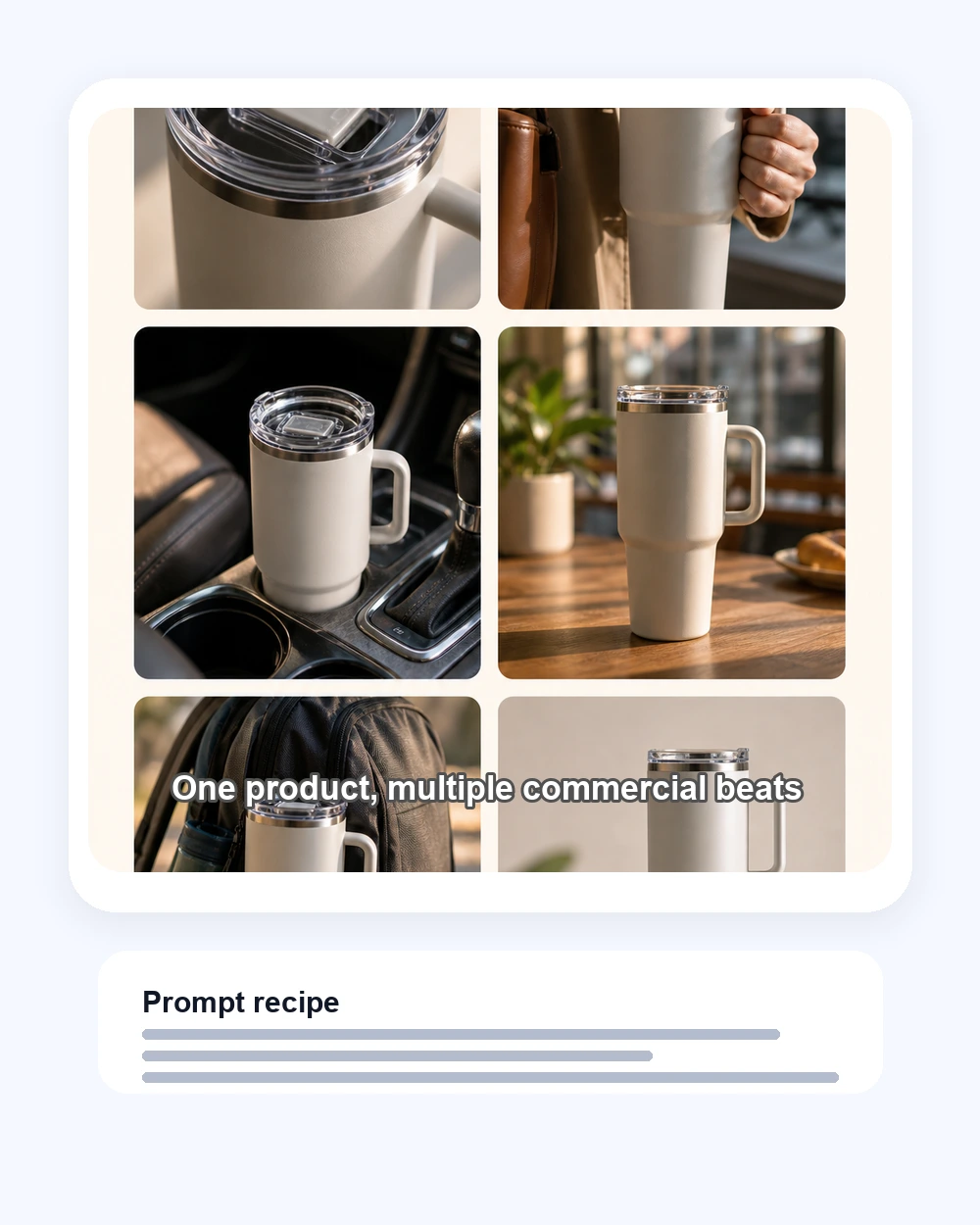
Create a premium ecommerce commercial ad image for the uploaded product. Keep the product large, accurate, and desirable. Use soft studio lighting, a clean background, tactile materials, subtle depth, and room at the bottom for a short caption. No real brand logos, no fake awards, no unsupported claims, no watermark.
Use the uploaded product as the hero item in a creator-style commercial image. Show a friendly presenter holding or pointing to the product in a bright home or studio setting. Leave room for subtitle text and make the product clearly readable. Keep the scene natural, social-ready, and not overly corporate.
Create a paid social ad image for the uploaded product with a clear buyer hook, clean product hero shot, premium lighting, and an ad-card layout. Generate a version that could work for Instagram, TikTok, Meta, or ecommerce landing pages. Avoid clutter, fake metrics, real platform logos, and tiny unreadable labels.
Create a compact commercial storyboard image for the uploaded product. Show multiple polished ad beats for the same product: macro detail, lifestyle use, product-in-hand, environment shot, and final packshot. Keep the product consistent across frames and leave clean areas for captions.
The practical goal is faster ad creative, not just prettier images. Ecommerce teams need visuals that make the product understandable, desirable, and ready to test.
Create hero images, lifestyle scenes, product closeups, and launch creatives before booking a shoot. Use a reference image when the exact product shape and packaging must stay recognizable.
Generate several ad directions quickly: premium product shot, UGC-style pitch, offer card, seasonal scene, or creator hook. Then compare which visual angle looks worth testing.
Use the tool to turn rough product notes into a visual direction clients can react to. It helps reduce early mood-board work and speeds up creative review.
Most weak ad images fail because the prompt is too vague. A good ai ad generator brief tells the model what to sell, who it is for, and how the final frame should be used.
Ask for a large product hero, clear edges, accurate color, and simple background. Avoid prompts that add too many props, scenes, or characters around the item.
Tell the model whether you need a product page hero, 4:5 social ad, square feed creative, vertical UGC frame, or caption-ready image. The layout should match where the ad will run.
Leave room for overlays, but avoid asking the image model to write detailed claims inside the image. Add final copy later so the commercial stays accurate and readable.
AI-created commercial images still need human review. Treat every output as a draft until product accuracy, usage rights, and claims are checked.
Inspect logos, labels, proportions, materials, colors, and any generated packaging details. Regenerate or edit if the product no longer matches what customers will receive.
Avoid celebrity likenesses, protected brand elements, real platform logos, or misleading before-and-after claims. Follow ad policies for your product category and market.
A polished image is not automatically a good ad. Check whether the first impression communicates the product, benefit, audience, and next action clearly.
Yes. You can start with free generations on the site, then use credits for more ad images, larger batches, or higher-volume commercial creative testing depending on your account.
Yes when accuracy matters. A product image helps preserve the real shape, color, packaging, and label style. Text-to-image is better for rough concepts.
Use a compact brief: product, buyer, pain point, selling hook, visual scene, format, caption space, and claim limits. Keep the product dominant and ask for a polished paid social ad image.
A general image tool can make any scene. This page starts from ad-specific defaults: product accuracy, buyer hook, commercial framing, caption room, variant testing, and review limits for real campaigns.
Review it first. Check product accuracy, usage rights, claims, platform rules, category restrictions, and whether final copy is readable and truthful before publishing.
Yes. Prompt a creator-style scene, presenter, unboxing moment, product-in-hand shot, or testimonial frame. Avoid using real influencer names or celebrity likenesses unless you have rights.
Text-only prompts can invent details. Upload a clear product photo, keep the scene simple, ask the model to preserve packaging and proportions, and avoid long prompts that distract from the product.