
 LIFESTYLE
The everyday post
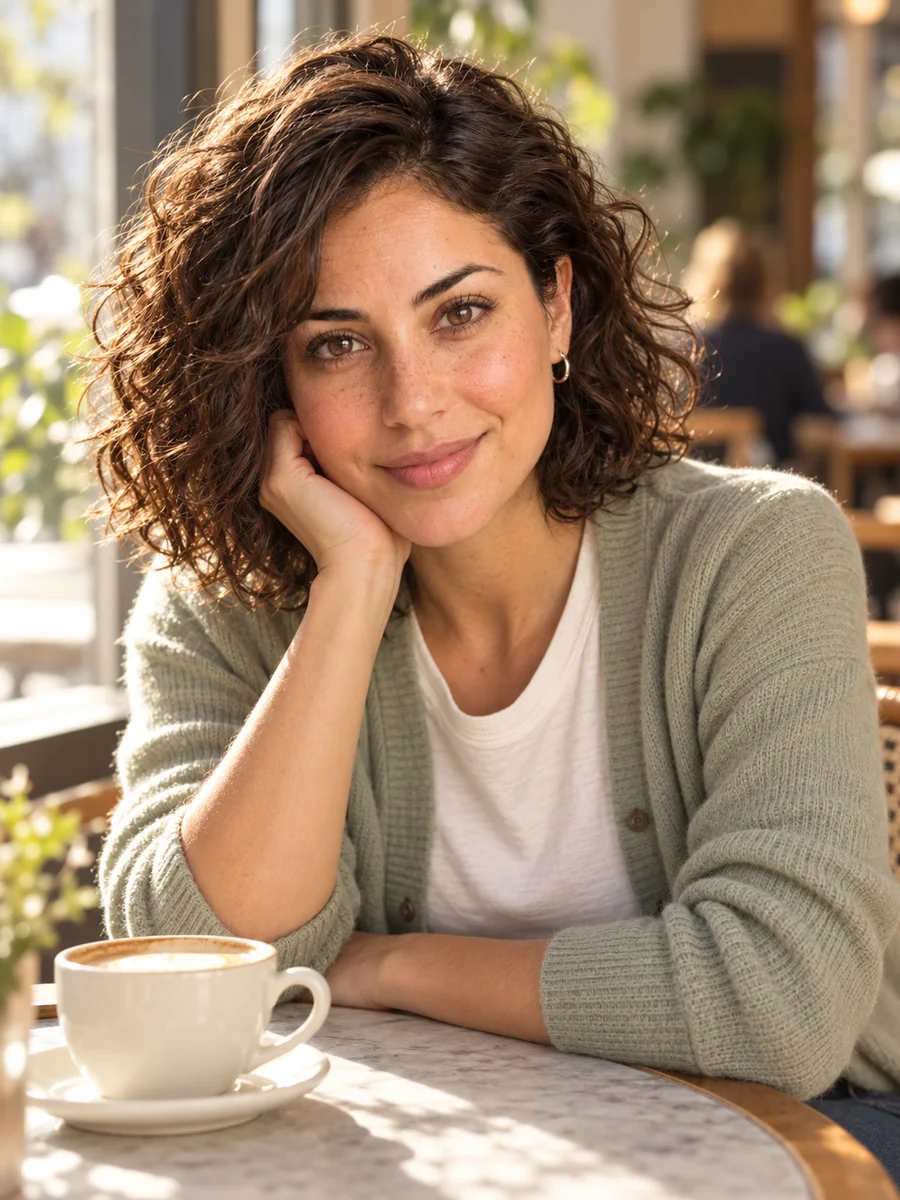
A relaxed cafe scene for a daily feed. Keep the character reference fixed while you test the setting and wardrobe.
YOUR CHARACTER. YOUR CREATIVE DIRECTION.
Create a consistent AI influencer.
One reference. New scenes.
Create a virtual personality for your next idea. Use the AI Influencer Generator to design an original character, then reuse a reference portrait across lifestyle scenes, outfit ideas and product content.
New accounts get 10 free credits · Sign in to generate
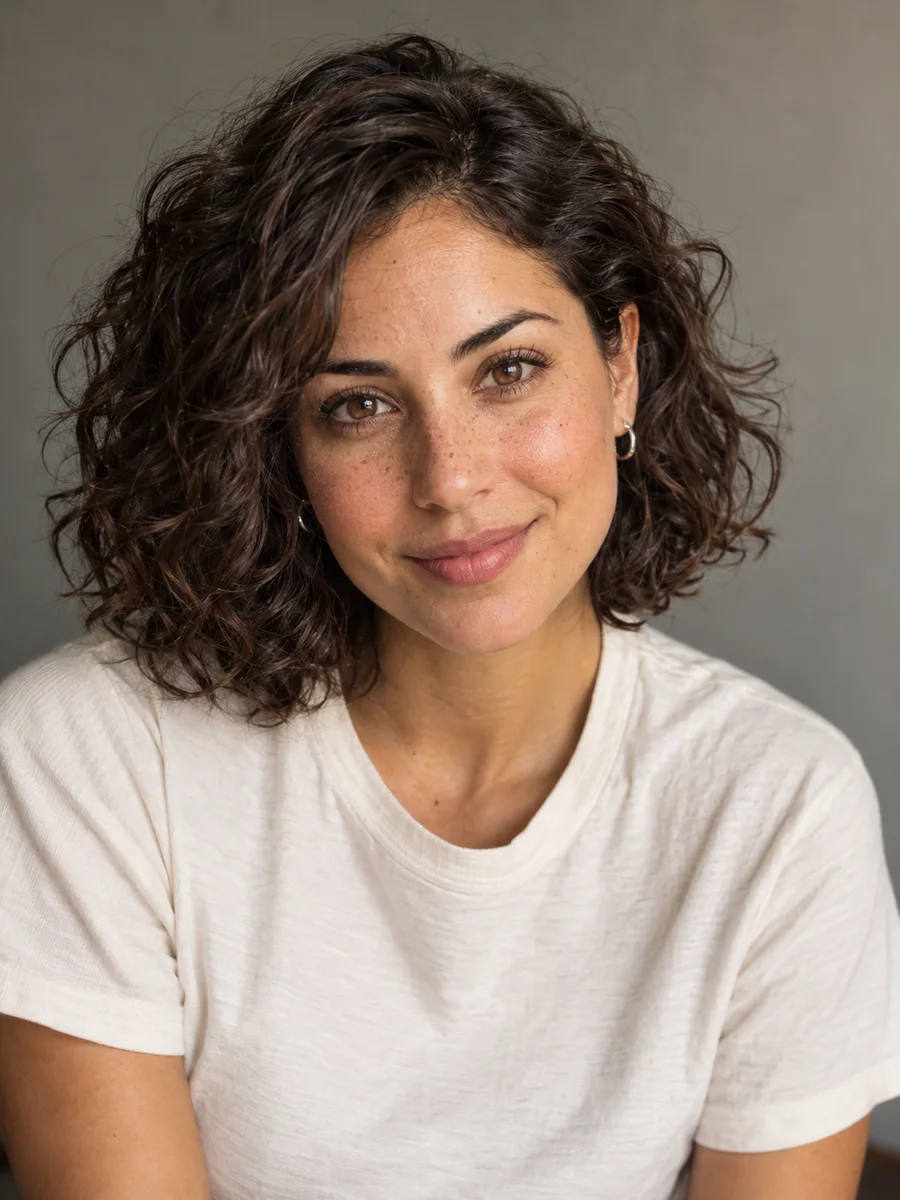
Meet your next creative direction
Fictional creator · Lifestyle / fashion
START WITH ONE REFERENCE
Keep a face you can return to
THE CREATION STUDIO
Start this tool with an original character brief, or reuse a portrait you already own. Scene presets select Image to Image so you can upload the same reference for each new setting.
Reference mode needs an uploaded portrait. Reference images guide appearance; facial consistency still needs your review.
Google Search
Use Google Search to inform generation
ONE IDENTITY, DIFFERENT DIRECTIONS
A cafe morning, a street-style post, a product concept. These AI illustrations show how one character can anchor a visual direction. Use the scene prompts in the generator with your own saved portrait.
LIFESTYLEA relaxed cafe scene for a daily feed. Keep the character reference fixed while you test the setting and wardrobe.
 FASHION
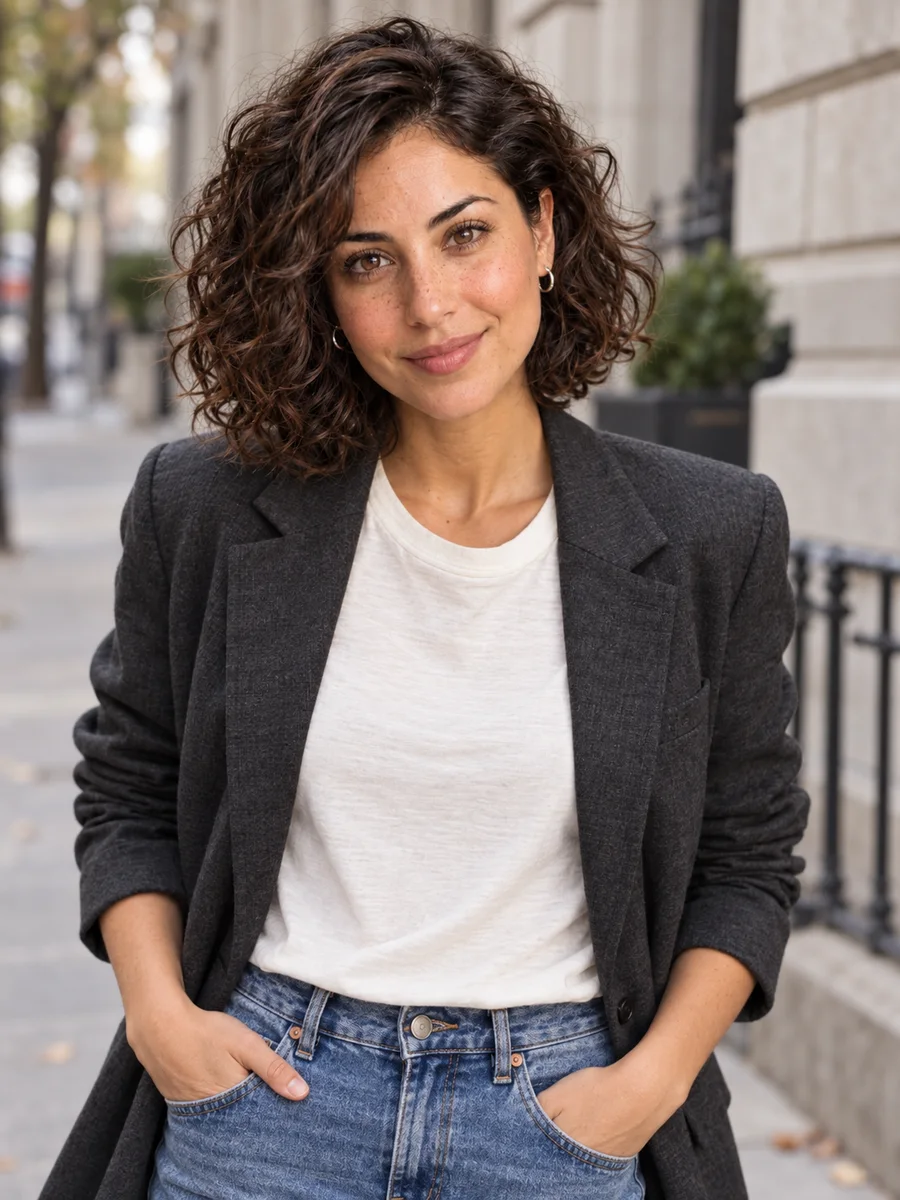
A new outfit without a new identity brief. Compare the eyes, hairline and face shape with your original portrait.
Only changing the outfit in an existing photo? Try the AI Clothes Changer.
 BRAND CONTENT
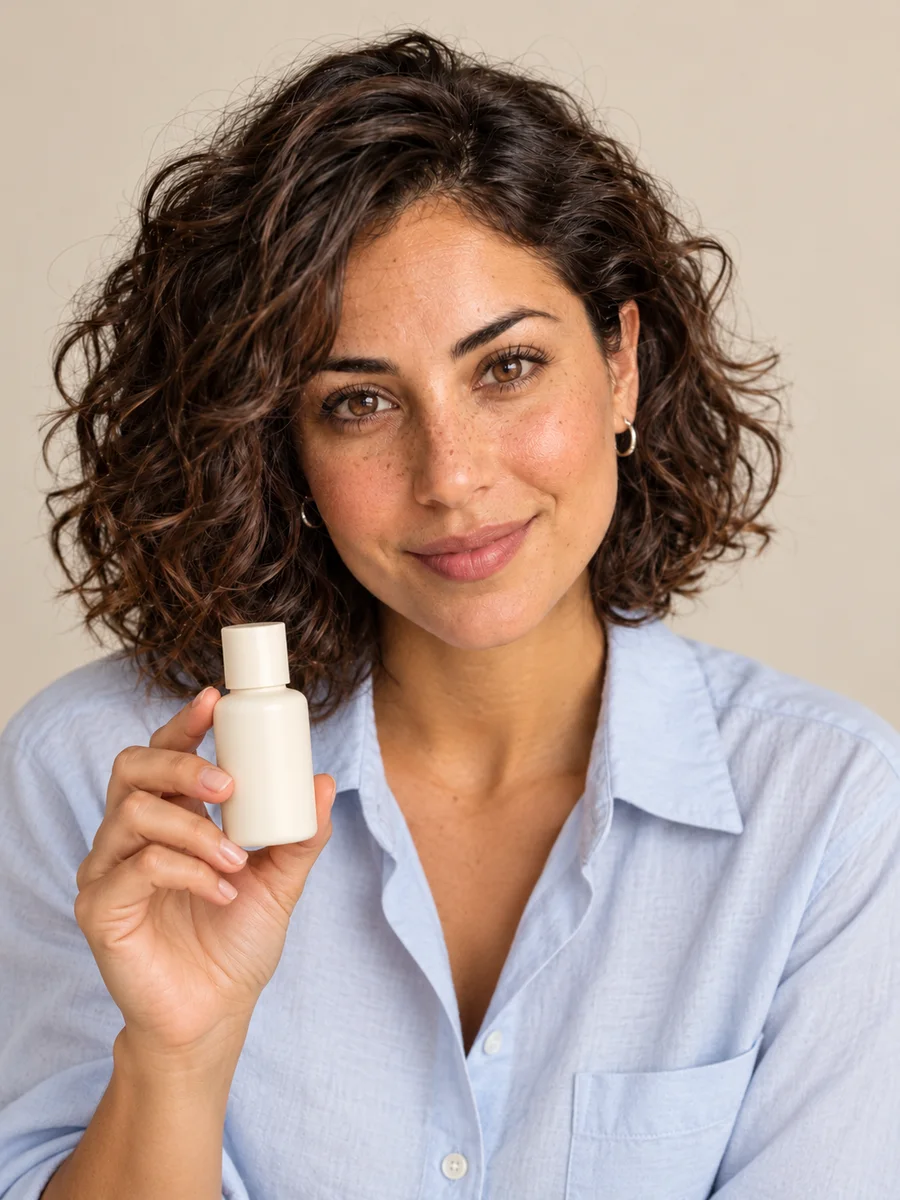
Explore a creator-led product image. Upload an authorized product reference too, and check the packaging and hands before publishing.
Original AI illustrations made for this page, using a shared reference. They illustrate a workflow and are not benchmark outputs from the selected generation model.
A REPEATABLE STARTING POINT
Use the AI Influencer Generator as a reference-based creative workflow. A stable brief and a carefully selected portrait give you something concrete to compare with every new image.
Choose an adult age, facial features, hairstyle and a recognizable visual style. Decide whether the character belongs in fashion, travel, fitness or your brand story. Start with a clear, well-lit portrait instead of a complicated full-body scene.
Pick one portrait and keep the original file. Switch to Image to Image and upload it for each scene. Keep your identity description unchanged; edit the location, clothes or action in a separate part of the prompt. No LoRA setup is required for this reference workflow.
Generate one scene first and compare it with your original. Check face shape, eye spacing, hairline, apparent age and skin details. Save useful results, reject drift and revise one variable at a time before making a larger series.
Download a finished still, open the separate video tool and upload it in Image to Video. Begin with a short, simple action and check the face throughout the clip. Edit captions and pacing after generation; there is no automatic transfer or dedicated lip-sync control on this page.
Open image-to-video toolTHE DETAIL THAT MAKES A FEED FEEL COHERENT
The AI Influencer Generator supports reference-led images, not a permanent identity lock. Treat consistency as a production step: give the model a clear face, keep your identity brief stable and review every result.
Use a sharp portrait with the face unobscured. Keep returning to the original rather than repeatedly using increasingly different outputs as your only reference.
Test a new outfit before a dramatic angle or lighting change. Ask to preserve facial proportions and apparent age. A simple background helps you judge the person first.
Use 4:5 or 3:4 for Instagram feed concepts, 1:1 for square posts and 9:16 for TikTok, Reels and Stories. Select a ratio in the tool and leave room for captions; check the final crop in your publishing app.
MAKE SOMETHING WITH A PURPOSE
Use this tool to explore a creator identity and produce assets for a specific brief. A consistent visual direction can support a content business; an image alone does not bring an audience or guarantee revenue.
Plan lifestyle posts around a clear niche and a recurring character. Build a small, coherent series before expanding the schedule, then learn which stories your audience responds to.
Explore product-in-scene visuals and campaign variations using images you have rights to use. Review product accuracy, prepare your own captions and include appropriate sponsorship or affiliate disclosures.
Give your store, newsletter or product a recurring visual host. Prepare seasonal outfit and background variations, keeping brand colors and the original character reference in the brief.
An AI influencer generator helps you create a fictional virtual person and reuse a reference portrait in new photos. Describe an original adult character, save a portrait you like, then upload it to guide new outfits, locations and product scenes. Review each result for changes in appearance.
New accounts receive 10 free credits to try the tool. Sign in and check the credit cost for your selected model and settings before generating. Images, retries and video use credits separately; more generations require an available credit balance. See the pricing page for current plans.
Requirements depend on where and how you use the content. Create an original fictional adult character or use a likeness you have permission to use. Check the selected model’s terms, avoid impersonation, follow each platform’s rules for labeling AI-generated content, and disclose sponsorships and affiliate relationships.
Start with an original adult character description, generate a portrait and save your preferred result. Reuse that portrait in Image to Image for new outfits and scenes. You can start with the prefilled brief or change it to fit your niche; you do not need to train a LoRA to try this workflow.
A reference portrait helps guide identity, but the AI Influencer Generator does not train or permanently lock a character. Angles, lighting and large changes can still alter the face. Compare each image with the original and regenerate results that drift before adding them to a series.
Yes. Choose Image to Image and upload a clear image you have permission to use. Describe which facial and style details to preserve, then specify the new scene. Use a fictional character or an authorized likeness and review the result before sharing.
This page creates still images. You can download a selected result and upload it to the linked video generator to animate it. Video uses its own settings and credits. This page does not offer dedicated talking-avatar or lip-sync controls, account scheduling or one-click automatic publishing.
Possible uses include sponsored concepts, affiliate visuals and your own product campaigns. Review the selected model’s terms and the rights to every input before commercial use. You still need a niche, distribution and a clear offer; follower growth, brand deals and income are not guaranteed.
Try the AI Influencer Generator with a concrete portrait brief. Save a face you like, then build the next scene from your reference.