🔥LIMITED OFFER
01:58:23
GET 50% OFF

FROM BRAND IDEA TO VISUAL CONCEPT

AI Logo Generator

Turn a business idea into a logo concept you can refine. Use the AI Logo Generator to explore clean symbols, letter marks, mascots and wordmarks from a short brief, then edit the prompt to make the direction your own.

Editable prompts · Optional sketch upload · Raster image downloads

Describe your brand. Generate a logo concept.

Start with GPT Image 2, a square canvas and a ready-to-edit coffee-shop symbol prompt. Change the business, subject or colors, or choose a preset below. Sign in to generate; each model shows its credit cost before you submit.

256/3000
Image History
No images yet. Start generating!

AI Logo Generator prompts for six starting points

Explore six original AI-generated concept examples, then replace the fictional business details with your own. Each button fills the generator prompt without starting a paid generation. Keep useful constraints and change one part of the brief at a time so you can compare results.

AI Logo Generator minimalist coffee-shop symbol with a green leaf and coffee bean in negative space

Minimal symbol

A simple mark for a neighborhood café, wellness studio or independent shop. Start with one idea rather than combining every product you sell.

Create an original minimalist logo symbol for a neighborhood coffee shop: a single green leaf with a coffee bean in negative space, flat forest green, bold clean contours, centered on white, square composition, no text, no gradients, no shadows, no mockup.
AI Logo Generator geometric orange and charcoal N monogram with a diagonal stroke on white

Letter monogram

Use one or two initials for an indie product, portfolio or studio. Broad strokes and open counters help the mark survive at favicon size.

Design an original geometric N monogram for an independent creative studio. Use bold orange and charcoal shapes, balanced negative space, flat colors, a centered square composition on white. One letter only, no additional text, no shadows, no 3D.

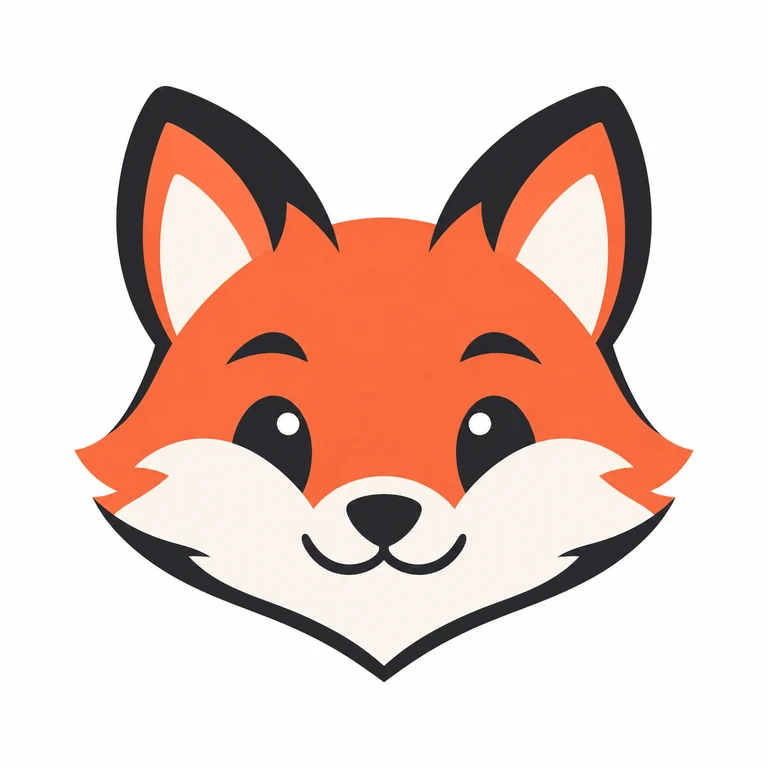
AI Logo Generator friendly orange fox mascot with charcoal contours and a cream muzzle

Friendly mascot

Give a community, game or creator project a recognizable character. Limit detail to the face and silhouette so the result works as an avatar.

Create an original friendly fox-head mascot logo for a creative community. Coral orange and charcoal, symmetrical simplified face, thick smooth contours, flat colors, white background, centered square composition. No text, no fur texture, no scenery, no mockup.

AI Logo Generator navy lowercase luma wordmark with rounded geometric lettering on white

Simple wordmark

Explore lettering for a short name. Check every character before use; add a longer business name manually when consistent typography matters.

Create an original lowercase wordmark reading exactly "luma" for a fictional lighting studio. Rounded geometric lettering, dark navy on white, even spacing, clear readable characters, flat graphic design. No symbol, no tagline, no extra letters, no mockup.

AI Logo Generator focus-app icon with a white four-point star inside a cobalt blue rounded square

App icon

Keep the focal shape large and allow padding around it. A square concept can guide an app icon, but platform sizes need a separate export step.

Design an original app-icon concept for a focus timer: one white four-point star centered inside a cobalt blue rounded square, strong contrast, wide internal padding, flat colors, simple silhouette. No text, no gradients, no device, no mockup.

AI Logo Generator outdoor badge showing green mountains, pine trees and a winding ivory trail

Outdoor badge

Try an emblem for an outdoor club or local event. Ask for a small number of shapes instead of tiny lettering around a crowded border.

Create an original circular badge logo for a fictional hiking club. Simplified mountain peaks and a winding trail, forest green and warm ivory, thick consistent contours, balanced negative space, centered on a plain white background. No text, no fine texture, no mockup.

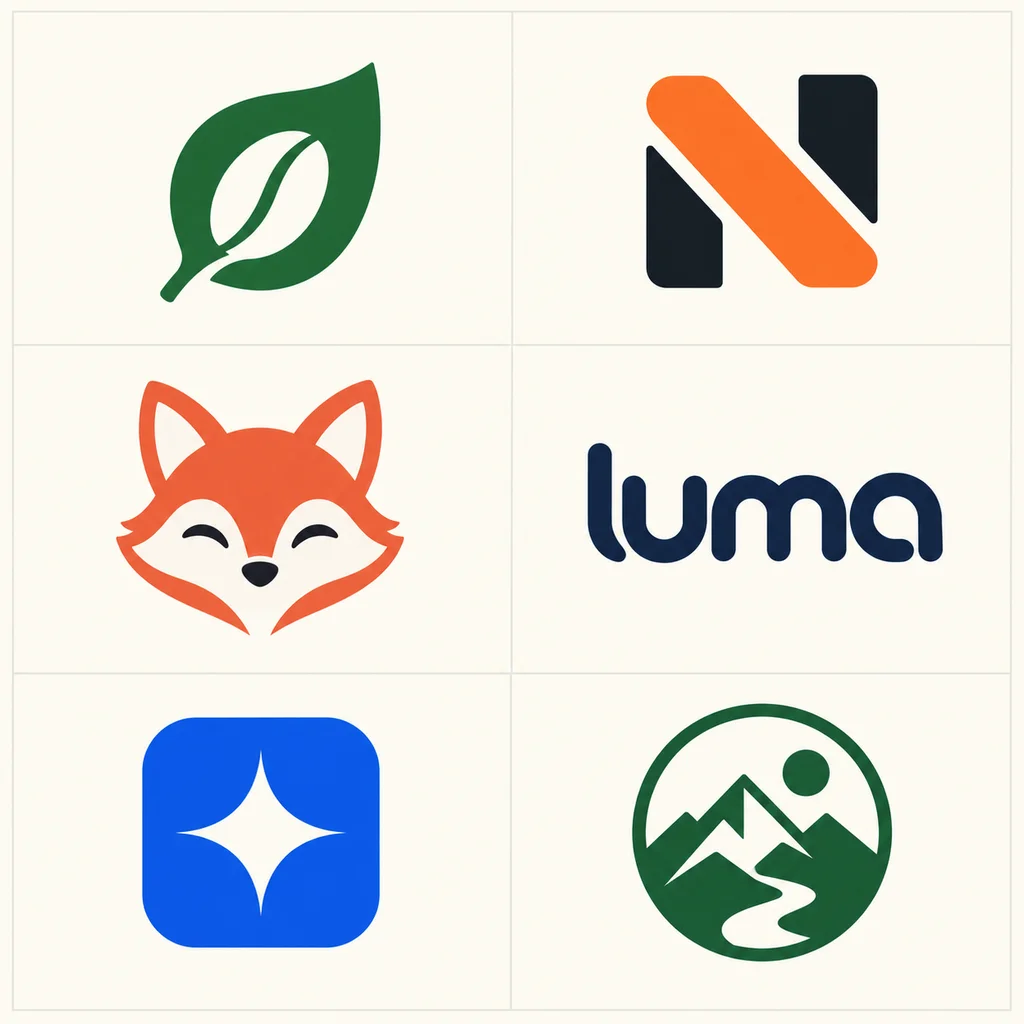
AI Logo Generator examples: six visual directions

A logo should communicate one idea clearly. These illustrative concepts show six different structures: symbol, monogram, mascot, wordmark, app icon and badge. Use them to choose a format, rather than expecting one image to handle every branding need.

Symbols and initials

Useful when a business needs a compact sign or profile image. A strong silhouette is easier to reuse than a detailed scene.

Characters and lettering

A mascot suggests personality; a wordmark puts the name first. Check expression, spelling and spacing separately.

Icons and emblems

App icons need breathing room. Badges need a clear border and a center that remains legible when reduced.

Start in one color

Test the shape before choosing a palette. A mark that depends on shading may lose its meaning on a small label.

AI Logo Generator concept sheet with a green leaf symbol, orange N monogram, fox mascot, luma wordmark, blue star app icon and mountain badge
Original AI-generated illustrative concepts. This sheet is raster artwork; individual results and lettering will vary.

Get better results from the AI Logo Generator

Specific briefs make concepts easier to judge. Write the business category, intended audience, mark type, one visual idea and a limited palette. Add the exclusions that matter, such as no slogan, no product mockup or no background scene.

Simplify the silhouette

Ask for flat colors, bold contours and balanced negative space. Avoid fine texture and tiny decorative elements. Shrink the downloaded image to roughly avatar size: if the idea disappears, simplify the prompt and try again.

Separate the name from the symbol

For a pictorial mark, start with no text. For a wordmark, quote a short name exactly and check every letter. AI may invent characters or uneven spacing; use a design editor to set final type when precision matters.

Use a plain background

White or a single solid color helps you evaluate the outline. Asking for a transparent background does not guarantee an alpha channel. Check the downloaded file and remove the background separately when you need a cutout.

From a promising concept to a usable brand asset

Treat the first result as a direction to develop. Pick a candidate, correct its geometry and make the versions needed for the places your business will use it. This keeps the generator useful for exploration without skipping the finishing work.

1. Refine one candidate

Keep the subject and composition stable while changing color, stroke weight or spacing. You can upload your own sketch or a generated concept in image-to-image mode to request a revision. Review each result because edits can alter the original geometry.

2. Build your final files

Downloads are raster images, not editable SVG paths. Rebuild or trace the chosen mark in a vector editor for scalable artwork. Prepare light, dark and monochrome variants and test them on your website, print materials and social profile.

3. Check the finished design

Review the artwork for unwanted details, spelling and similarity to existing brands. The generator does not check trademark availability or guarantee exclusivity. Keep a record of your own changes and review the relevant service terms before business use.

Logo generation questions

How does the AI Logo Generator work?

Describe the business and the visual direction in the prompt, choose a model and generate an image. The page starts in text-to-image mode with a minimal symbol brief. Prompt presets cover different mark types, and image-to-image mode lets you work from your own reference.

Is the AI Logo Generator free to try?

New accounts receive the free credits offered by the site. Available generations depend on the selected model and settings; check the displayed credit cost and your balance before submitting. Additional generations use purchased credits. Signing in is required to generate and save your results.

Can I download an SVG or a complete brand kit?

This tool generates raster images with the output options shown in the interface. It does not create editable SVG paths or a packaged brand kit. Use a vector editor to rebuild the selected concept and export the sizes and formats your business needs.

Can it spell my business name correctly?

Include a short name in quotation marks and request no additional text. Lettering can still be wrong, especially with long names or decorative typography. Inspect the result carefully, or generate the symbol alone and add your chosen font in a design editor.

Can I revise a sketch or an existing logo?

Yes. Switch to image-to-image mode, select a supported model and upload an image you have permission to use. Describe the specific change you want, such as simplifying contours or changing the palette. The result is a new image, so exact geometry may change.

Will a PNG have a transparent background?

PNG is a file format, not a promise of transparency. A model may draw a white background or a checkerboard pattern instead of real transparency. Inspect the alpha channel in an image editor and use background removal if needed. JPEG does not preserve transparency.

What should I check before using a concept?

Check readability at small sizes, spelling, proportions, background and resemblance to existing designs. Generated artwork is not automatically exclusive or cleared for your business. Review your final design and the applicable service terms before putting it on products or presenting it as a finished identity.

Give your brand idea a first shape

Use the AI Logo Generator with one clear subject and a simple palette. Generate a direction, compare it at small sizes and refine the strongest concept.

Try the AI Logo Generator