
Qwen Image 2: AI Image Generator and Editor for Text-Rich Visuals
Create images with Qwen Image 2, also known as Qwen-Image-2.0. Generate posters, presentation slides, infographics, product visuals, comics, and photorealistic scenes, or upload up to three references for image editing in one online workflow.
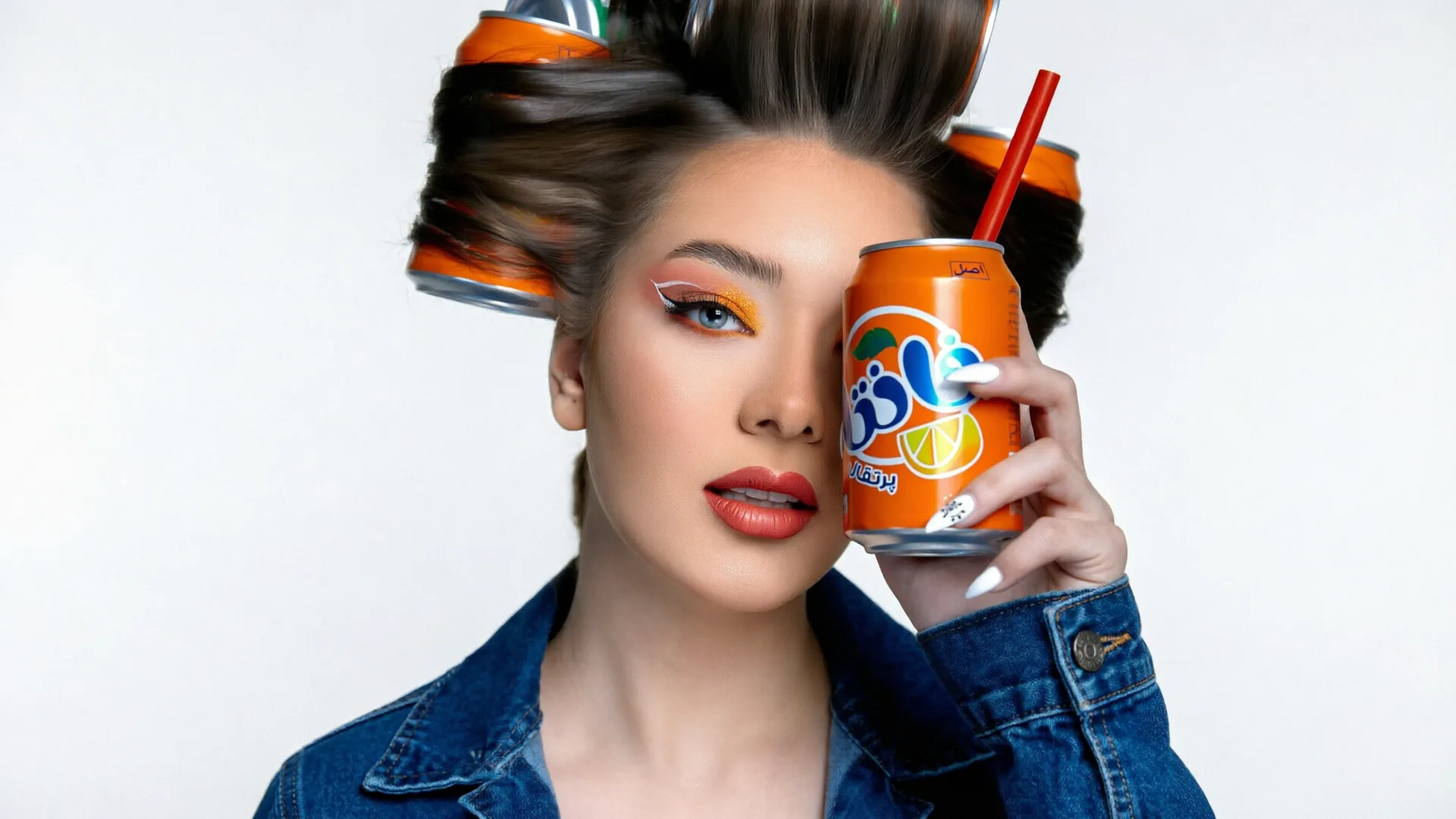
Why Use Qwen Image 2 Online
Qwen Image 2 is built for creators who need more control over text, layout, realism, and reference-guided editing than a generic AI image generator can provide.
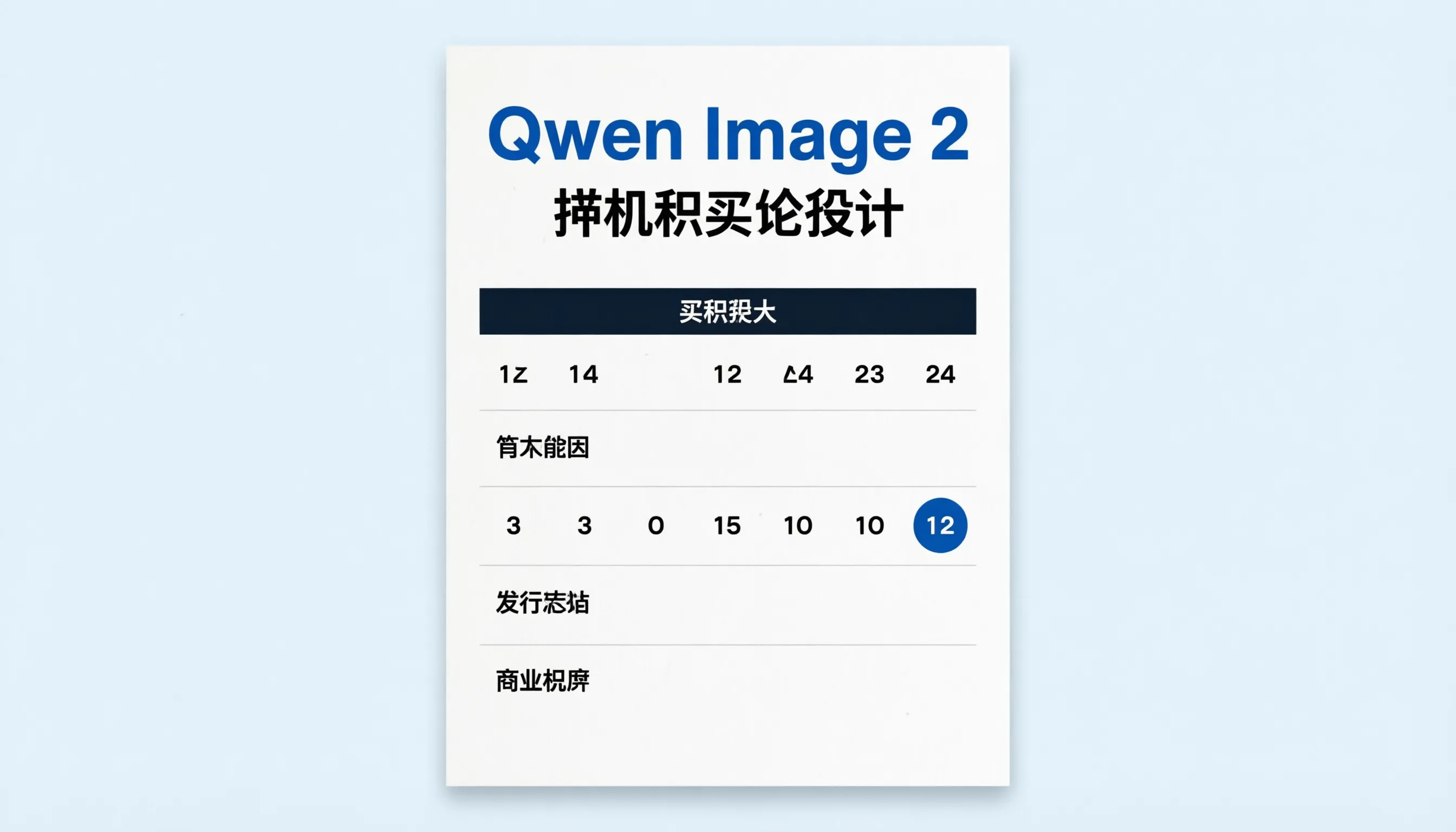
Stronger Text Rendering for Posters and Slides
Qwen-Image-2.0 is useful for designs that include readable words, labels, titles, and layout structure. Use it for posters, PPT-style slides, infographics, menus, comics, and bilingual visual assets.

Photorealistic Detail and Material Texture
Generate realistic scenes with convincing lighting, skin detail, fabric, glass, metal, architecture, and natural surfaces. Qwen Image 2 works well when the final asset needs polished commercial texture rather than a rough concept.
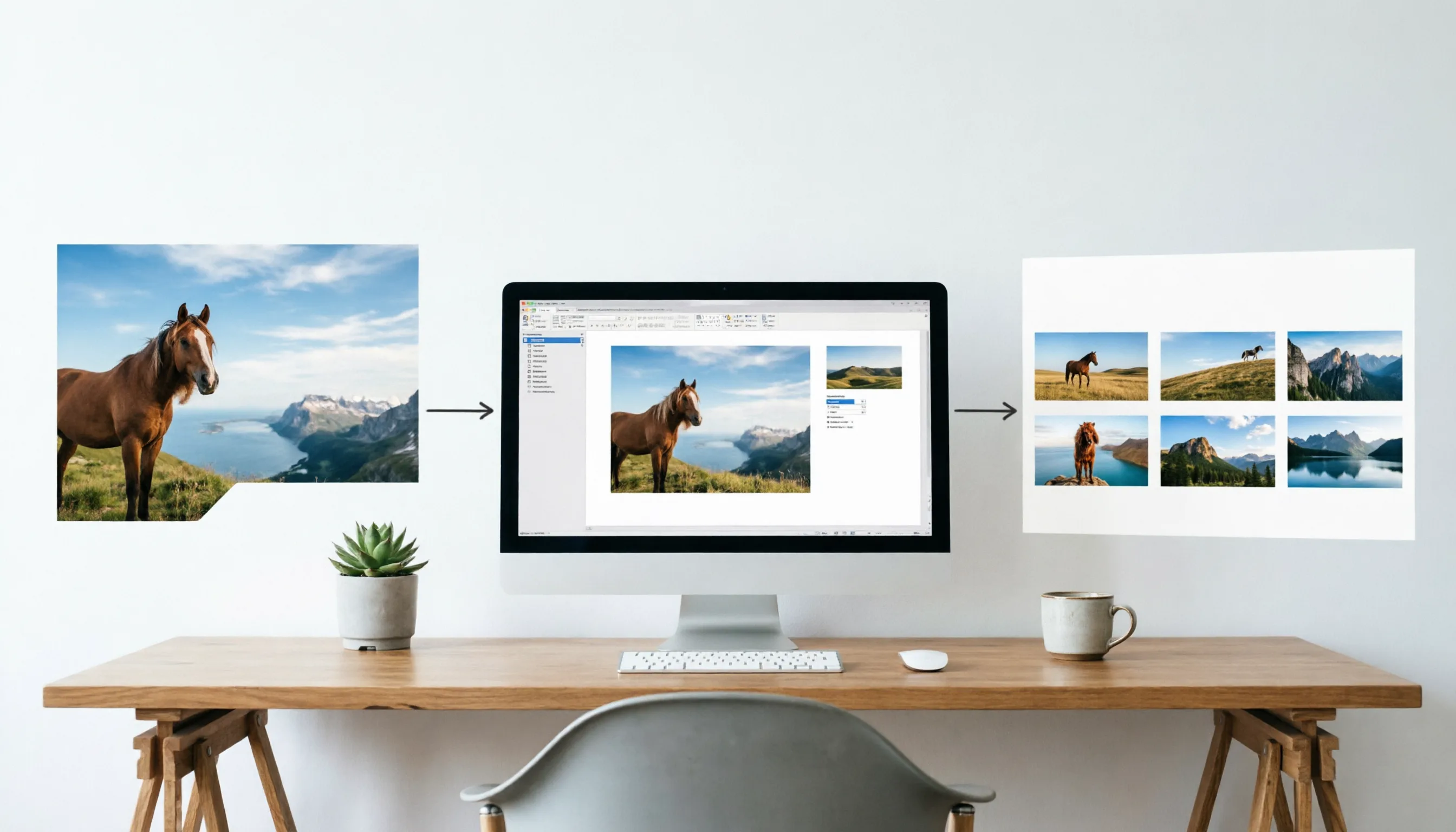
Image Editing with up to 3 References
Switch to image-to-image mode and upload up to three reference images. Use Qwen Image 2 to combine visual context, preserve key subjects, guide style, and create edited results without starting from a blank prompt.
Built for Design-Grade Image Generation and Editing
Use Qwen Image 2 when your workflow depends on text-heavy layouts, visual consistency, and practical editing control.
One Model for Generation and Editing
Qwen-Image-2.0 unifies high-quality text-to-image generation and precise image editing in a single workflow, so you can create from a prompt or refine existing visual direction with references.
Longer Instructions for Structured Layouts
Describe titles, sections, labels, panel structure, visual hierarchy, and composition details in one prompt. This makes Qwen Image 2 a strong fit for slides, posters, technical diagrams, and information-rich graphics.
Multilingual Typography Support
Create visuals that combine English, Chinese, or other multilingual text requirements. Complex typography still needs review, but Qwen Image 2 is designed for stronger text fidelity than older image models.
Practical Reference-Guided Editing
Use up to three images as visual context for product, character, style, layout, or scene edits. This helps when the output must respect existing assets while changing the final composition.
Popular Qwen Image 2 Use Cases
Qwen Image 2 is especially helpful for creative work where text clarity, composition, and reference control matter.
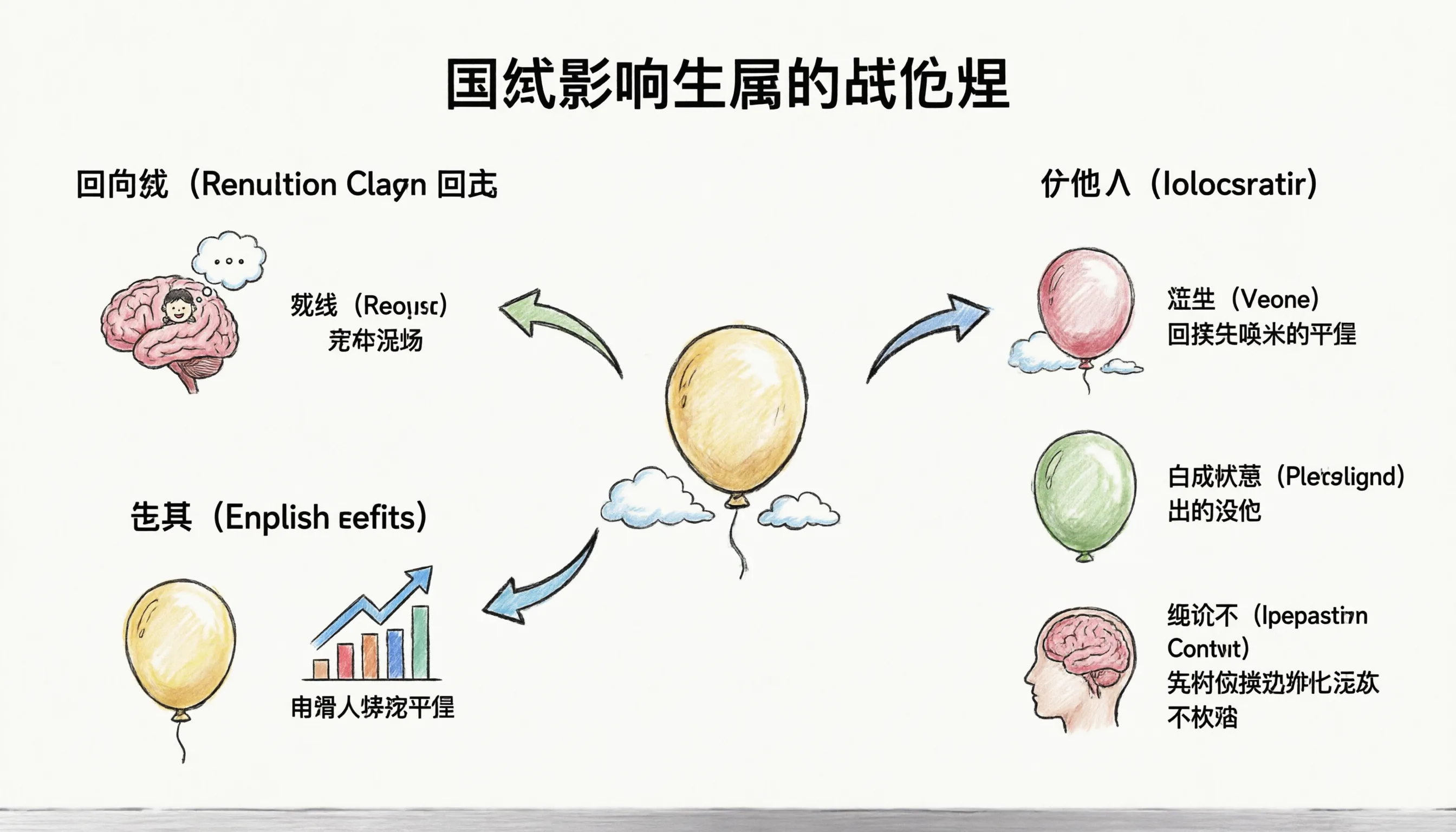
Marketing Posters and Launch Graphics
Generate campaign visuals with readable titles, product callouts, bilingual text, clean composition, and professional poster layouts.
Presentation Slides and Infographics
Create slide-style images, educational diagrams, process graphics, whiteboard visuals, and structured information layouts that need clearer text placement.
Product, Character, and Style Edits
Upload references to guide product scenes, character consistency, brand direction, material changes, background swaps, and other image editing tasks.
How to Use Qwen Image 2 in 3 Steps
Step 1 Choose Text-to-Image or Image-to-Image
Start with a prompt for a new image, or switch to image-to-image mode when you want to edit existing visuals or combine up to three references.
Step 2 Describe the Layout, Text, and Visual Rules
For text-rich work, specify the title, labels, language, layout, style, composition, and what should stay unchanged. Clear constraints help Qwen Image 2 follow your intent.
Step 3 Generate, Review, and Refine
Review the result for text accuracy, visual consistency, and composition. Iterate with a sharper prompt or updated references until the image matches your design goal.

Qwen Image 2 Pricing Plans
Choose a credit plan for Qwen Image 2 text-to-image generation and three-reference image editing workflows.
Basic
Perfect for trying Qwen Image 2 and creating occasional posters, slides, and image edits.
Includes
- 1000 credits (never expire)
- $0.10per image
- Qwen Image 2 text-to-image generation
- Image editing with up to 3 reference images
- No watermark
- Commercial use rights
- Permanent image download link
Credits never expire!
Max
PopularFor teams creating frequent Qwen Image 2 marketing assets, infographics, and reference-guided edits.
Everything in Basic, plus
- 7500 credits (never expire)
- $0.07per image
- High-volume Qwen Image 2 generation
- Three-reference image editing workflows
- No watermark
- Commercial use rights
- Priority support
- Access to all new releases
Best value for creators
Pro
A balanced plan for designers, marketers, educators, and content teams.
Everything in Basic, plus
- 3300 credits (never expire)
- $0.08per image
- More Qwen Image 2 generations
- Text-rich poster and slide workflows
- No watermark
- Commercial use rights
- Permanent image download link
Flexible creative plan
Qwen Image 2 FAQ
What is Qwen Image 2?
Qwen Image 2, also called Qwen-Image-2.0, is an AI image generation and editing model from the Qwen family. It is designed for high-quality image generation, precise editing, readable text, multilingual typography, and photorealistic visual detail.
Can Qwen Image 2 edit images?
Yes. On this platform, Qwen Image 2 supports image-to-image editing. You can upload up to three reference images and describe the edit you want.
How many images can I upload for Qwen Image 2 editing?
The Qwen Image 2 image editing workflow on this site supports up to 3 uploaded reference images. The first image is stored as the primary input image, and the full reference set is stored for the task.
What is Qwen Image 2 best for?
Qwen Image 2 is especially useful for posters, presentation slides, infographics, comics, bilingual graphics, product scenes, photorealistic visuals, and reference-guided edits where text and layout matter.
Does Qwen Image 2 render perfect text every time?
Qwen Image 2 has stronger text rendering than many older image models, but exact typography can still require review and prompt iteration, especially for dense layouts or very specific wording.
Can I use Qwen Image 2 images commercially?
You can use images generated on this platform for commercial and personal projects, subject to the platform terms and applicable content policies.