
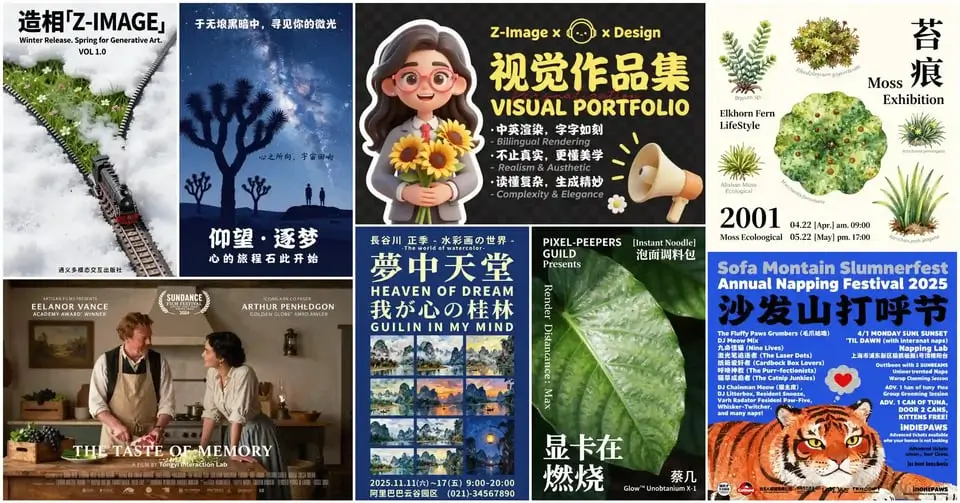
Fast Text-to-Image Results with Z-Image
Z-Image is built for people who need clear visual results from a prompt: campaign concepts, product scenes, poster drafts, social creatives, and realistic images that are ready to review without a long setup process.
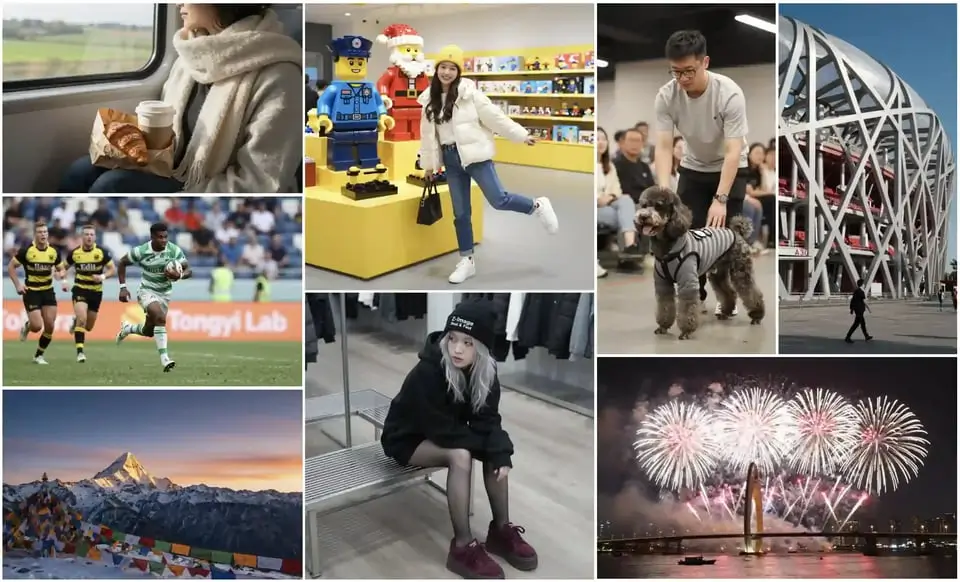
Photorealistic Visuals for Real Content Needs
Use Z-Image to turn short creative briefs into realistic scenes with convincing lighting, materials, and composition. It is a strong fit for lifestyle visuals, product atmosphere shots, event concepts, editorial images, and social media assets.
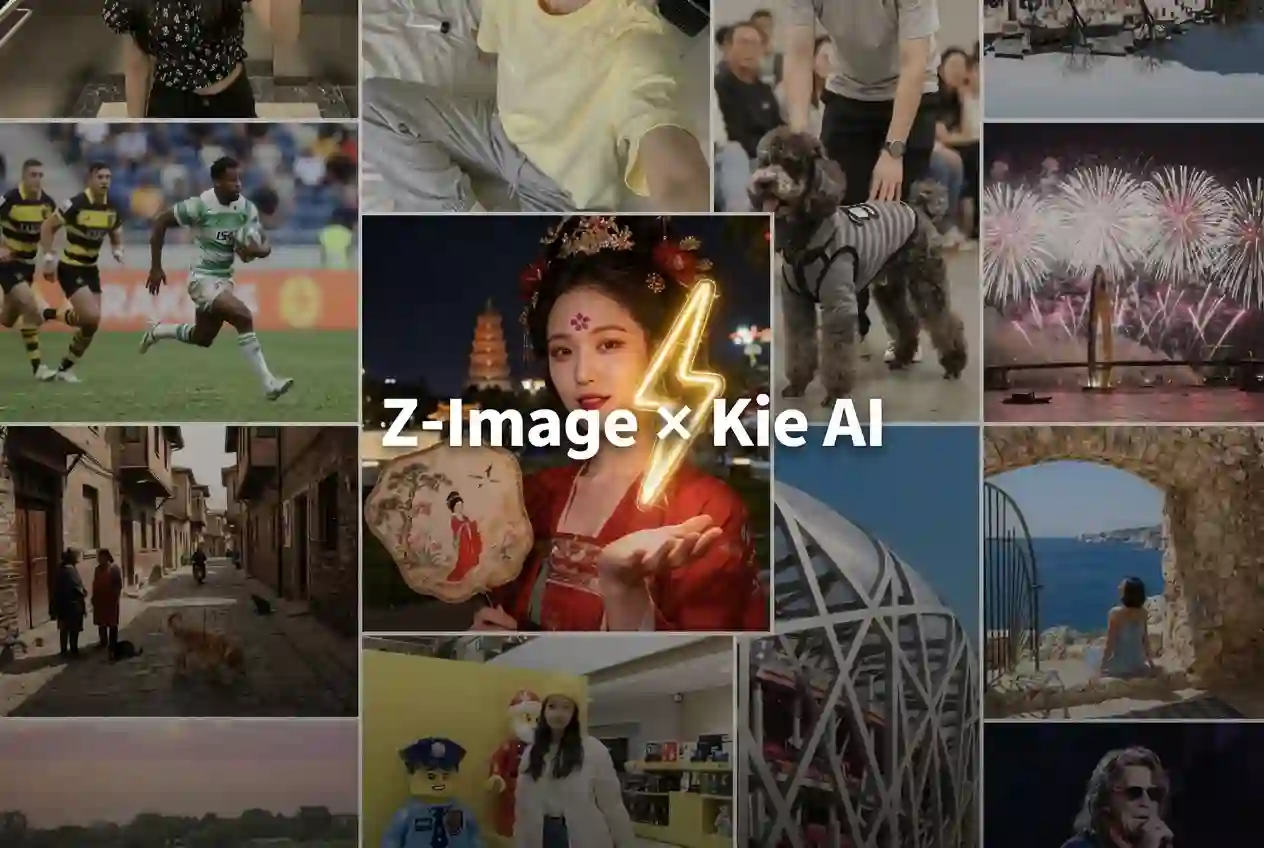
Fast Iteration from Prompt to Direction
Z-Image-Turbo style generation is valuable when you need to test several ideas quickly. Try different subjects, camera angles, seasons, color palettes, poster layouts, and visual moods until the strongest direction is clear.
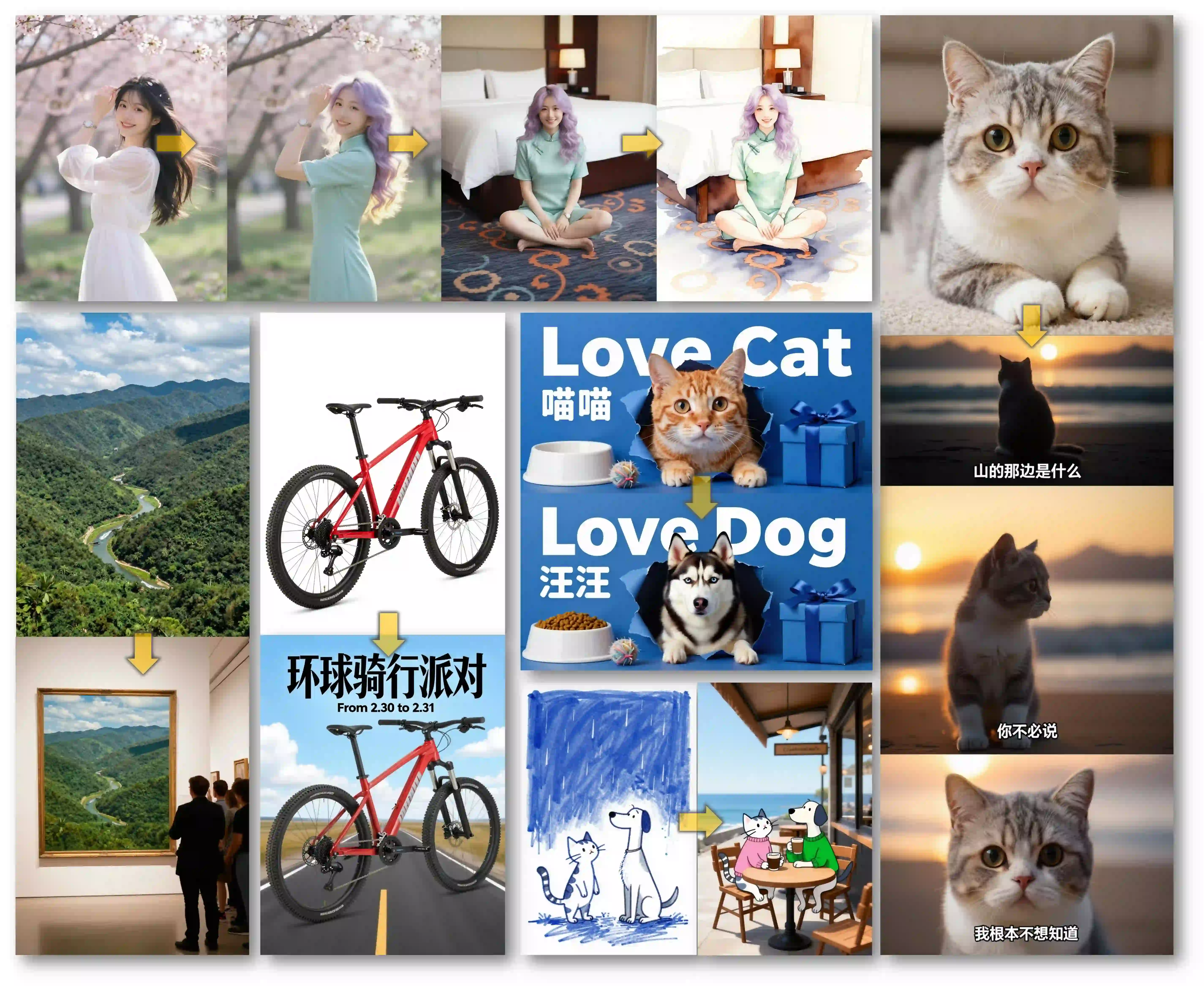
Useful English and Chinese Text Rendering
Z-Image is especially useful for visuals that include short text, signs, poster headlines, labels, or bilingual concepts. Keep wording concise and review the final image carefully, but the model gives creators a practical starting point for text-aware image generation.
Where Z-Image Fits Best
Use Z-Image when your job is fast text-to-image generation with strong prompt following, realistic texture, and useful text rendering. It is best treated as an ideation model for visual directions, not a reference-editing model.
Fast Iteration for Visual Direction
Z-Image is useful when you need to explore several creative directions quickly: alternate moods, compositions, lighting styles, product scenes, poster concepts, or social thumbnails. Its speed-oriented design makes prompt iteration feel closer to sketching than waiting for a heavy render.
Aspect Ratios Match Common Publishing Formats
Z-Image supports common composition formats including 1:1, 4:3, 3:4, 16:9, and 9:16. Use square for social posts, 16:9 for banners and presentation visuals, 9:16 for vertical content, and 3:4 or 4:3 for poster and editorial-style images.
Text Rendering Is Useful, But Still Needs Review
Z-Image is frequently discussed for English and Chinese text rendering. It can be useful for signs, short poster titles, bilingual visual concepts, and labels. For brand copy, legal text, long paragraphs, or exact typography, review the output and expect occasional retries.
Clear Limits Prevent Failed Prompts
This page does not support image upload, image-to-image editing, inpainting, ControlNet, LoRA, or a separate Base/Turbo selector. If the prompt depends on a reference photo or exact identity preservation, choose another model in the generator.
Creative Workflows That Match Z-Image
Z-Image works best when the prompt can fully describe the target image. These workflows rely on speed, semantic understanding, and visual variety instead of reference-image control.
Social and Ad Concept Variations
Generate multiple square, vertical, and landscape directions for a launch post, seasonal campaign, thumbnail, or display ad. Keep prompts short enough to compare ideas quickly, then refine the strongest direction.
Poster and Bilingual Graphic Mockups
Use short English or Chinese titles in the prompt to test visual hierarchy, typography mood, and layout. Treat the output as a design concept, then verify every word before publishing.
Product and Lifestyle Scene Drafts
Describe a product category, camera angle, lighting, surface material, and buyer context. z image is useful for early scene exploration before producing final e-commerce or campaign assets.
From Prompt to First z image Result
Step 1 Start With a Text-Only Brief
Write what should appear in the image, where it is placed, and how it should feel. Z-Image works from text prompts, so include the important visual constraints directly: subject, setting, lighting, composition, style, and any short text that should appear.
Step 2 Choose the Publishing Shape First
Pick 1:1 for social squares, 16:9 for banners or slides, 9:16 for vertical content, or 3:4 and 4:3 for poster and editorial layouts. Choosing the aspect ratio before writing the prompt helps the composition match the final channel.
Step 3 Review Text and Iterate Quickly
Generate several variations and compare the result for composition, faces, hands, object details, and any rendered text. If wording matters, keep the text short and repeat the exact phrase clearly in the prompt.

Pricing
Generate professional images with your favorite Nano banana 2 AI plan.
Basic
Perfect for getting started with nano banana 2 AI image generation.
Includes
- 1000 credits (never expire)
- $0.10per image
- 166 images generation ($0.12 / image)
- No watermark
- Character consistency
- batch generation
- permanent image download link
- Commercial use rights
Credits never expire!
Max
PopularFor professionals who need high-volume image generation.
Everything in Pro, plus
- 7500 credits (never expire)
- $0.07per image
- 1250 images generation ($0.08 / image)
- No watermark
- Character consistency
- batch generation
- permanent image download link
- Commercial use rights
- Priority support
- Access to all new releases
Credits never expire!
Pro
Great for educators, designers, and marketers.
Everything in Basic, plus
- 3300 credits (never expire)
- $0.08per image
- 550 images generation ($0.09 / image)
- No watermark
- Character consistency
- batch generation
- permanent image download link
- Commercial use rights
- Priority support
- Access to all new releases
Credits never expire!
Frequently asked questions
What is z image?
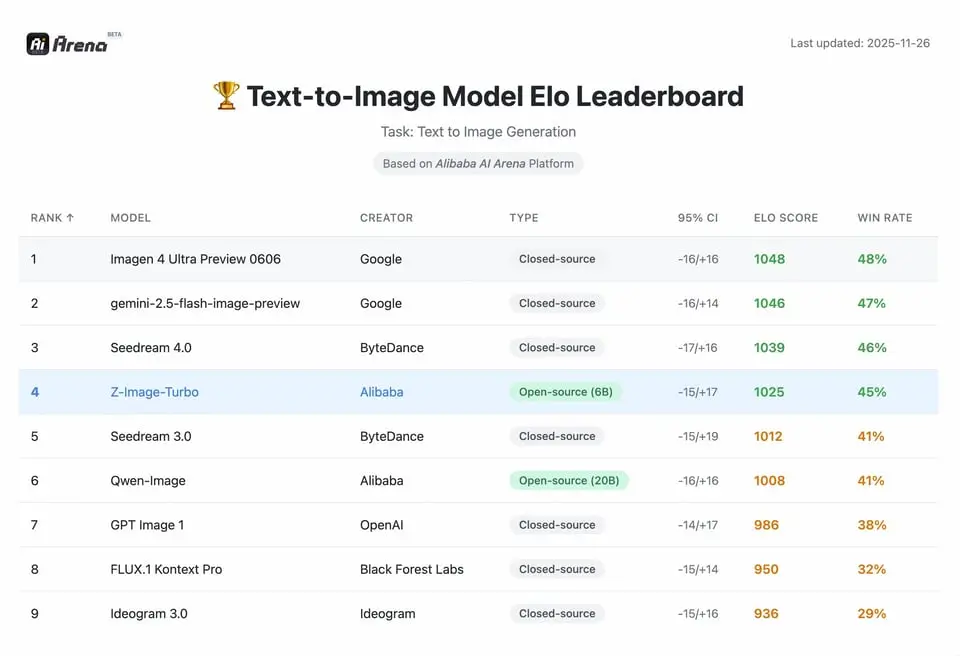
z image refers to the Z-Image text-to-image model family. It is commonly associated with Z-Image-Turbo, a speed-oriented variant designed for fast generation, photorealistic output, semantic prompt following, and stronger English and Chinese text rendering.
Is z image the same as z image turbo?
Many users use z image, z-image, z image turbo, and z-image turbo interchangeably when searching for the model. The important distinction is the capability profile: fast text-to-image generation, realistic visual detail, and useful bilingual text rendering.
Does Z-Image support image-to-image editing?
This page is built for text-to-image generation. Z-Image is best used when the prompt can describe the whole target image. If you need reference images, identity preservation, inpainting, or precise edits, choose a model built for image-to-image workflows.
Which aspect ratios work well with Z-Image?
Z-Image works well across common publishing formats: 1:1 for social squares, 16:9 for banners and slides, 9:16 for vertical posts, and 3:4 or 4:3 for poster and editorial-style compositions.
Is Z-Image good for text inside images?
Z-Image is known for stronger English and Chinese text rendering than many older image generators, especially for short signs, poster titles, labels, and bilingual concepts. Exact typography still needs review, especially for dense text or brand-critical copy.
How should I prompt Z-Image?
Use compact creative briefs. Include the subject, camera angle, scene, lighting, material, style, mood, and composition. For text in the image, keep phrases short and state where the words should appear.
What are the main limitations?
Z-Image is not the right choice for reference-image editing, strict identity preservation, exact layout replication, long text blocks, inpainting, or advanced editing controls. It works best when the prompt can describe the full target image.
When should I choose another model?
Choose another image model when you need uploaded references, multi-image consistency, advanced editing controls, or higher-fidelity final production output. Choose Z-Image when you want fast text-to-image exploration from a clear prompt.