🔥LIMITED OFFER
01:58:23
GET 50% OFF

Your idea. A page worth coloring.

AI Coloring Book Generator

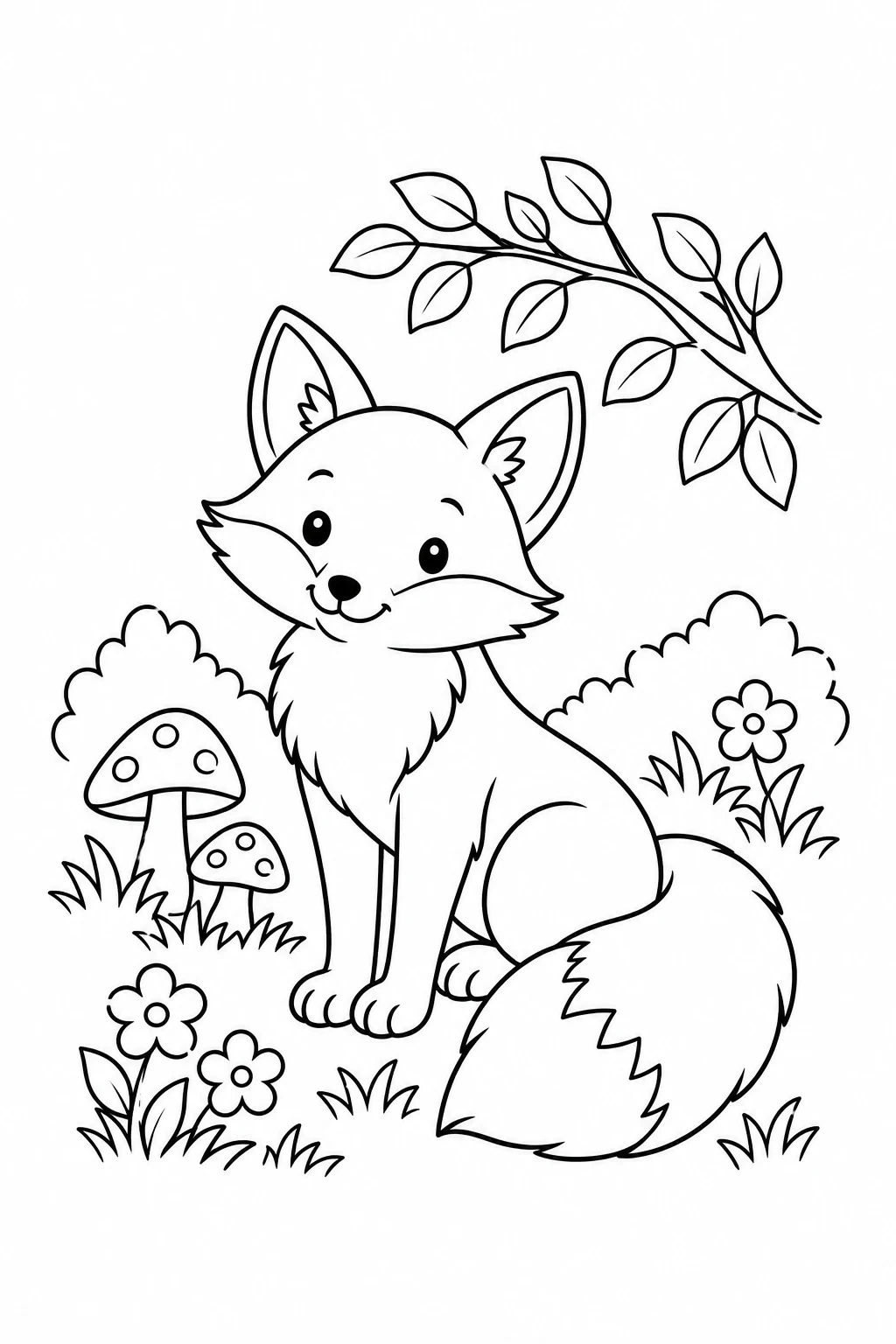
AI Coloring Book Generator illustration of a woodland fox with mushrooms and large white spaces to color
Illustrative AI line art: an uncolored woodland page.

Turn a woodland story, favorite animal or classroom theme into a black-and-white coloring page. Start with a ready-to-edit prompt, choose the detail level in your instructions, and build a personal collection one page at a time.

Sign in to generate. Credits apply; the tool shows the cost before generation.

Create your first coloring page

The AI Coloring Book Generator starts with a woodland fox prompt and a portrait canvas. Edit the prompt or use a shortcut below. Start in Text to Image for a new page, or switch to Image to Image to work from a reference.

401/3000

Google Search

Use Google Search to inform generation

Image History
No images yet. Start generating!

Coloring ideas to make your own

Pick a starting point for a child’s activity, a quiet adult coloring session or a themed classroom sheet. Apply the prompt and change the subject, scene or detail level. These shortcuts change the instructions; there are no separate age or complexity sliders.

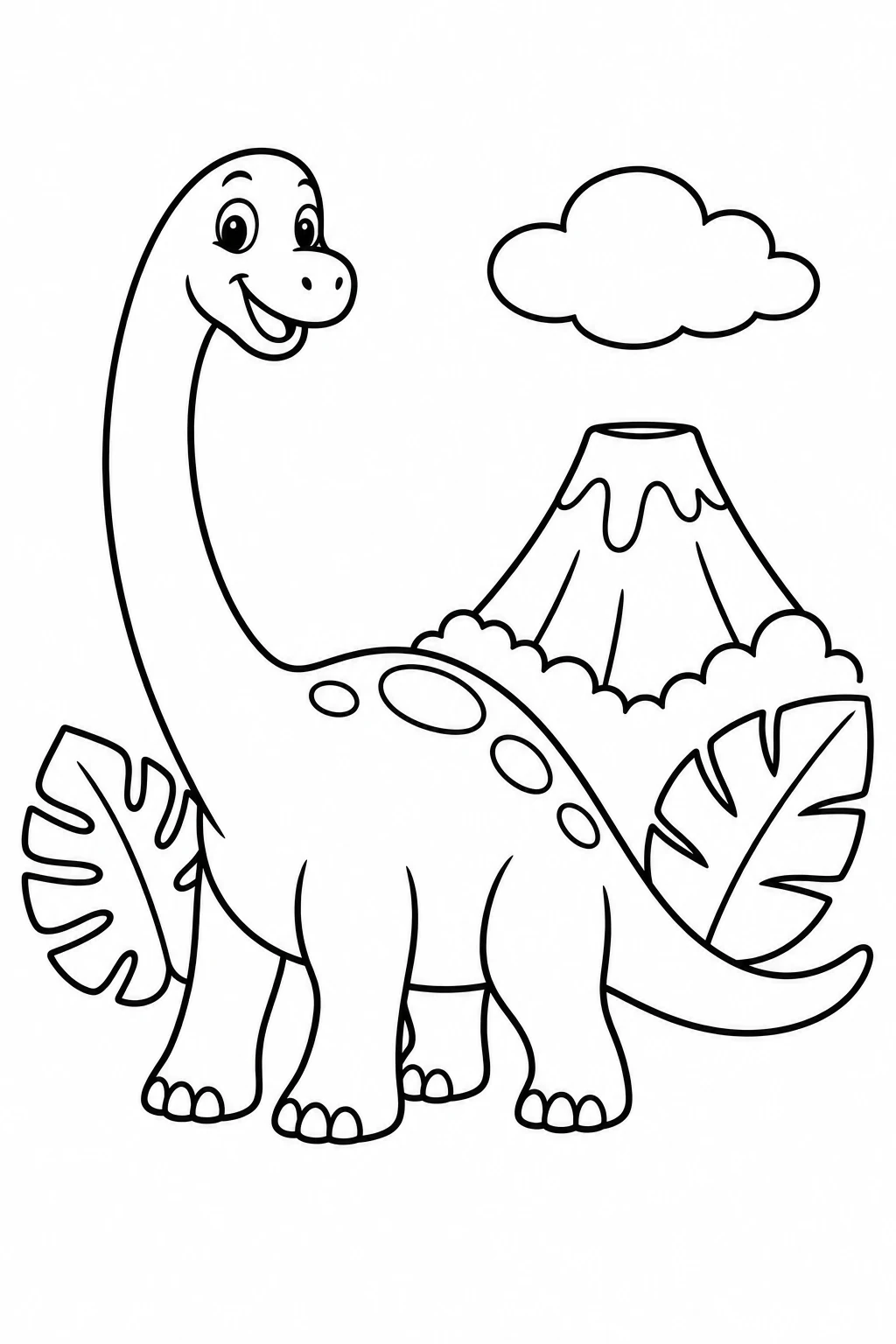
AI Coloring Book Generator example of a simple long-neck dinosaur with bold outlines and tropical leaves

Beginner dinosaur

A friendly dinosaur with a few large shapes for little hands. Keep the background sparse and ask for bolder lines if the first result has too many tiny spaces.

Create a simple preschool coloring page of a friendly long-neck dinosaur beside a small volcano, two tropical leaves and one cloud. Bold thick uniform black outlines, large enclosed shapes, spacious white interiors, flat 2D art, white background, blank margins, portrait layout. No shading, grayscale, color, texture, text or watermark.
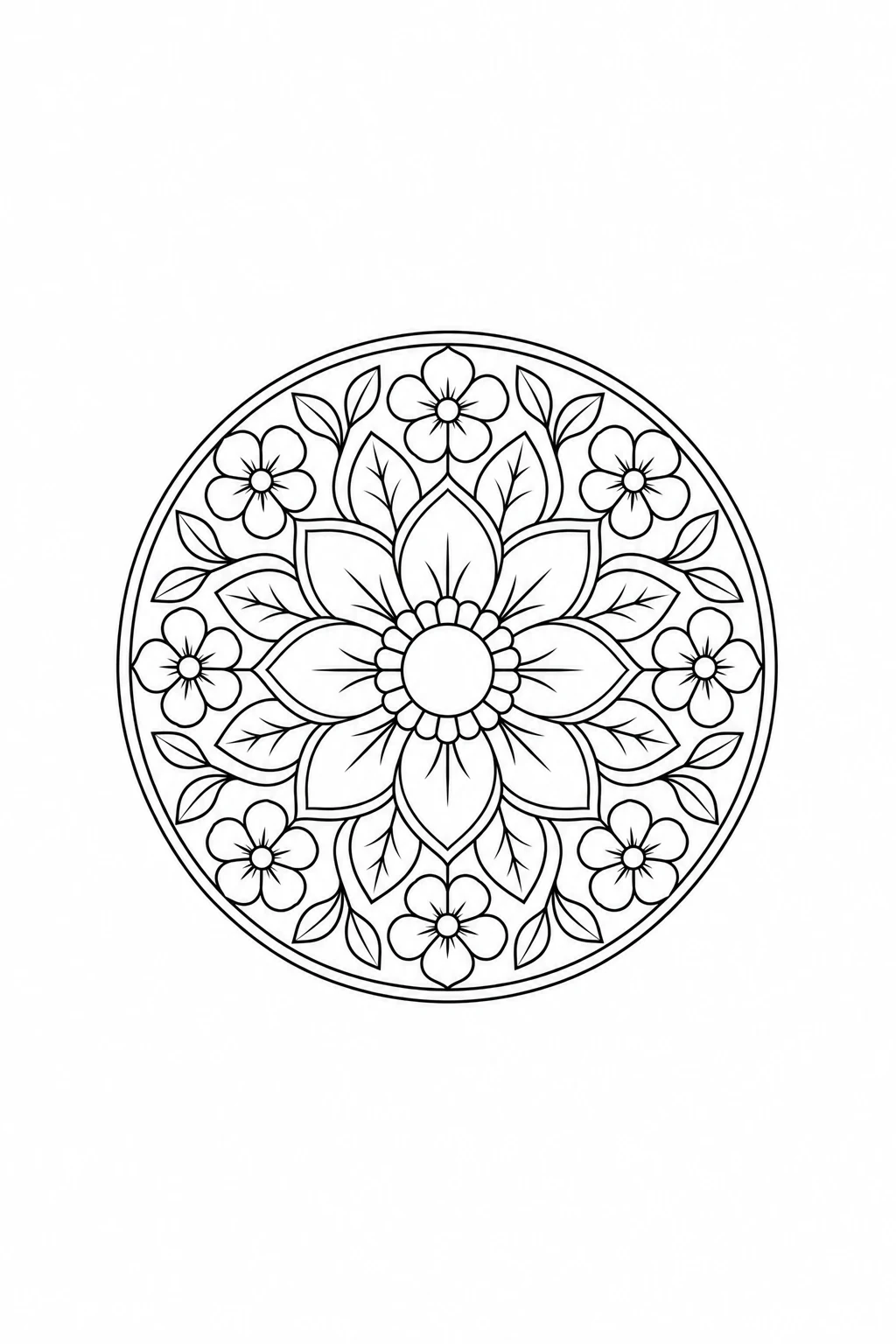
AI Coloring Book Generator example of an uncolored floral mandala with concentric petals and leaves

Botanical mandala

Explore a more detailed floral page for adult colorists. Balance smaller petals with open areas, and inspect the pattern for merged shapes or stray lines before printing.

Create an adult coloring page of a circular botanical mandala with flowers, petals and leaves in balanced concentric rings. Medium-fine uniform black outlines, moderately detailed closed shapes, open white interiors, pure white background, generous blank margins, portrait layout. No shadows, gradients, hatching, grayscale, color, text or watermark.

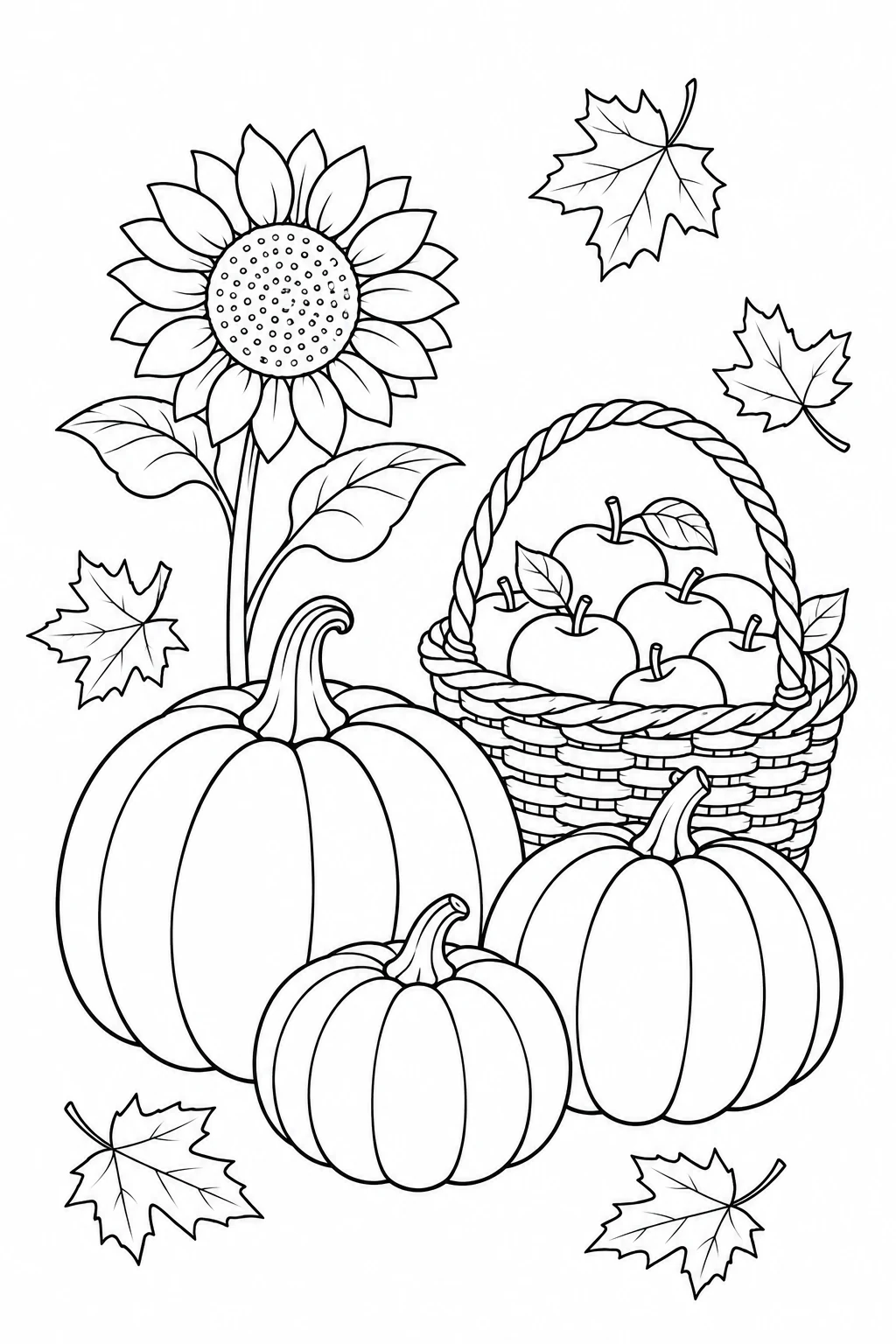
AI Coloring Book Generator example of an autumn coloring page with pumpkins, apples, a sunflower and maple leaves

Autumn classroom

Make a seasonal activity with pumpkins, apples and leaves. Ask for a small set of distinct objects; add worksheet headings or teaching instructions later in your document editor.

Create a school-age autumn coloring page with three separate pumpkins, a basket of apples, one sunflower and several falling maple leaves. Clean uniform black outlines, rounded enclosed shapes, moderate detail, open white areas, pure white background, blank margins, portrait layout. No shading, grayscale, color, text, logos or watermark.

These original AI illustrations show possible design directions; they are not captured outputs from the on-site model. Your results will vary. Review each page before using it.

Give the AI Coloring Book Generator a clear brief

Describe the subject, intended colorist and amount of detail before you generate. A useful coloring page has recognizable objects and enough empty space to fill. Ask for the page artwork itself so the model is less likely to produce a photo of a book or a sheet on a table.

Match the detail to the colorist

For beginners, ask for one main subject, thick outlines and a small number of large shapes. For experienced colorists, request moderate or fine detail with consistent line weight. Avoid mixing a very intricate background with a simple character unless that contrast is intentional.

Keep the interiors open

Include “black outlines on a pure white background” and “no gray shading, gradients or hatching.” Ask for unfilled coloring areas rather than a monochrome illustration. Negative instructions help steer the model, but check the result for dark patches and unwanted fills.

Leave room around the scene

Request generous blank margins and the entire subject inside the frame. Keep decorative borders away from the edges. Choose a portrait ratio for a page-shaped draft; an aspect ratio alone does not set a paper size, print resolution or binding margin.

Review the lines, then refine a reference

The AI Coloring Book Generator supports Image to Image when you want to simplify a previous result or reinterpret your own photo. Upload a reference and describe the change. A clear subject and uncluttered background are easier to turn into useful outlines than a busy scene.

Check every colorable shape

Zoom in on eyes, paws, hands, leaves and overlapping objects. Look for broken contours, stray strokes, merged shapes and unexpected gray areas. Regenerate a flawed page or clean it in an image editor. The tool does not automatically repair or certify closed outlines.

Simplify a busy page

Try: “Turn this into a simple coloring page. Keep the main animal and pose, remove background clutter, use bold outlines and large white areas, no shading.” Edit one concern at a time so you can judge whether the next version actually solves it.

Use references thoughtfully

Upload a photo, sketch or illustration you have permission to use. Explain which features matter and which details can be removed. Conversion may change the face, pose or objects; compare the result with the reference instead of assuming an exact tracing or identity match.

Build a coloring book one page at a time

Use the AI Coloring Book Generator to explore a collection, then choose and arrange your favorite pages in a layout editor. Keep a shared prompt style across the book and review each illustration. The generator produces image files; it does not automatically assemble a complete book or export a print-ready PDF.

Keep a short series brief

Write down a theme, line weight, audience and recurring character description. Reuse that wording while changing the scene. You can upload an approved page as a reference, but characters and details can still drift. Compare proportions, accessories and line style across the collection.

Choose pixels for the print size

The default 1K setting is a starting draft. Select a higher available resolution when you need larger prints, and check the downloaded image’s dimensions. At 300 pixels per inch, an 8 × 10 inch image area needs 2400 × 3000 pixels. Enlarging a file alone cannot restore missing detail.

Lay out and test a page

Download your selected images, place them on the intended paper size in a document or layout editor, and set margins there. Export the assembled document to PDF if needed. Print one sample first to check line sharpness, cropping, colorable spaces and room near the binding.

AI Coloring Book Generator questions

What can I make with the AI Coloring Book Generator?

Create individual coloring sheets for children, adult hobbyists, classroom activities, party favors or a personal themed book. Describe a scene, try a preset or edit a reference. The output is an image you review and curate; a complete multi-page book requires a separate layout step.

Can I turn a photo into a coloring page?

Yes. Switch to Image to Image, upload a photo you have permission to use, and ask for clear outlines, fewer details and open white areas. Simple compositions are a useful starting point. Check the result for changed features and unwanted shading before sharing or printing it.

Does the tool export a coloring book PDF or SVG?

The generator provides image downloads in the available formats, with PNG selected by default. It does not export a multi-page PDF or editable SVG linework. Import selected pages into a document or layout editor to arrange your book, add headings and export a PDF.

Will every page keep the same character and style?

A repeated character description, shared style instructions and reference images can guide a series. They do not lock the character or guarantee identical linework. Compare every new page with an approved example and revise details that drift before adding it to the collection.

How do I avoid gray shading and broken outlines?

Ask for flat line art, a white background, continuous enclosed shapes and no shading, gradients or filled areas. Keep the subject simple and inspect the full-size result. Prompt instructions reduce some mistakes, but you may need another attempt or manual cleanup to finish the page.

Is the AI Coloring Book Generator free to use?

You can browse the examples and edit prompts without generating. Image generation requires sign-in and uses credits based on the selected model and settings. Check the displayed cost before starting. Additional generations or reference edits also consume credits.

Are the downloaded images ready to print?

Check the source pixel dimensions, intended image size and page margins first. Choose a higher available resolution when required, and print a sample to inspect the lines. The tool does not verify printer settings, prepare binding margins or certify a finished publishing file.

Start a collection with one good page

Choose an idea, set a clear line-art brief and make a page you can review, refine and enjoy coloring.

Create my first coloring page