
AI Wallpaper Generator for 4K Desktop and Phone Backgrounds
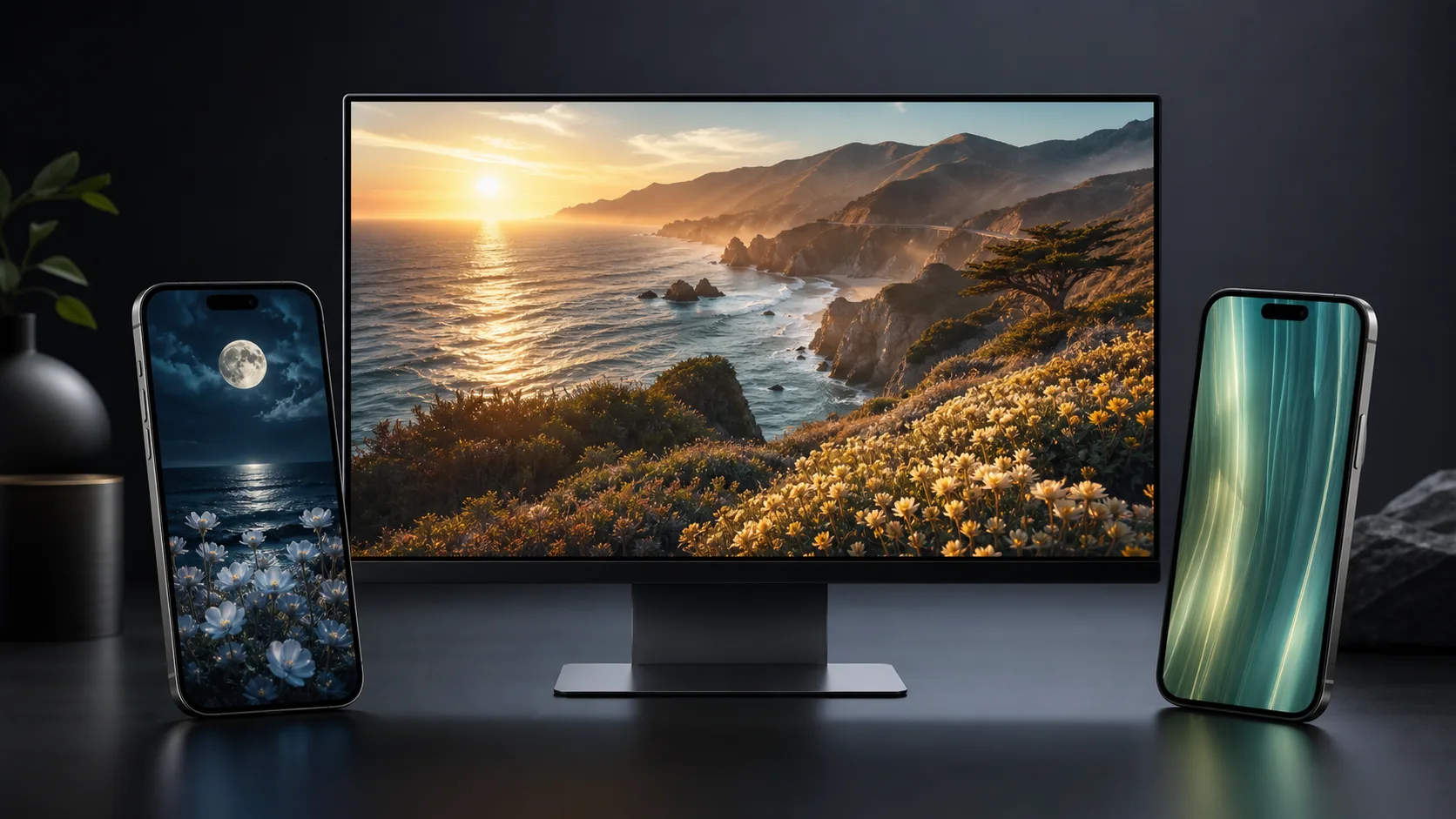
Create wallpaper concepts from a prompt with device-aware defaults. Start with a 16:9 desktop wallpaper prompt, then adapt it for phone lock screens, AMOLED abstracts, ultrawide monitors, creator setups, or personal backgrounds with cleaner crop and resolution guidance.
Google Search
Use web grounding for real-time context
Generate Wallpapers With the Right Crop From the Start
Wallpaper prompts need more than a pretty subject. The best results name the target device, aspect ratio, focal area, resolution, and what should stay clean for icons or lock-screen clocks.
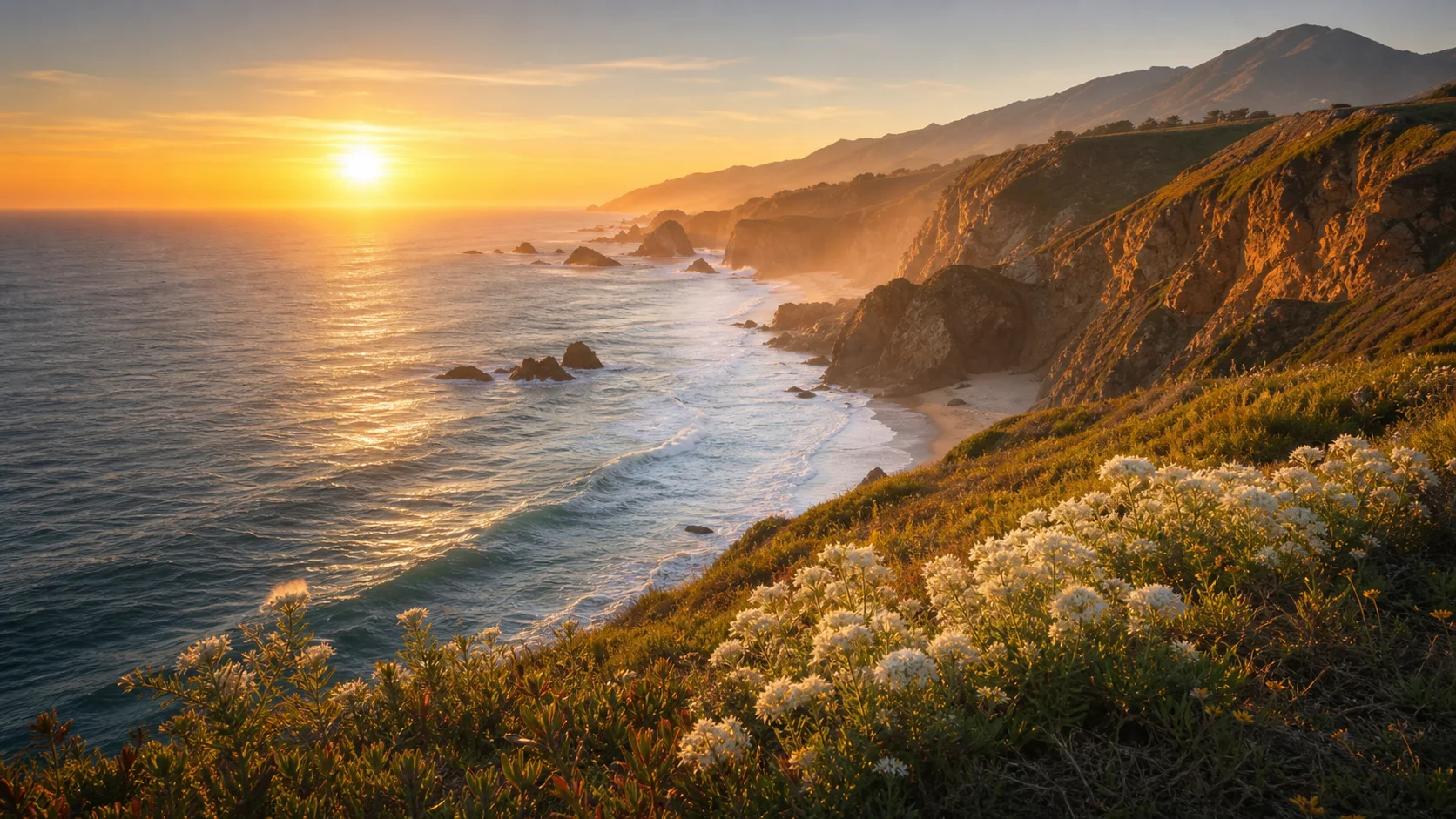
4K Desktop Wallpaper Prompts
Use 16:9 or ultrawide directions for monitor backgrounds. Ask for a clear horizon, calm detail, natural sharpness, and cleaner edges so files, widgets, or desktop icons do not fight the image.

Phone Lock Screen Composition
Mobile wallpaper needs a different layout. Put key subjects in the lower half, keep the top area calmer for the clock, and avoid tiny faces, logos, or busy detail that gets cropped by device UI.
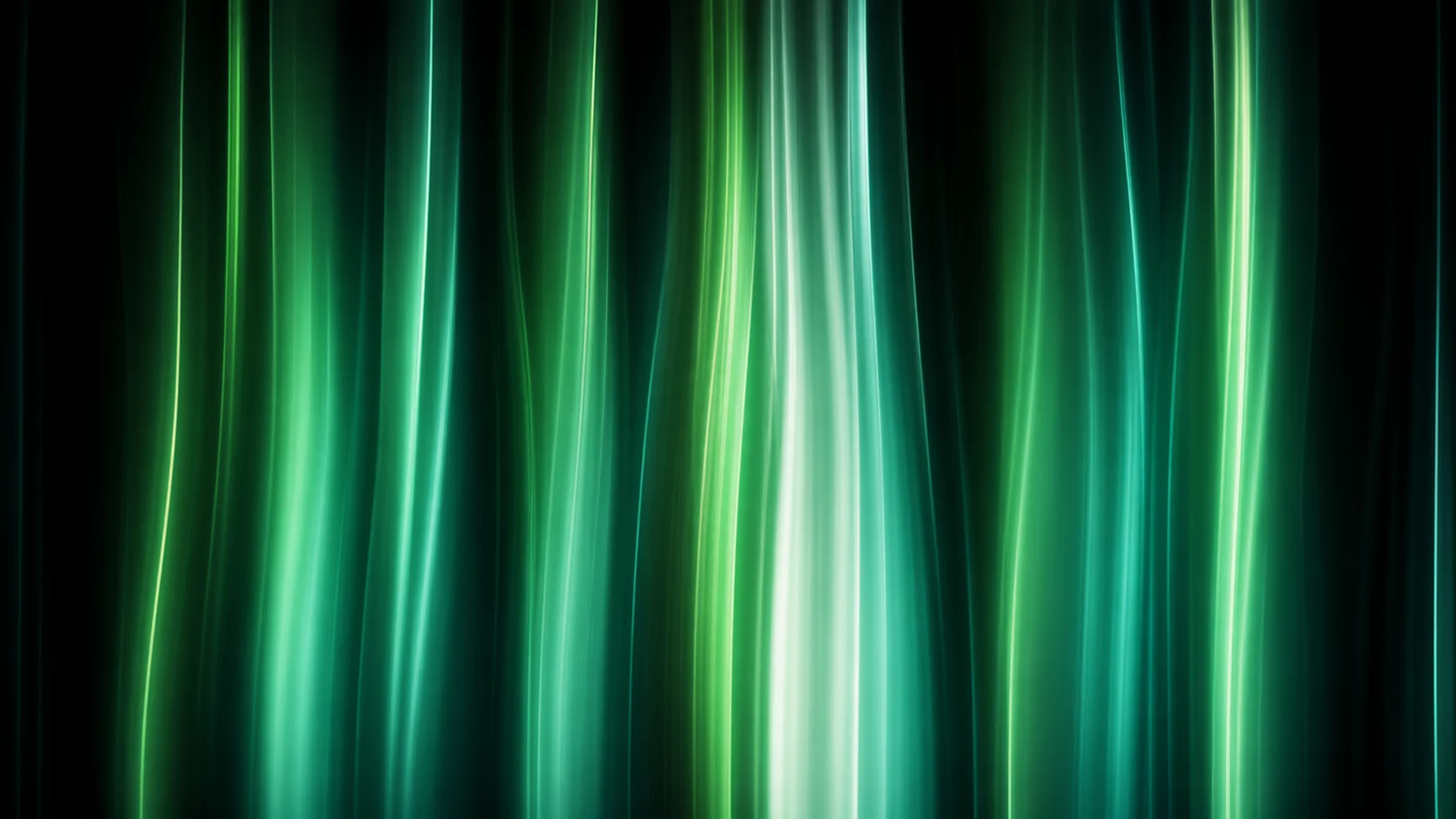
AMOLED and Abstract Backgrounds
Generate dark abstract wallpapers, soft vertical light lines, gradient fields, geometric patterns, or minimal color studies. Add no-text and low-noise constraints when you want a clean daily background.
Why Use Our AI Wallpaper Generator
Wallpaper generation is strongest when the prompt is tied to the screen where the image will live. This workflow helps you create backgrounds that look good after crop, not just in the first preview.
Device-Aware Prompting
Start with 16:9 for desktop, 9:16 for lock screens, or a phone-safe vertical prompt. Naming the device and crop target helps the generator place detail where it survives the final layout.
Cleaner 4K Wallpaper Direction
The default prompt asks for crisp natural detail, calm composition, and no text, logo, or watermark. Those constraints reduce noisy AI texture and make the result easier to use as a daily background.
Fast Style Exploration
Try cinematic coastlines, moonlit gardens, abstract AMOLED lines, minimal gradients, gaming-inspired scenes, productivity setups, or seasonal backgrounds without rebuilding the prompt from scratch.
Honest Final Review
AI can create strong wallpaper concepts, but final use still needs review at real screen size. Check crop, resolution, icons, clock visibility, watermarks, and any accidental text before saving it.
Wallpaper Ideas This Workflow Handles Well
Use the AI Wallpaper Generator when the wallpaper can be described through device, aspect ratio, subject, mood, palette, and composition. The clearer the screen context, the better the result.
Desktop Setups and Ultrawide Monitors
Create clean 16:9 and wide monitor backgrounds for workspaces, gaming desks, coding screens, presentations, or calm daily desktop use. Keep edges less busy when desktop icons need to remain readable.
Phone Lock Screens and Home Screens
Generate vertical wallpapers for iPhone and Android, with calmer top space for the clock and stronger subject placement below the widget area. Review the image on your actual device before keeping it.
Personal Mood and Creator Backgrounds
Make travel scenes, abstract gradients, productivity wallpapers, fan-inspired backgrounds, seasonal visuals, or personal mood boards. Avoid copyrighted logos or recognizable characters when you need safer public use.
How to Prompt the AI Wallpaper Generator
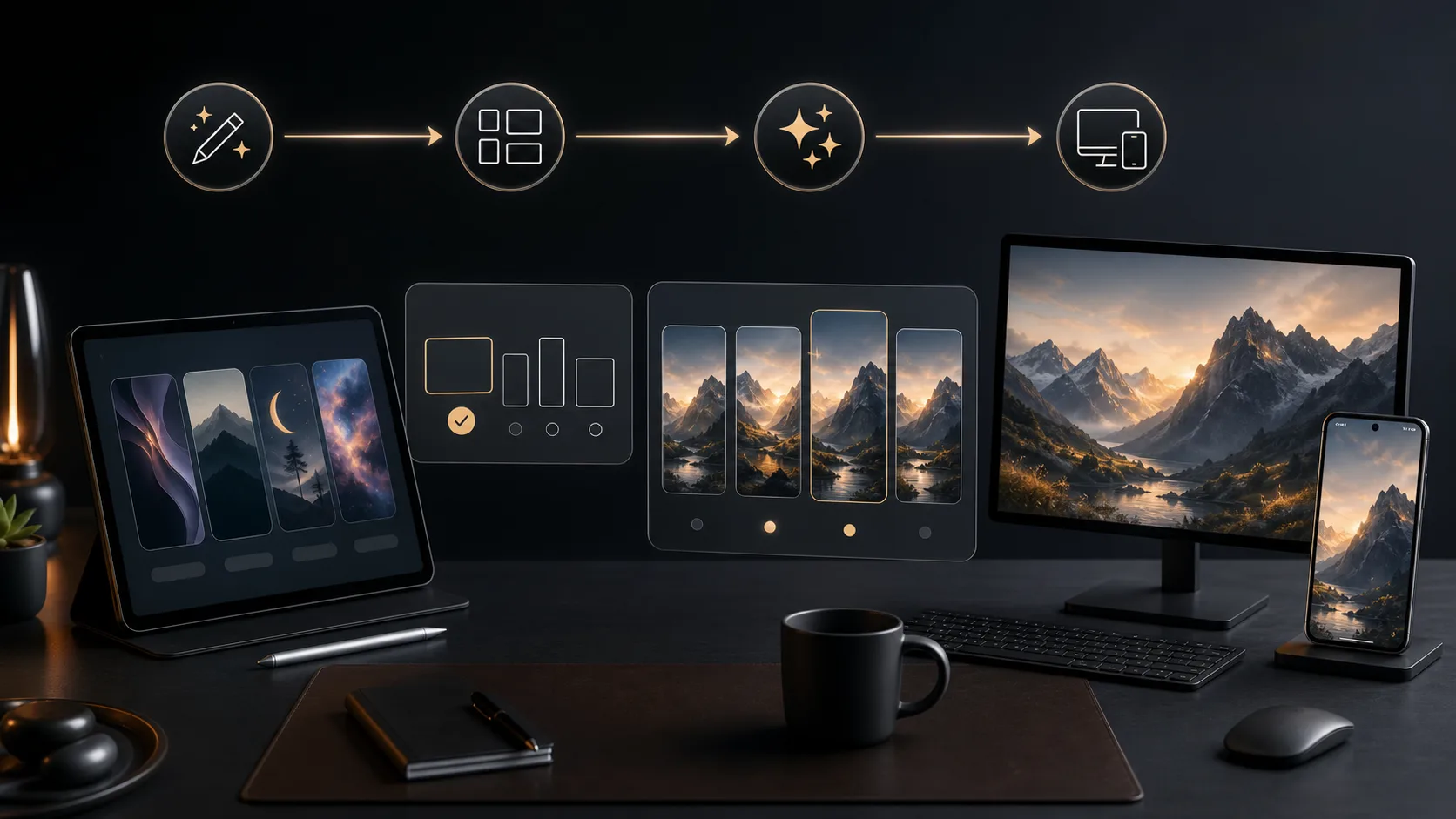
Step 1 Choose the Target Screen
Start with the device and crop: 16:9 desktop wallpaper, ultrawide monitor, 9:16 phone lock screen, 2:3 phone wallpaper, tablet background, or AMOLED abstract.
Step 2 Add Subject and Safe Areas
Describe one main subject, mood, color palette, lighting, focal area, and what should stay clean. For phones, keep the top calmer for the clock. For desktop, keep edges cleaner for icons.
Step 3 Review at Real Size
Check the result on the target screen. Regenerate if the crop cuts off the subject, the top is too busy, details look blurry, or accidental text, logos, or watermarks appear.
Frequently asked questions
Is this AI Wallpaper Generator free to try?
Yes. The current interface gives you 2 free generations. If you need more wallpaper variations or higher-volume use, you can purchase a credit package for additional generations.
What can I make with the AI Wallpaper Generator?
You can create 4K desktop wallpapers, phone lock screens, AMOLED abstracts, ultrawide monitor backgrounds, tablet wallpapers, gaming-inspired backgrounds, travel scenes, gradients, and personal mood wallpapers.
Which aspect ratio should I choose?
Use 16:9 for most desktop wallpapers, 21:9 or wider for ultrawide monitors when available, 9:16 for phone lock screens, and 2:3 or 3:4 for some phone and tablet crops. Always review the final image on the target device.
How do I make a good phone lock screen wallpaper?
Prompt for a vertical 9:16 image, keep the top area calmer for the clock, place the main subject lower or centered below the widget area, and avoid tiny details near the edges where device UI may crop or blur the image.
Can I upload a reference image?
The generator interface includes an image-to-image mode for supported models. This page starts in text-to-image mode because the most reliable default preset is a prompt-based wallpaper concept.
Will the output be true 4K?
Use models and resolution settings that support higher output when available, then inspect the file at real screen size. Some workflows still need upscaling or regeneration if the result looks soft on a large monitor.
How do I avoid generic AI wallpaper results?
Add a specific screen target, subject, mood, palette, lighting, and composition rule. For example: 16:9 desktop wallpaper, quiet coastline at golden hour, open sky, clean edges for icons, no text, no watermark.
Can I include text, logos, or characters?
Avoid text and logos when you need a clean wallpaper. AI image models can distort words, and brand or character requests may create rights risk. Add final text separately only when you can review it carefully.