
01
Name the change and the freeze
Write one change and the parts that must survive it: the face, the product, the crop, the light. For a new image, describe the subject and the lighting instead of a vague mood. Exact short text belongs in quotes.
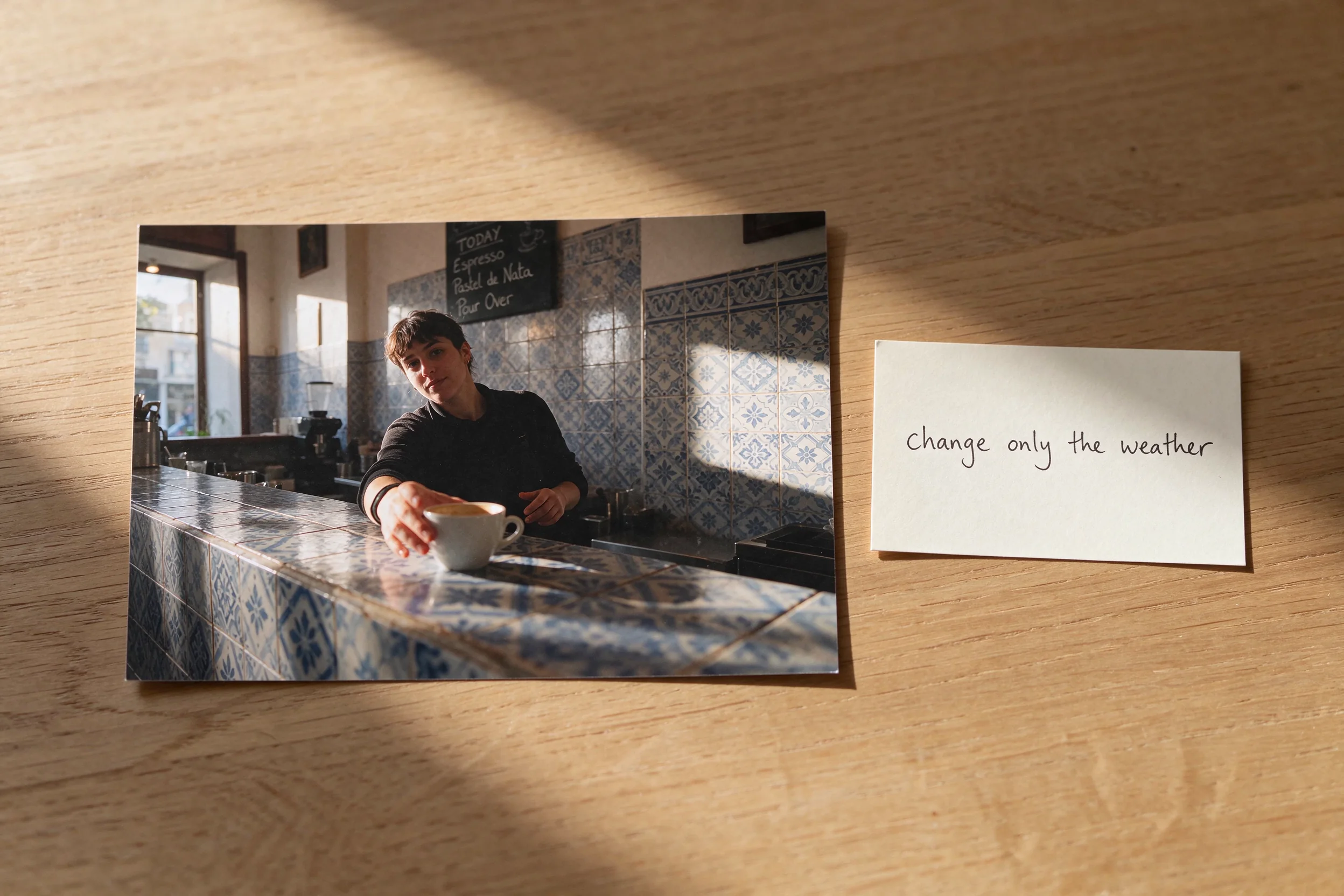
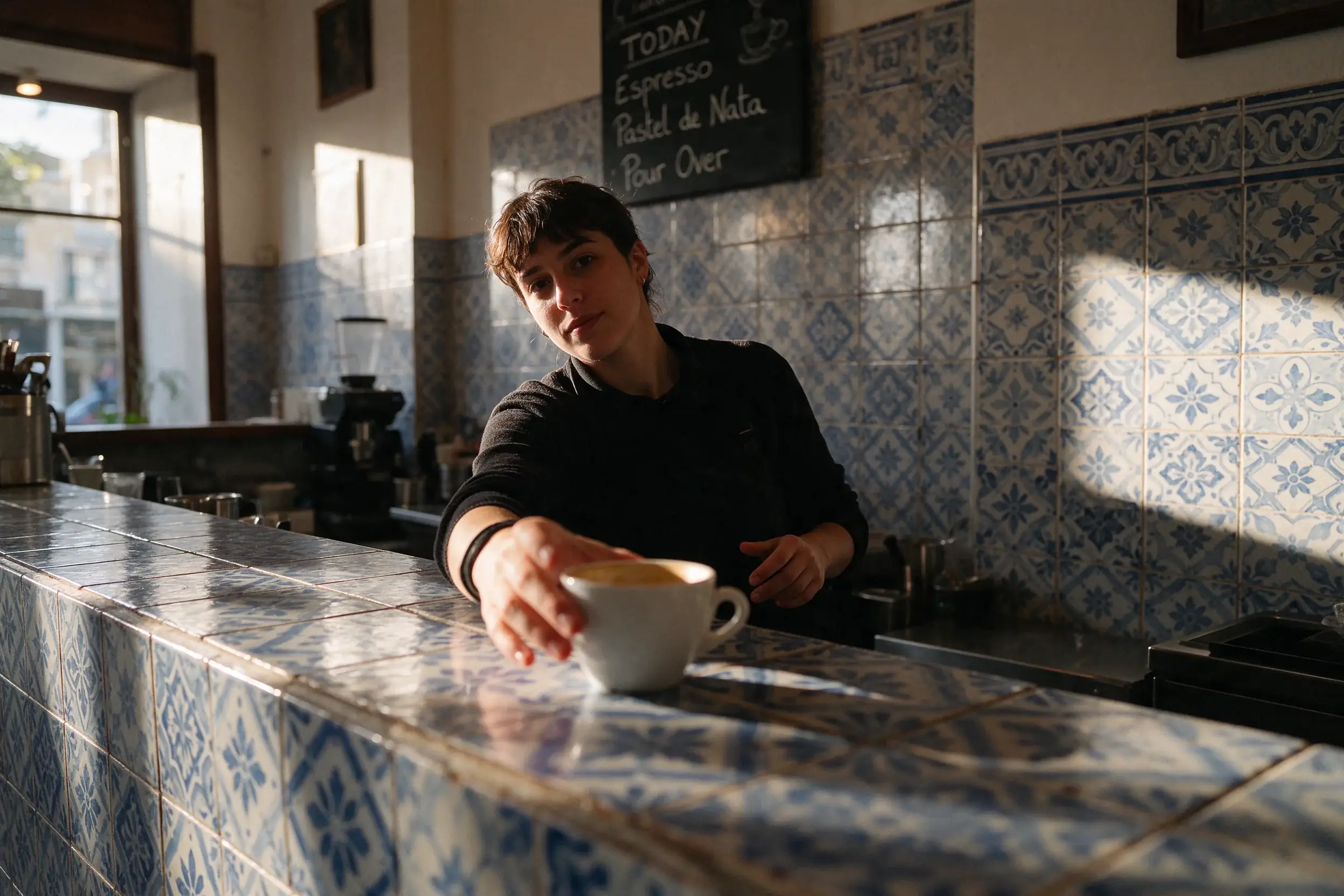
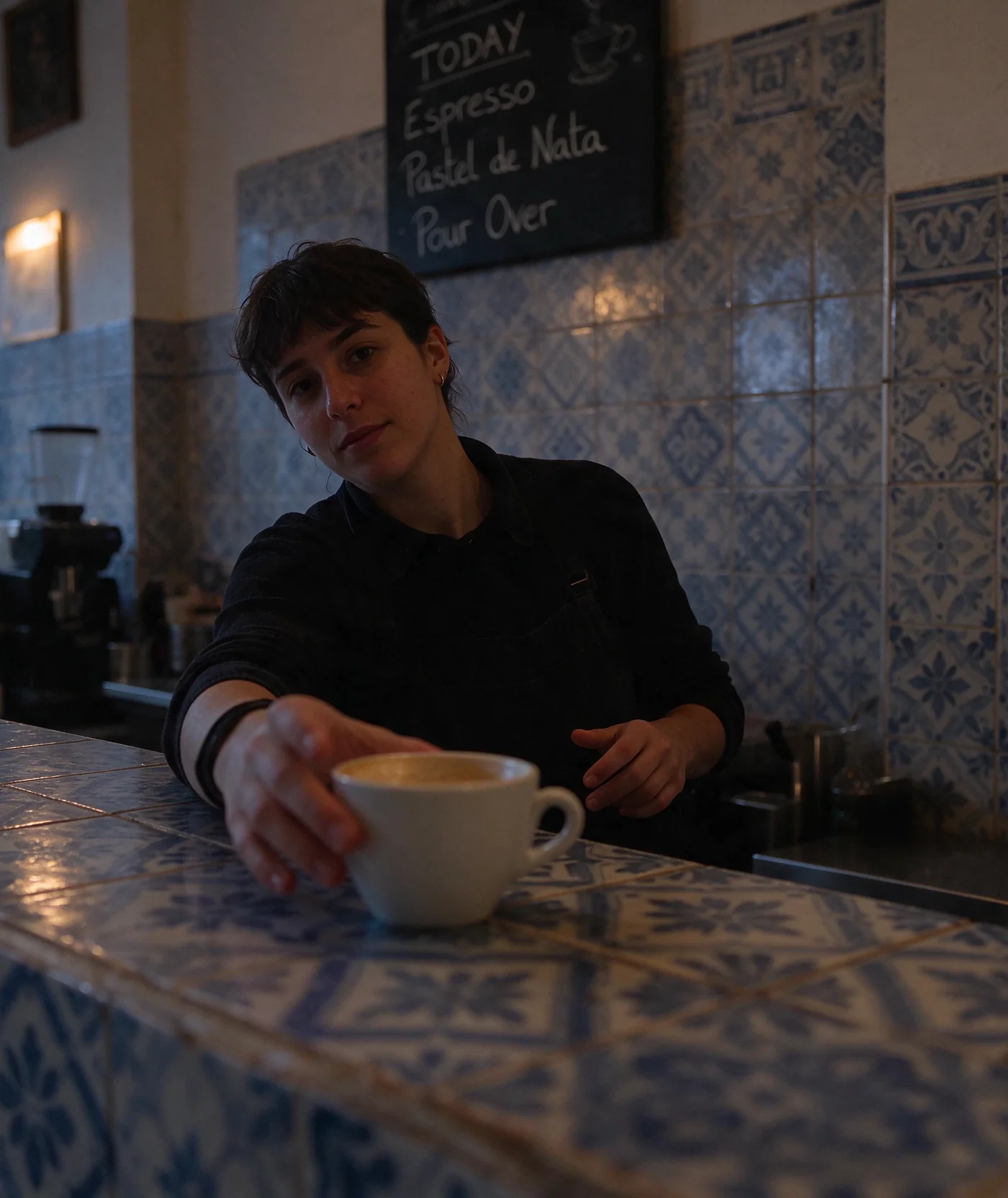
ByteDance Seed released Seedream 5.5 on November 9, 2026. This page runs that model for a new image or an edit from up to 10 references. Each request is one generation: 1K and 1.5K cost 5 credits, and 2K costs 7. A transparent-background toggle asks for a PNG with an alpha channel. ByteDance's announcement describes the model. The pictures on this page are Seedream 5.5 outputs at 2K, including one edit that changes only the weather.
nanabanana2.run is an independent third-party tool. It is not affiliated with, endorsed by, or sponsored by ByteDance. Seedream, Jimeng, and Doubao are trademarks of their respective owners.
Transparent background
PNG with an alpha channel. JPEG stays off while this is on.
ByteDance describes three changes from the previous Seedream generation: edits that leave untouched areas alone, native transparency, and more photographic light, materials, skin, and small text. This site exposes the parts WaveSpeed currently accepts.
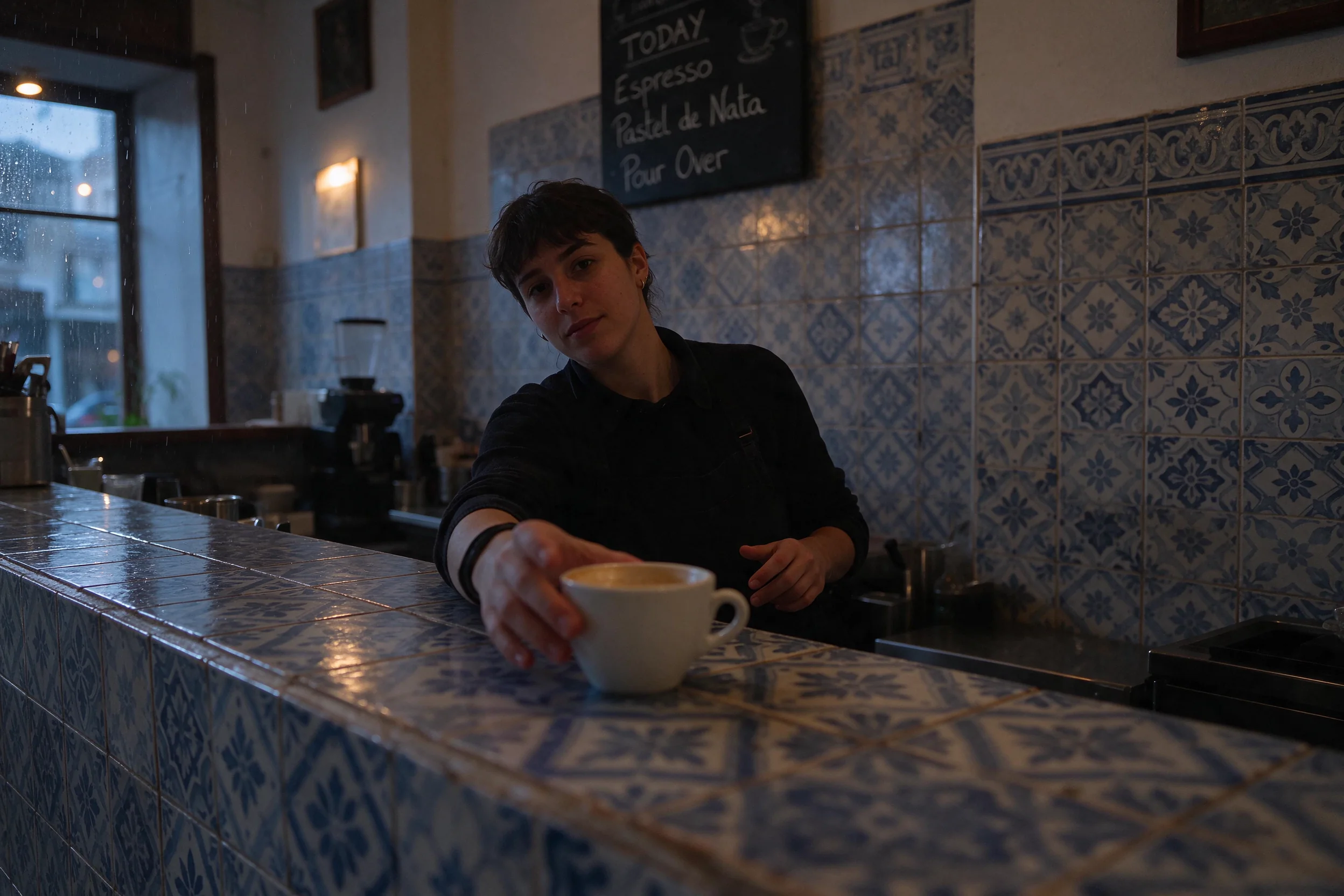
ByteDance says unedited regions stay at the pixel level, including color, across repeated edits. Their public demo kept changing clothes, accessories, and tabletop objects on one portrait for about 100 rounds. On this page you send one edit per request. To continue, download the result and upload it as the next reference. Say what must change and what must stay. A busy prompt may still move more than you marked.
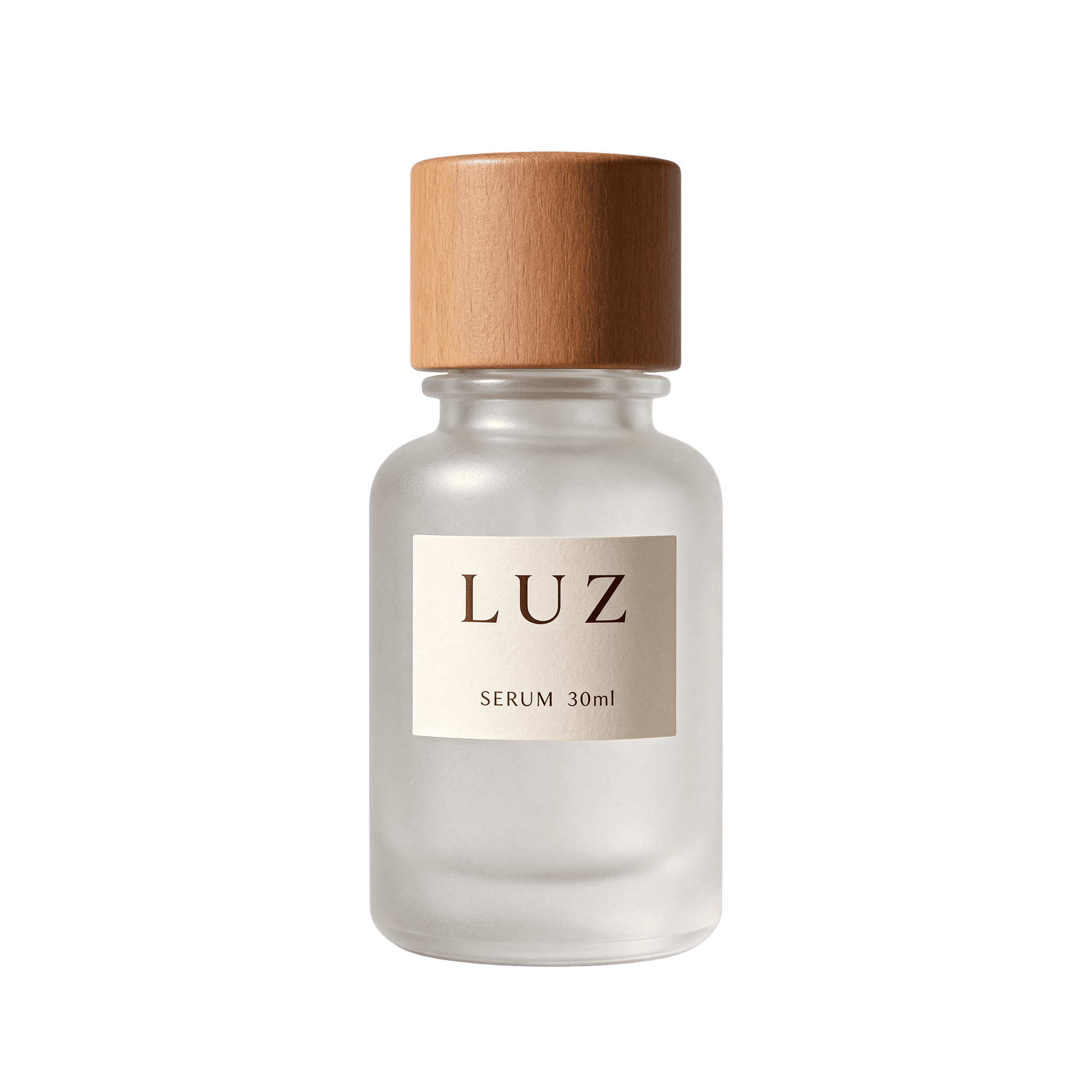
Turn on Transparent background and the request sets background to transparent with PNG output. WaveSpeed documents that this returns an alpha channel, and the source images do not need one already. ByteDance also describes partial transparency, such as gaps in feathers or lace. This integration asks for that PNG alpha option. It does not add a second background-removal step, and JPEG cannot carry the alpha.

ByteDance says Seedream 5.5 renders lighting, materials, and skin with less gloss and overexposure, and that dense small text in Chinese and English is more accurate, including compact newspaper layouts and small captions. Treat that as the vendor's description of the model, then read the actual letters in your file. Production copy, prices, and names still need a human check before you publish them.
Use this when the job is a controlled edit or a transparent asset. Use a Nano Banana model on this site when you need a different look, 4K output, or web-grounded generation.
Seedream 5.5 is the November 9, 2026 ByteDance image model. The useful question is whether the next change should leave the rest of the picture alone, or whether you want a transparent PNG of one object. Credits stay at 5 for 1K and 1.5K and 7 for 2K, including an edit with up to 10 references.
Nano Banana 2 and Nano Banana Pro on this site are separate Google image models with their own credit prices. Some of those models offer 4K, and Nano Banana 2 can use web grounding. Seedream 5.5 on this page does not. If you already like that look, stay on the Nano Banana page instead of forcing this model to imitate it.
Seedream 5.0 Lite and Seedream 5.0 Pro already have their own pages. This page does not replace them and does not describe an unreleased later edition. ByteDance has said a Pro edition of the 5.5 series will follow. It is not selectable here, and this integration does not add layer-splitting controls.
ByteDance reports gains against Seedream 5.0 Pro on MagicArena across e-commerce, marketing, film and television, gaming, office, and fashion, plus its own text-structure and realism comparisons with models it named, including Nano Banana 2.1. Those figures are the vendor's evaluation. This site has not rerun them.
These are the requests where naming the freeze matters more than asking for a brand-new scene.

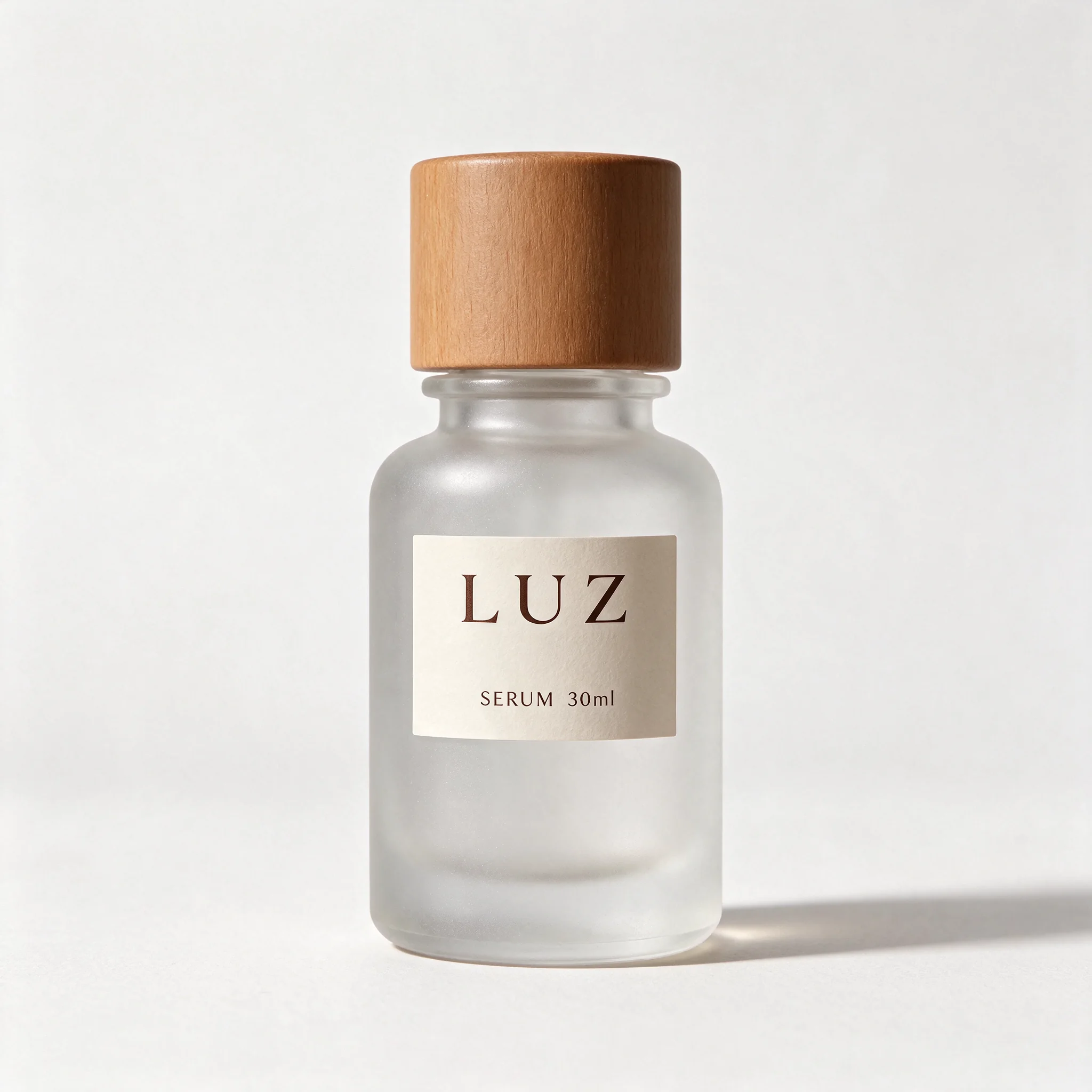
Start with the bottle, shoe, or package. Change the surface, the time of day, or a small label, and say that the product shape stays. Ten references is the cap, which is enough for a product photo plus a material or logo reference. Extra references do not add credits on this site.
The earlier editing page is Seedream 5.0 Pro
Use the transparent toggle when the next tool needs a PNG you can place on a slide, an ad, or a game UI. Describe the object alone. If the edge is wrong, run another edit on that PNG instead of starting from a busy background.
For a different image model, see Nano Banana 2
Posters, menus, and small captions are where ByteDance says Chinese and English text improved. Keep the text short, put the exact words in the prompt, and open the file at full size. If a character is wrong, that is a failed result, not a style choice.
The previous Seedream page is Seedream 5.0 Lite
01
Write one change and the parts that must survive it: the face, the product, the crop, the light. For a new image, describe the subject and the lighting instead of a vague mood. Exact short text belongs in quotes.
02
2K is the default and costs 7 credits. Drop to 1K or 1.5K for 5 credits while you test the instruction. Add up to 10 references for an edit. Turn on transparent background only when you need a PNG alpha channel.
03
Open the result at full size. Look at the area you meant to keep, the edge of a cut-out, and every word. If it is wrong, upload that file and ask for a smaller change. A failed request refunds its credits. A result you simply dislike does not.
Buy credits once and use them for Seedream 5.5 and other tools on this site. Credits never expire.
A starter pack for trying image tools on this site.
Includes
Credits never expire!
For professionals who need high-volume image generation.
Everything in Pro, plus
Credits never expire!
Great for educators, designers, and marketers.
Everything in Basic, plus
Credits never expire!
Seedream 5.5 is ByteDance Seed's image model released on November 9, 2026. This page generates with it through WaveSpeed: text to image, or an edit from up to 10 reference images, at 1K, 1.5K, or 2K.
You can try Seedream 5.5 with the credits included when you sign up. Generation spends credits. 1K and 1.5K cost 5 credits and 2K costs 7. That trial allowance is not a promise that the model stays free.
No. On this site the credit price follows the resolution only. One reference and ten references cost the same 5 or 7 credits. WaveSpeed's own provider price adds a per-image fee, and this page does not pass that fee through.
No. This integration accepts 1K, 1.5K, and 2K. 2K is the default when the page opens. A 4K request is rejected before any credits are taken.
No. ByteDance's demo showed about 100 successive edits, using each output as the next input. Here, each click is one request. You can upload the result and edit again. Pixel-level preservation is the model's stated goal, and a difficult prompt may still change more than you named.
The usability rates, text-corruption rates, and comparison scores in ByteDance's November 9, 2026 post are the vendor's own MagicArena and pairwise evaluations. This site did not run those tests and does not treat them as an independent ranking.
If WaveSpeed rejects the job or returns no image, the credits for that task are refunded. If the picture generates and you dislike the edit, the credits stay spent. Check the freeze instructions before you queue another round.