
Detailed mosaic
Small icons trace the features of a face or the outlines in a favorite travel photo. Zoom in to see the individual symbols.
Turn a photo into a mosaic of tiny emojis. Upload your own or try the sample, then start with Detailed mosaic for small tiles that follow the original shapes.
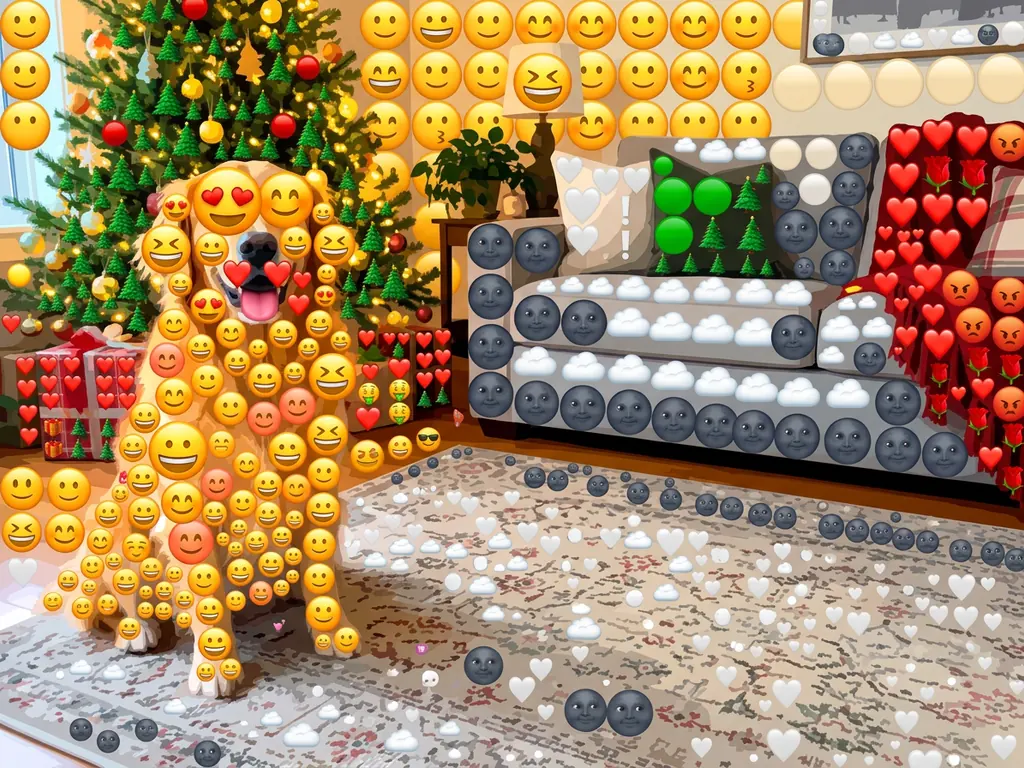

Your mosaic will replace this example.
Use smaller tiles for faces and detailed scenes. Pick a bolder look for an image that needs to read at thumbnail size.
Small icons trace the features of a face or the outlines in a favorite travel photo. Zoom in to see the individual symbols.
A coarse grid of expressive reaction faces gives pet portraits and party photos a playful look.
Leaves, blooms and butterflies form the picture. Try this palette on outdoor portraits and botanical subjects.
Bright hearts, stars and lightning bolts give a simple silhouette the contrast of a social poster.
In this Photo From Emoji example, a bright camper stays easy to spot against the blue lake. Look closer to see how small icons follow the colors of the water, sky and yellow bodywork.

Original
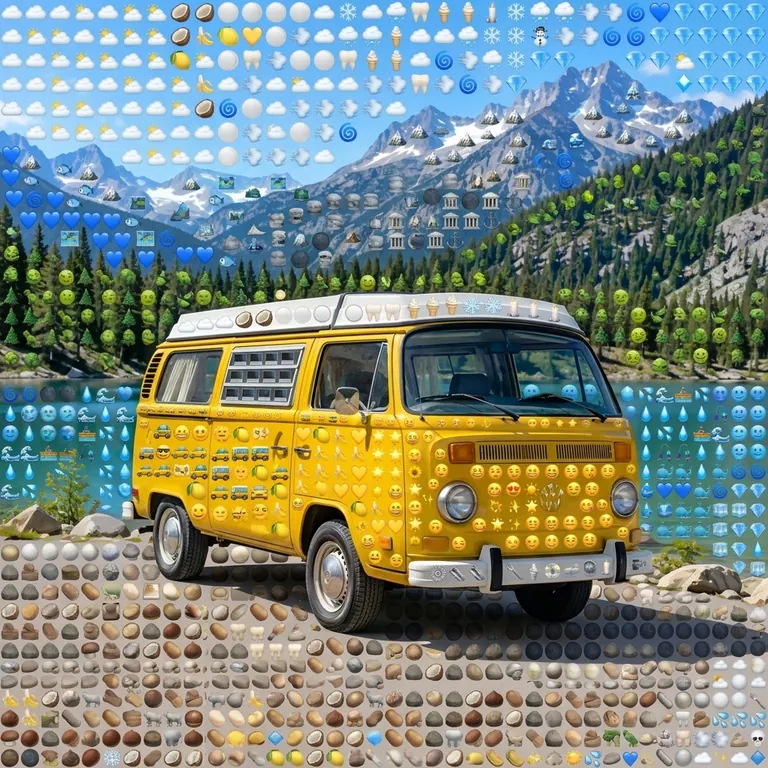
Emoji mosaic

Drop or paste a JPG, PNG or WebP into the upload area. A close crop and a simple background make it easier to read the finished mosaic.
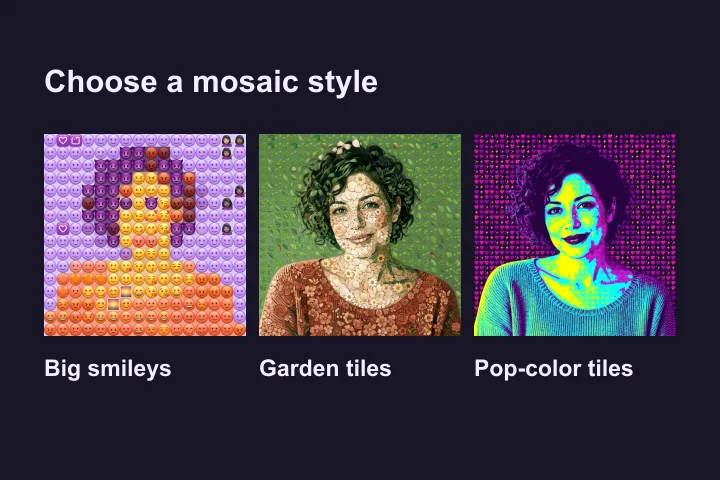
Pick a preset or choose Custom to describe your own palette. For example, ask for orange blossoms in the highlights and dark green leaves in the shadows.
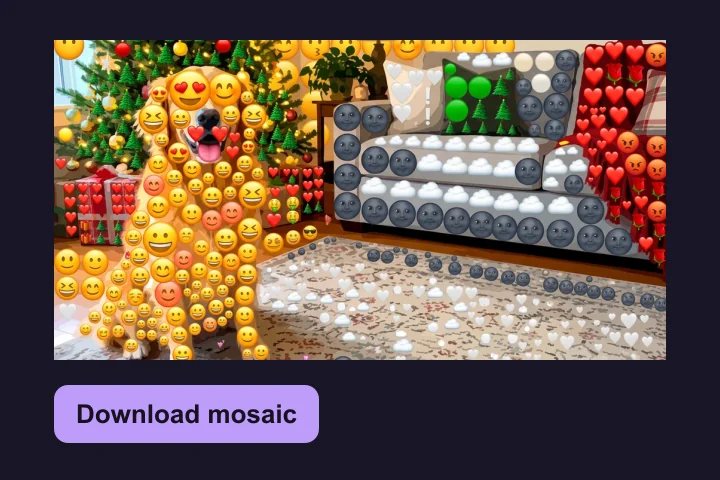
Sign in to generate. Drag the comparison handle to check the subject against the original, then download your favorite result.
A pet with its face near the center or a bright object against a plain background usually reads more clearly than a wide group shot. Tiny features can blend into neighboring tiles.
Zoom out before you download. If the main shape gets lost, try a simpler crop or a higher-contrast style. Zoom back in to check the tile details.
Name the icons you want and tell the generator where the main colors belong. A short direction such as yellow stars on dark blue gives it a clear target.
It redraws an uploaded image as a mosaic of illustrated emoji tiles, using the source photo to guide the subject, framing and colors. To create a single custom emoji from a text description, use the AI Emoji Generator.
AI restyling can simplify faces, fine textures and busy backgrounds. Use the comparison preview to check whether the parts you care about are still clear.
The download is a single image with the emoji shapes baked in. You can share it wherever you would share a picture.
Each generated image costs 5 credits. You can load the sample and choose a style before signing in.