
Name one change on an edit
For image to image, say what must move and what must stay: face, logo, bottle shape, or the words already in the picture. A second change belongs in a second job.
GPT Image 2.6 · live on this site
Use Flare when you want a quick first draft, or Sunburst when small text, edges and edits need more care. Both run on this page with site credits.
Same page · no signup needed to write a prompt
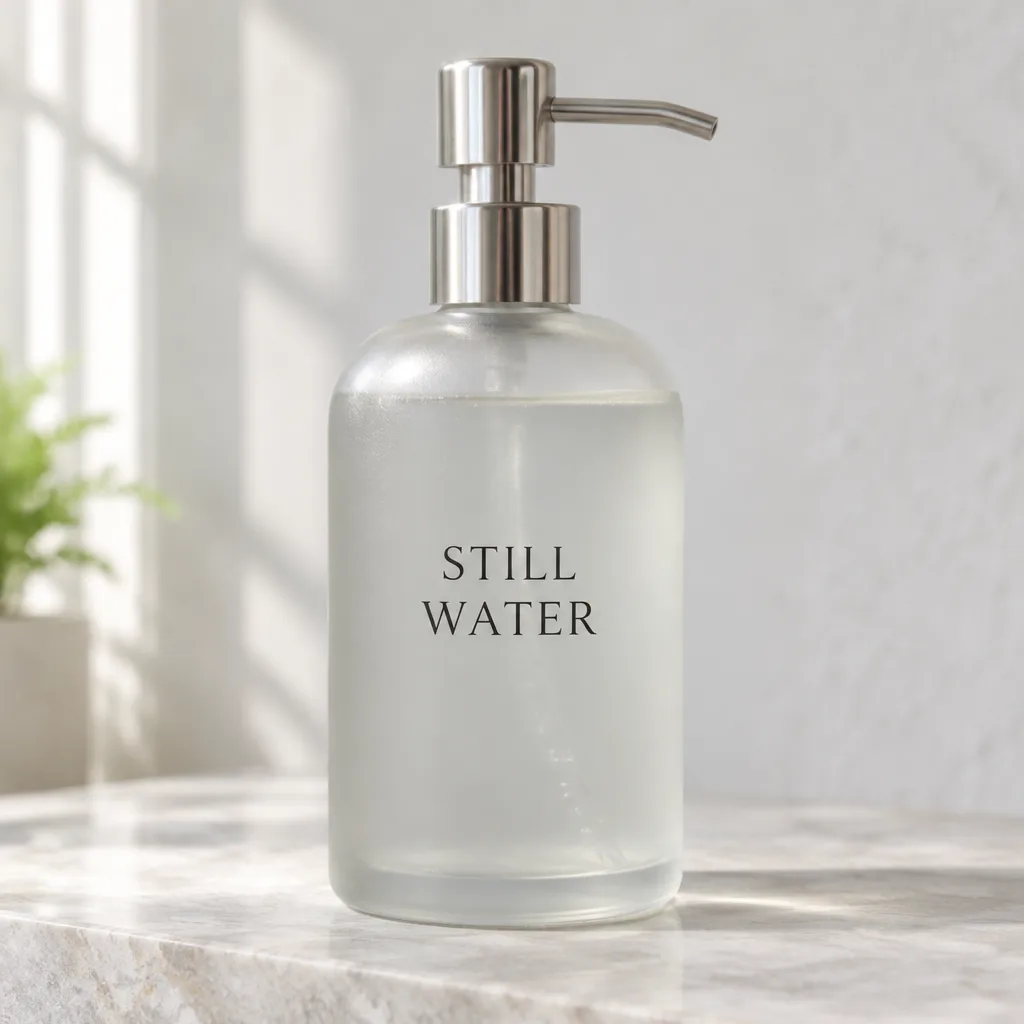 FLARE · draft
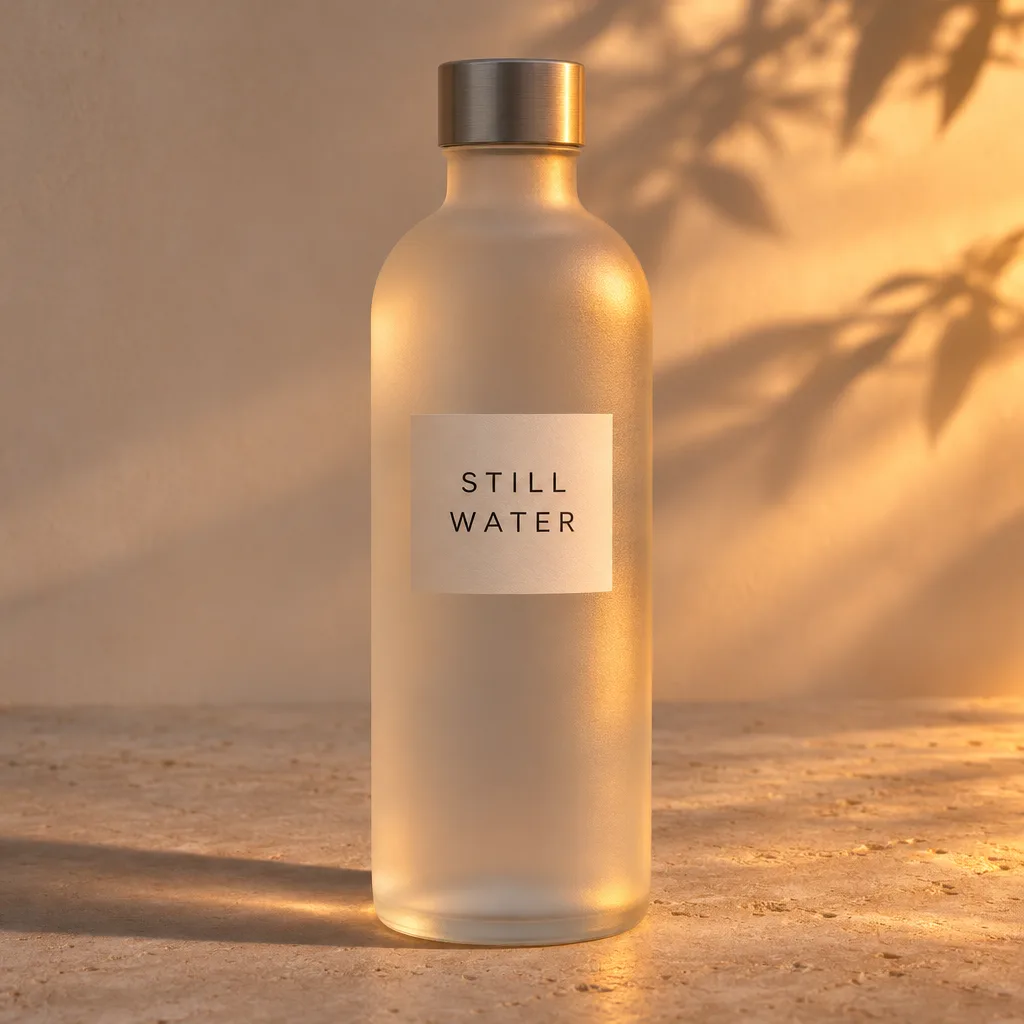 SUNBURST · detail
Describe your image, choose Flare or Sunburst, and generate. The credit cost shows on the button before you start.
This tool makes still images with GPT Image 2.6 Flare and Sunburst using site credits. It is not ChatGPT, and it does not export GIF or SVG.
Flare and Sunburst are the two GPT Image 2.6 models. Flare is quicker for early drafts. Sunburst takes more care with detail and edits. Try one short prompt in both before a long batch.
| Decision | Flare | Sunburst |
|---|---|---|
| What it is for | Everyday drafts, posters and product concepts when you want the next frame quickly. | Layouts and edits where small text, materials or a repeated subject have to stay recognizable. |
| Speed | OpenAI says this release is about 50% faster than before, and Flare can return in as little as six seconds at low quality. Speed on this site can vary. | Slower than Flare, but OpenAI recommends it when quality is medium or high and edits must stay consistent. |
| Model name for developers | gpt-image-2.6-flare in the OpenAI API. | gpt-image-2.6-sunburst in the OpenAI API. |
| When to switch | Start here for a rough direction, then move the prompt to Sunburst if edges, type or the reference drift. | Stay here for the final still. If a simple background swap is taking too long, lower the planning level before switching models. |
These briefs show the level of instruction that helps GPT Image 2.6. The three results below were generated for this page with Flare, Sunburst, and a transparent PNG cutout.
Make a nicer product photo of a bottle.
Square product photo of a frosted glass bottle of unscented hand wash, soft window light from the left, pale stone surface, no label text except the words "STILL WATER". Keep the cap silver and the liquid clear.
For image to image, say what must move and what must stay: face, logo, bottle shape, or the words already in the picture. A second change belongs in a second job.
Short quoted text is easier to review than a paragraph. Spell unusual names letter by letter if the spelling matters. Check the letters at export size.
OpenAI suggests a low planning level for a focused edit and medium or high when many objects have to relate. High is the default. Raising it can also alter areas you did not mention.
Made on this site with Flare and Sunburst. Any single run can still miss an instruction, so check text, edges and lighting before you reuse a file.
Flare draft
gpt-image-2.6-flare · low quality · light planning
Sunburst edit
gpt-image-2.6-sunburst · high quality · high planning
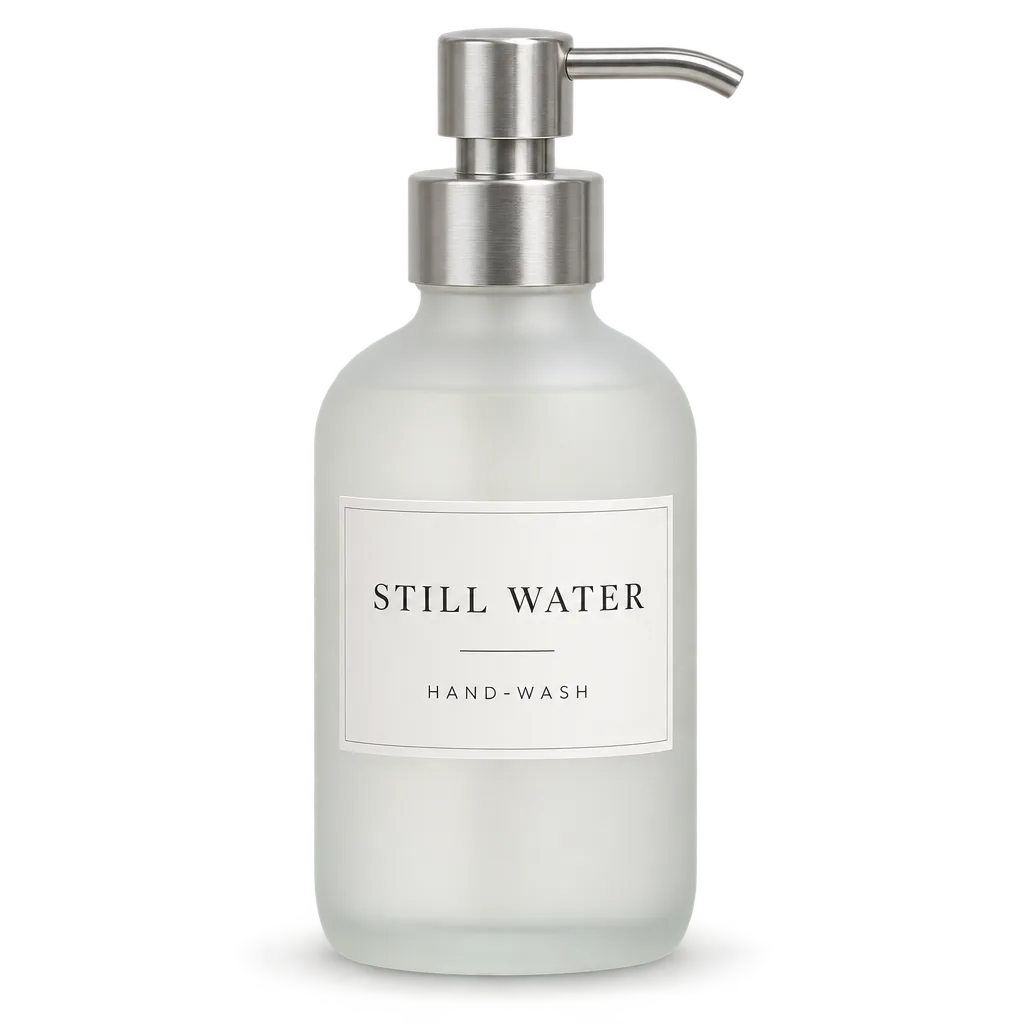
Transparent PNG
png · transparent background · not a GIF or SVG
What you can do with GPT Image 2.6 on this page, using your own prompt and images.
Start with Flare for quick ideas, then rerun the same prompt with Sunburst when the final image needs more detail. You do not need to switch tools.
Upload up to 10 reference images and say what should change and what should stay, such as a product shape, a logo or a face.
Add a short label or headline to your prompt and put the exact words in quotes. Check the spelling at full size before using the result.
Choose a transparent background with PNG or WebP to get a single subject you can place on any page, slide or product listing.
Make square, portrait or wide images: 1:1, 3:2, 2:3, 4:3, 3:4, 16:9 or 9:16.
Each image uses site credits based on the quality you choose, and the total shows before you start.
Pick the model for the job: Flare when you need ideas quickly, Sunburst when the final image has to hold detail.
Use Flare while you are still deciding the layout, colors or a short headline. OpenAI says it can return in about six seconds at low quality; times here vary. Check any words before you reuse the file.
Use Sunburst for edits of a product, person or layout when you want higher quality. OpenAI says it keeps detail steadier across edits, but it can still change nearby areas, so compare it with your source.
OpenAI released GPT Image 2.6 on November 4, 2026. Some new features run on this page; others are only in ChatGPT or the OpenAI API.
A prompt, up to 10 reference images, the image shape, quality, a planning level, the file type (PNG, JPEG or WebP) and the background. Transparent backgrounds need PNG or WebP. Each run makes one image.
GIF, SVG, saved reference libraries and markup brushes are available in ChatGPT or the OpenAI API, not here. For a photo-to-GIF loop, use the AI GIF Maker.
Open the AI GIF Maker →OpenAI lists the same token prices as GPT Image 2.5. On this site, the GPT Image 2.5 page uses 1K, 2K and 4K size choices, and GPT Image 2 has fewer image shapes. Open those pages if you need their settings. See the full GPT Image 2.5 vs GPT Image 2.6 comparison.
Open GPT Image 2.5 →Quality sets how much detail you get and how many credits a run uses. Planning level sets how much thought goes into a busy scene. They are separate choices.
Use low quality and light planning to test a layout or make one small edit, such as a background or a sign. Low quality costs 5 credits.
Raise quality when text, fabric or a product edge is hard to read and the layout is already right. Extra-high costs 14 credits and max costs 32.
More planning (high is the default) suits posters and scenes with many objects. It can take longer, and parts you did not mention may change.
Choose Transparent and ask for one subject with no backdrop or shadow. JPEG cannot keep transparency. Auto lets the model pick the background, so use Transparent when you need a clean cutout.
A first GPT Image 2.6 job should be small enough to judge. Keep the prompt, the references and the settings so the next try changes one thing.
01
State the subject, the crop and any exact short text. For an edit, name the source and the single change. Leave GIF motion and SVG export out of the prompt if you need those files elsewhere.
02
Choose Flare or Sunburst, then the image shape, quality, planning level, file type and background. Shapes: 1:1, 3:2, 2:3, 4:3, 3:4, 16:9, 9:16. Check the credit total before you queue more images.
03
Open the result at full size. Check spelling, edges and whether your reference was kept.
Generate professional images with your favorite Nano banana 2 AI plan.
Perfect for getting started with nano banana 2 AI image generation.
Includes
Credits never expire!
For professionals who need high-volume image generation.
Everything in Pro, plus
Credits never expire!
Great for educators, designers, and marketers.
Everything in Basic, plus
Credits never expire!
GPT Image 2.6 is OpenAI's image generation and editing release from November 4, 2026. It comes as two models: Flare for quicker drafts and Sunburst for more detailed images and edits. This page runs both.
OpenAI published "Introducing Images 2.6" on November 4, 2026 (US time), and Flare and Sunburst reached the API the same day.
Flare is the fast GPT Image 2.6 variant. OpenAI says it can generate in about six seconds at low quality and that this release is about 50% faster than before. Sunburst is for higher detail and more consistent edits at medium or high quality.
Complexity is a planning level: low, medium or high (high is the default). Low suits one small edit; medium or high suits busy scenes. It does not change the credit cost on this site, but a higher level can change parts you did not ask for.
On this site, Flare and Sunburst cost the same credits by quality: low 5, medium 7, high 8, auto 8, extra-high 14, max 32. Planning level does not change the cost. This is separate from ChatGPT plans and OpenAI API billing.
Use the AI GIF Maker to animate a photo and download a loop. This form generates still images in PNG, JPEG or WebP. The OpenAI API also supports SVG export.
Open the AI GIF Maker →For developers, OpenAI's model names are gpt-image-2.6-flare and gpt-image-2.6-sunburst. This page sends each image to Replicate as openai/gpt-image-2.6-flare or openai/gpt-image-2.6-sunburst.
GPT Image 2.6 adds a planning level (complexity), and ChatGPT or the API add GIF output, saved references, markup edits and SVG export. Token prices stay the same as 2.5. This site's 2.5 generator still uses resolution tiers and up to 16 references. This form uses quality, complexity and up to 10 references, and it does not offer GIF or SVG.
Compare on the GPT Image 2.5 page →See the earlier GPT Image 2 limits →This tool offers 1:1, 3:2, 2:3, 4:3, 3:4, 16:9 and 9:16. Exact pixel sizes and Auto size are not options here.
Facts about GPT Image 2.6 on this page come from OpenAI's November 4, 2026 announcement, the Flare and Sunburst API pages, and the Replicate model pages, checked in November 2026. The examples below show the prompts and outputs provided for this page. nanabanana2.run is an independent third-party tool. It is not affiliated with, endorsed by, or sponsored by OpenAI. GPT and ChatGPT are trademarks of OpenAI.
Stay on the previous Flare and Sunburst generation page when you need its 1K, 2K and 4K resolution controls instead of the quality and planning controls on this page.
Open the earlier GPT Image model and check its shorter aspect-ratio list before you reuse an old prompt.
Animate a single photo with a short motion preset and download the result as a looping GIF.
Compare a conversation-style brief with the standalone prompt this GPT Image 2.6 form expects.