
Carved suit
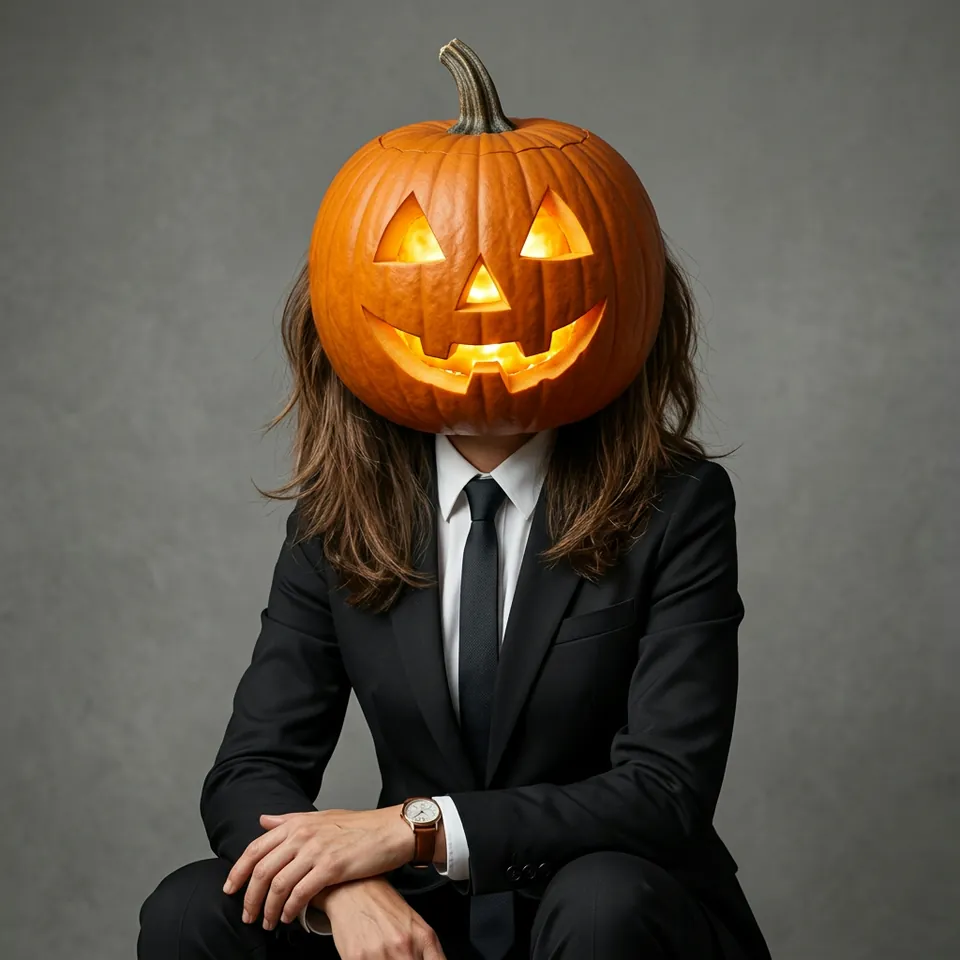
The familiar seasonal portrait: a glowing carved pumpkin, a black suit, and a plain studio wall. It is selected first.
YOUR PHOTO. A SEASONAL PORTRAIT.
Upload one clear photo. Start with a carved pumpkin in a black suit, or pick a darker studio, an autumn field, a couple on a porch, or a version that leaves your face as it is.
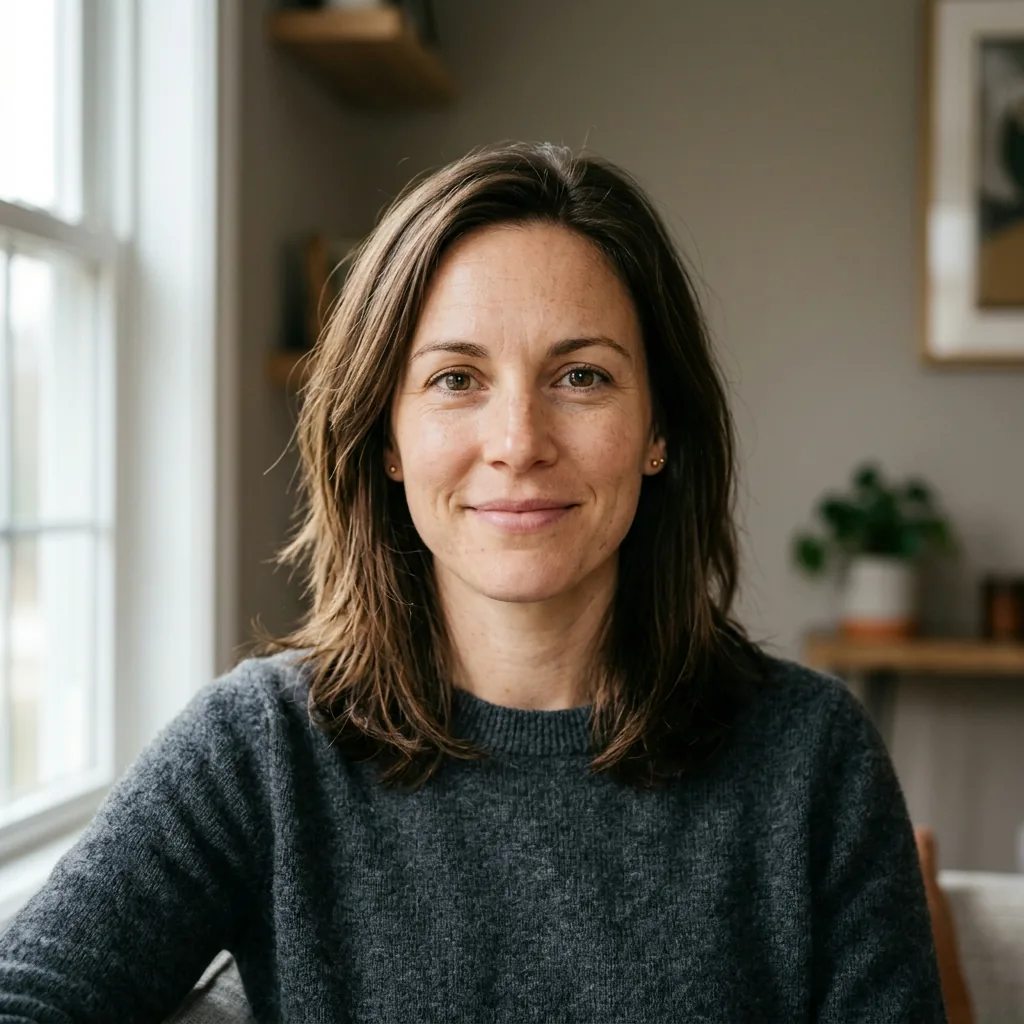
Your pumpkin head photoshoot replaces this example
FIVE WAYS TO USE THE PHOTO
These cards load a style in the tool. Carved looks replace the head. Add a pumpkin keeps the face and places real pumpkins in the scene.
The familiar seasonal portrait: a glowing carved pumpkin, a black suit, and a plain studio wall. It is selected first.
A lower light and a black background make the carved face the brightest part of the pumpkin head photo.
Leaves, distant pumpkins, and daylight move the same idea outdoors.
A porch setting. Anyone or any pet already in the photo stays in the frame and gets a carved pumpkin too. A solo photo stays solo.
You hold or sit with pumpkins. Your face and hair stay. Use this when you want to add a pumpkin to a photo without a carved head.
Six setups stay readable in a small photo. Four start from the presets. Custom covers the rose and the candles.
A carved pumpkin, black suit, white shirt, and a plain wall. This one is selected when the page opens. Keep the shoulders square to the camera.
Fallen leaves and a few pumpkins on the ground. Daylight works better than a flash, so the carved face is not the only bright spot.
If two people are already in the photo, Partner or pet keeps both and gives each a carved head. It will not invent a partner.
One rose in a hand makes the black suit quieter. In Custom, say which hand holds it so the fingers stay believable.
Black backdrop, a rim light, and candles low in the frame. The carved face stays brightest. Add the candles in Custom.
A dog already in the photo can stay, with the carved head on the person. A photo of one person does not gain a dog.
The pumpkin head is large. Hiding the shoulders, or turning the body away, makes the picture look like a costume on a mannequin.
Face the camera
A slight turn is fine. A full profile hides the carved expression.
Show one hand
A hand at the chest, in a pocket, or on a rose keeps the suit from looking empty.
Stay upright
Stand or sit straight. A deep lean crops the pumpkin at the top of the frame.
Hold a real pumpkin at the chest
If you want your face to stay, hold the pumpkin at chest height, not in front of your mouth.
The photos below use one fictional adult: the upload, the style, and the finished portrait.
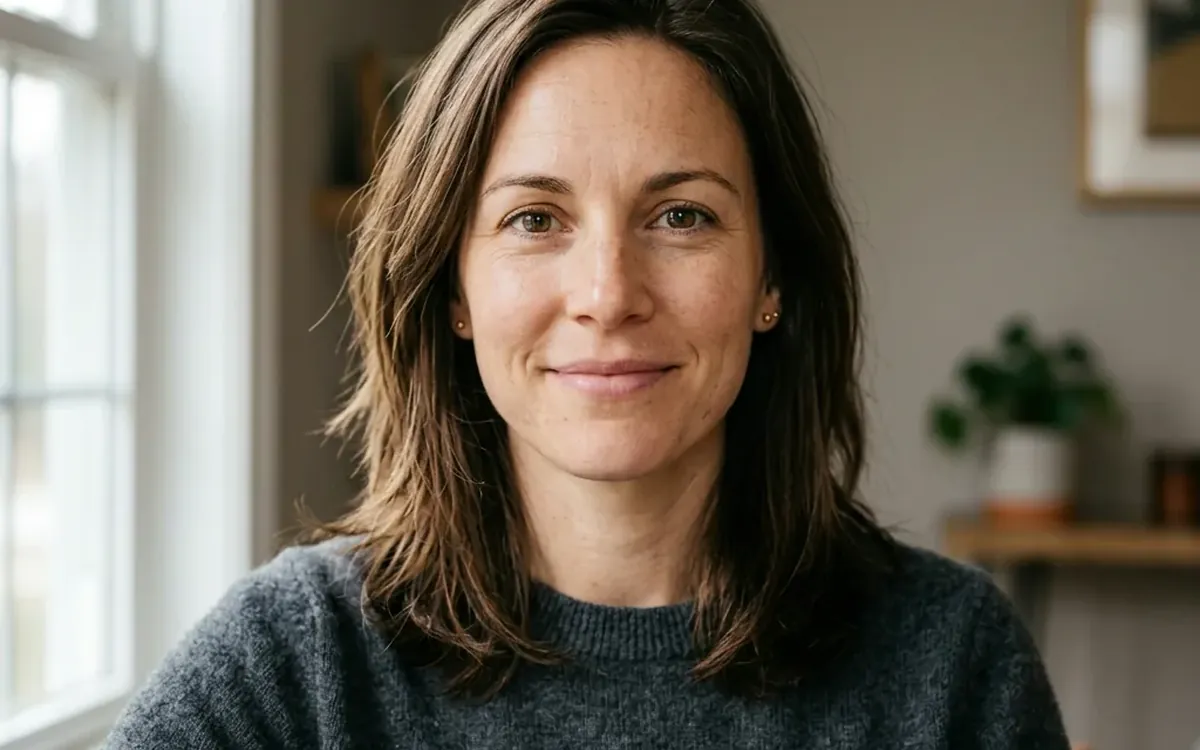 01
Use a recent picture with the face easy to see. A partner or pet can stay in the frame. You can also try the sample before you sign in.
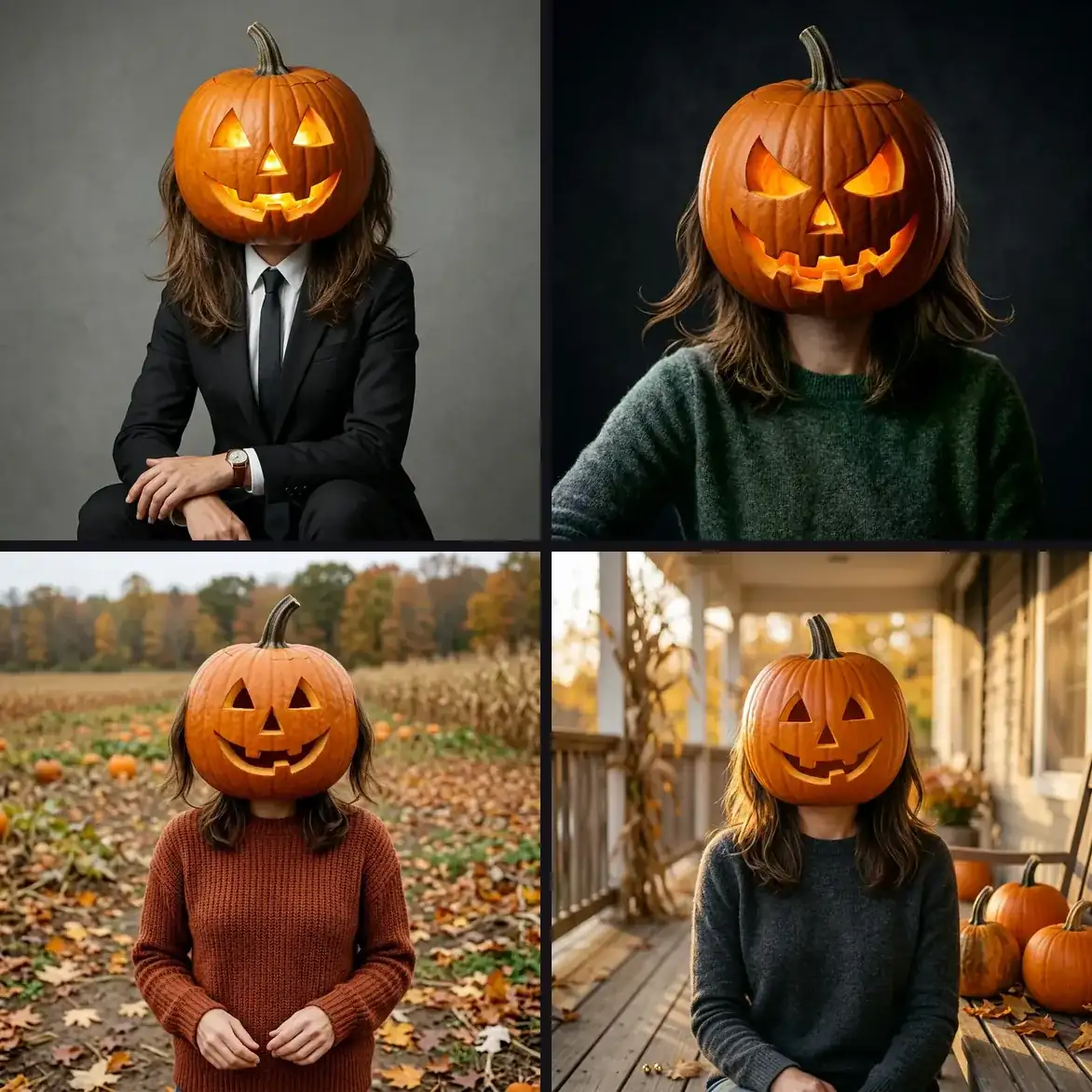 02
Carved suit is ready to start. Switch to a dark studio, an autumn field, a porch, or add a pumpkin if you want your own face to remain.
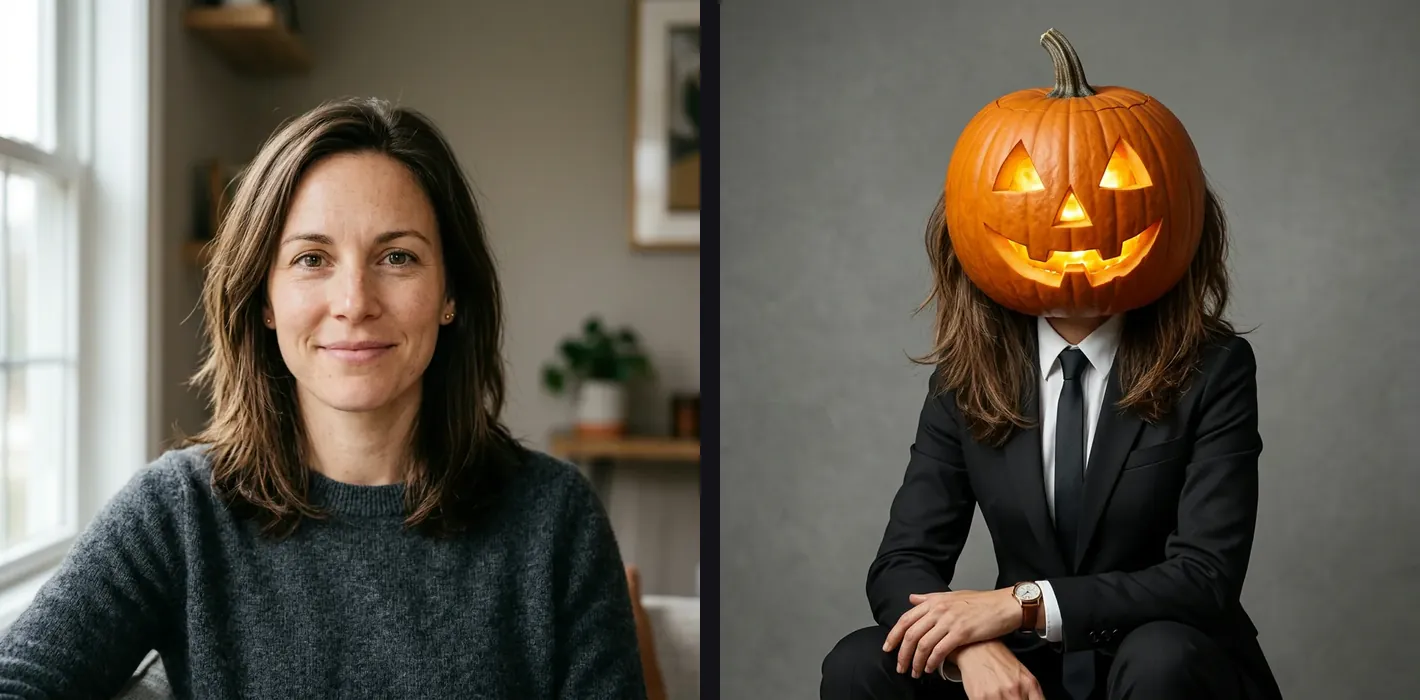 03
The button shows the credit cost. Sign in to create the image, compare it with your photo, then download the one you want to keep.
A CLEAR PHOTO HELPS
The carved styles replace the head. Clothes, hands, and anyone already in the photo should still follow the upload.
Sunglasses, a hat pulled low, or a tiny face in a group shot give the edit less to follow. A shoulders-up photo in daylight is enough.
Carved suit, dark studio, autumn field, and porch replace the head with a jack-o'-lantern. Add a pumpkin keeps the face and puts real pumpkins in the scene.
Look at fingers, the pumpkin stem, and whether a partner or pet is still present. Generate again if someone disappeared or an extra figure appeared.
It is a portrait where a carved pumpkin stands in for the head, usually with ordinary clothes and a simple setting. This page also has a style that leaves your face alone and only adds pumpkins around you.
Yes. Choose Add a pumpkin. The edit keeps your face and places you with real pumpkins. The other styles are the carved pumpkin head photoshoot.
Use Partner or pet. People and animals already in the photo stay, and each visible head becomes a carved pumpkin. A photo of one person does not gain a new companion.
Yes. You upload a photo, pick a look, and the image is generated from that photo.
Start with a photo you already have, even from a window or the front step. Upload it, pick a carved look, or add pumpkin to photo when you want your own face to stay. A lamp to one side helps. A partner or a dog stays only if they were already in the picture.
New accounts receive 10 free credits. The Generate button shows 5 credits before you start, and a retry uses credits again. You need to sign in to create the image.
Try the carved suit first, or switch to add a pumpkin if you want a pumpkin head photo that still shows your face.
Open the photoshootExamples use a fictional adult and generated edits. Your result can differ. Review it before you share it.