
Cinematic film
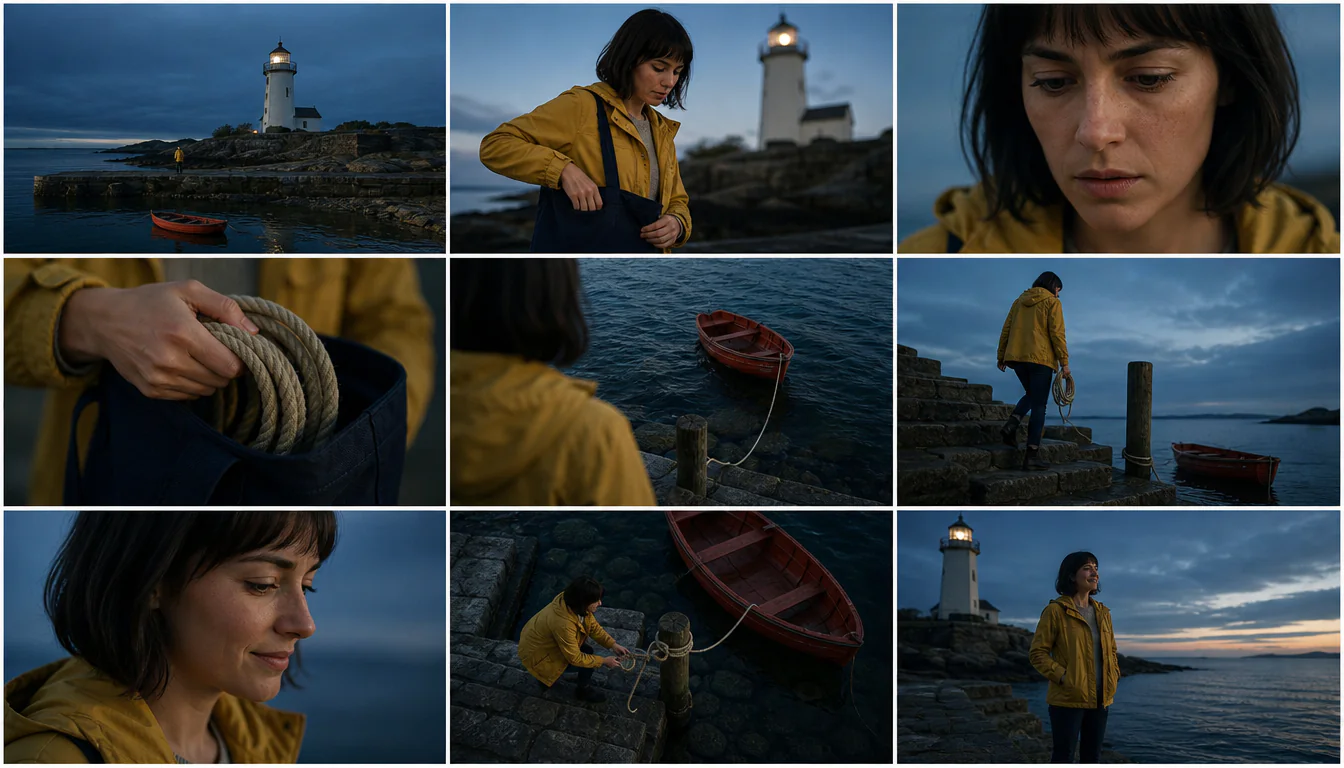
Photoreal film coverage, blue shadows and amber light.
YOUR SCENE, BEFORE THE SHOOT
Turn a short scene into a 3×3 sheet with the AI storyboard generator. Describe the action, choose a visual style and aspect ratio, and optionally add a character photo.
Sheet aspect ratio
Resolution
ONE STORY, SIX VISUAL TREATMENTS
The six thumbnails follow the same traveler-and-key story in different visual styles. Each frame holds one shot: move from a wide view of the setting to medium action and close-up details, then connect reactions and transitions to a closing payoff. Review character, prop and screen-direction continuity between shots. Every preset uses your scene; switching styles preserves the brief.
Photoreal film coverage, blue shadows and amber light.
Bright product storytelling with hands and detail inserts.
Hand-drawn characters, cel shading and painted settings.
Soft 3D shapes, rounded characters and clear staging.
Observational monochrome with candid human detail.
Bold graphic shapes and a limited ink-and-coral palette.
FROM WORDS TO COVERAGE
These original 3×3 sheets were made with the AI storyboard generator used on this page. Read left to right across all three rows. The story stays in the caption; frames contain no labels. Look for a change of scale or angle at each cut.
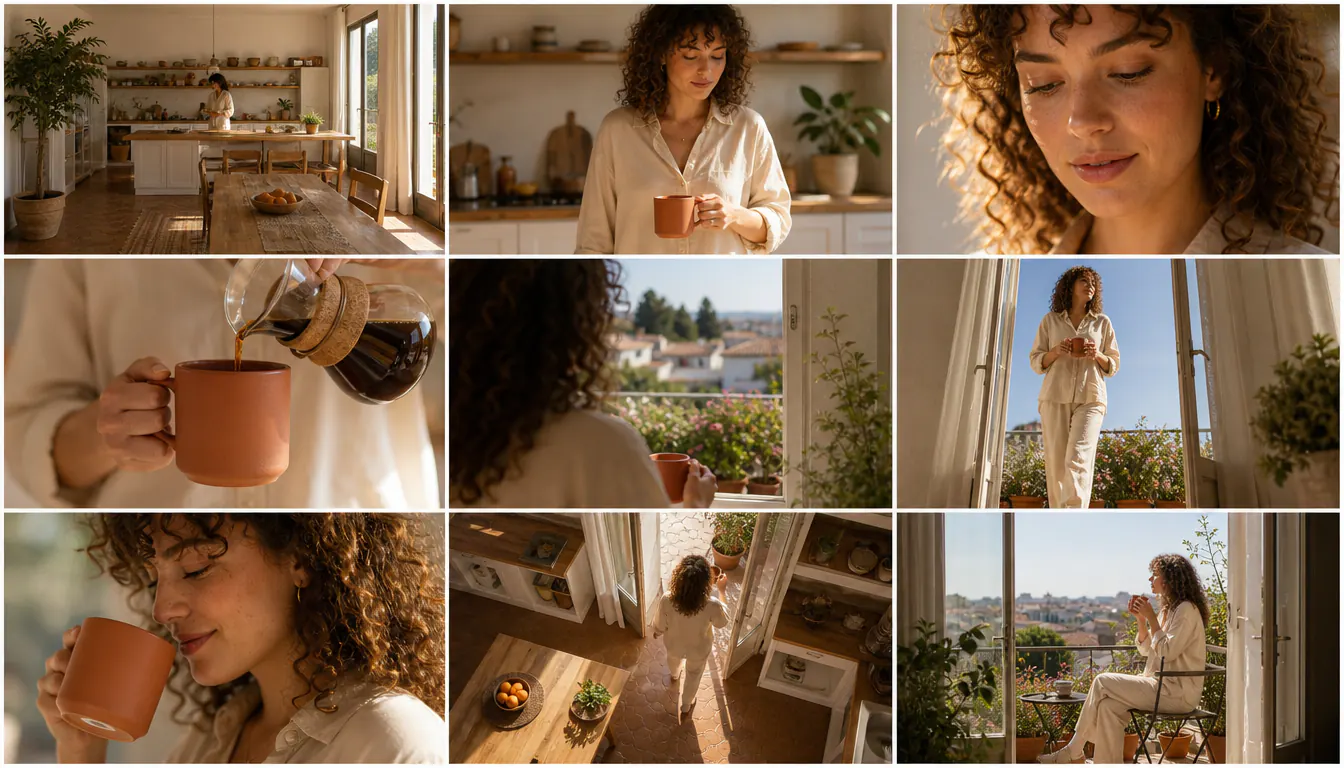
A kitchen wide shot sets the scene; medium action, a face close-up and a pouring insert introduce the cup. Reverse coverage, a low carrying angle, a reaction, an overhead transition and a balcony wide complete the nine-shot ad.
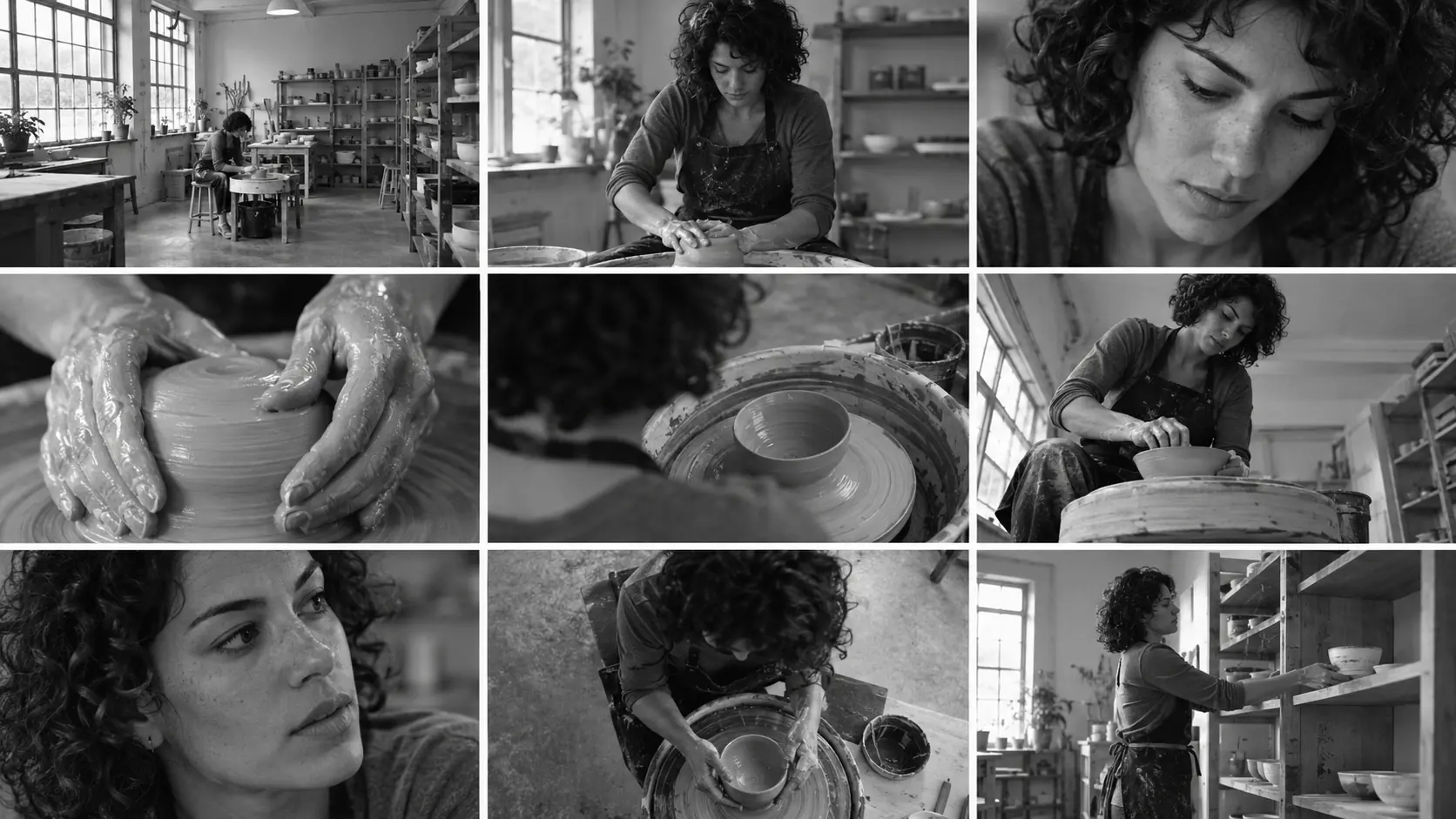
The AI storyboard generator moves from a studio establishing shot to the potter, her focused face and her hands shaping clay. Shoulder, low and overhead angles connect the work to a final shelf shot. Add timing and production notes separately.
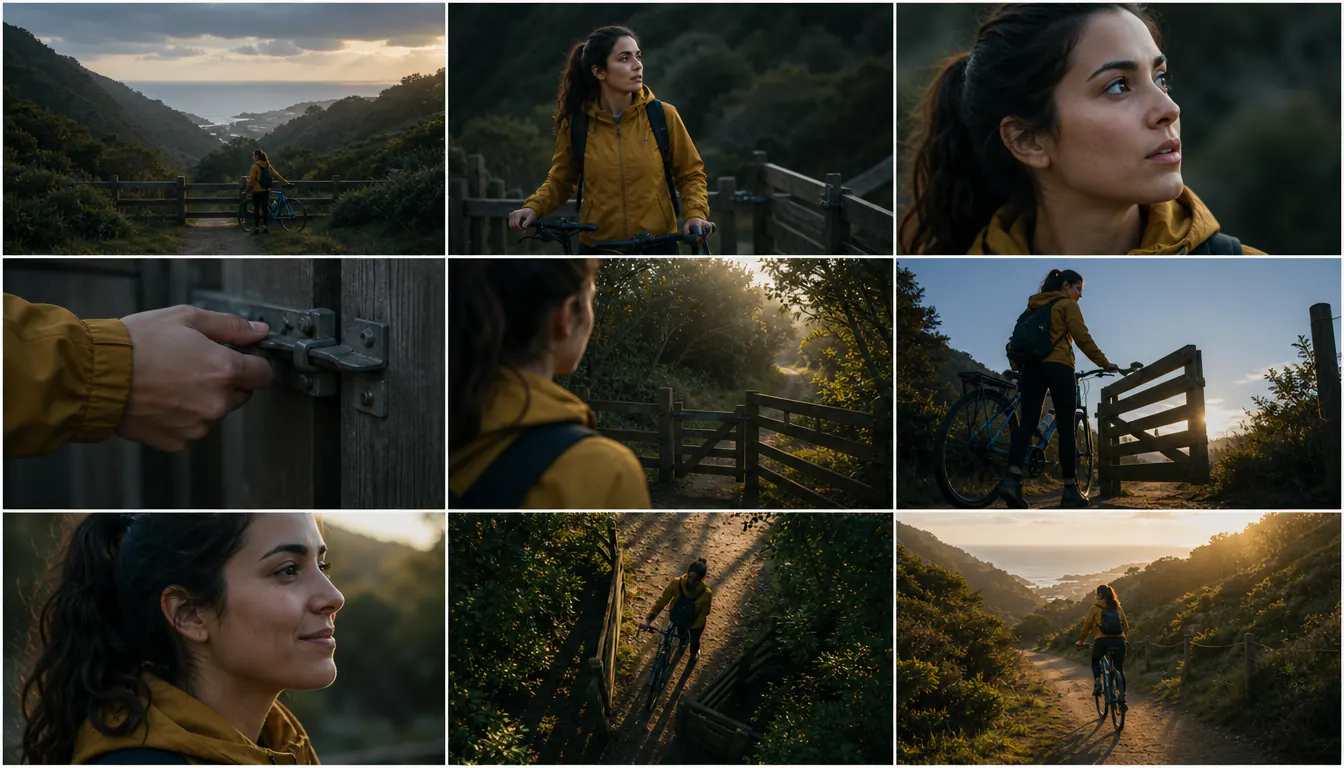
Work with one short scene and a clear beginning, action and payoff. The tool expands it into nine sequential beats with varied framing. These separate example boards illustrate the brief, style and finished-sheet stages.
 01
Name the lead, wardrobe, location and key prop, then explain what changes. For example, a cyclist finds a side gate at a closed bridge and rides home. The tool breaks the action into nine shots. You can also supply nine ordered beats and an optional reference photo.
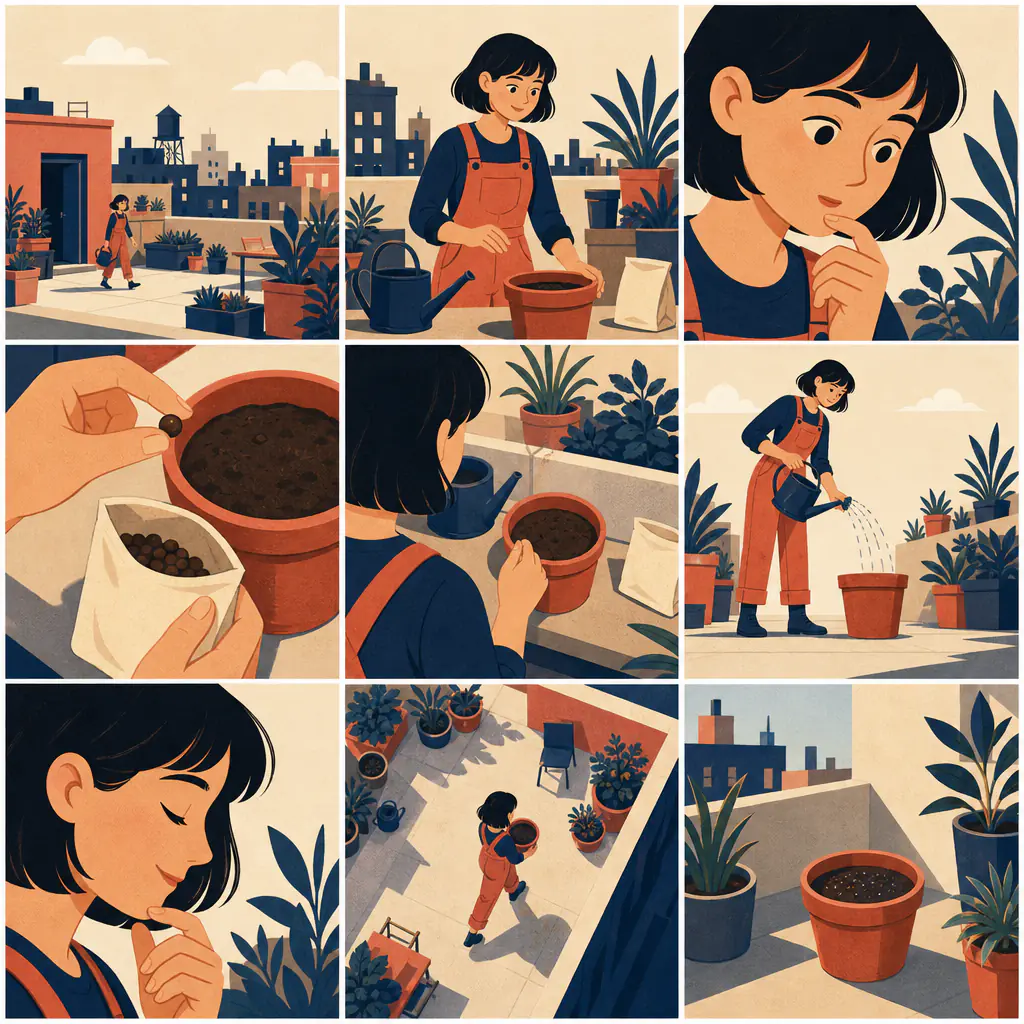 02
Cinematic film is selected first. Choose photoreal, anime, soft 3D, documentary or flat illustration, or use Custom for your own visual treatment. Select 16:9, 9:16 or 1:1 for the whole sheet; the sample shows a separate square illustrated board.
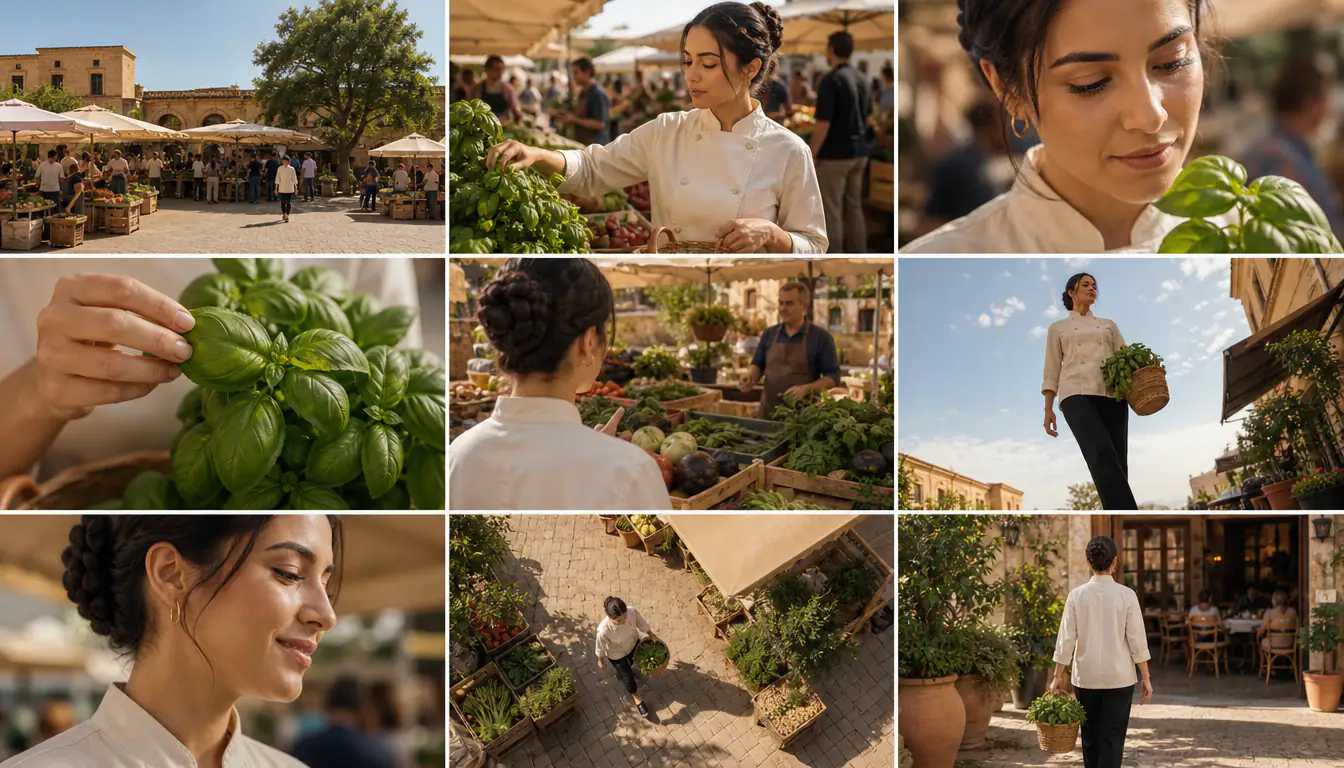 03
The button shows the credit cost. Your 3×3 sheet replaces the idle example. Check nine cells, story order, wide-to-close coverage, faces, wardrobe and props. Download the image, then crop frames or add notes in another editor when needed.
A READABLE SEQUENCE COMES FIRST
An AI storyboard generator can repeat framing or change a prop halfway through. Review the 3×3 sheet as a sequence: each shot needs new information, a readable action and a useful camera distance.
“She finds the envelope” and “she opens it” belong in separate beats. If the brief asks someone to enter, sit, read and react in one panel, the result may combine those moments or skip one.
Open wide to establish geography, use medium shots for movement, then get close for a face or a crucial object. Mix over-the-shoulder, low and high angles. Nine similar waist-up views leave the viewer without coverage, even if each image looks polished.
Use the same name, coat color and prop description across the brief. A reference photo can guide appearance, but it does not lock identity. Inspect faces, handedness, clothing and the position of objects in every frame.
Reduce the cast and locations. Keep one action per beat and one visual style for the sheet. A retry generates the whole board again; the tool cannot repair a single panel in place or guarantee an exact camera angle.
Use the AI storyboard generator to discuss a scene’s coverage before arranging a shoot. Compare wide, medium, close and insert shots, then write the real shot list with your team.
Show the setup, product interaction, detail and payoff in a small board. Check product geometry yourself and add approved branding in a separate design tool.
Plan an anime scene, 3D animation idea or illustrated explainer in nine still shots. A board can guide staging and transitions; this page does not generate motion, shot durations or a timed animatic.
The AI storyboard generator makes one downloadable raster image with nine requested shots in a 3×3 grid. Read across each row, top to bottom. Thin gutters separate text-free frames; your scene text stays in the form. Review the result because the model can miscount cells or miss an action.
Yes. Paste a short scene or describe its beginning, action and payoff. The hidden prompt breaks it into nine sequential visual beats, opening wide and mixing medium shots, close-ups, inserts, reactions and angle changes. There is no screenplay-file upload or scene-breakdown editor; work scene by scene for longer scripts.
An optional character photo and repeated appearance details can help. Neither guarantees the same face, clothing or pose across panels. Use a clear photo you have permission to edit and compare each frame with it, especially after changing the style.
The output is one raster image. There is no individual-frame editor, board-sharing link, layered file, PDF export or automatic frame cropping here. Download the 3×3 sheet, then crop, reorder or annotate it in another editor when needed.
New accounts receive 10 signup credits, enough for three default 1K storyboards at 3 credits each. Selecting 2K in Advanced uses 5 credits per sheet. Each new generation or retry spends credits. Choosing a preset or writing your brief does not spend them. Signup trial eligibility and account limits apply.
This page creates still storyboard images. It does not animate panels, add dialogue or music, assemble an animatic, or set shot durations. Use the downloaded sheet as a planning reference for your next production step.
A long brief, several similar characters or simultaneous actions can compete for attention. Try one lead and nine simple beats. The AI storyboard generator requests varied shot sizes and consistent details, but a neat grid can still contain a repeated composition or the wrong action.
Choose Cinematic film, Commercial / product ad, Anime, 3D animation previs, Documentary or Flat illustration, plus Custom visual direction. Sheet aspect ratios are 16:9 by default, 9:16 and 1:1, with 1K or 2K resolution. A reference photo can guide the character or look across all nine shots, but likeness is not locked.
Write a short scene, pick a look and review your first 3×3 sheet. New accounts get 10 free credits, enough for three default 1K storyboards.
Create a storyboard