
Make the expression easy to read
Give the emoji one job. A wide mouth and raised eyebrows can read as surprise in a crowded Discord thread. Tiny props, detailed backgrounds, and lettering are easy to lose.
Turn an inside joke, a favorite character, or a mood into a custom emoji. Start with Glossy 3D, try another style, or describe your own design. Download it as a transparent PNG.
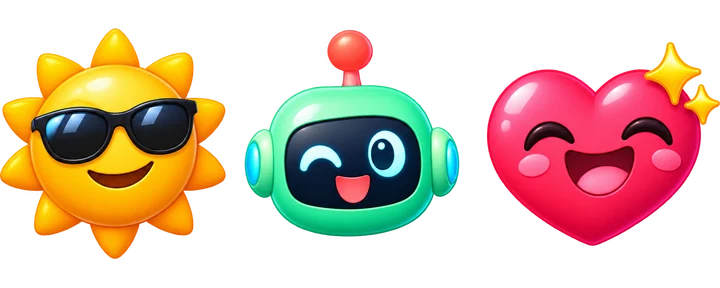
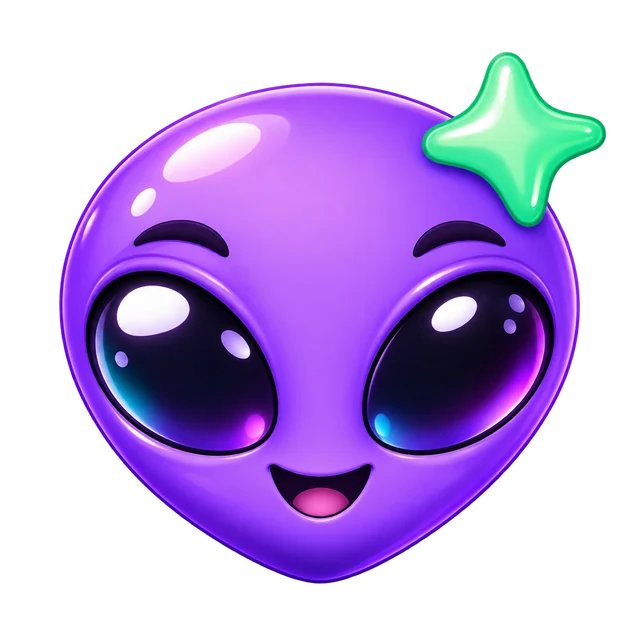
Try a sample idea or give the style a subject of your own.
Use bright highlights and rounded shapes for an exaggerated laugh, gasp, or grin.
Give a frog, cat, or team mascot a strong silhouette and an expression you can spot at a glance.
Create a chunky heart, health potion, or other retro game reaction with a limited palette.
Make a sleepy creature or a friendly character with a sculpted finish and soft colors.
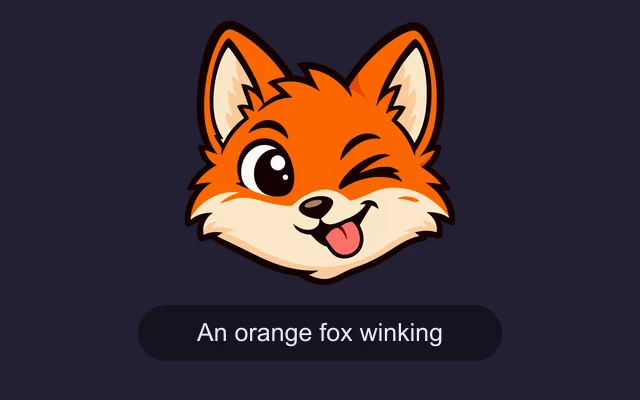
Start with a subject and a single expression or action. Try “an orange fox winking.” If you leave the idea field blank, your selected preset supplies an example.
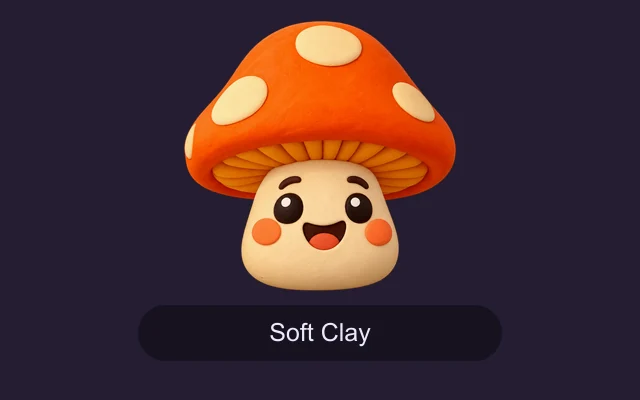
Pick a preset to set the look. Choose Custom to describe your own colors, outline, or art style in more detail.
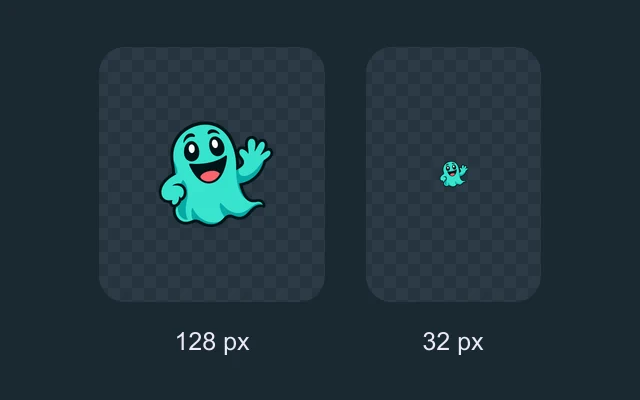
Download the square PNG. Preview a smaller copy at chat size and resize or compress it if your platform needs a smaller file.
Give the emoji one job. A wide mouth and raised eyebrows can read as surprise in a crowded Discord thread. Tiny props, detailed backgrounds, and lettering are easy to lose.
Ask the AI Emoji Generator for a centered subject with a small margin. Check the outline against both light and dark backgrounds before adding it to a workspace.
For a set of team or community reactions, repeat the same mascot, palette, and outline style. Change one expression per image so each reaction stays recognizable on its own.
It creates one static square PNG and requests a transparent background. Preview the downloaded file to check the edges and keep a full-size copy for future edits. To turn an existing photo into a mosaic made of emoji tiles, try Photo From Emoji.
Yes. Upload your PNG through the platform’s custom emoji settings if you have permission. Discord recommends up to 128 × 128 pixels and requires a file under 256 KB. Slack recommends a transparent square under 128 KB. Resize or compress the PNG when needed.
Use the downloaded PNG in apps that accept custom emoji, stickers, or image attachments. Standard Unicode characters come from your device’s emoji keyboard.
Each generated emoji costs 8 credits.