
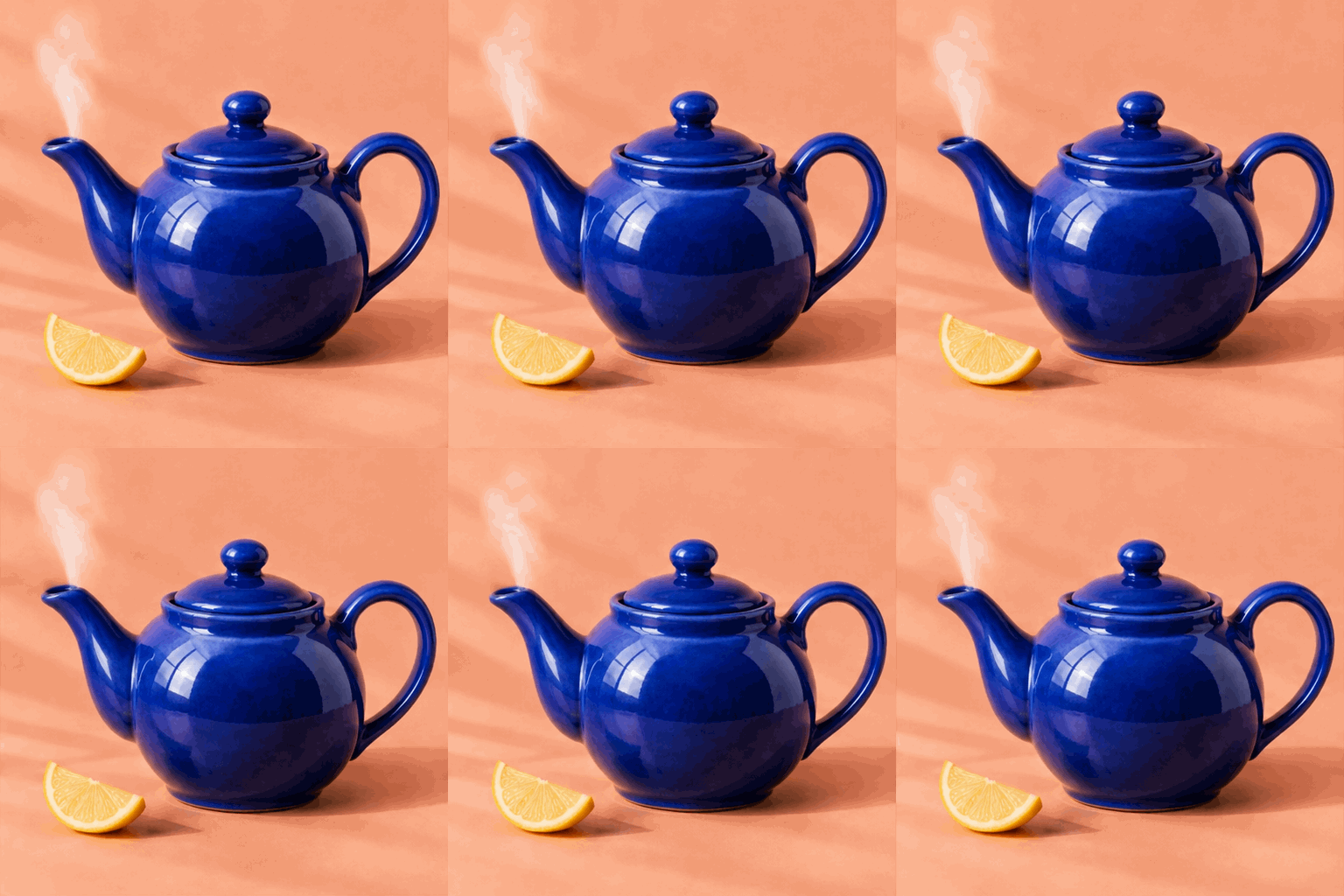
Steam over a teapot
Draw attention to a drink without moving the camera.
PHOTO TO GIF
Make a 6-frame GIF that loops every 1.2 seconds. Try the waving fox or animate your own photo.
Loop preview
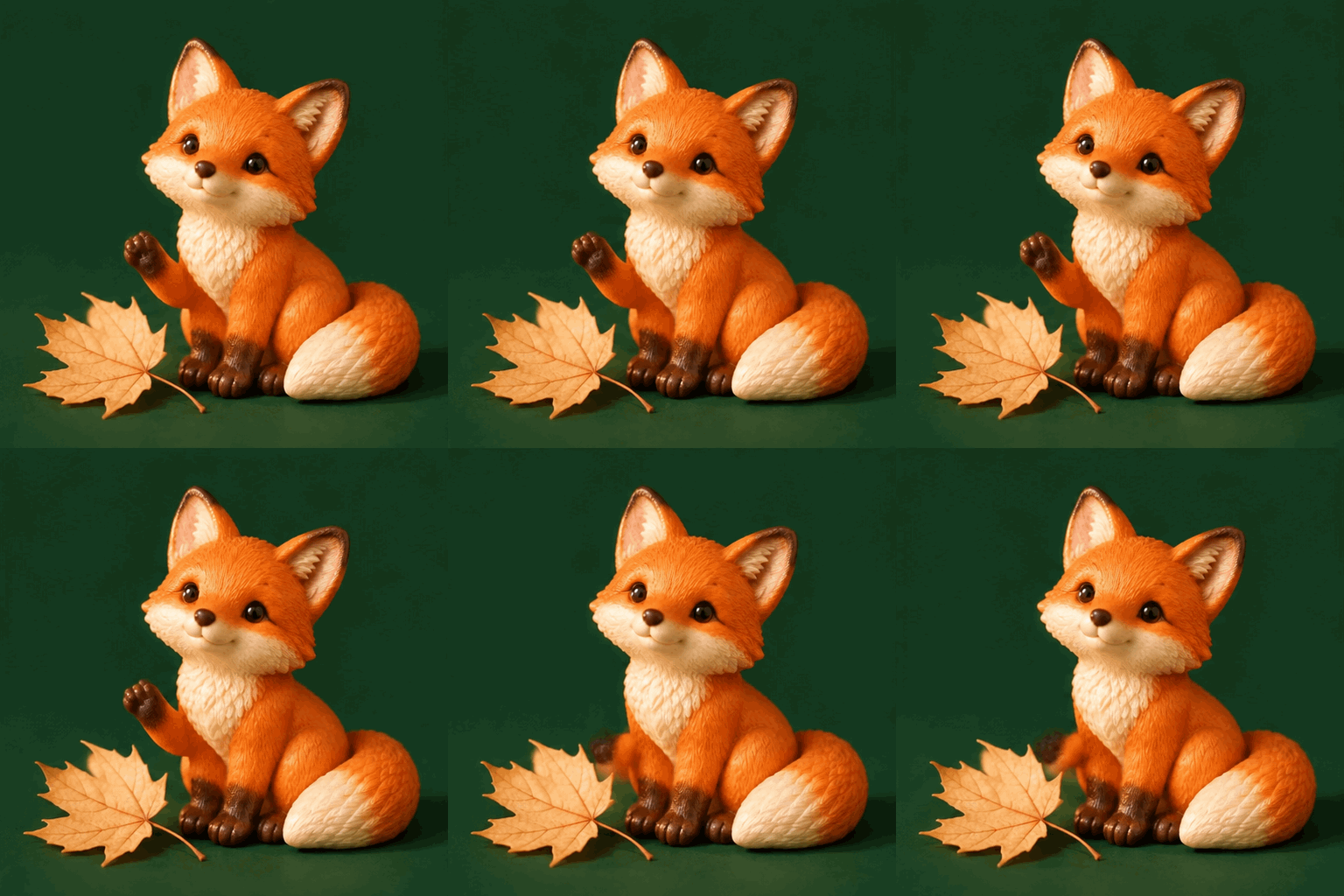
Each clip below was generated from one still. Play the loop and look for the detail that moves.
Draw attention to a drink without moving the camera.
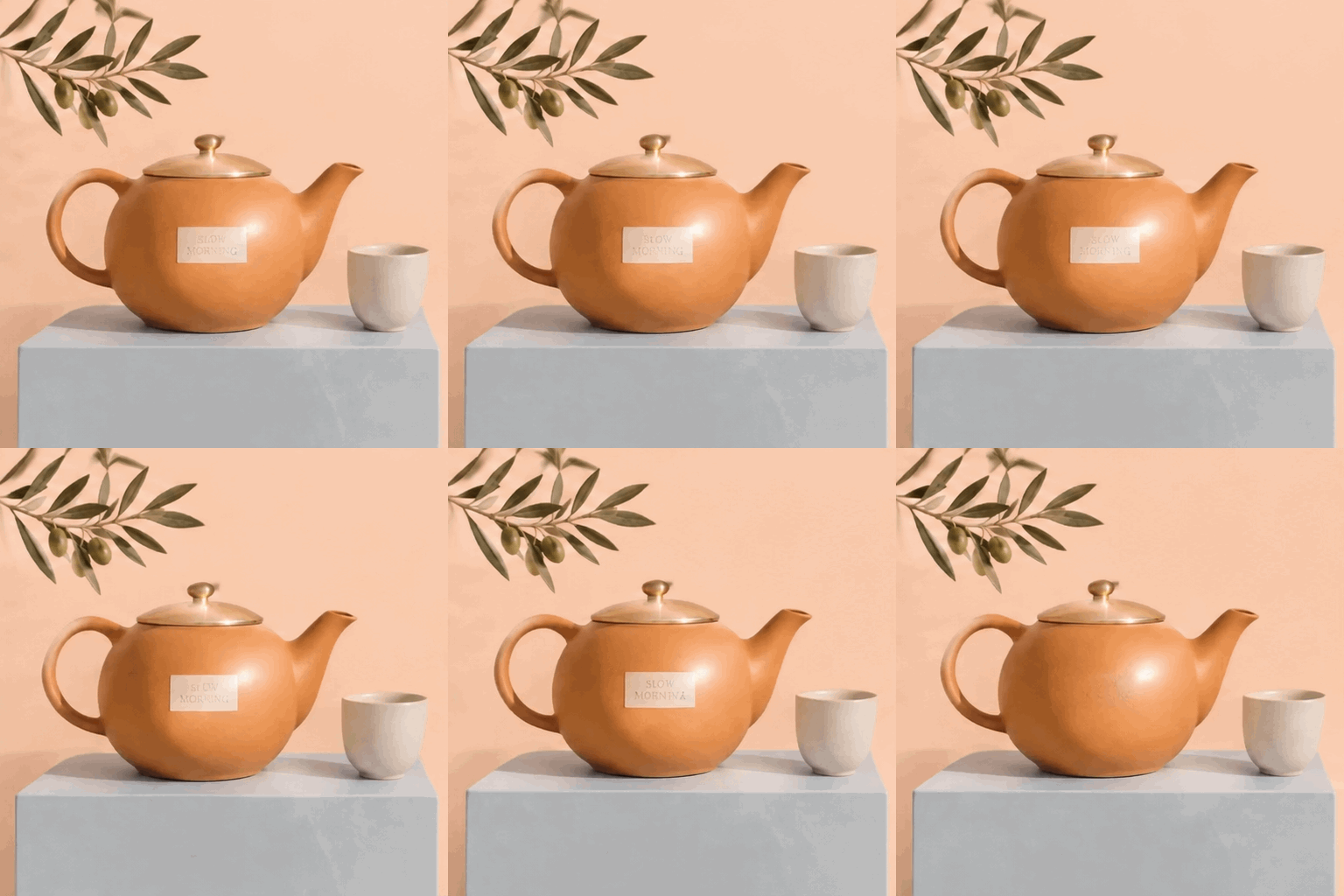
Give ceramics or packaging a small highlight for a product post.
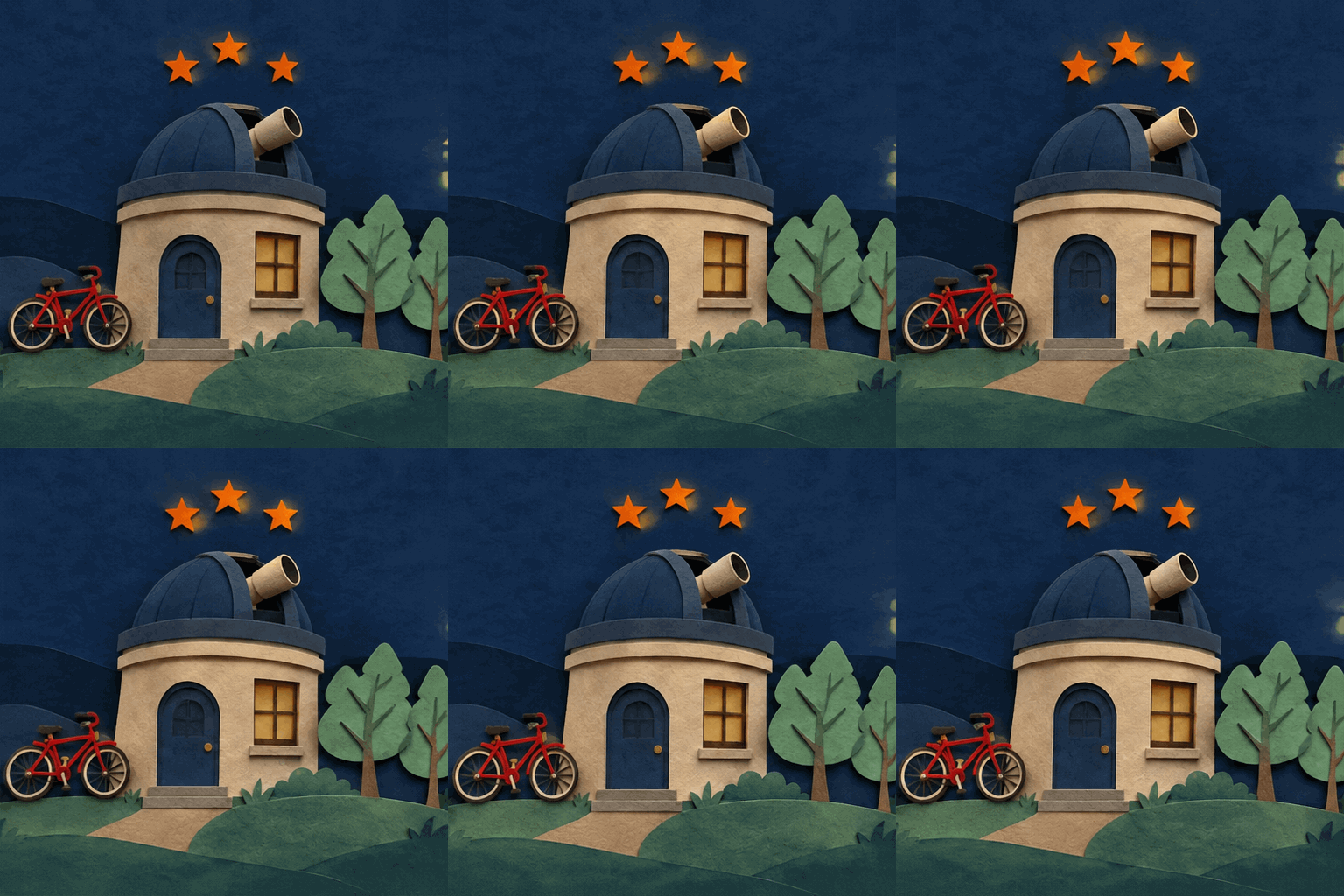
Add a pulse of light to a scene you want to keep still.
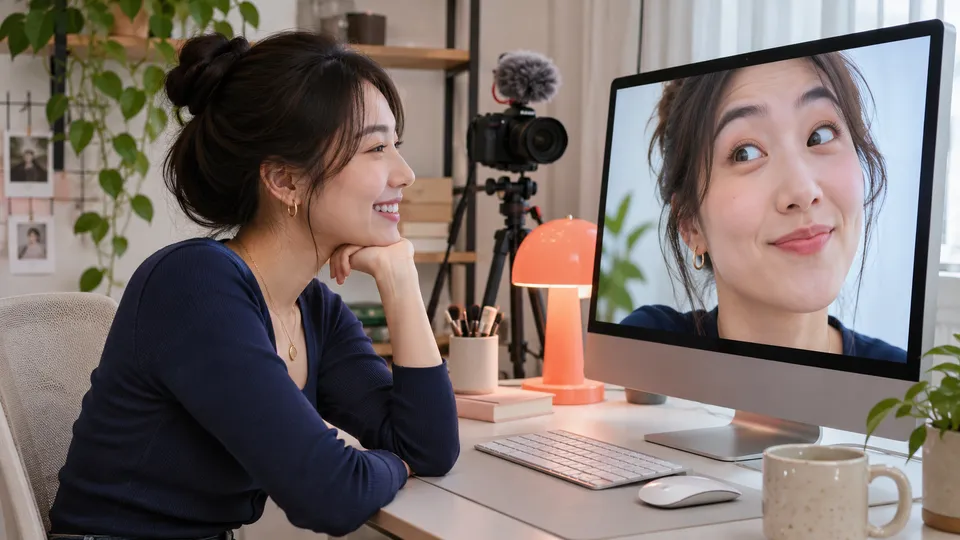
Turn a portrait or character illustration into a reaction GIF for a post or reply. A single blink or raised eyebrow reads quickly on a small screen.
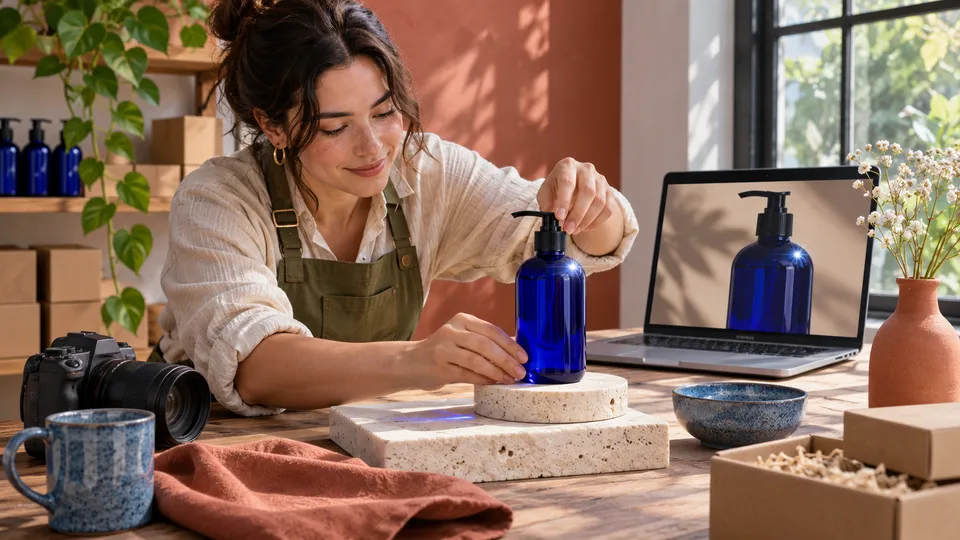
Add a glint to a product photo or a curl of steam to a drink shot. Use the loop to draw attention to one detail in a product post or email.
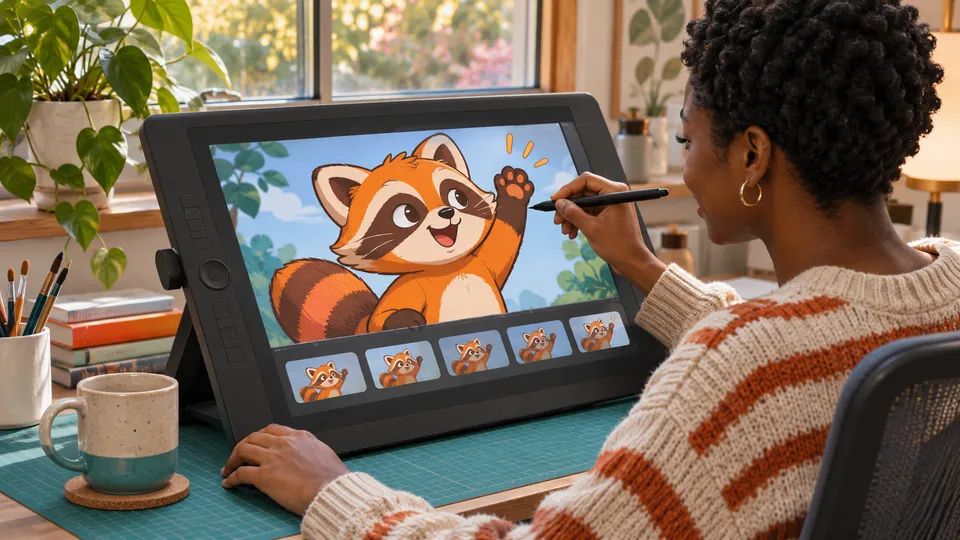
Test how a character's wave or a flickering light reads in motion. Preview the loop before investing time in a longer animation.
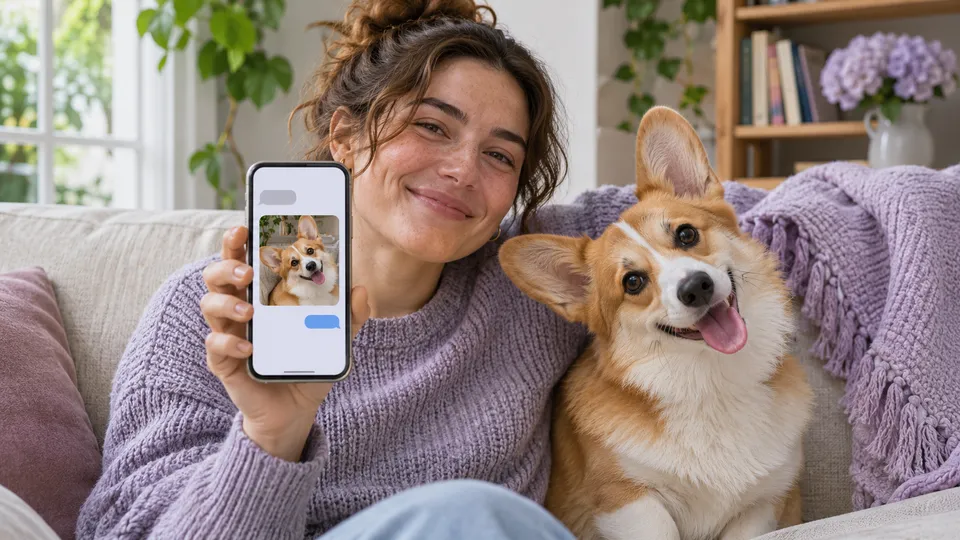
Turn a pet portrait into a playful greeting for a group chat. Start with a small movement, such as an ear twitch or a head tilt.
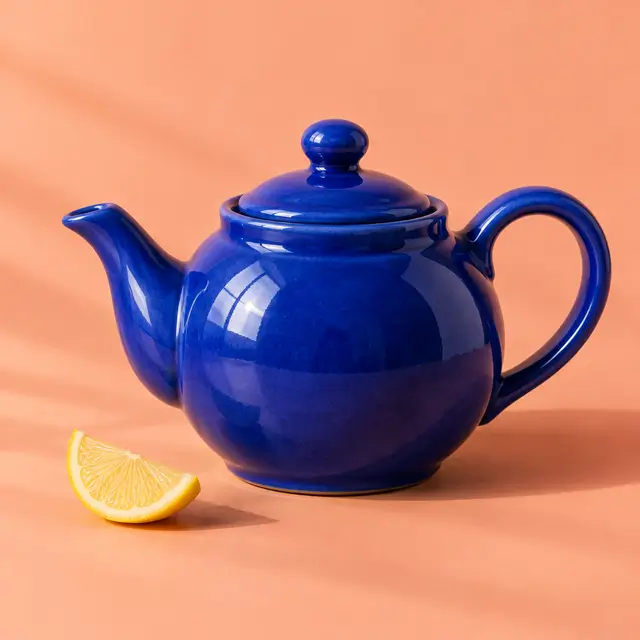
Choose a sharp JPG, PNG or WebP with one clear subject. Leave a little room around anything that needs to move.
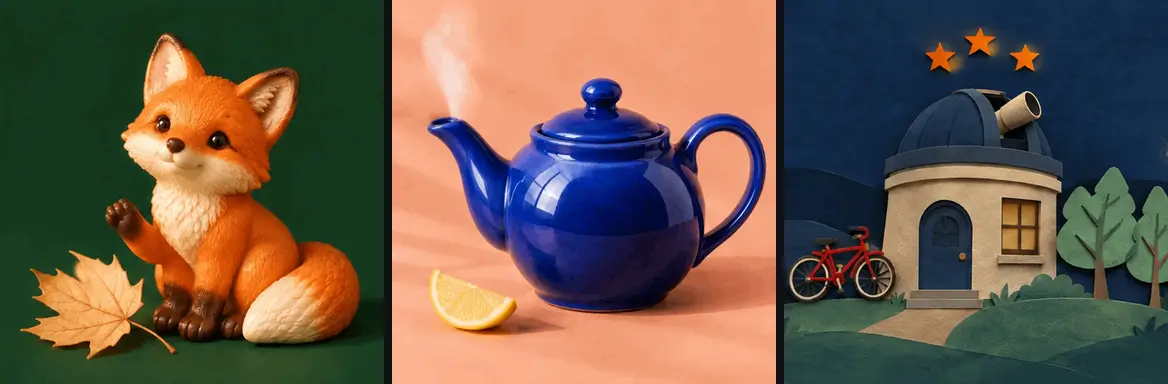
Choose a preset or use Custom to say what should move, what should stay still and where the motion ends.
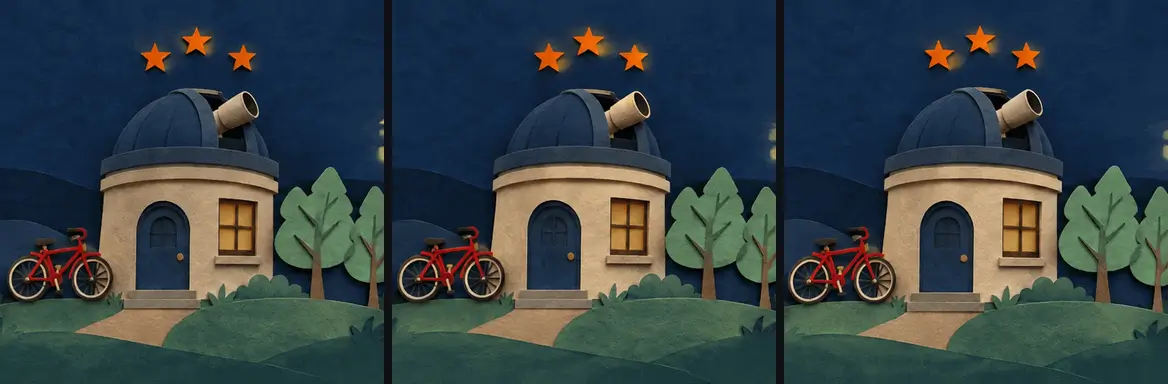
Watch the last frame return to the first. When the loop looks right, download the GIF for a message, post or product page.
A short loop reads best when one thing moves. Ask for a single blink or a soft highlight sweep, with the framing and background held steady.
For a wave, ask the paw to rise, wave and lower to its original position. Match the ending pose to the start so the replay feels less abrupt.
The AI redraws frames, so logos, letters and facial details can shift. Check the whole loop before sharing, and simplify the movement if a detail keeps drifting.
Yes. It generates new motion frames from one uploaded still. Use a photo, illustration or mascot image in JPG, PNG or WebP format.
Each square GIF has six frames at 200 milliseconds per frame, so one pass takes about 1.2 seconds. It repeats in compatible viewers and has no audio.
One generation costs 5 site credits. Sign in to generate. You can preview the sample GIF and choose a motion before signing in.
Yes. Choose Custom and describe a small action such as one blink or a slight head tilt. A sharp, front-facing image gives the model clearer details to work with.
Reduce the distance of the movement and ask the subject to end in its starting position. Keep the camera still and avoid asking for several actions in a single loop.
The AI GIF Maker exports a 512 × 512 animated .gif file. It is suitable for short visual reactions, product highlights and animated illustrations.