
Seedream 5.0 Pro Turns AI Images Into Editable Design Assets
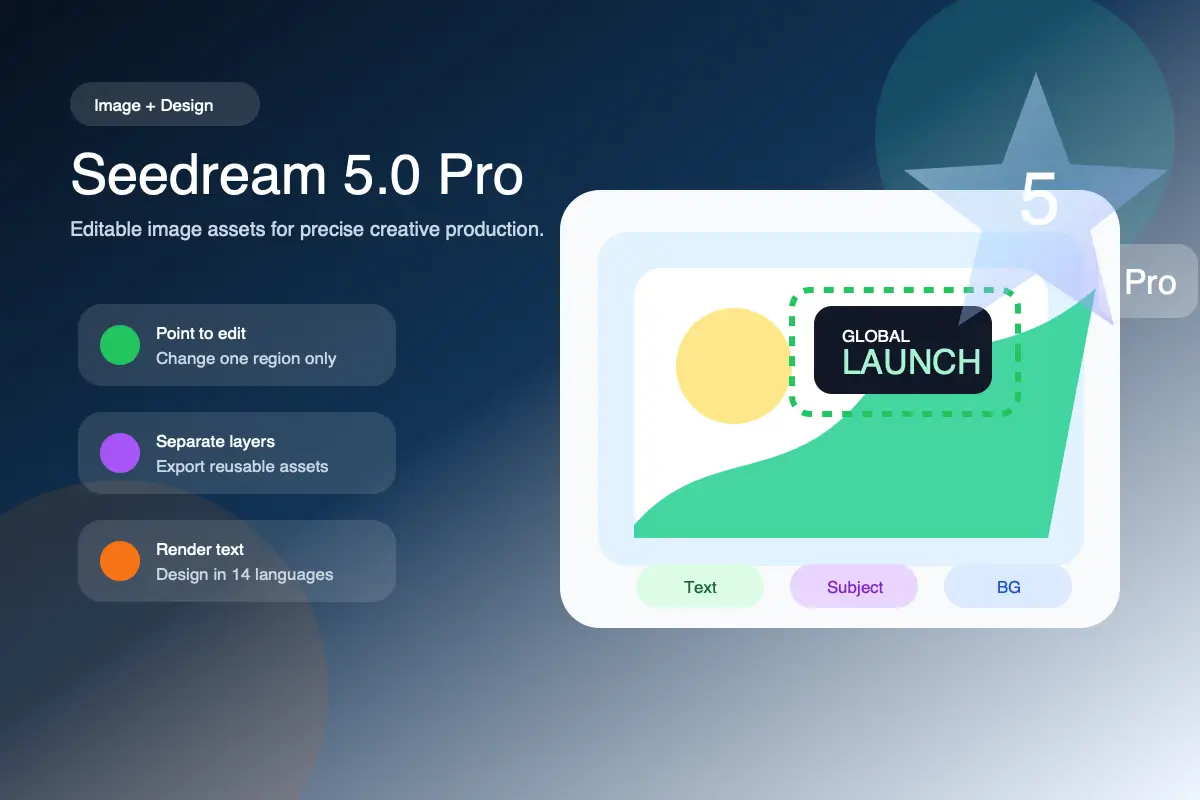
Seedream 5.0 Pro is not just another image generator. Its biggest shift is control: point to the part you want to change, keep the rest of the image stable, split a design into editable layers, and render text-heavy layouts across multilingual campaigns. For product visuals, posters, slides, ads, and localization work, that moves AI image creation closer to a real design workflow.
What Makes Seedream 5.0 Pro Different
The Pro update is built around a practical creative problem: the first AI image may look good, but professional work starts when you need to change one part without breaking everything else.
Point, Box, and Anchor-Based Editing
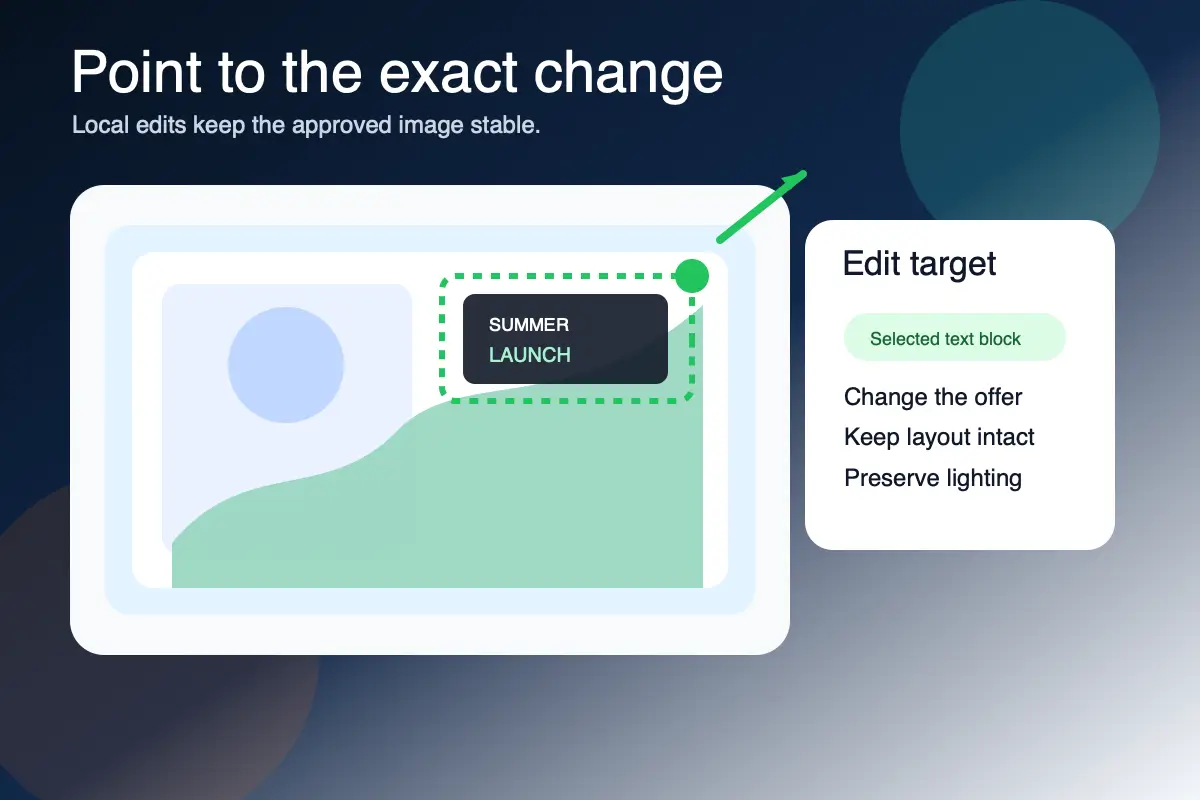
Instead of rewriting a full prompt for every correction, Seedream 5.0 Pro supports more direct targeting: point selection, box selection, arrows, anchors, and region-level instructions. The important promise is local control - change the label, object, color, prop, or position you marked while preserving the untouched lighting, layout, subject, and background.
Layer Separation for Real Design Work
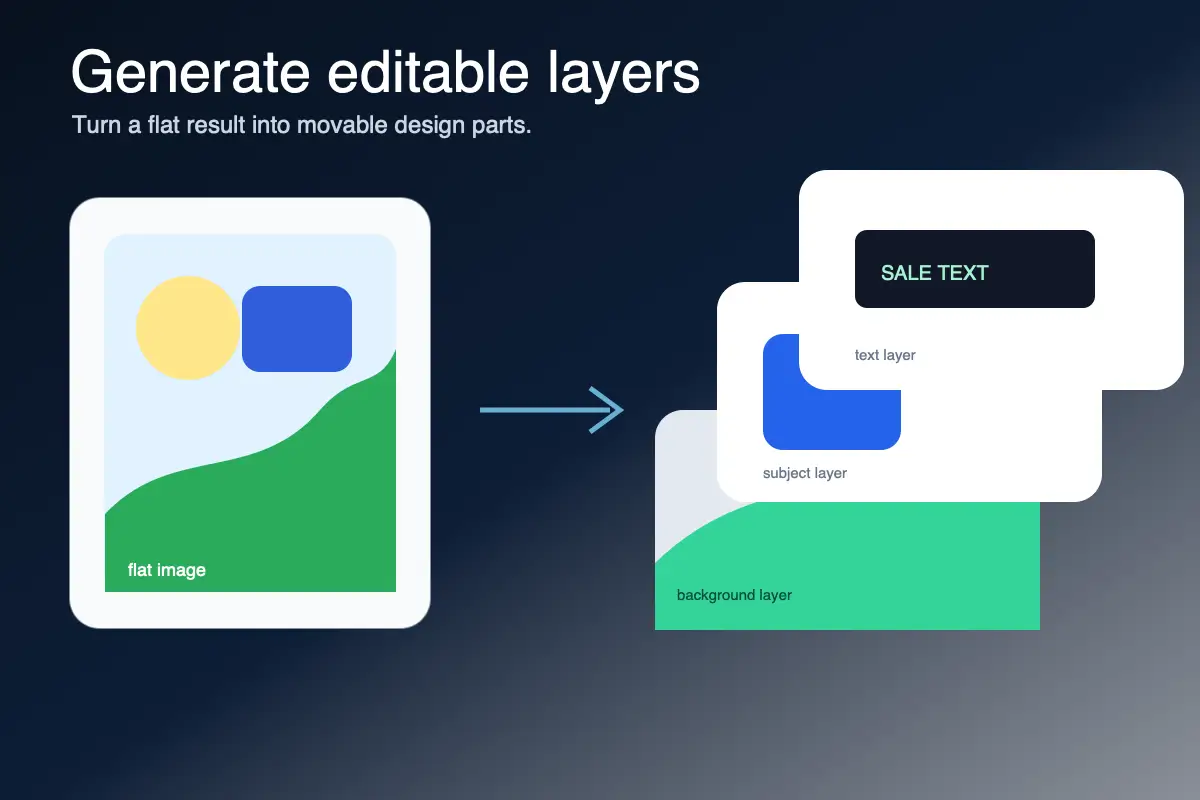
Seedream 5.0 Pro can separate an image into a background and multiple foreground elements, then output assets such as transparent PNG layers. That matters because a generated image stops being a flat bitmap. Designers can drag, scale, reorder, reuse, and refine individual elements in downstream tools instead of regenerating the whole composition.
Stronger Small Text and Dense Layouts
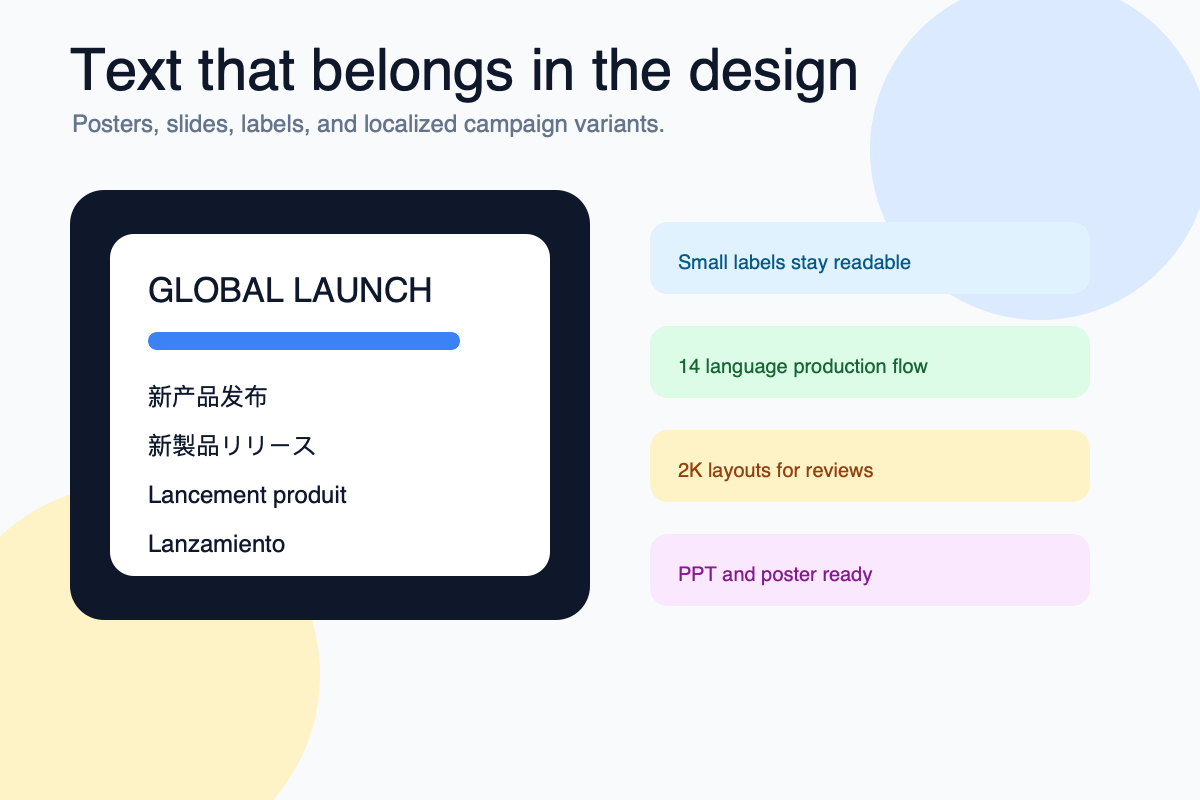
Text is one of the hardest parts of AI image production. Seedream 5.0 Pro improves small text rendering, with 1K becoming usable for many draft scenarios and 2K giving better results for posters, slides, product labels, infographics, and PPT-style pages. The goal is not decorative text, but readable information inside the image.
Why This Matters for Production Teams
Seedream 5.0 Pro is valuable because it changes where AI fits in the workflow. It is less about one-shot image generation and more about editable creative assets.
Edit Instead of Reroll
Many image models force a full reroll for small changes, which can destroy the parts you already approved. Region-aware editing makes iteration more predictable: keep the good frame, mark the weak part, and revise only that area.
Move Faster After Generation
Layer separation helps bridge AI generation and human design tools. Backgrounds, subjects, text blocks, and decorative elements can become movable assets, which is closer to how teams actually build ads, landing visuals, slide graphics, and campaign variants.
Use Text as Content, Not Decoration
Better small text rendering makes Seedream 5.0 Pro more useful for commercial layouts: product callouts, poster titles, slide headings, chart labels, menu boards, educational explainers, and other assets where the words must be readable.
Prepare Multilingual Campaigns
Seedream 5.0 Pro expands native text rendering across 14 languages, including major markets such as English, Spanish, Arabic, Japanese, Korean, German, French, and Russian. That makes it more relevant for cross-border e-commerce, regional ads, and localized creative testing.
Best-Fit Seedream 5.0 Pro Use Cases
The strongest use cases are the ones where a finished image still needs revision, layout control, or localization.
Ad Creative and Product Variants
Create a polished product scene, then change the label, color, offer text, background prop, or layout area without rebuilding the whole image. This is useful for paid social, e-commerce banners, launch campaigns, and seasonal variants.
Slides, Posters, and Information Graphics
Use Seedream 5.0 Pro when the image must carry information: PPT-style covers, comparison graphics, learning diagrams, knowledge cards, charts, menus, and infographic-style layouts with small but readable text.
Localized Visual Production
Generate or adapt creative for multiple languages while respecting text direction, local typography habits, and visual context. This is especially helpful when one campaign needs versions for Europe, Korea, Japan, the Middle East, and Latin America.
How to Think About a Seedream 5.0 Pro Workflow
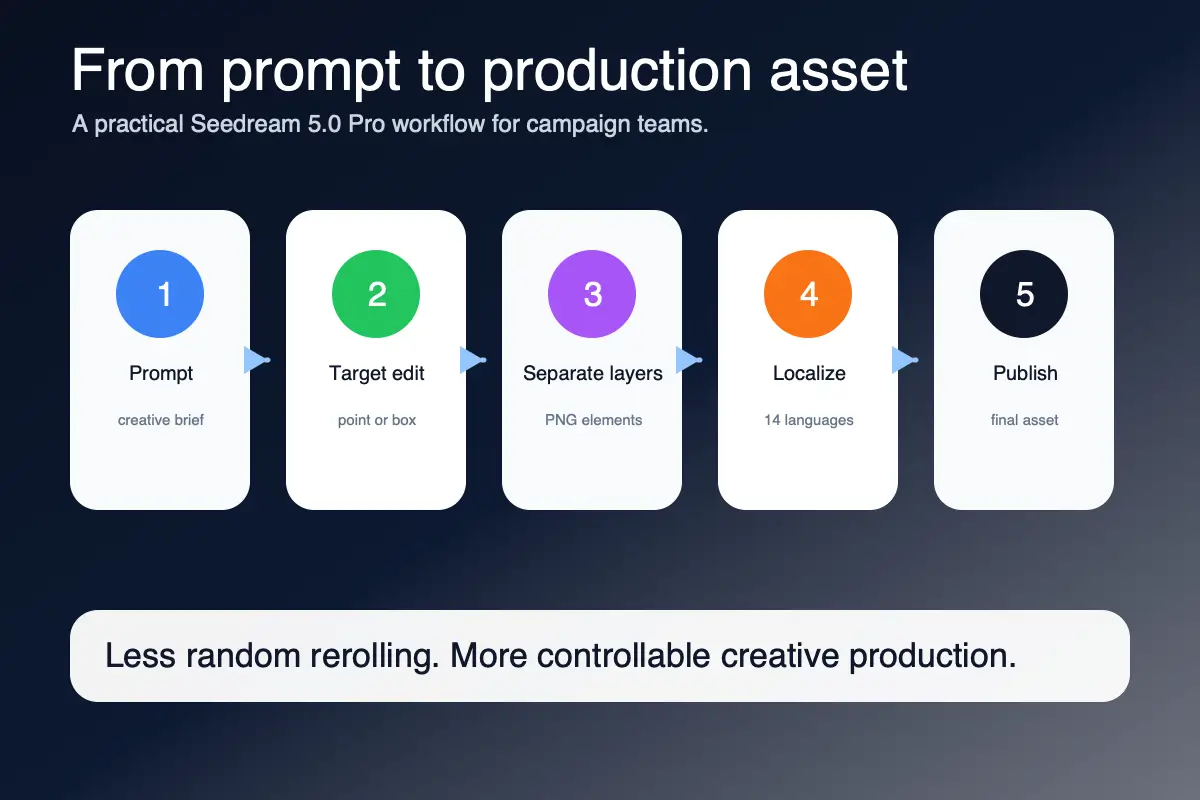
Step 1 Start From the Asset You Need
Do not prompt for a generic beautiful image. Define the job: a product hero, a poster, a slide cover, an ad variant, an infographic, a localized banner, or a background plus separate foreground elements. The more concrete the deliverable, the more useful the Pro controls become.
Step 2 Mark Local Changes Precisely
When revising an image, target the exact region with a point, box, anchor, arrow, or short instruction. Ask for one meaningful change at a time and explicitly preserve the rest of the composition. This is how you avoid the common AI problem of fixing one detail while breaking three others.
Step 3 Separate, Export, and Finish
For design-heavy work, request separated layers: background, subject, text, logo area, props, effects, or layout blocks. Export transparent PNG elements when needed, then continue arranging, resizing, and polishing them in your design stack.

Seedream 5.0 Pro FAQ
What is Seedream 5.0 Pro?
Seedream 5.0 Pro is ByteDance's image creation and editing model update focused on precise local editing, multi-layer separation, high-density information layouts, and native multilingual text generation. Its main value is not only generating images, but making generated images easier to revise and reuse.
How is Seedream 5.0 Pro different from Seedream 5.0 Lite?
Seedream 5.0 Lite is positioned around smarter generation, deeper intent understanding, and online search. Seedream 5.0 Pro moves further toward production control: targeted interactive editing, arbitrary layer separation, stronger small text rendering, dense layouts, and broader native multilingual text support.
What does precise local editing mean?
It means the model can focus on a marked area or element instead of regenerating the full image. You can point, box, anchor, or otherwise identify the target, then ask for a specific change while keeping untouched regions stable.
What is layer separation in Seedream 5.0 Pro?
Layer separation means the model can split an image into independent pieces, such as the background, subject, text blocks, objects, and layout areas. Some outputs can be exported as transparent PNG assets so they can be moved, resized, rearranged, or edited in design tools.
Is Seedream 5.0 Pro good for text-heavy images?
That is one of the main upgrades. It is designed to improve small text, high-density layouts, posters, slides, labels, information graphics, and multilingual designs. Exact text should still be reviewed, especially for production use.
Which languages does Seedream 5.0 Pro support?
Public materials and community reports describe native text support across 14 languages, including English, Spanish, Arabic, Japanese, Korean, German, French, and Russian. This makes it useful for localized advertising, cross-border commerce, and multi-market campaign testing.
What should I use Seedream 5.0 Pro for first?
Start with assets that benefit from revision: product ads, posters, landing page visuals, e-commerce banners, PPT-style images, infographics, educational diagrams, and multilingual campaign variants. The Pro workflow is strongest when you need to generate, edit, separate, and reuse parts of the image.