
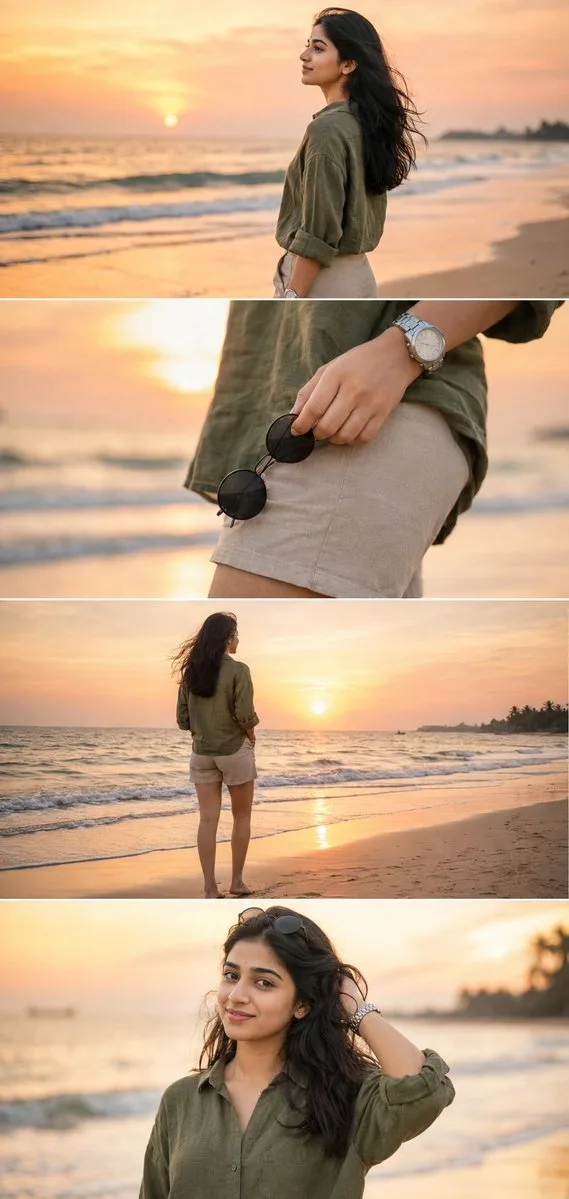
Consistent Profile Face
Generate a realistic face for a profile image, creator identity, or avatar. Use one clear identity brief, then create variations with different expressions, outfits, and crops.
Create a new face that does not need a photo shoot, model release, or stock image search. This AI Face Generator helps you draft realistic profile faces, brand-safe synthetic people, character identities, NPC faces, and consistent face variations for creative or commercial mockups.
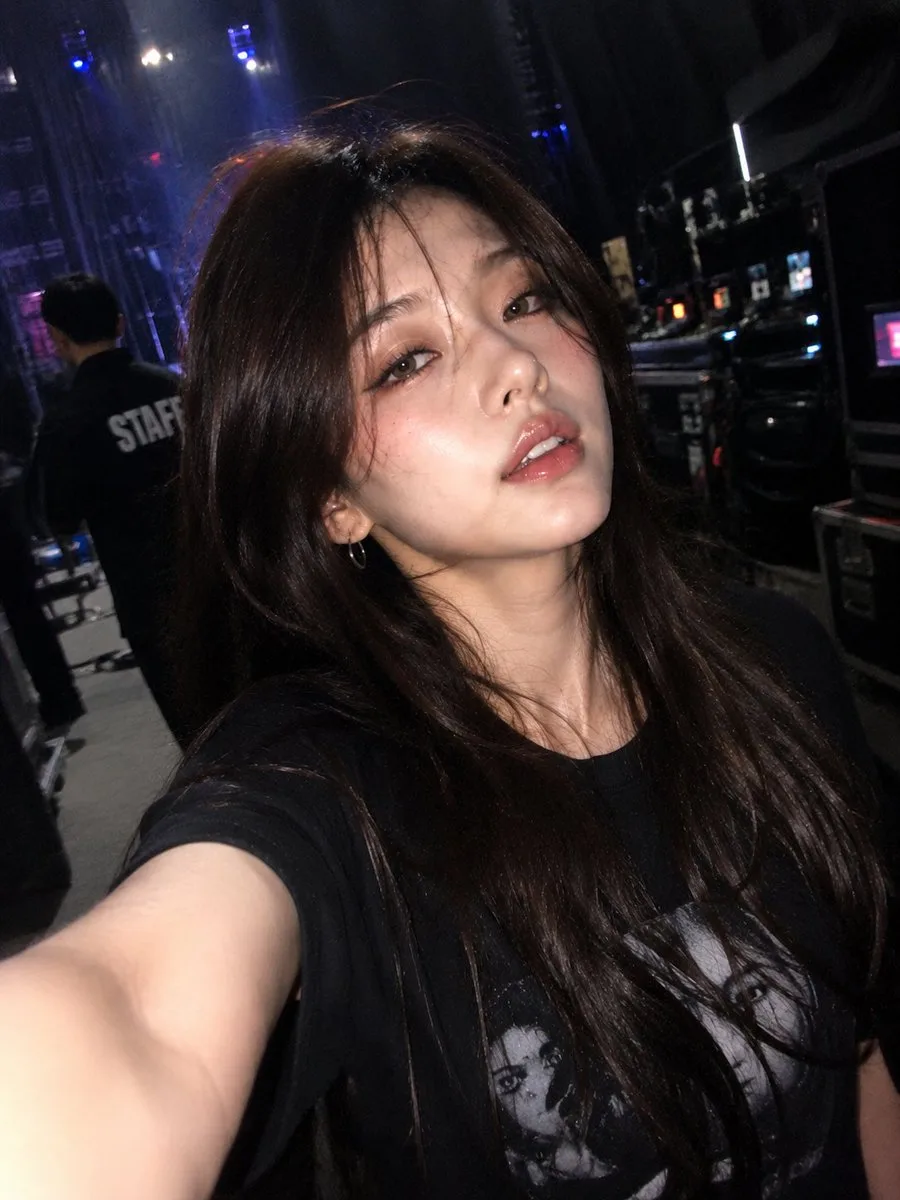
Most users are not looking for random beauty shots. They want a believable face with controlled age, expression, ethnicity, hair, lighting, style, and reuse potential across avatars, ads, games, and prototype screens.
Describe age range, expression, skin tone, face shape, hairstyle, wardrobe, background, and intended use. Avoid asking for a real person or celebrity likeness when you need a safe synthetic face.
Use camera and texture language such as 85mm portrait lens, soft studio lighting, natural facial asymmetry, visible pores, sharp eyes, realistic hair strands, and no plastic skin.
If you need the same person across angles or outfits, upload a reference and ask the model to preserve facial structure, eye spacing, nose, lips, jawline, skin tone, and hairstyle direction.
Google Search
Use web grounding for real-time context
Use these directions when you need more than a generic headshot. A strong AI face prompt describes the person, the capture style, and the constraints that keep the result believable.
Generate a realistic face for a profile image, creator identity, or avatar. Use one clear identity brief, then create variations with different expressions, outfits, and crops.
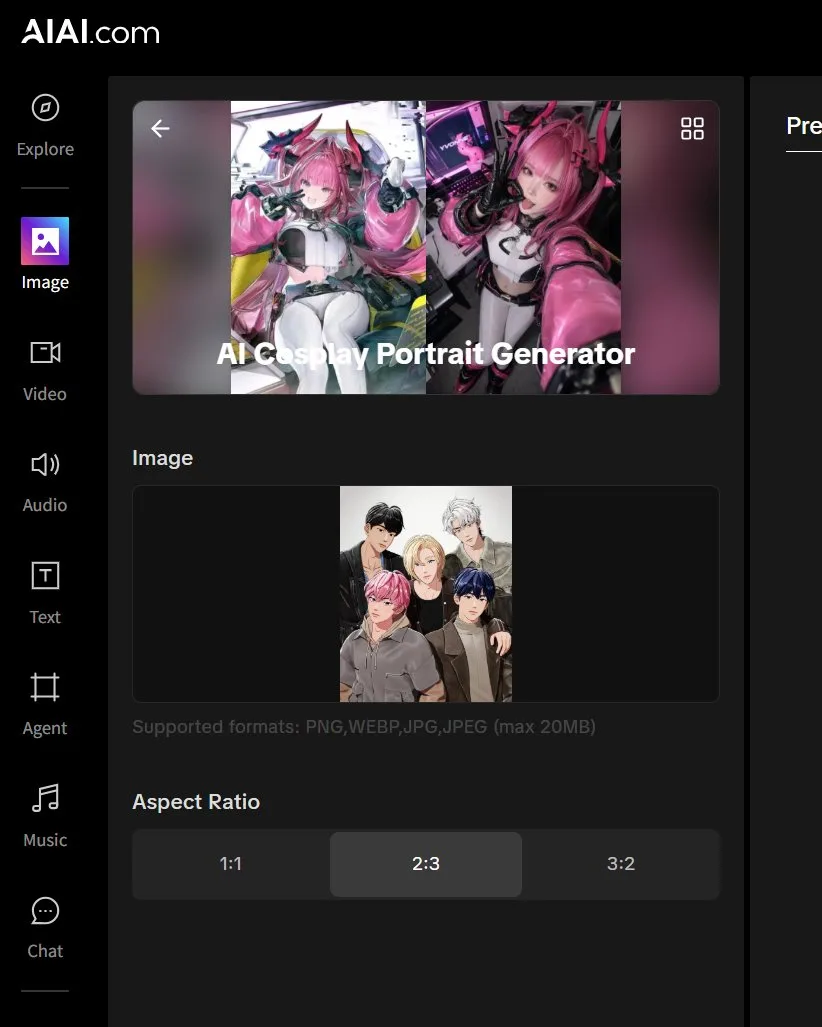
Turn a character direction into a human-looking face for concept art, games, comics, or virtual influencers. Keep distinctive features while removing the obvious illustrated look.
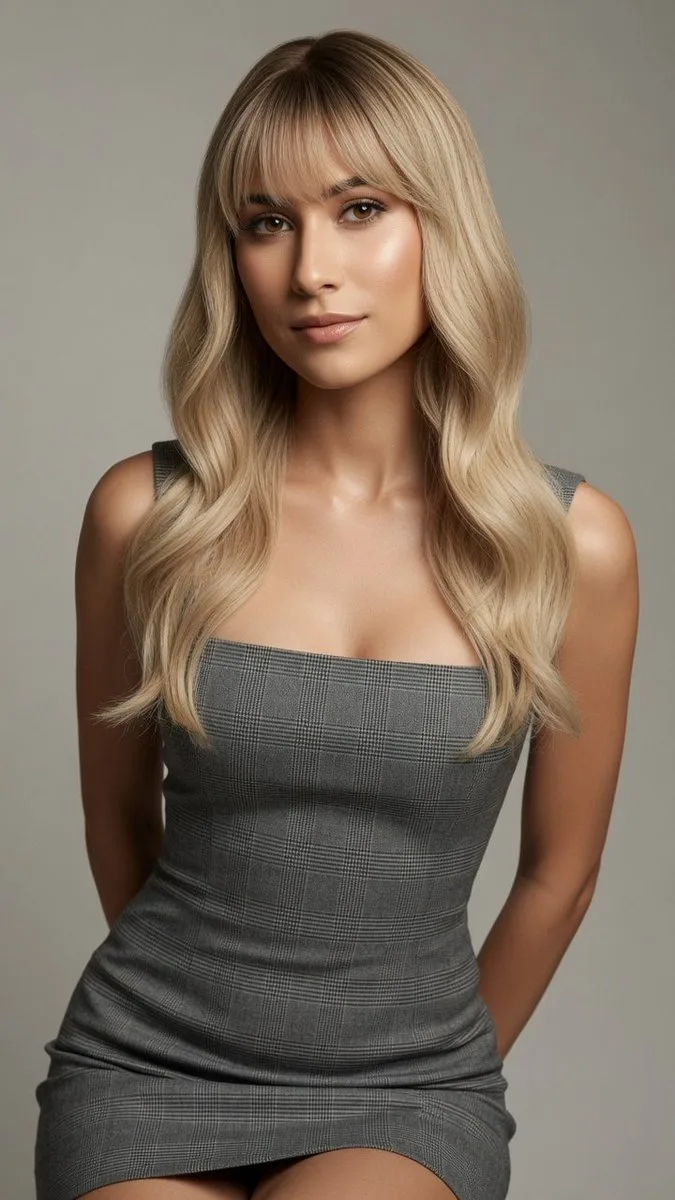
When you need a reusable face, compare generations for drift. Watch for changed eye spacing, jawline, age, skin tone, hairline, or a synthetic over-smoothed look.
The default prompt is written for a realistic synthetic face. Edit the demographic details, expression, lighting, camera style, and use case, then add negative constraints when you want less plastic skin, fewer distortions, and a more believable original face.
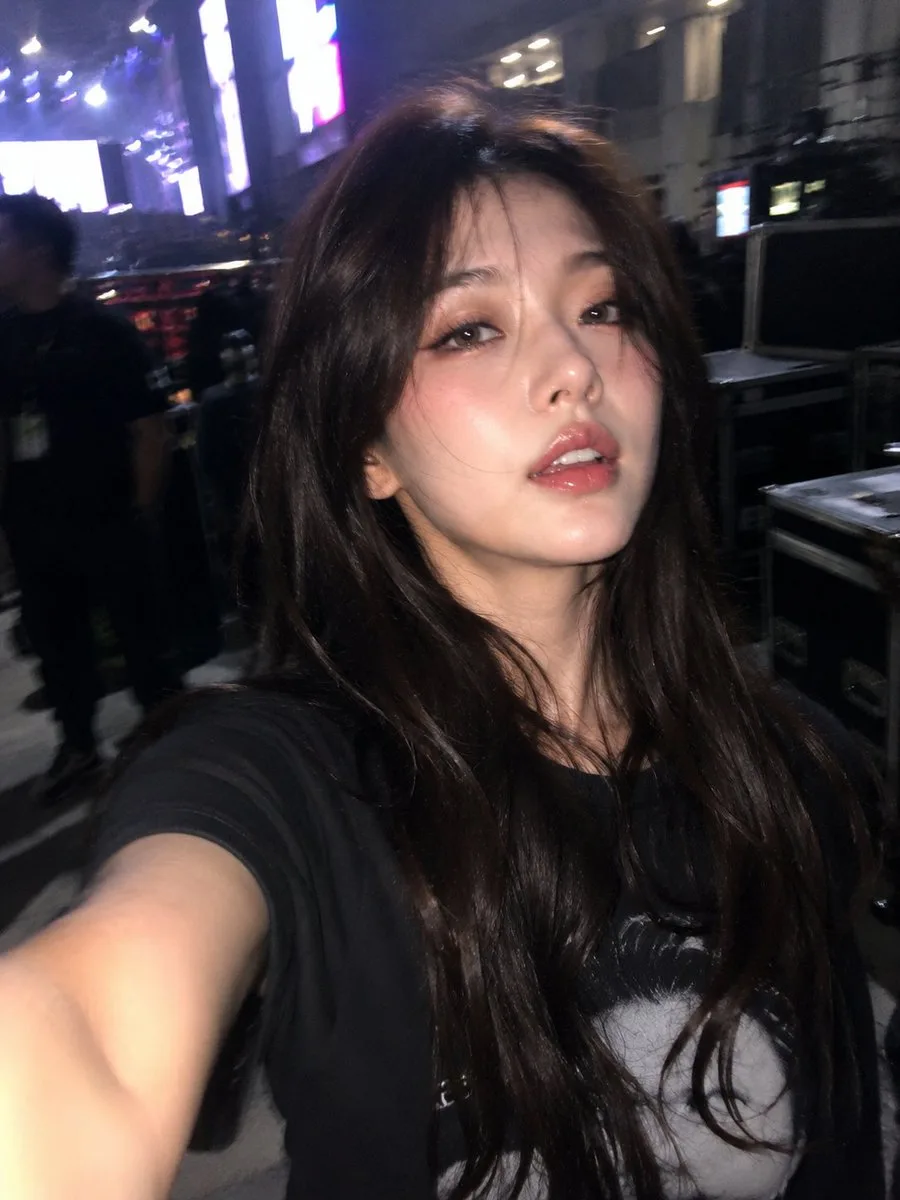
Create a realistic synthetic face of a confident woman in her early 30s for a professional profile image. Warm medium skin tone, natural facial asymmetry, clear eyes, subtle smile, neat shoulder-length dark hair, modern business casual outfit, soft studio lighting, neutral background, 85mm portrait lens, shallow depth of field, natural skin texture with visible pores, sharp eye focus, photorealistic. Do not copy a real person or celebrity.
Generate a realistic synthetic face for a lifestyle advertising mockup. Friendly expression, believable facial proportions, natural skin texture, inclusive appearance, clean commercial photography lighting, simple wardrobe, uncluttered background, no logo, no watermark, no celebrity likeness.
Create a realistic game NPC face for a near-future story world. Distinctive facial structure, believable age, calm but memorable expression, practical hairstyle, cinematic rim lighting, detailed eyes, natural pores, reusable character identity, no fantasy armor, no text.
Use the uploaded face as the strict identity reference. Preserve the same face shape, eyes, nose, lips, jawline, skin tone, hairstyle direction, natural asymmetry, and expression style. Change only the outfit, lighting, background, camera angle, and crop. Avoid face swap errors, plastic skin, or a different person.
Use this page when you need a realistic face asset quickly, without arranging a shoot or searching through stock portraits. It works for both original synthetic faces and reference-guided variations.
Create face ideas for social accounts, creator personas, community avatars, internal demos, or privacy-safe sample users. Prompt for the platform crop and expression you need.
Draft diverse model faces for landing pages, ad concepts, product demos, presentation mockups, and customer support personas before commissioning final production assets.
Build a believable character face for games, VR, AR, comics, storyboards, or virtual influencer concepts. Use consistency prompts when the same face must appear in multiple scenes.
The biggest failure modes are generic AI faces, waxy skin, identity drift, and over-perfect symmetry. Prompt for realism first, then add style.
For safer creative and commercial use, ask for a synthetic face with original features instead of a named person. Describe the traits you need without requesting a direct likeness.
Add practical photo terms: 85mm lens, soft key light, shallow depth of field, visible pores, natural facial asymmetry, realistic hair strands, crisp eyes, and believable shadows.
When using an uploaded reference, repeat what must stay the same: face shape, eye spacing, nose, lips, jawline, skin tone, age, hairline, and expression. Then say what can change.
Yes. You can try the AI face generation workflow online with free generations. Additional generation volume may require credits depending on your account and model choice.
No. The default workflow is text-to-image, so you can generate a new synthetic face from a written prompt. Upload a reference only when you want to preserve a specific face structure or make consistent variations.
Yes. Prompt for an original synthetic face instead of a real person or celebrity. Describe age range, expression, facial structure, hair, lighting, and use case so the result is specific without copying someone.
Ask for natural facial asymmetry, visible pores, realistic skin texture, sharp eyes, believable hair strands, soft shadows, and a real camera style. Avoid overusing words that create plastic skin or overly perfect symmetry.
Use image-to-image with a clear reference face, then tell the model exactly what to preserve: face shape, eye spacing, nose, lips, jawline, skin tone, hairline, age, and expression style. Change only the scene, outfit, crop, or lighting.
Commercial use depends on your prompt, uploaded references, model terms, and local rules. Avoid generating or uploading people without permission, avoid celebrity likenesses, and review outputs before using them in ads, products, or public branding.