
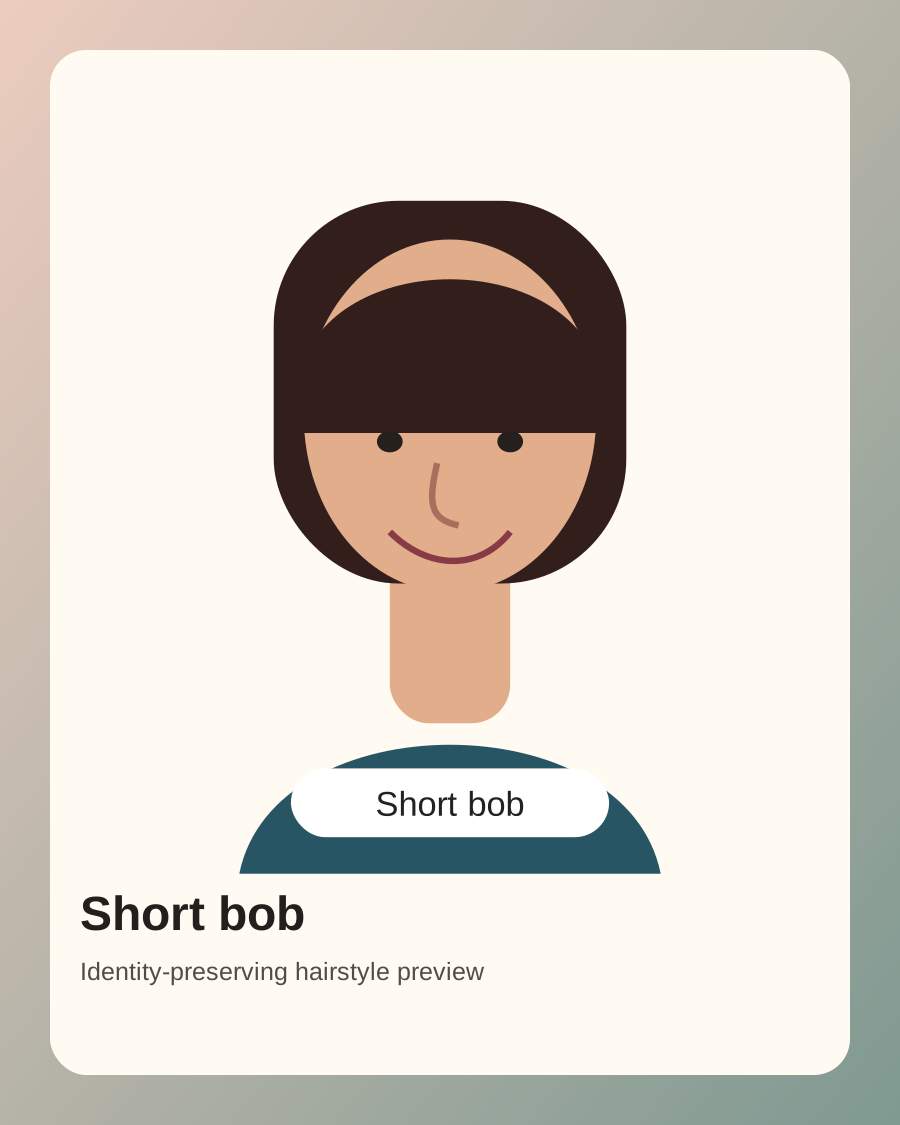
Short Bob Preview
Try a chin-length bob, blunt bob, layered bob, or soft face-framing cut while preserving the face shape and natural expression from the uploaded photo.
Upload a clear face photo, describe the haircut or color you want, and generate a realistic AI hairstyle change preview that keeps your face recognizable. Try bobs, bangs, pixie cuts, long waves, clean crops, color changes, and style ideas before making a real change.
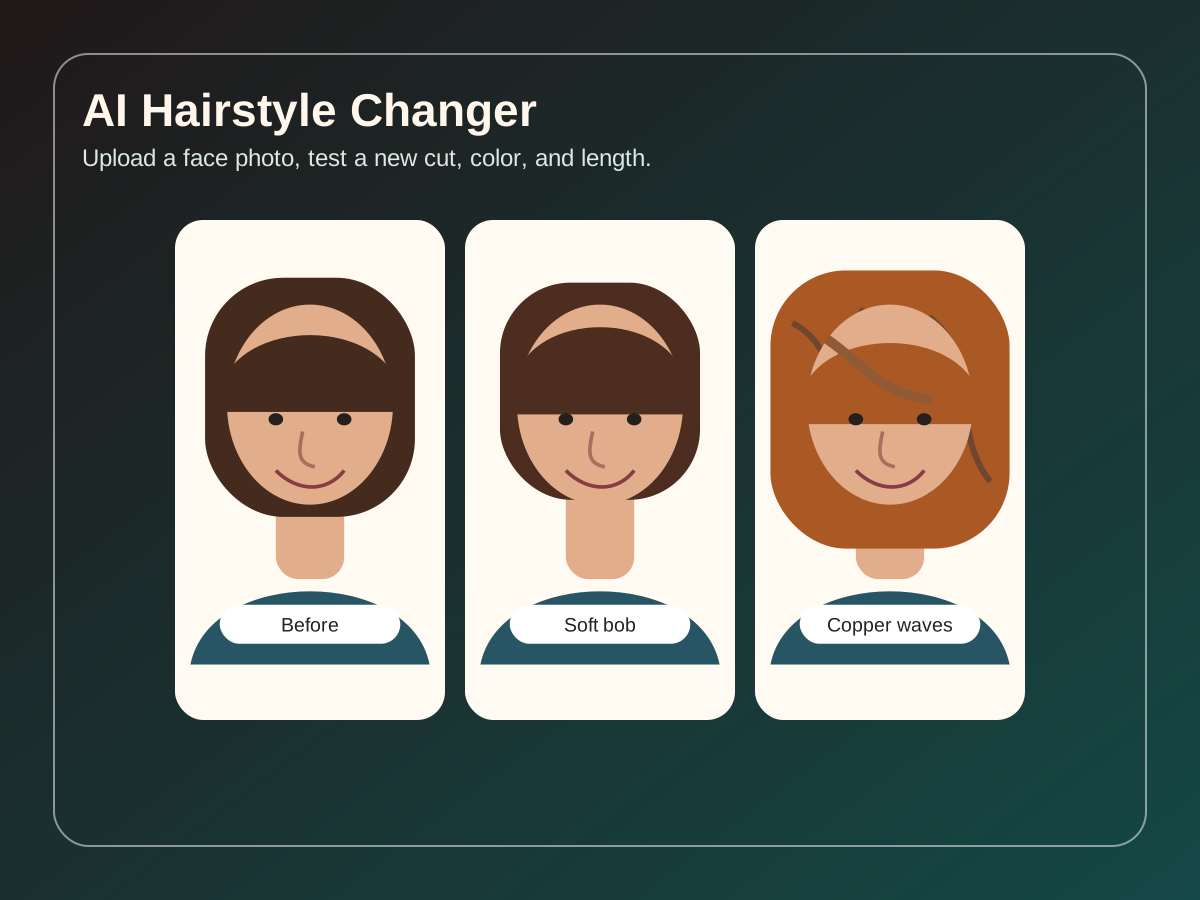
The real goal is not a random portrait. People want an AI hairstyle change that shows how a new haircut, hair color, fringe, or length could look on their own face while keeping identity, face shape, hairline, and skin tone believable.
Use a clear selfie or headshot with visible hairline, face shape, and natural lighting. Avoid heavy filters, hats, sunglasses, and hair covering the eyes when you want an accurate preview.
Ask for a specific cut, length, color, texture, parting, bangs, layers, volume, or fade. Add constraints like keep my face, keep natural hair density, preserve the original background, or do not change clothing.
Check whether the face still looks like you, whether the hairline fits your face shape, and whether the hair density looks realistic. Use the result as a visual idea, not a guaranteed salon outcome.
Google Search
Use web grounding for real-time context
Use the AI Hairstyle Changer to compare style directions before a haircut, color appointment, profile refresh, or creator look. A good AI hairstyle change prompt should include realistic hair texture and practical density when you need a salon reference.
Try a chin-length bob, blunt bob, layered bob, or soft face-framing cut while preserving the face shape and natural expression from the uploaded photo.
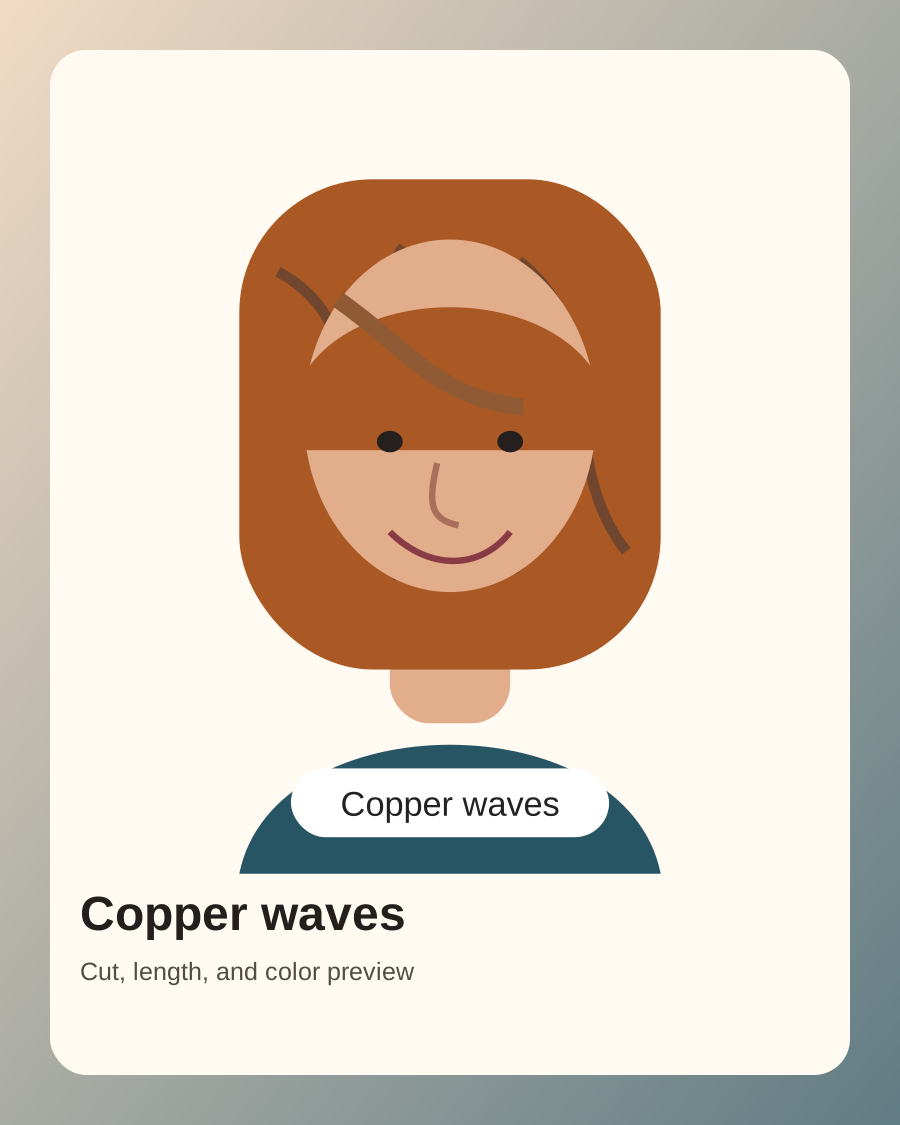
Preview copper, brunette, blonde, pastel, or darker color changes with loose waves, volume, and texture while keeping skin tone and facial identity stable.
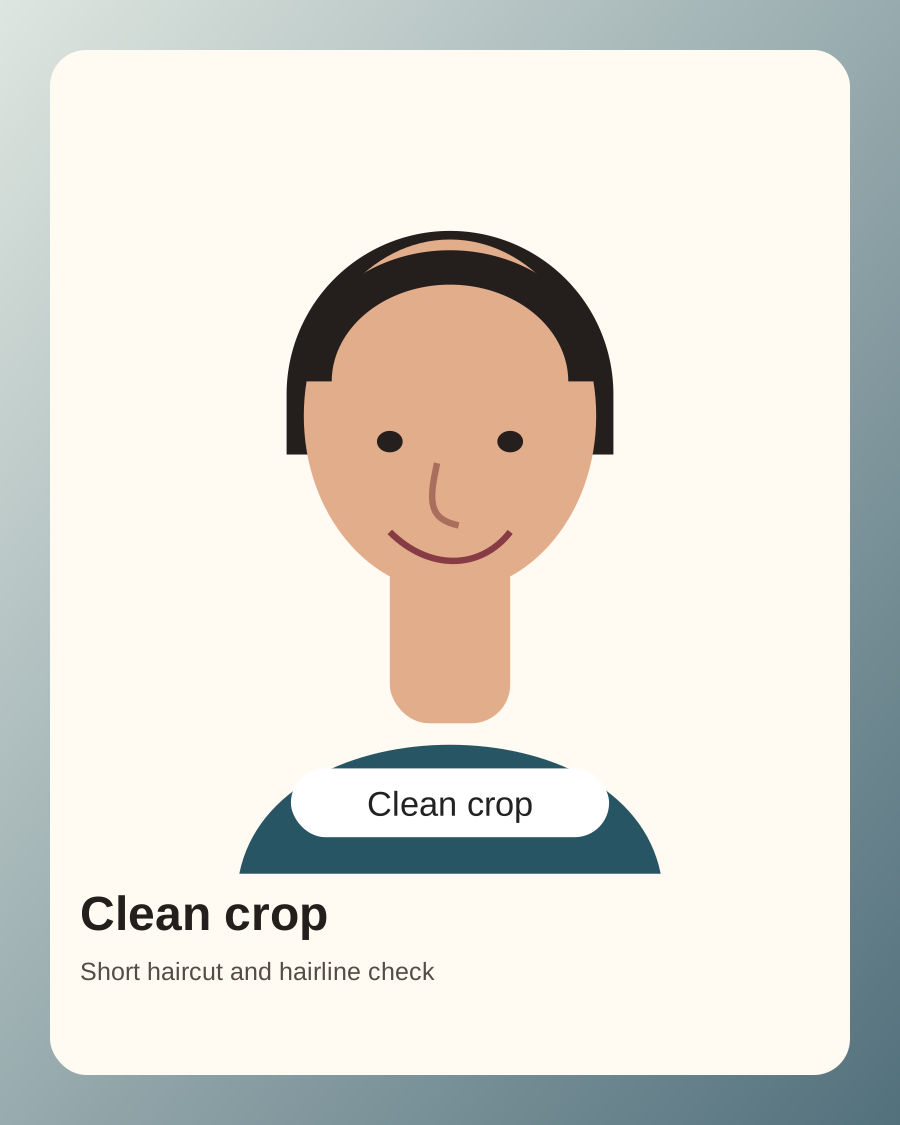
Test buzz cuts, clean crops, textured fringe, fades, or shorter grooming ideas. Pay special attention to hairline, forehead shape, and side volume.
The default prompt is written for image-to-image use: preserve the uploaded person first, then change only the hairstyle. These AI hairstyle change presets are practical starting points for bobs, waves, bangs, hair color, and short crop previews.
Change only the hairstyle in the uploaded photo to a soft chin-length bob with subtle face-framing layers and natural volume. Preserve the person's identity, face shape, skin tone, expression, clothing, and background. Keep the hairline realistic and avoid changing facial features.
Change the uploaded photo to long loose wavy hair with warm copper brown color. Preserve the face, eyes, nose, lips, expression, skin tone, body pose, and background. Make the hair texture realistic with natural density, believable roots, and no wig-like edges.
Try curtain bangs with medium layered hair on the uploaded person. Keep identity, face shape, jawline, eye spacing, and expression unchanged. Blend the bangs naturally into the hairline and keep the result realistic for a salon reference.
Change the hairstyle to a clean short crop with natural texture and a neat hairline. Preserve the uploaded person's identity, face shape, facial hair, skin tone, clothing, and background. Do not over-sharpen the hairline or change the face.
Use this page when your task starts with a real photo and you want an AI hairstyle change before committing to a cut, color, or grooming update. It also supports change hairstyle AI searches where the expected result is a realistic photo-based preview.
Preview a bob, pixie, fringe, layered cut, fade, buzz cut, or longer style with an AI hairstyle change result, then bring the best version as a rough visual reference for a stylist or barber.
Test brunette, blonde, copper, pastel, gray, darker tones, curls, waves, straight hair, or added volume while asking the model to keep skin tone and lighting believable.
Generate a new hairstyle direction for profile pictures, content thumbnails, dating photos, or brand images while keeping the face recognizable and the result realistic.
The biggest AI hairstyle change failure mode is a polished image that changes the face or creates impossible hair density. Start with preservation constraints, then describe the hairstyle.
Use phrases like preserve my face, keep facial features unchanged, keep expression, and change only the hair. This matters more than adding many style adjectives.
Instead of saying make it trendy, specify chin-length bob, curtain bangs, shoulder-length layers, pixie cut, textured fringe, low fade, copper waves, or another concrete hairstyle.
If your hair is fine, thin, curly, thick, or receding, include that constraint. Otherwise AI tools often create fuller hair than a real salon result can support.
Yes. You can try the AI hairstyle workflow online with free generations. Additional generation volume may require credits depending on your account and model choice.
Yes. The page is designed for image-to-image AI hairstyle change previews. Upload a selfie or headshot, then describe the haircut, color, length, bangs, parting, or texture you want to preview.
Use a clear front-facing photo with visible face shape, hairline, and current hair. Blurry photos, hats, heavy filters, sunglasses, extreme angles, and hair covering the eyes can reduce realism.
Yes. Prompt for both hairstyle and color, such as copper waves, dark brunette bob, blonde curtain bangs, pastel pink pixie, or natural gray crop. Add realistic roots and natural hair density for better results.
The prompt may focus too much on the new style and too little on preservation. Add instructions to keep identity, face shape, expression, skin tone, clothing, and background unchanged, and change only the hair.
You can use it as a rough visual reference, but treat it as an idea rather than a guarantee. Hair texture, density, growth pattern, face shape, lighting, and stylist technique affect the real result.