
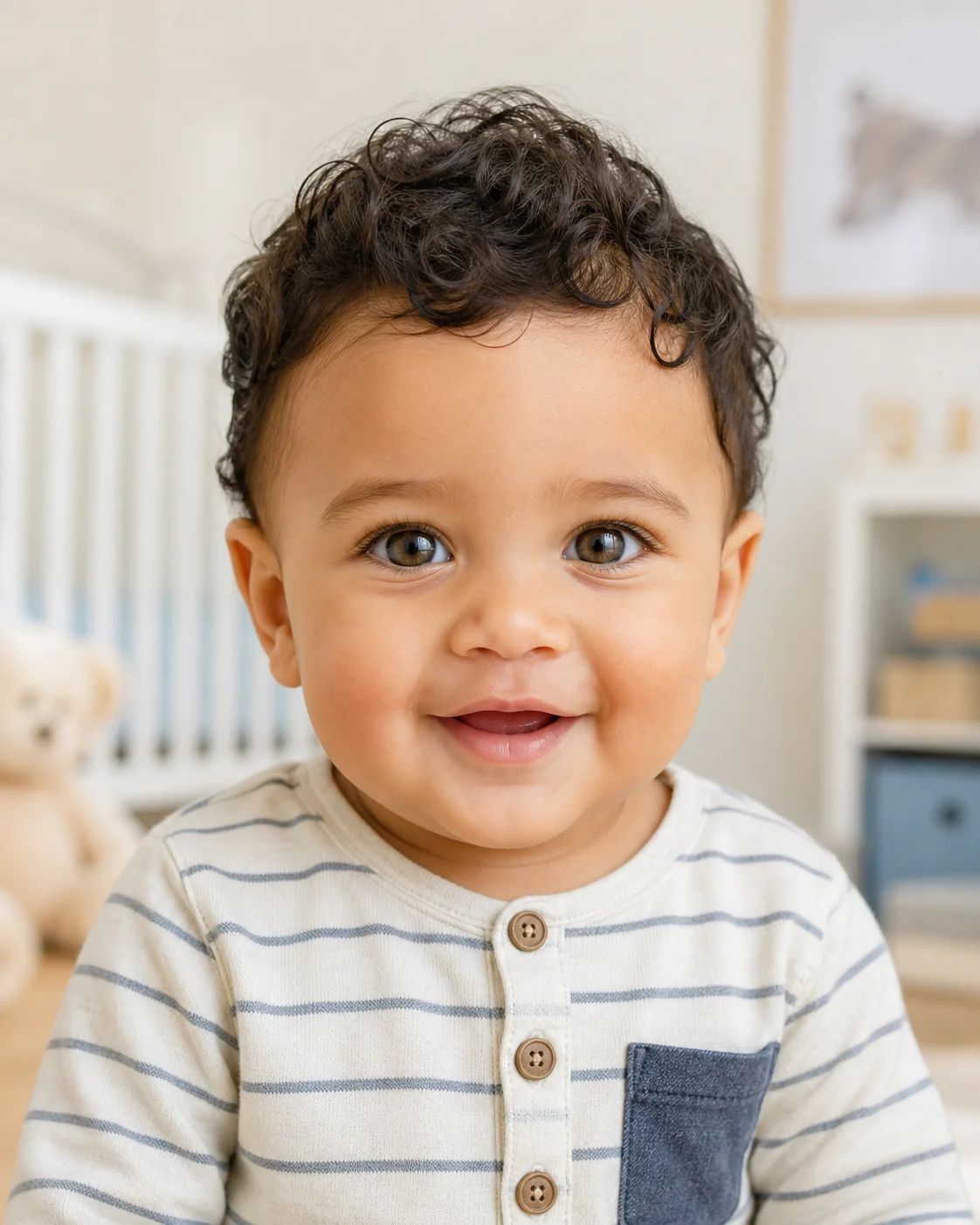
Future Baby Boy
Create a realistic baby boy portrait with a balanced mix of visible traits from both parent references, natural skin texture, age-appropriate hair, and a warm expression.
Upload one clear photo of each parent and let the AI Baby Generator create an imaginative portrait that blends visible facial traits from both references. Try a baby boy, baby girl, newborn, or toddler look, then download the version you like.
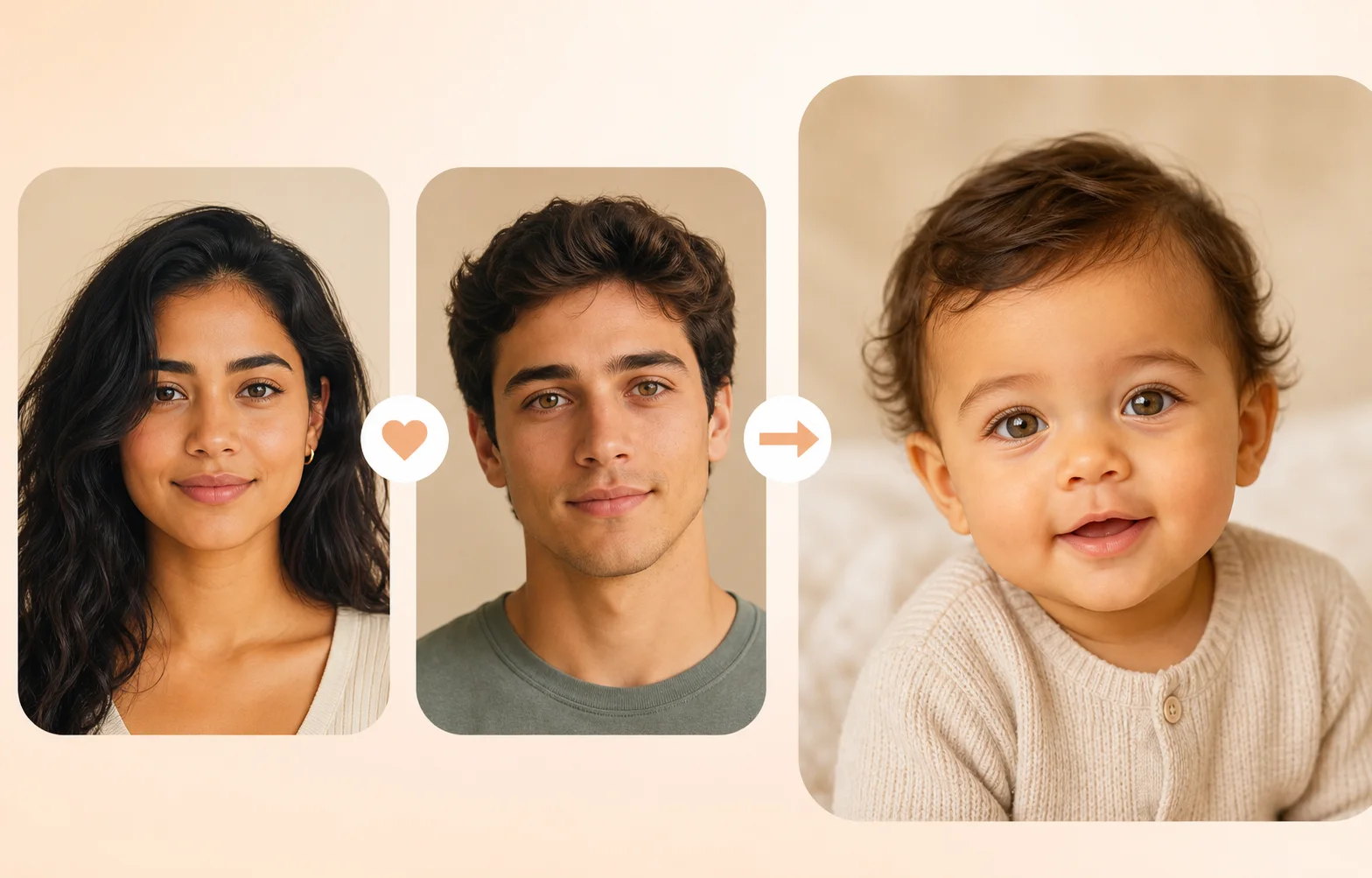
The AI Baby Generator works best with one clear, front-facing portrait of each parent. It uses visible details in both images as creative references, then produces a new fictional baby portrait.
Add two separate portraits with visible eyes, face shape, hairline, and natural lighting. Use photos you own or have permission to upload.
Edit the default prompt to request a baby boy, baby girl, newborn, 1-year-old, or toddler. You can also change clothing, background, expression, and photo style.
Check the result for a natural face and believable age. If one parent dominates, strengthen the instruction to balance visible traits from both references and generate another version.
Google Search
Use web grounding for real-time context
Use the same two parent photos to explore different baby genders, ages, expressions, and settings. These fictional examples show the type of result the workflow is designed to create.
Create a realistic baby boy portrait with a balanced mix of visible traits from both parent references, natural skin texture, age-appropriate hair, and a warm expression.
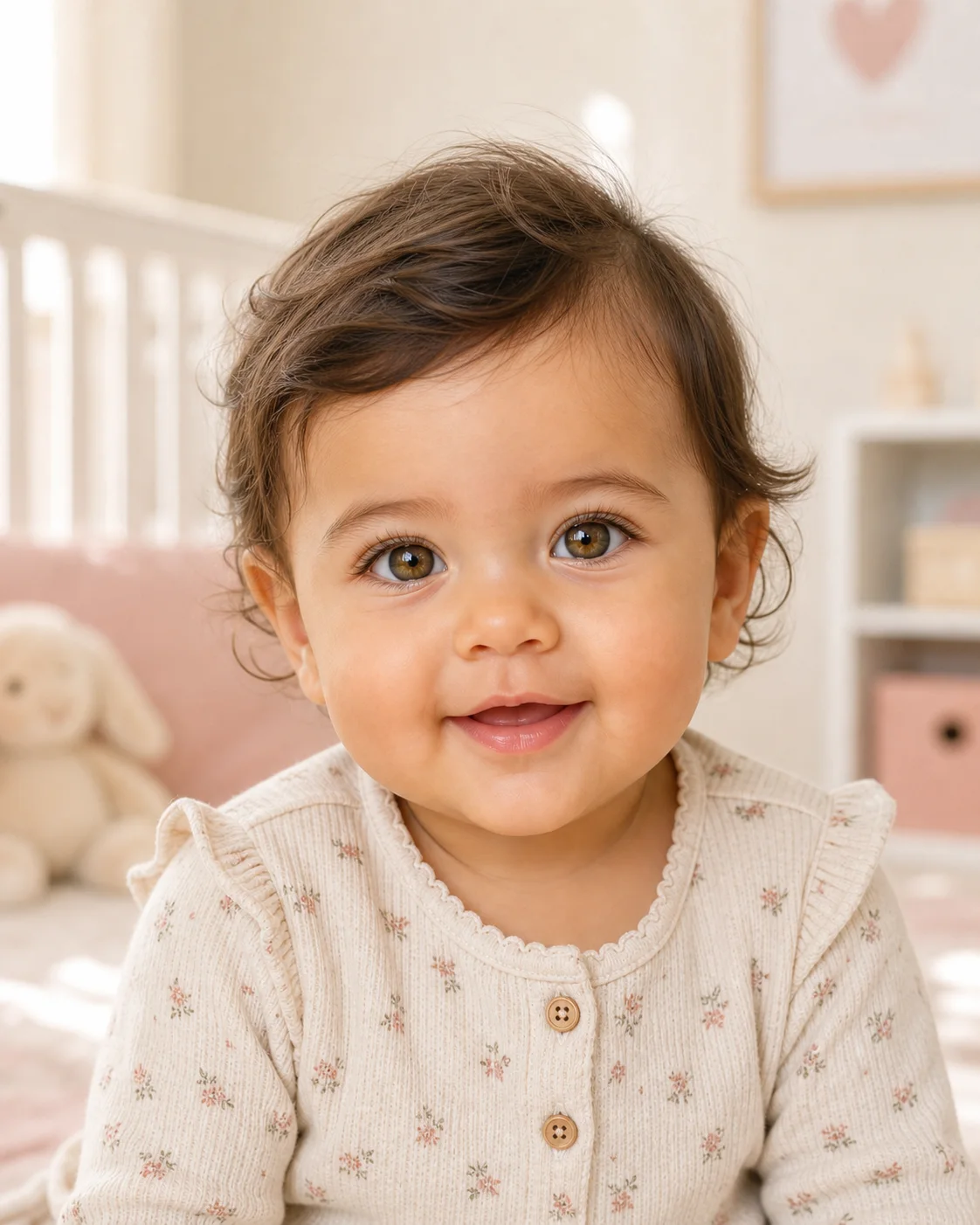
Try a baby girl variation while keeping the same parent photos. Ask for subtle, believable features instead of makeup, adult styling, or an overly polished synthetic face.
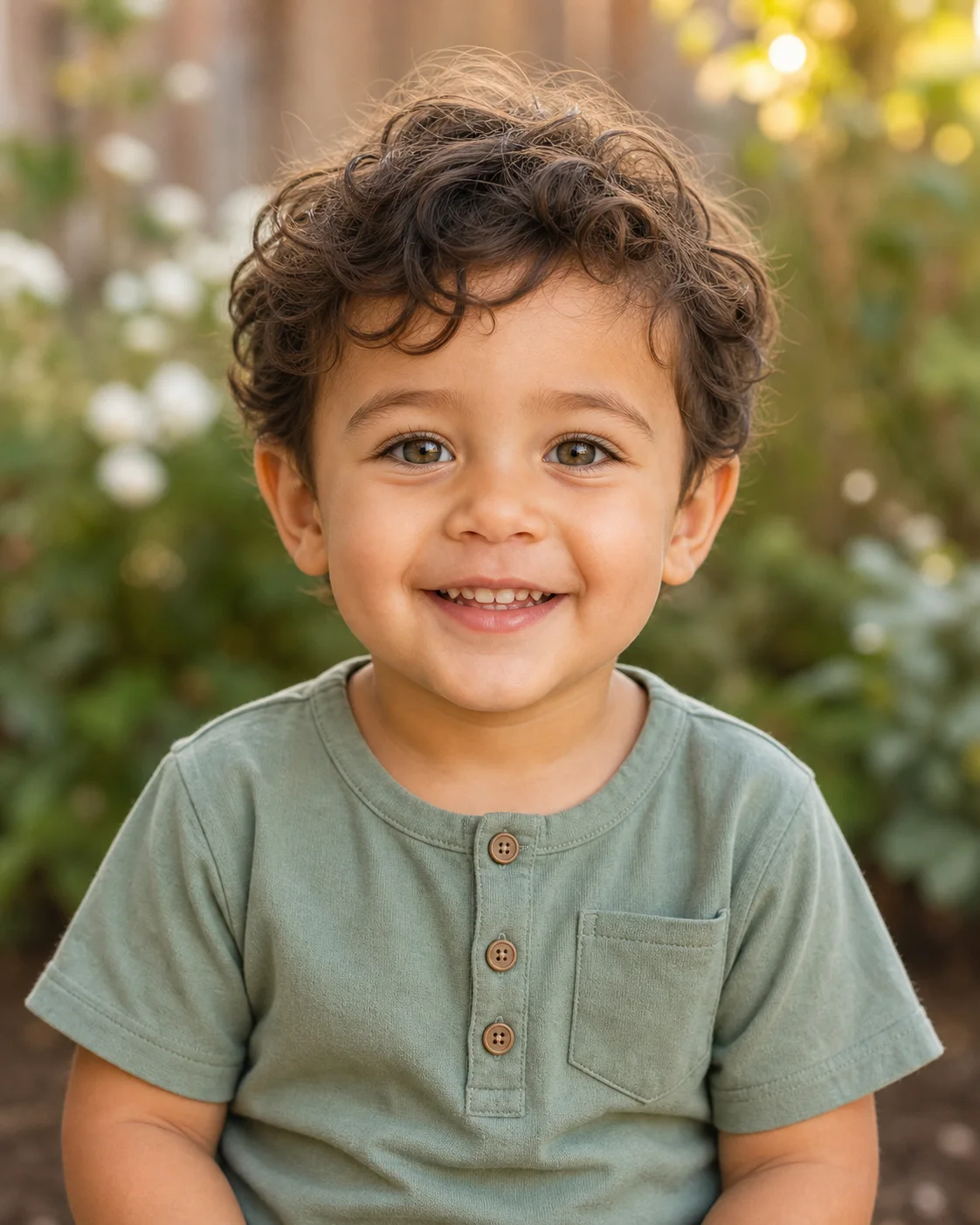
Change the requested age to explore how the fictional child might look as a toddler. Age variations are creative visualizations and should not be treated as growth predictions.
The default prompt labels the uploads as Parent A and Parent B, asks for balanced visible traits, and blocks common failures such as adult facial hair, makeup, extra people, or an age-inappropriate face. Use these presets to change gender or age.
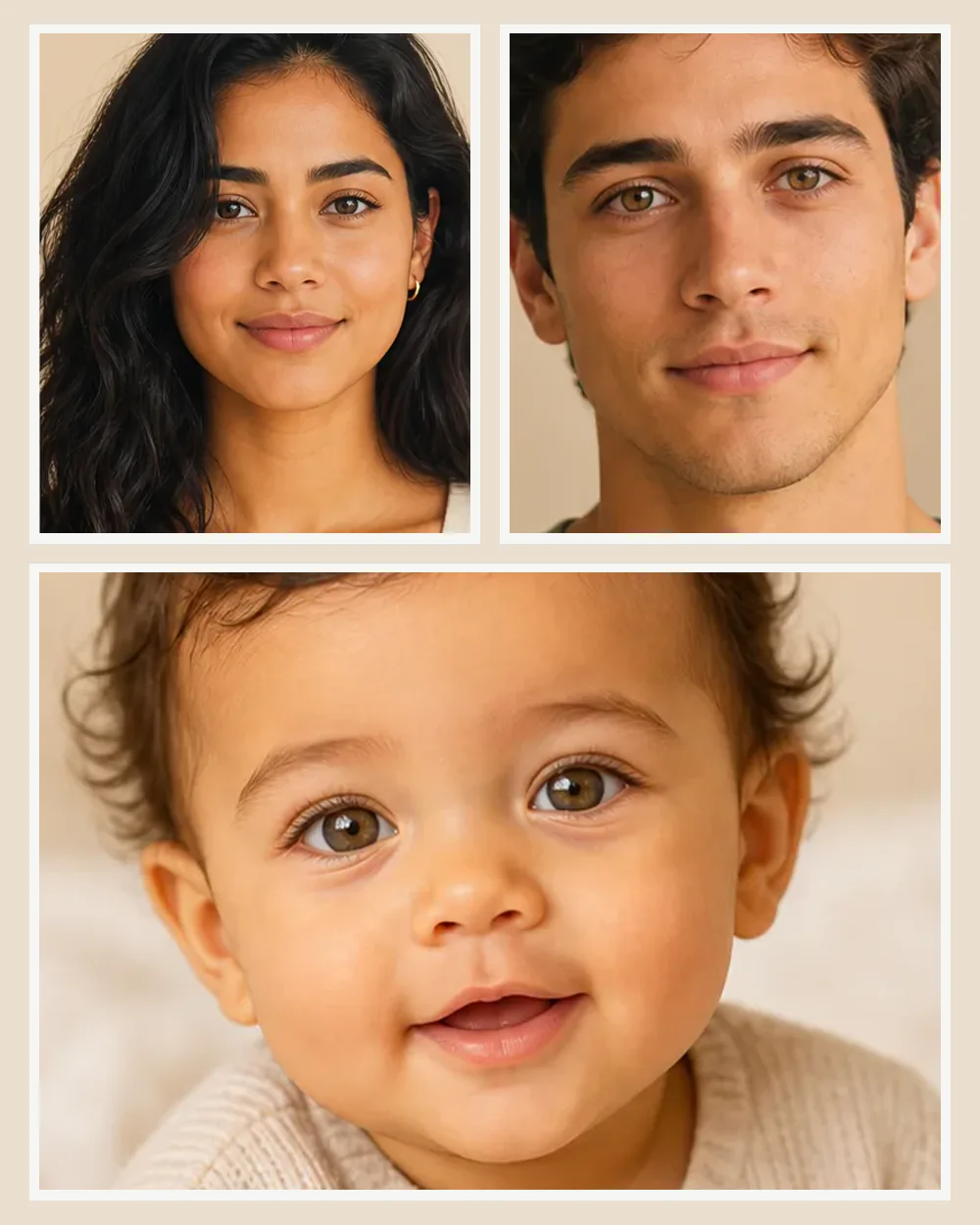
Use image 1 as Parent A and image 2 as Parent B. Create one photorealistic 10-month-old baby portrait that balances visible facial traits from both parents, including face shape, eye color cues, skin tone, hair color, and hair texture. Keep the baby age-appropriate, fully clothed, naturally expressive, and photographed in soft window light. No adult facial hair, makeup, text, or extra people.
Use the two uploaded parent portraits as equal visual references. Create a realistic baby boy around 12 months old with a believable blend of both parents' visible features. Use natural skin texture, detailed eyes and hair, a gentle smile, simple baby clothing, and a softly blurred nursery background. Do not copy either adult face directly.
Blend visible traits from both uploaded parent photos into one fictional baby girl around 9 months old. Keep the face realistic and age-appropriate with natural hair, skin texture, and expression. Use warm daylight and simple baby clothing. No makeup, jewelry, adult features, watermark, or text.
Use image 1 and image 2 as equal parent references. Create one realistic fictional 3-year-old toddler portrait that plausibly blends visible traits from both adults. Keep age-appropriate facial proportions, hair, teeth, clothing, and expression. Use candid family photography in soft outdoor light with no extra people.
The main appeal is emotional and playful: couples are curious about a possible family resemblance and want a result they can compare, save, or share.
Create a fun visual for date night, pregnancy announcements, baby planning conversations, or simple curiosity about how two sets of visible features might combine.
Generate separate boy, girl, newborn, infant, or toddler versions from the same two photos. The prompt controls the requested direction; it does not determine real genetics.
Save different versions and compare them with your partner, friends, or family. Treat every result as AI-created entertainment rather than evidence about a future child.
Poor source photos often produce poor blends. Clear faces and explicit instructions reduce common failures such as one parent dominating, adult features appearing on the baby, or an uncanny plastic look.
Choose front-facing or lightly angled portraits with both faces at a similar scale. Avoid sunglasses, heavy filters, extreme shadows, cropped foreheads, and hair covering the eyes.
Facial hair, hats, heavy makeup, and strong accessories can leak into the result. Use a clean reference when possible and explicitly request no facial hair, makeup, jewelry, or adult styling.
Tell the model to use both uploaded photos as equal references. If the first result resembles only one parent, repeat the request with specific traits to balance, then generate a variation.
An AI image model can make a plausible-looking portrait from visible references, but it cannot calculate inheritance or know what a real child will look like.
The result is a creative image generated from facial references and prompt instructions. It does not analyze DNA, family medical history, or biological inheritance.
Different prompts, models, crops, and random generations can produce different children from the same parent photos. Generate several versions instead of treating one output as definitive.
Only upload photos you own or have permission to use. Avoid uploading private images of another person without their knowledge, especially for public sharing.
Yes. You can try the future baby workflow online with free generations. Additional generations or higher-resolution model options may require credits depending on your account.
Upload one portrait for each parent. The image model uses both photos as visual references and follows your prompt to create a new fictional baby portrait with a plausible blend of visible traits.
No. The result is an imaginative AI-generated image, not a scientific, medical, or genetic prediction. Real inheritance is much more complex than blending visible features from two photos.
Yes. Change the default prompt to request a baby boy, baby girl, or a more gender-neutral baby portrait. You can also specify newborn, infant, 1-year-old, or toddler.
Use two clear photos with similar angles and lighting, then tell the model to treat both uploads as equal references. Name specific visible traits to balance and generate several variations.
Strong adult details can leak from a reference photo. Use a cleaner parent portrait when possible and keep instructions such as no facial hair, no makeup, age-appropriate proportions, and realistic baby skin in the prompt.
Uploaded and generated images are handled under the site's Privacy Policy and may be stored with your account until you delete them. Only upload photos you own or have permission to use, and review the policy before adding sensitive images.