
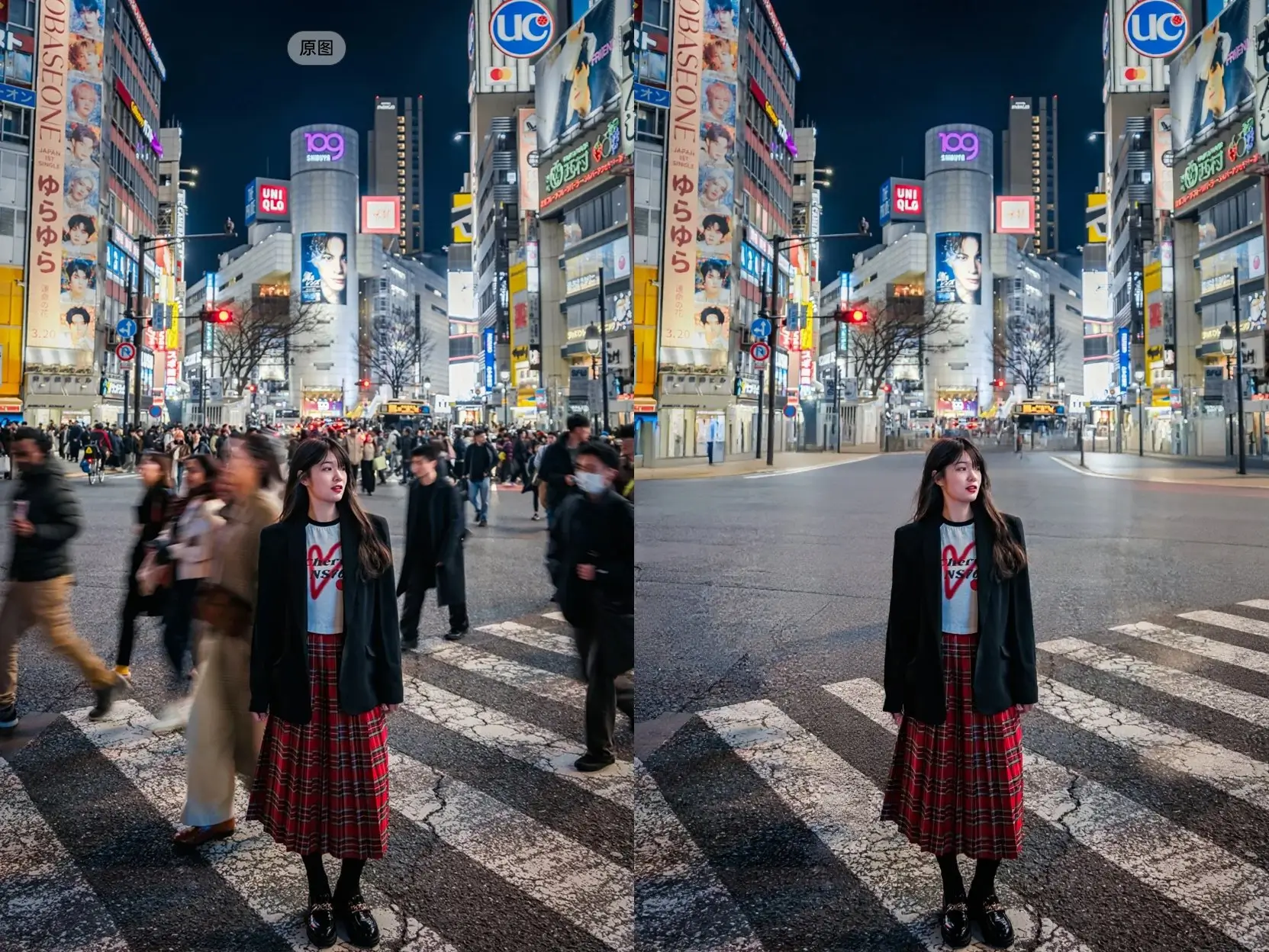
A Practical Workspace for Flux 2
Flux 2, also styled as FLUX.2 in official and community materials, is strongest when the prompt, reference images, and output constraints are handled as one workflow. This page is built around that workflow instead of treating the model as a generic prompt box.
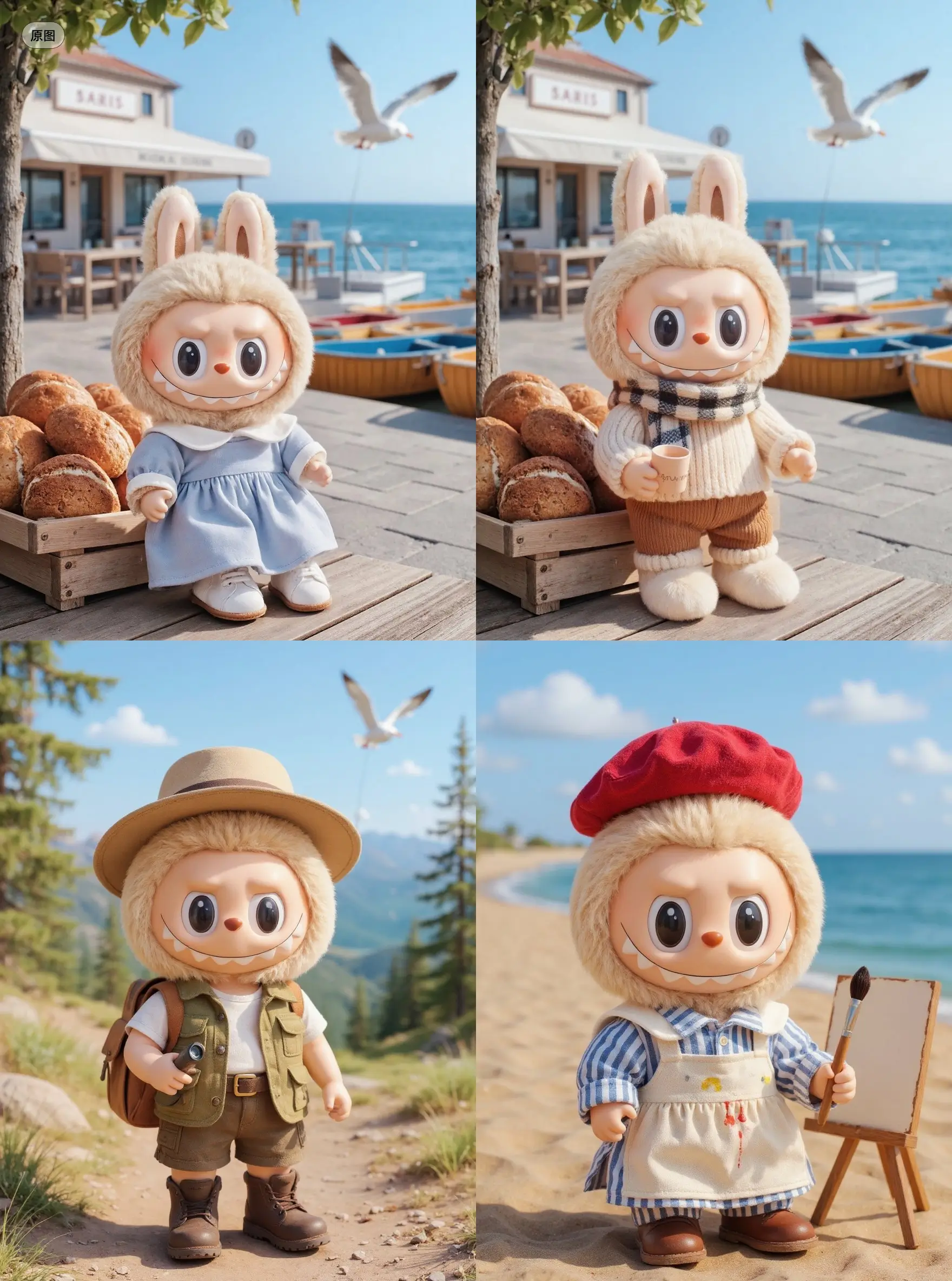
One Prompt, Two Production Paths
Use text-to-image for original concepts, then move into image-to-image when a specific product, character, pose, texture, or layout needs to guide the result. The same interface keeps both paths close together, so you can test an idea first and then refine it with references.
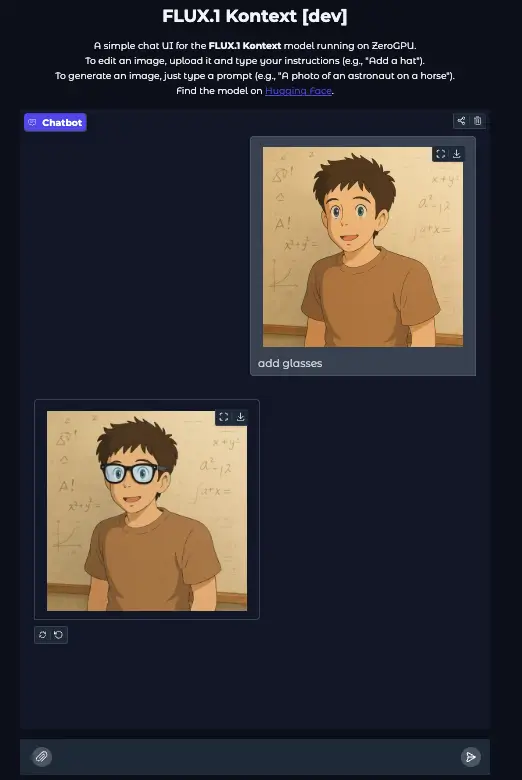
Flex for Exploration, Pro for Review
Flex is useful while you are still shaping the direction: composition tests, product angles, styling options, and quick variations. Pro is better when the idea is already clear and the output needs to hold up for a client review, campaign mockup, or polished creative direction.
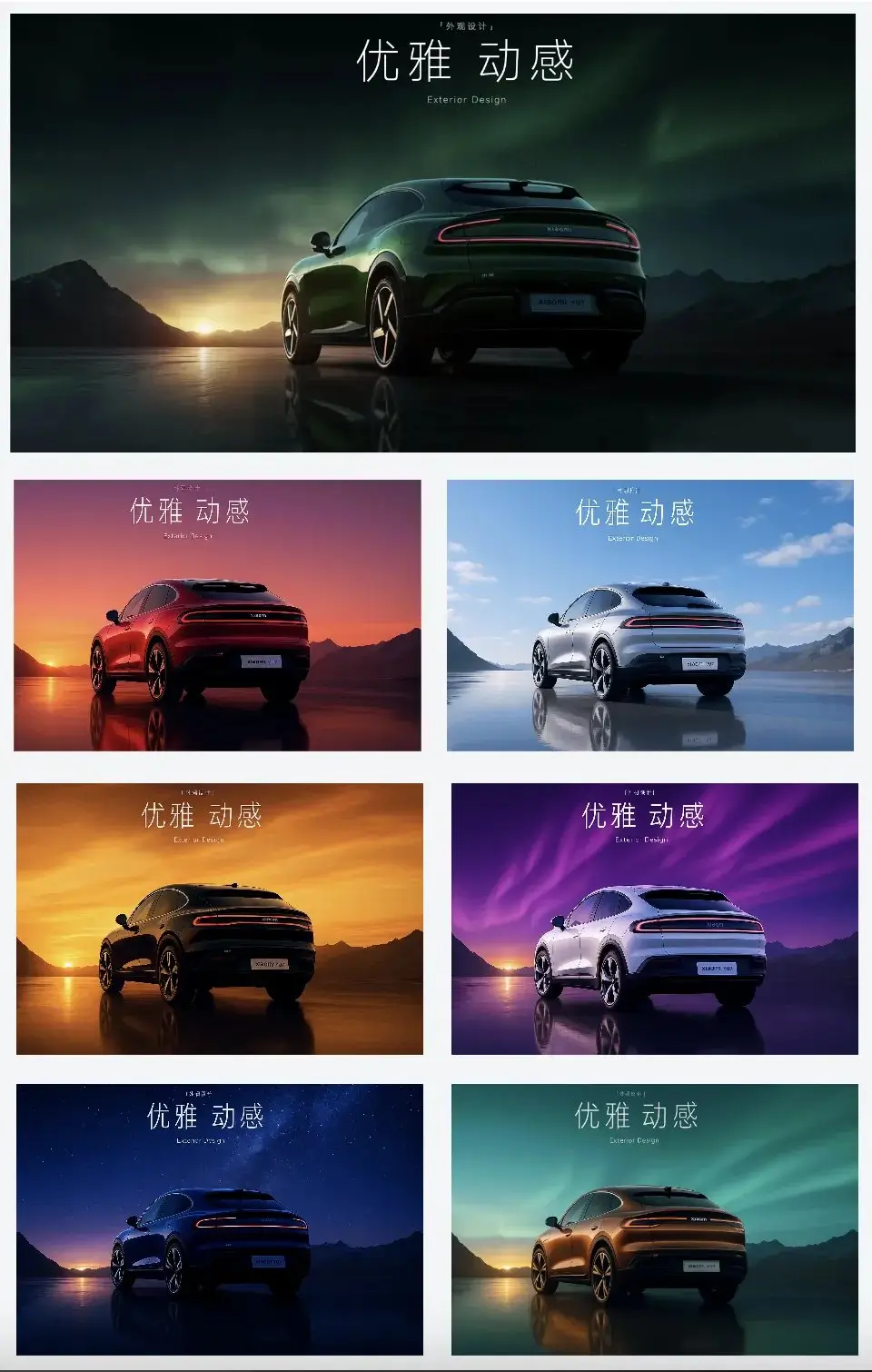
Reference Sets for Real Visual Briefs
A real brief often needs more than one image: a product photo, a desired lighting style, a material sample, a character reference, or a scene layout. The Flux 2 image-to-image workflow supports up to 8 reference images, which makes it more useful for production-style prompting than single-image-only tools.
Where Flux 2 Fits in an Image Stack
Based on API capabilities and creator discussion, Flux 2 sits in a useful middle ground: more controllable than casual generators, easier to run here than local ComfyUI pipelines, and practical for teams that need repeatable visual tests.
Brief-Driven Visual Generation
Flux 2 responds best to prompts that read like a creative brief: subject, camera, lighting, surface materials, color direction, scene purpose, and constraints. That makes it useful for art directors and marketers who need visual options that map back to an actual campaign or product idea.
Multi-Reference Control Without Local Setup
Reddit and ComfyUI users often discuss Flux 2 through local workflows, LoRAs, GPU constraints, and node graphs. This page is for the opposite need: upload references, write the instruction, and generate without maintaining a local model stack.
Resolution Choices That Match Iteration
1K is the right choice for prompt exploration and fast comparisons. 2K is better once the direction is promising and you need more detail for review, cropping, mockups, or downstream editing. Keeping the choice explicit prevents hidden cost jumps.
Clear Boundaries for This Integration
The public Flux 2 ecosystem includes other variants and local experiments, but this page exposes the Flex and Pro API modes. It does not claim 4K output, Max/Klein access, or every ComfyUI capability. That clarity matters for users who are choosing the right tool for the job.
Workflows This Page Is Built For
The goal is not to list every possible image category. These are the practical jobs where Flux 2 Flex and Pro are most likely to save time.
Campaign Concept Rounds
Create several directions for a product launch, seasonal campaign, or social ad set before committing design time. Use Flex for the first pass, then Pro and 2K for the shortlisted ideas that need more polish.
Reference-Led Product Mockups
Upload product, packaging, material, or brand references and describe the target scene. This is useful for testing display environments, lifestyle contexts, background treatments, and visual merchandising directions.
Storyboard and Character Experiments
Use reference images to keep a character, costume, prop, or world style present while testing new scenes. This is especially useful for pitch decks, short-form video planning, comics, and creator thumbnails.
From Visual Brief to First Draft
Step 1 Start With the Job, Not the Model
Decide whether you are making a new concept, modifying a source image, testing product scenes, or building a reference-led storyboard. Use Text to Image for open-ended concepts and Image to Image when the output needs to respect visual material you already have.
Step 2 Choose Cost and Fidelity Deliberately
Use Flex and 1K while the direction is still loose. Move to Pro or 2K when you have a stronger brief, need cleaner detail, or want an output that can survive stakeholder review. This keeps early exploration inexpensive without hiding the quality controls.
Step 3 Prompt Like a Creative Director
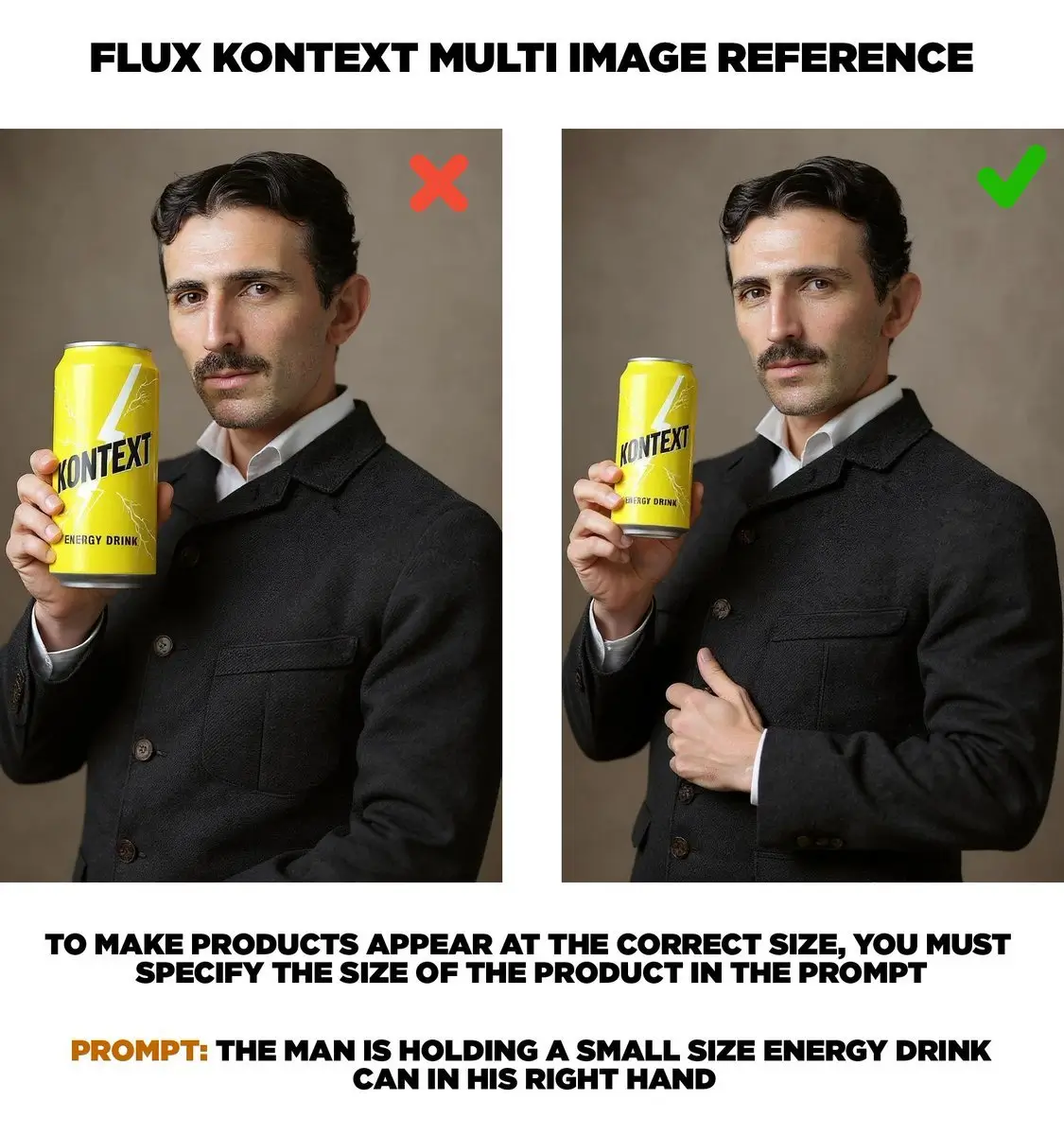
Give the model the production notes a designer would need: subject, composition, camera distance, lighting, surface materials, background, brand mood, and negative constraints. For reference images, name what each reference contributes so the model is less likely to blend them randomly.

Pricing
Generate professional images with your favorite Nano banana 2 AI plan.
Basic
Perfect for getting started with nano banana 2 AI image generation.
Includes
- 1000 credits (never expire)
- $0.10per image
- 166 images generation ($0.12 / image)
- No watermark
- Character consistency
- batch generation
- permanent image download link
- Commercial use rights
Credits never expire!
Max
PopularFor professionals who need high-volume image generation.
Everything in Pro, plus
- 7500 credits (never expire)
- $0.07per image
- 1250 images generation ($0.08 / image)
- No watermark
- Character consistency
- batch generation
- permanent image download link
- Commercial use rights
- Priority support
- Access to all new releases
Best value for creators
Pro
Great for educators, designers, and marketers.
Everything in Basic, plus
- 3300 credits (never expire)
- $0.08per image
- 550 images generation ($0.09 / image)
- No watermark
- Character consistency
- batch generation
- permanent image download link
- Commercial use rights
- Priority support
- Access to all new releases
Flexible creative plan
Frequently asked questions
What is Flux 2 best used for?
Flux 2 is useful when you need prompt-driven image generation with stronger visual control from references. It is a good fit for product concepts, ad mockups, character or style exploration, realistic scenes, and image-to-image tasks where the uploaded references should influence the final result.
When should I use text-to-image instead of image-to-image?
Use text-to-image when you are exploring a new concept and do not need the output to follow a specific source image. Use image-to-image when the result should preserve or respond to existing visual material, such as a product photo, character reference, room layout, material sample, or style board.
What is the difference between Flex and Pro?
Flex is the better default for early exploration, prompt testing, and generating multiple directions quickly. Pro is better when the visual direction is already clear and you want a more polished output for review, presentation, or downstream editing.
How many reference images can I upload?
The current image-to-image workflow supports up to 8 reference images. Accepted uploaded image types are JPEG, PNG, and WebP. For best results, use references with clear roles instead of uploading many near-duplicate images.
How should I write a useful Flux 2 prompt?
Write prompts like a visual brief. Include subject, composition, camera angle, lighting, background, color palette, material details, mood, and what should remain consistent from any reference images. If you upload multiple references, explain what each one contributes.
Does Flux 2 handle products, text, and characters well?
Flux 2 can be useful for product visuals, character scenes, and stylized or realistic compositions. Exact text rendering, complex multi-character identity consistency, and strict layout reproduction can still require retries, so use reference images and clear constraints when precision matters.
What are the current limits on this page?
This page supports Flux 2 Flex and Pro, text-to-image, image-to-image, 1K and 2K output, and up to 8 reference images. It does not currently expose 4K output, Flux 2 Max, Flux 2 Klein, LoRA workflows, or local ComfyUI controls.
Is NSFW checking enabled?
Yes. NSFW checking is enabled by default for Flux 2 generations on this site.