
AI Tattoo Generator for Free Tattoo Ideas
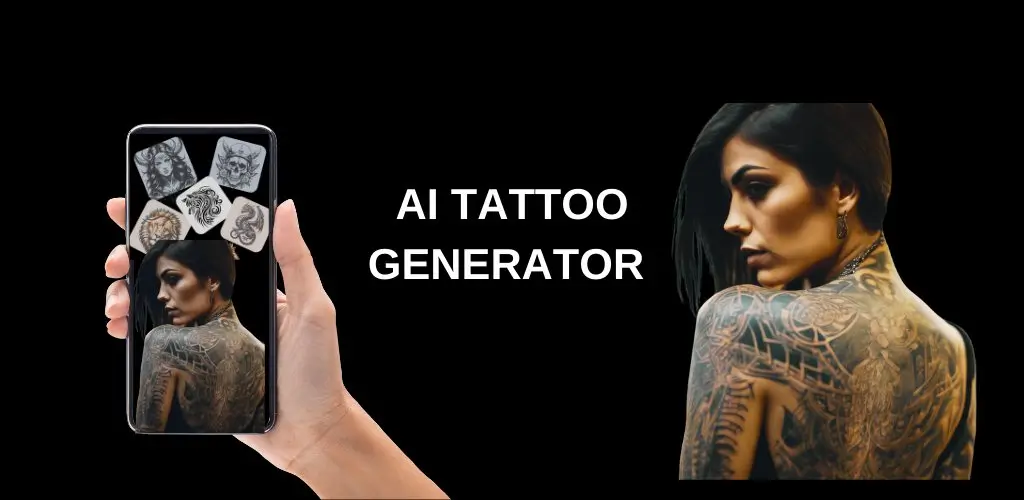
Create tattoo concepts from a prompt with a free AI tattoo generator workflow. Start with blackwork, fine-line, Japanese, floral, sleeve, or placement ideas, then bring the strongest design to a tattoo artist for line cleanup, scale, and final stencil review.
Google Search
Use web grounding for real-time context
Create Tattoo Concepts That Are Easier to Review
The page is designed for early tattoo exploration: clear prompts, visible style direction, and practical limits. Use the tattoo generator AI workflow to compare ideas before you commit to a permanent piece.
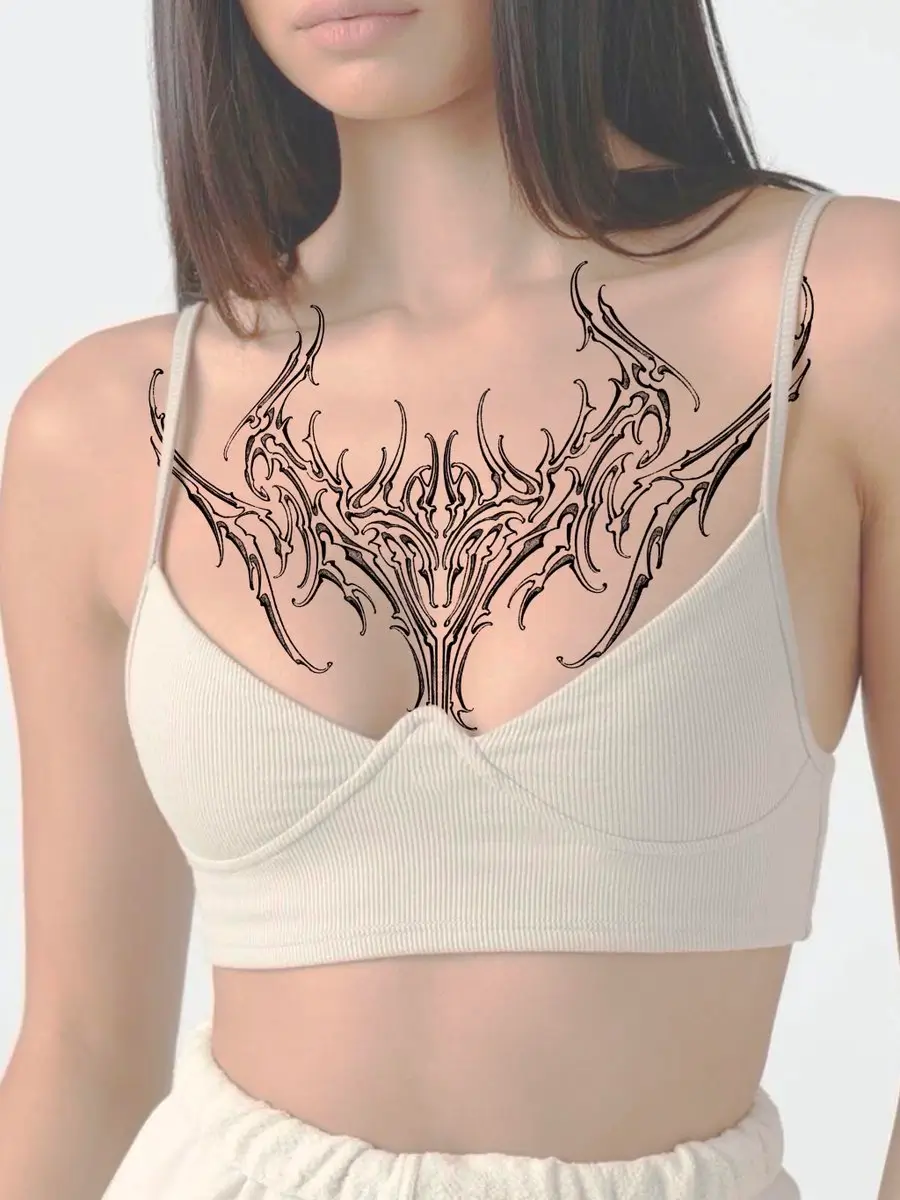
Prompt for Placement, Not Just Subject
Better tattoo prompts include the body area, scale, line weight, and how much negative space the design needs. A collarbone ornament, forearm symbol, back piece, or sleeve concept each needs different composition constraints.
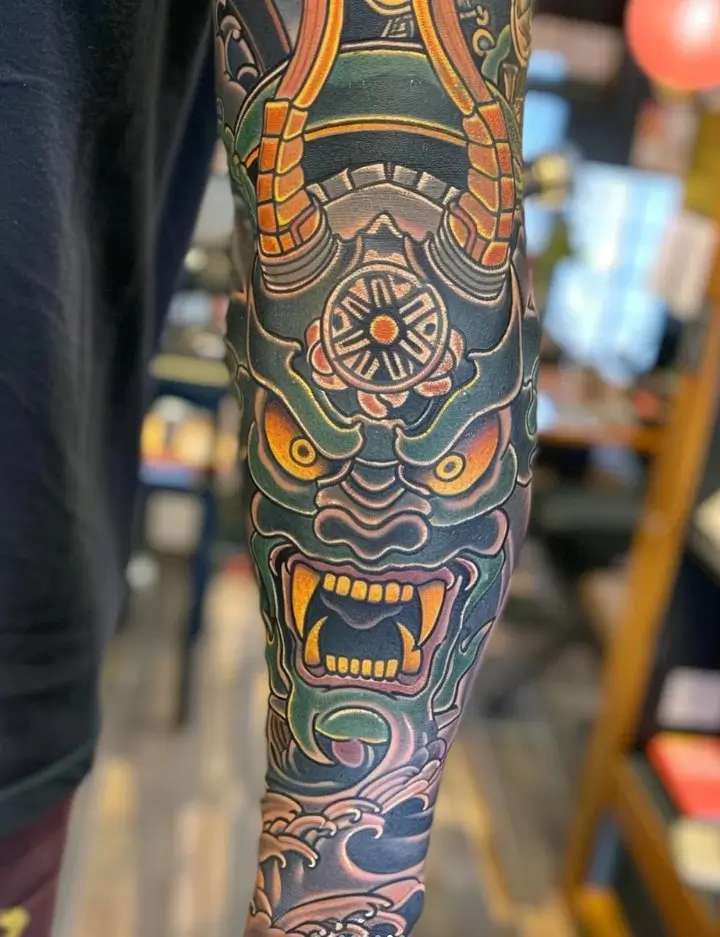
Explore Styles Before You Talk to an Artist
Try blackwork, fine-line, neotraditional, Japanese mask, botanical, geometric, tribal-inspired, and lettering directions. The goal is to narrow the style and composition, not to skip the artist's redesign step.
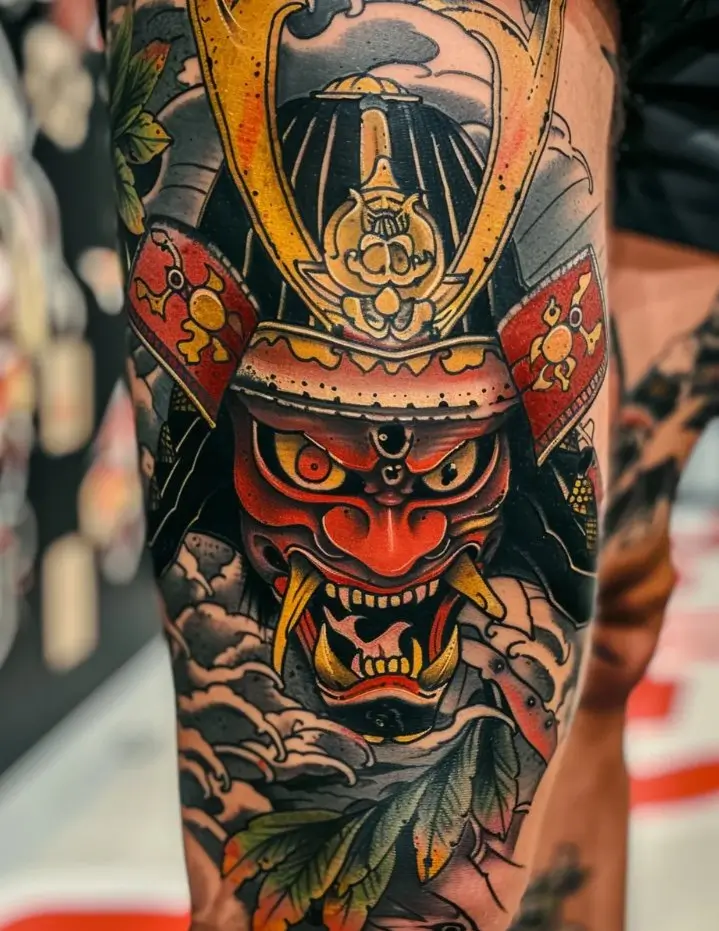
Keep the Output Artist-Friendly
Ask for high contrast, clean outer contours, balanced negative space, and a plain background. These constraints reduce noisy AI texture and make the concept easier to redraw into a proper stencil.
Why Use our Free AI Tattoo Generator First
A tattoo is permanent, so the first AI result should be treated as a design conversation starter. Use this page to test ideas quickly, then let a professional tattoo artist adapt the final drawing for skin, movement, and placement.
Fast Idea Exploration
Generate several directions before booking a consultation. Compare symbols, composition, style, and mood without spending the first session explaining a vague idea.
Better Prompt Control
The default prompt is written around stencil-style linework, high contrast, negative space, and no background clutter because those details help reduce common AI tattoo failures.
Useful Free Starting Point
The generator is available directly on the page, so you can test tattoo ideas without reading through a long guide first. Start with the free generations, then add credits if you want to explore more variations.
Honest Tattoo Limits
AI can suggest a visual direction, but it cannot judge skin texture, aging, needle technique, cover-up constraints, or whether a stencil will fit your body safely.
Tattoo Ideas This Workflow Handles Well
Use the AI Tattoo Generator when the brief can be described clearly in words. Add placement and style constraints so the result is closer to a tattoo concept than a generic illustration.
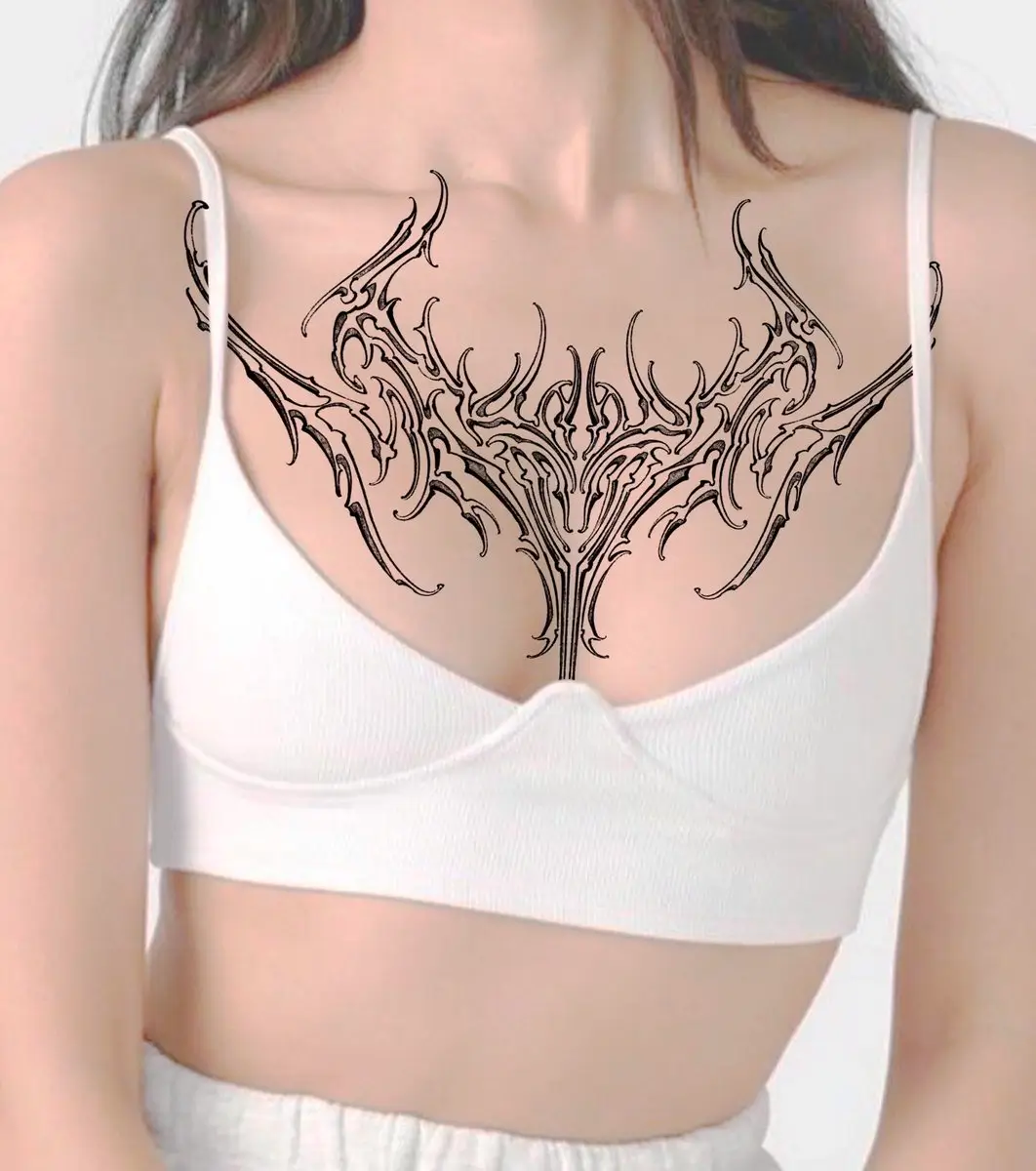
Blackwork and Fine-Line Concepts
Ask for clean black ink, no gradients, simplified shading, and a plain white background when you want a stencil-like direction for small symbols, floral pieces, or fine-line ornaments.
Large Placement Planning
For sleeves, chest pieces, back tattoos, and shoulder panels, include flow, body placement, major focal points, and negative space. Large tattoos need composition logic, not just detail.
Artist Consultation References
Bring the strongest AI output as a mood board reference. Ask your artist to redraw the final version, fix line hierarchy, adapt the scale, and check whether the design will age well.
How to Prompt the AI Tattoo Generator
Step 1 Name the Subject, Style, and Placement
Write the core idea first, then add tattoo style and body area. For example: blackwork dragon forearm tattoo, fine-line birth flower wrist tattoo, or Japanese mask upper arm tattoo.
Step 2 Add Tattoo-Specific Constraints
Include clean linework, bold outer contour, high contrast black ink, balanced negative space, plain background, no text, or no skin mockup. These details help the AI avoid noisy illustration output.
Step 3 Review Before You Ink
Generate variations, save the strongest concept, and ask a tattoo artist to redraw it for placement, scale, stencil clarity, and long-term readability on skin.
Frequently asked questions
Is this AI Tattoo Generator free to try?
Yes. The current interface gives you 2 free generations. If you need more tattoo design results, you can purchase a credit package for additional generations.
What should I write in an AI tattoo prompt?
Use a simple formula: subject, tattoo style, body placement, linework, shading, and background. A strong prompt might say: clean blackwork wolf forearm tattoo, bold outer lines, balanced negative space, plain white background, no text.
Can I use the output as a final tattoo stencil?
Treat the output as a concept or reference, not a final stencil. A professional tattoo artist should redraw the design, fix line hierarchy, adapt scale, and check how it will sit on the body.
Does the tattoo generator AI support image upload?
The generator interface includes an image-to-image mode for supported models. This English page currently starts in text-to-image mode because the most reliable default preset is a prompt-based tattoo concept.
Which tattoo styles work well?
Blackwork, fine-line, ornamental, Japanese mask, botanical, geometric, tribal-inspired, and sleeve concept prompts work well when you include clear placement and linework constraints.
Why does my AI tattoo design look noisy or too rendered?
AI image models often add painterly texture, extra shading, or unclear small details. Ask for clean black ink, plain background, stencil-ready linework, simple shading, and no extra texture to make the concept easier to review.
Can I preview a tattoo on my body?
You can use image-to-image workflows when supported, but placement preview still needs careful review. Body angle, skin movement, scale, and stencil placement should be checked with a tattoo artist before permanent work.
Can I bring an AI tattoo idea to a tattoo artist?
Yes. Bring it as a mood board or concept reference. Be transparent that it is AI-generated and ask the artist to create a proper custom design rather than copying the image directly.