
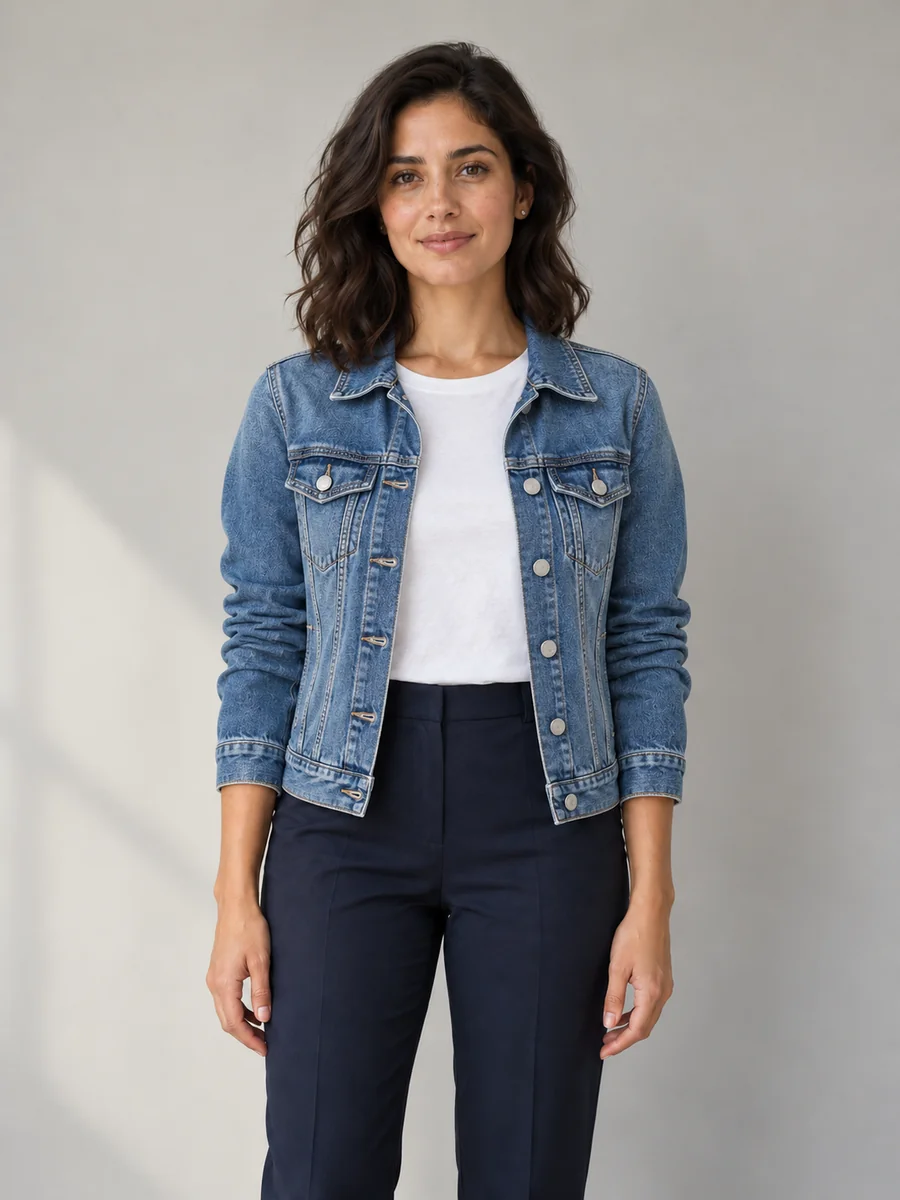
Everyday denim
Try an extra layer over your existing top. Specify the wash, collar and sleeve length rather than asking for a whole new scene.
YOUR PHOTO. A FRESH OUTFIT.
Keep the photo.
Change the outfit.
Give a photo a new wardrobe with the AI Clothes Changer. Upload a person photo, describe what they should wear or add a clothing photo for an AI clothes swap, and keep the original face, pose and scene as your guide.
10 free signup credits · Sign in to generate
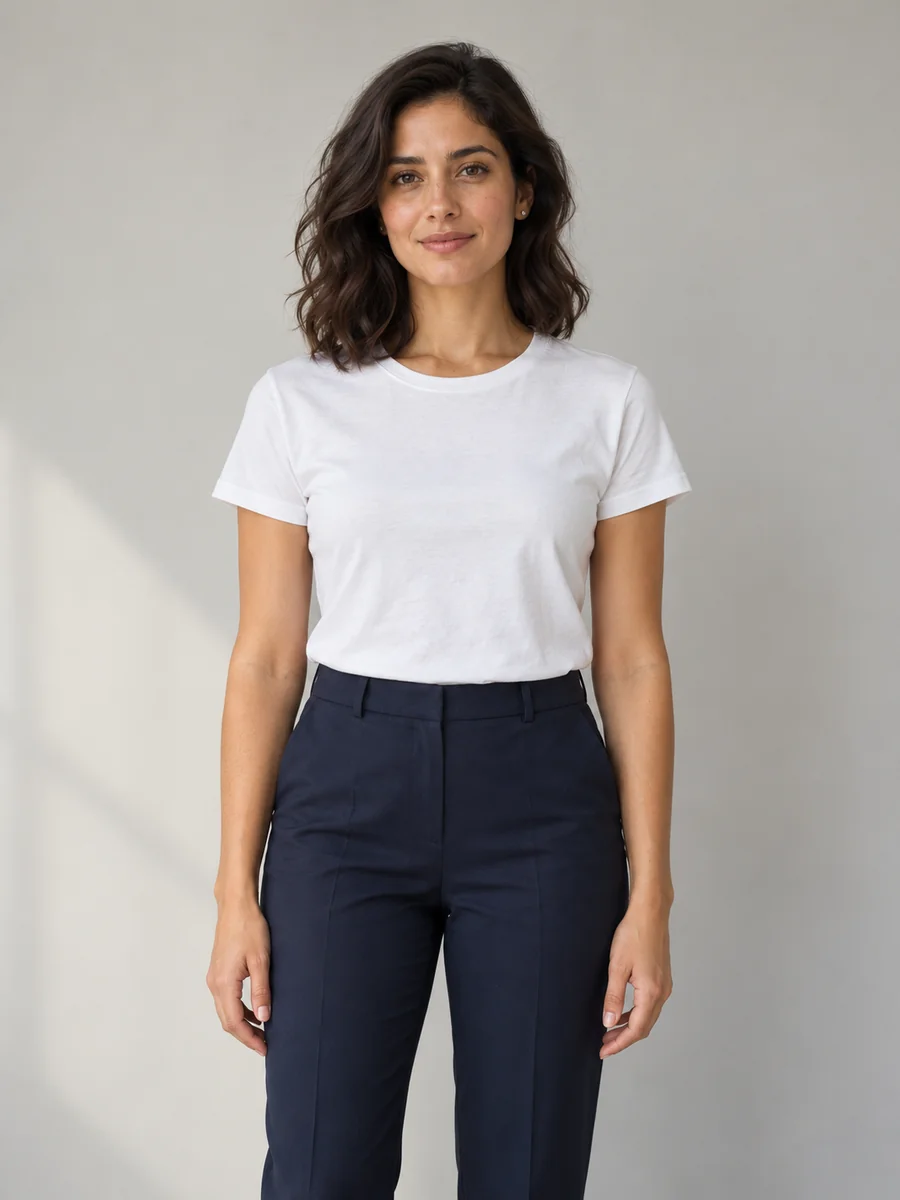 BEFORE
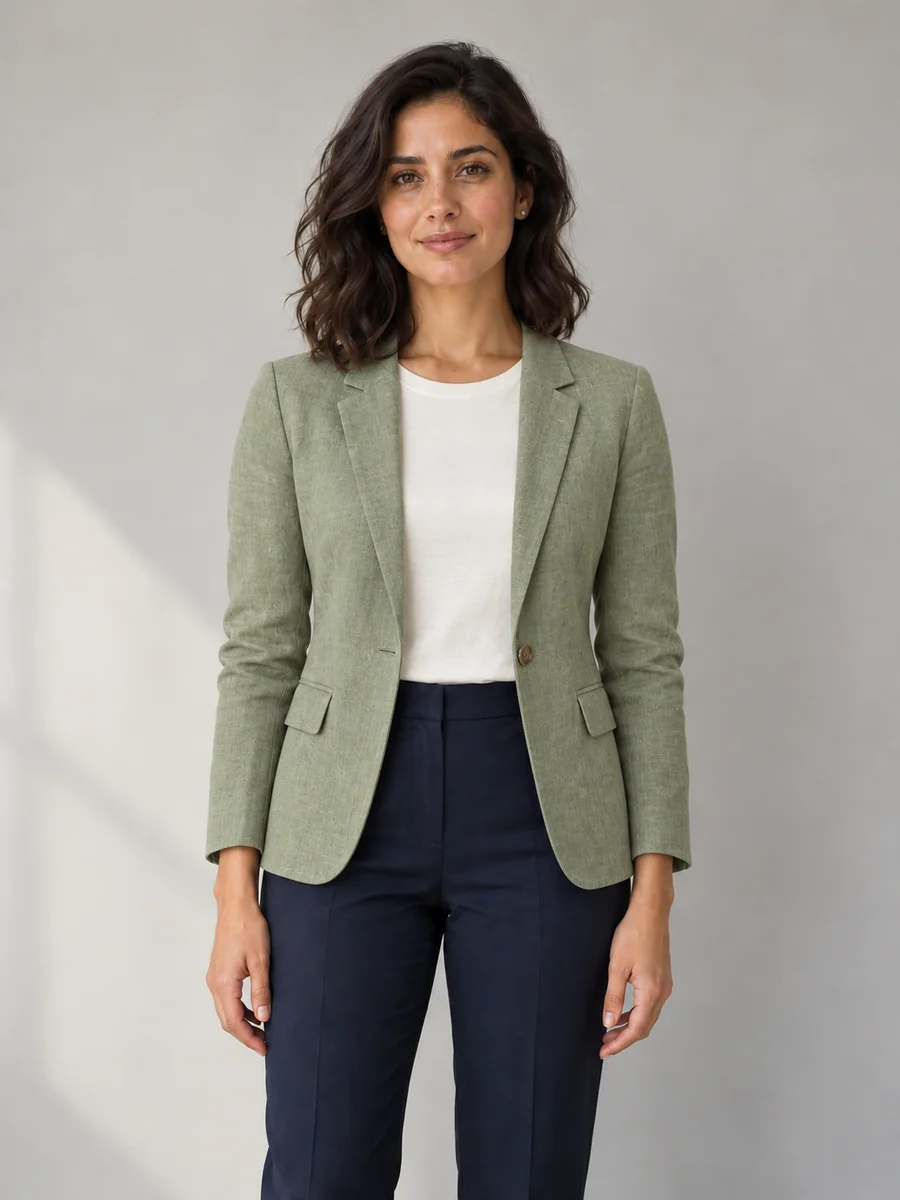 OUTFIT EDIT
Illustrative before / after · White tee → linen blazer
Original AI illustrations made for this page. These demonstrate the editing idea and are not benchmark results from your selected settings.
THE OUTFIT EDITOR
Start with the sample person photo or replace it with your own. Pick an outfit preset, or add a clothing image as a second reference.
Your photo
Full or upper body, clear light
Garment photo (optional)
Flat lay or product shot
The demo photo is an example input. Remove it before adding your own person photo. A garment photo is optional.
Aspect ratio
Images
Resolution
5 credits. Results are previews, not a sizing guarantee.
The sample is for exploration. Generating a result uses credits; choosing a preset does not.
ONE PHOTO, MORE WARDROBE IDEAS
The same original photo guides these two additional outfit illustrations. Start with a specific garment and keep the scene simple so you can judge the clothing change.
Try an extra layer over your existing top. Specify the wash, collar and sleeve length rather than asking for a whole new scene.
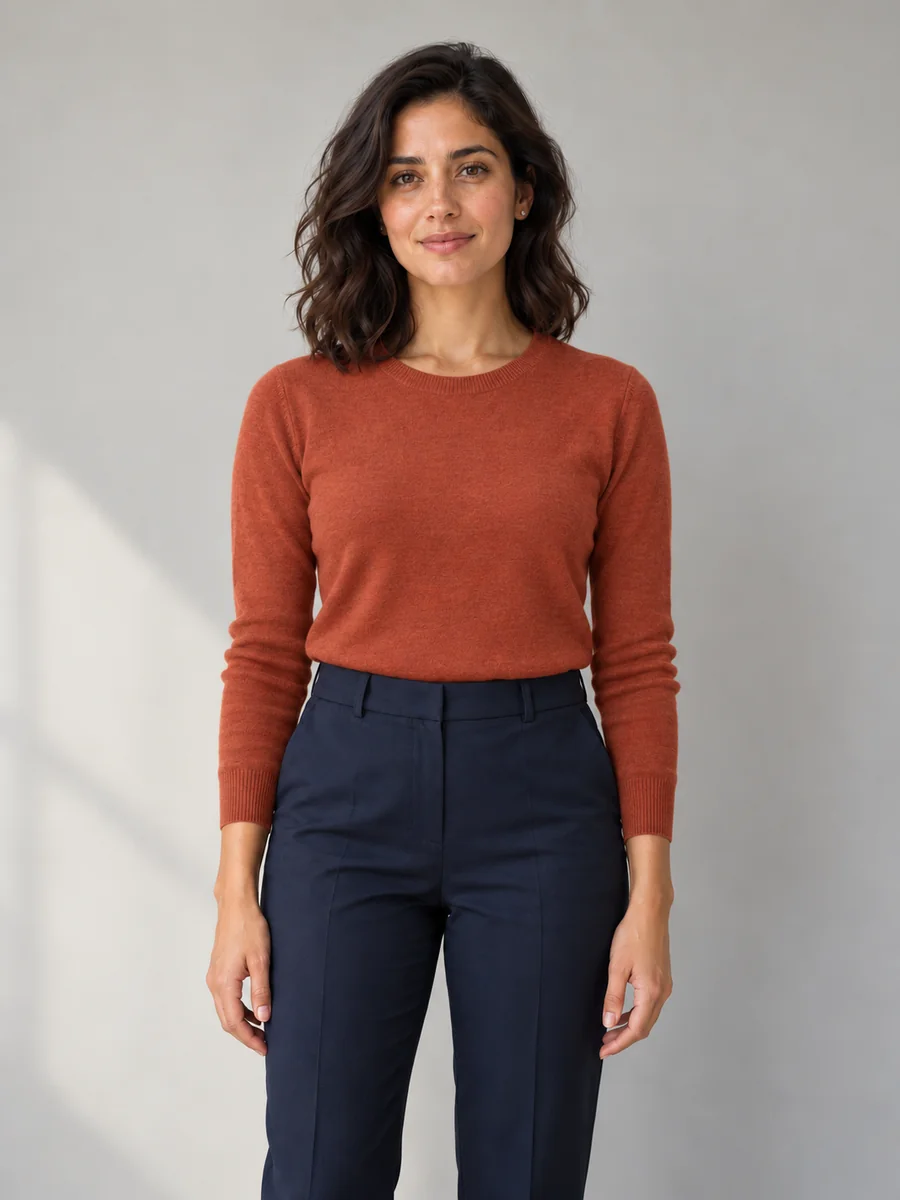
Explore a different fabric and color. Ask to keep the original trousers so you can compare the new top on its own.
FROM PHOTO TO OUTFIT PREVIEW
Start with a clear original and one focused change. You can edit a top, add a jacket, or describe a complete outfit without setting up a separate design workflow.
Use a sharp, well-lit picture of one person with the clothing area visible. A waist-up portrait works for tops and jackets; include the full body for trousers, dresses or shoes. Keep an unedited copy for comparison.
Name the garment, color, material and fit you want. For a specific item, choose clothing-photo mode and upload it second. Tell the editor which details to borrow from that image and which parts of the original to preserve.
Check the credit cost on the button, then generate. Inspect the face, hands, seams and background at full size. Download a useful result, or pick another preset and retry from the original.
SMALL CHANGES, CLEARER INSTRUCTIONS
The AI Clothes Changer uses reference images to guide an edit. It can still redraw details outside the outfit, so treat preservation instructions as a starting point and compare every result.
“Replace the t-shirt with a navy crewneck sweater; keep the trousers” gives a clearer brief than “make it stylish.” Change clothing before you experiment with a new pose, location or lighting.
Make image 1 the person to edit and image 2 the clothing only. Crop clutter out of the garment reference when possible. A second person, hidden sleeves or folded fabric can make the intended design harder to read.
Compare eyes, hairline, body proportions, hands, cuffs and overlapping layers. Fine prints, buttons, lettering and logos can change. Restart from the original when repeated edits begin to drift.
Auto starts from the source image’s proportions. Use 4:5 for an Instagram feed concept or 9:16 for a Story or TikTok image, then check the final crop. Extra canvas may require the editor to invent details.
A WARDROBE CHANGE WITHOUT A RESHOOT
Explore a blazer, shirt or simple knit for an existing portrait. Keep the neckline, sleeves and visible layers in the brief, and check the final result before using it as a profile photo.
Plan casual, seasonal or coordinated looks for social posts. Compare variations against the same original rather than rebuilding your appearance from a text description each time.
Explore garment directions using images you own or have permission to use. Check the actual item against every generated detail before sharing a product concept with a client or customer.
It edits the outfit in an existing photo using a written description or a second clothing image. The person photo guides the result. You can request a new top, jacket, suit or complete outfit, then review and download the edited image.
New accounts receive 10 free signup credits. Sign in and check the credit cost on the button before generating. Each new result or retry uses credits; additional generations need an available balance.
Yes. Choose “Upload a clothing photo” and add two images: the person first and the garment second. A clear product photo or flat lay is a useful reference. Image 2 supplies clothing only, especially if another person is wearing it.
The edit asks to preserve them, but exact preservation is not guaranteed. Faces, hands or the scene can still be redrawn. Keep a clear original, limit each edit to clothing, and compare the result before using it.
Yes. Choose Custom and describe a narrow edit such as “Change only the blue shirt to forest green; keep its cut, buttons, texture and everything else.” Use your original as the person photo and check that the material and small details still look right.
Use a sharp JPG, PNG or WebP with one clearly visible person and enough of the body to show the clothes you want to change. Avoid crossed arms covering the garment, heavy blur and extreme shadows. The upload control shows the file size limit.
No. The result is a generated visual preview, not a body measurement, size recommendation or physical fit simulation. Fabric drape and proportions can be invented. Use actual garment measurements and a real fitting when making a purchase decision.
Use authorized inputs and review the product terms for your intended use. Generated prints, colors, logos and construction details may differ from the real item. Treat early results as concepts and verify product accuracy before using them in advertising or listings.
Start the AI Clothes Changer with the sample or upload your own photo. Make one clear clothing change, check the details, and save the version you like.