
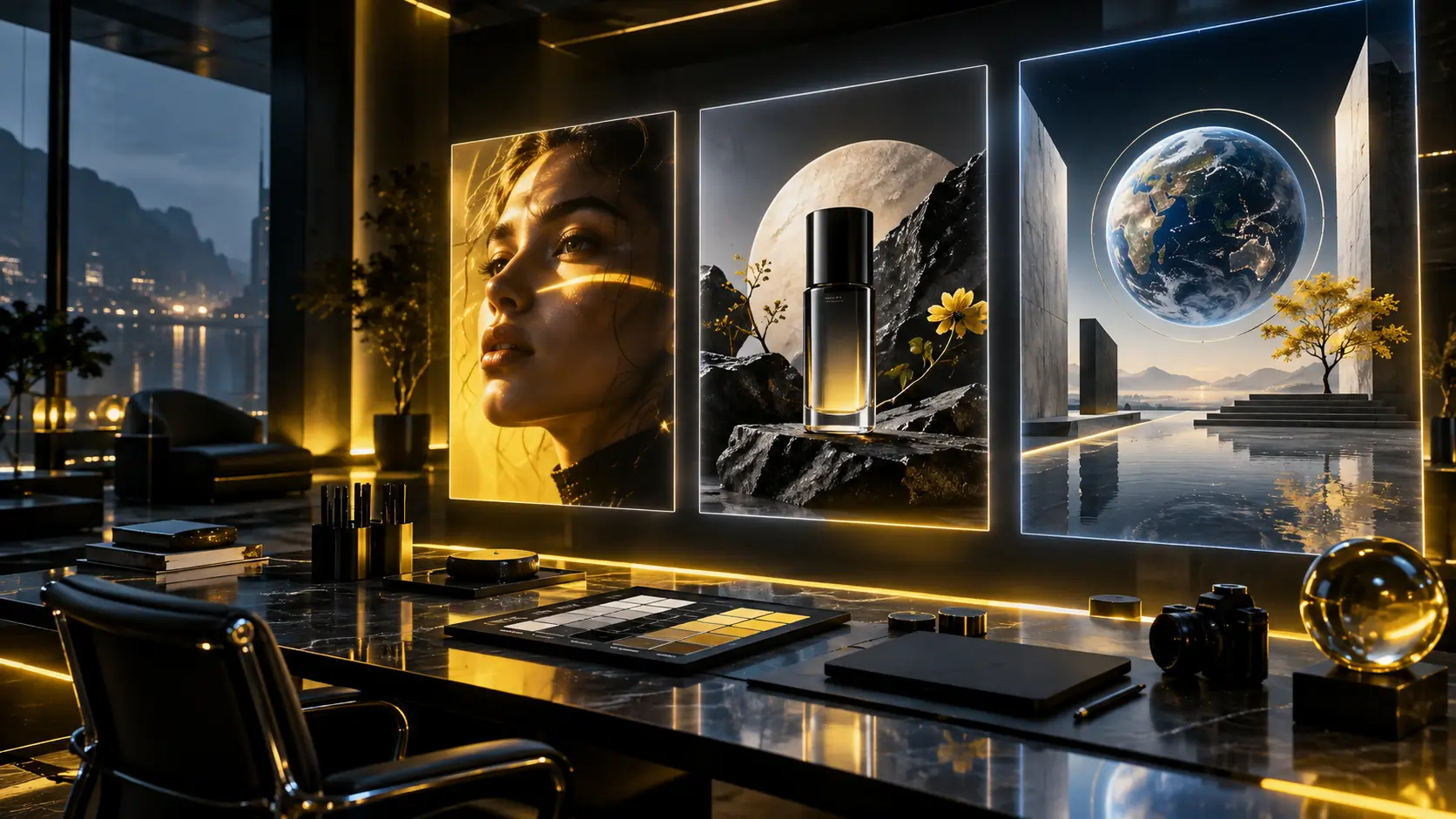
Turn Clear Creative Direction into Finished Visuals
Nano Banana 2.5 helps you move from a written brief or reference set to production-ready image concepts with fewer disconnected tools.
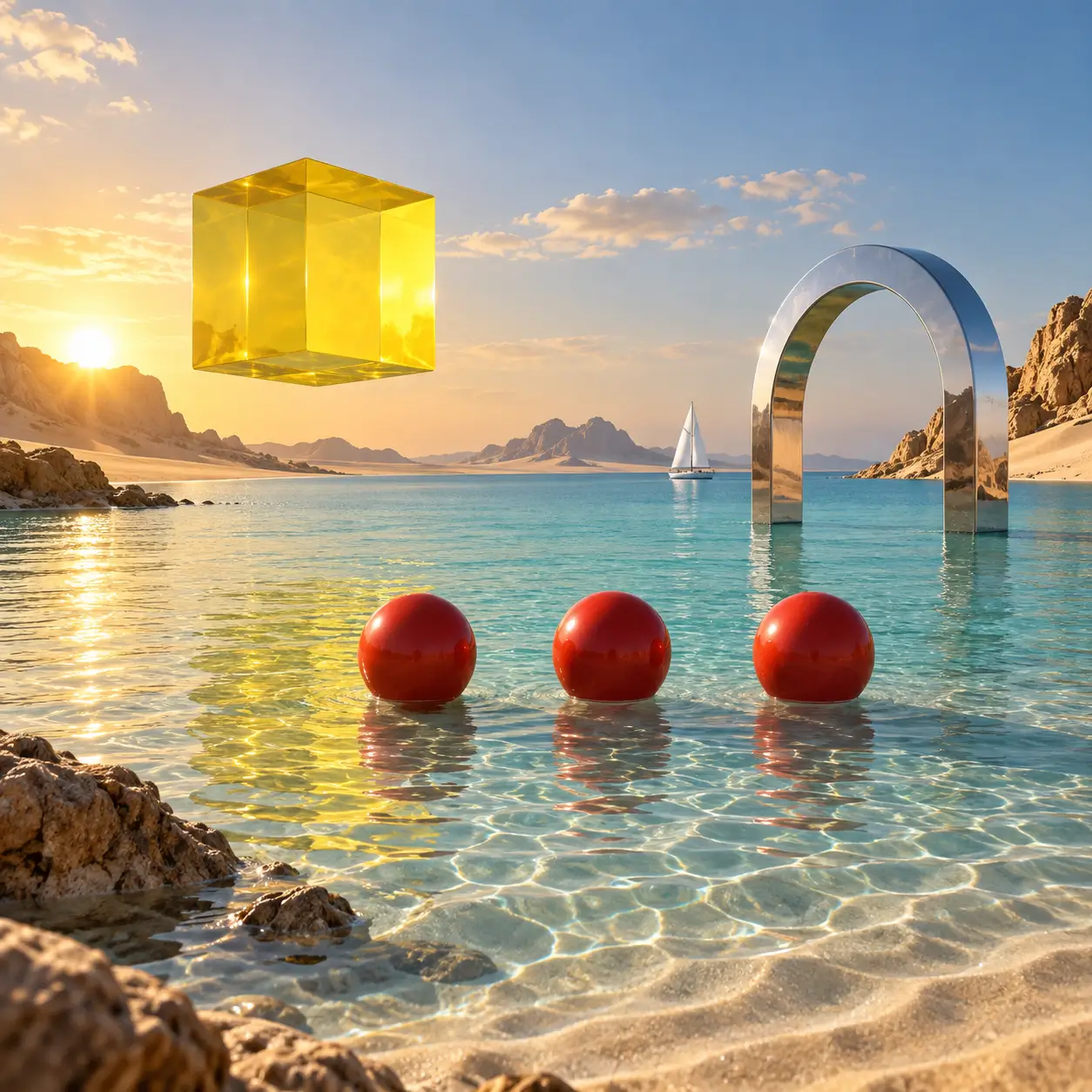
Follow Detailed Prompts More Closely
Describe the subject, object count, layout, camera angle, lighting, materials, and exclusions in one prompt. Clear constraints help Nano Banana 2.5 produce images that stay closer to the intended composition.
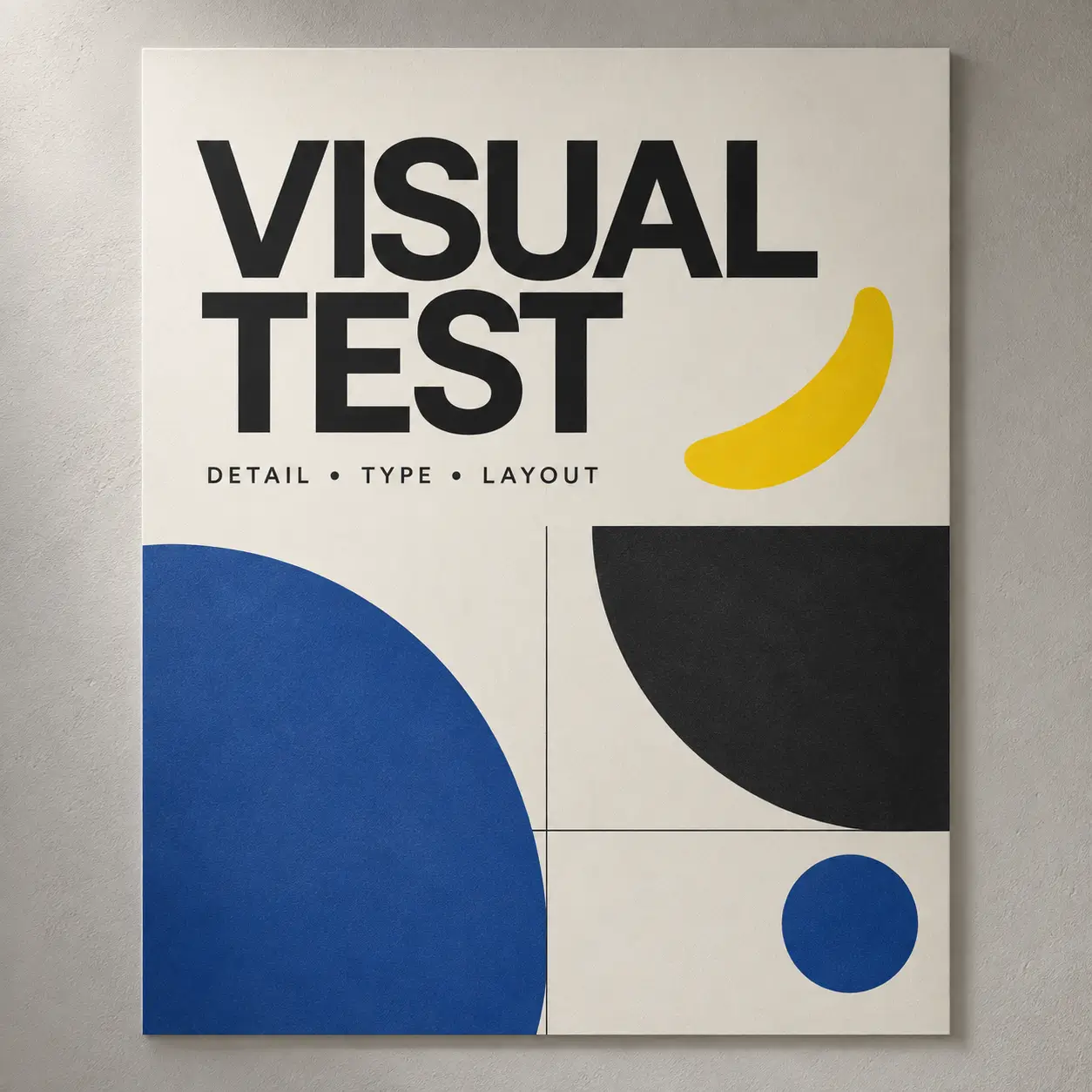
Design Visuals with Readable Text
Create posters, title cards, social graphics, and interface-inspired layouts that combine imagery with short text. Complex lettering may still need another pass, so inspect spelling and letter shapes at full resolution before publishing.
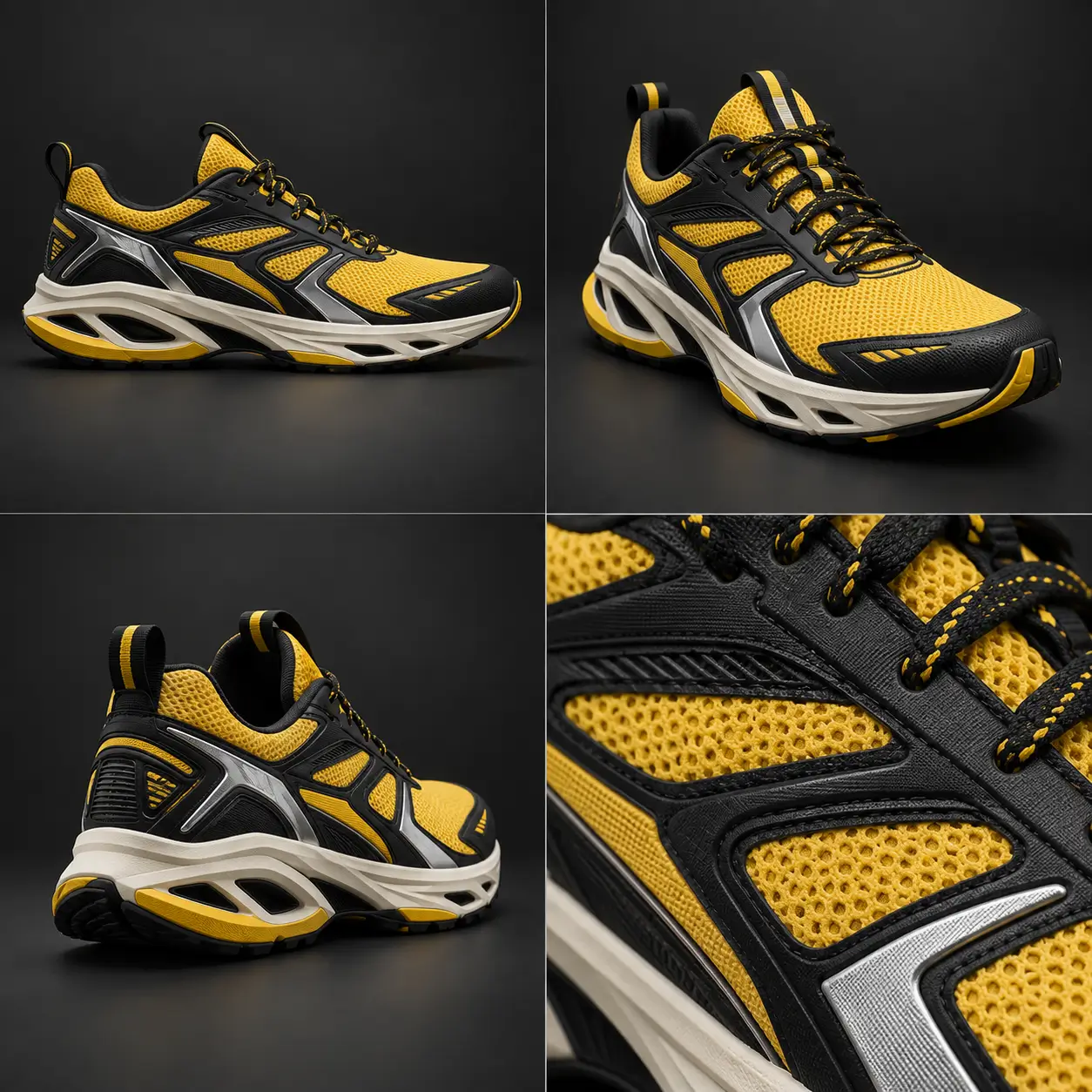
Guide Results with Reference Images
Upload reference images to communicate identity, product details, composition, or visual style. Keep the most important references focused and explain what should remain unchanged in the prompt.
Four Quality Checks Before You Download
Review each Nano Banana 2.5 result against the prompt and references before moving it into a production workflow.
Exact Instruction Following
Specify object counts, positions, relationships, camera direction, and exclusions. A visually attractive result can still fail if it changes one required detail.
Readable Text at Export Size
Check every letter, number, repeated label, and alignment at full resolution. Reduced previews can hide misspellings, merged characters, and rough edges.
Reference Fidelity Across Reruns
Use the same character or product references several times and compare identity, materials, proportions, and style. One successful image does not prove consistency.
Repeatability, Speed, and Failure Rate
Record how many attempts produce a usable result, how long they take, and which details require repair. Production value comes from predictable outcomes, not one unusually strong screenshot.
Where Nano Banana 2.5 Fits Your Workflow
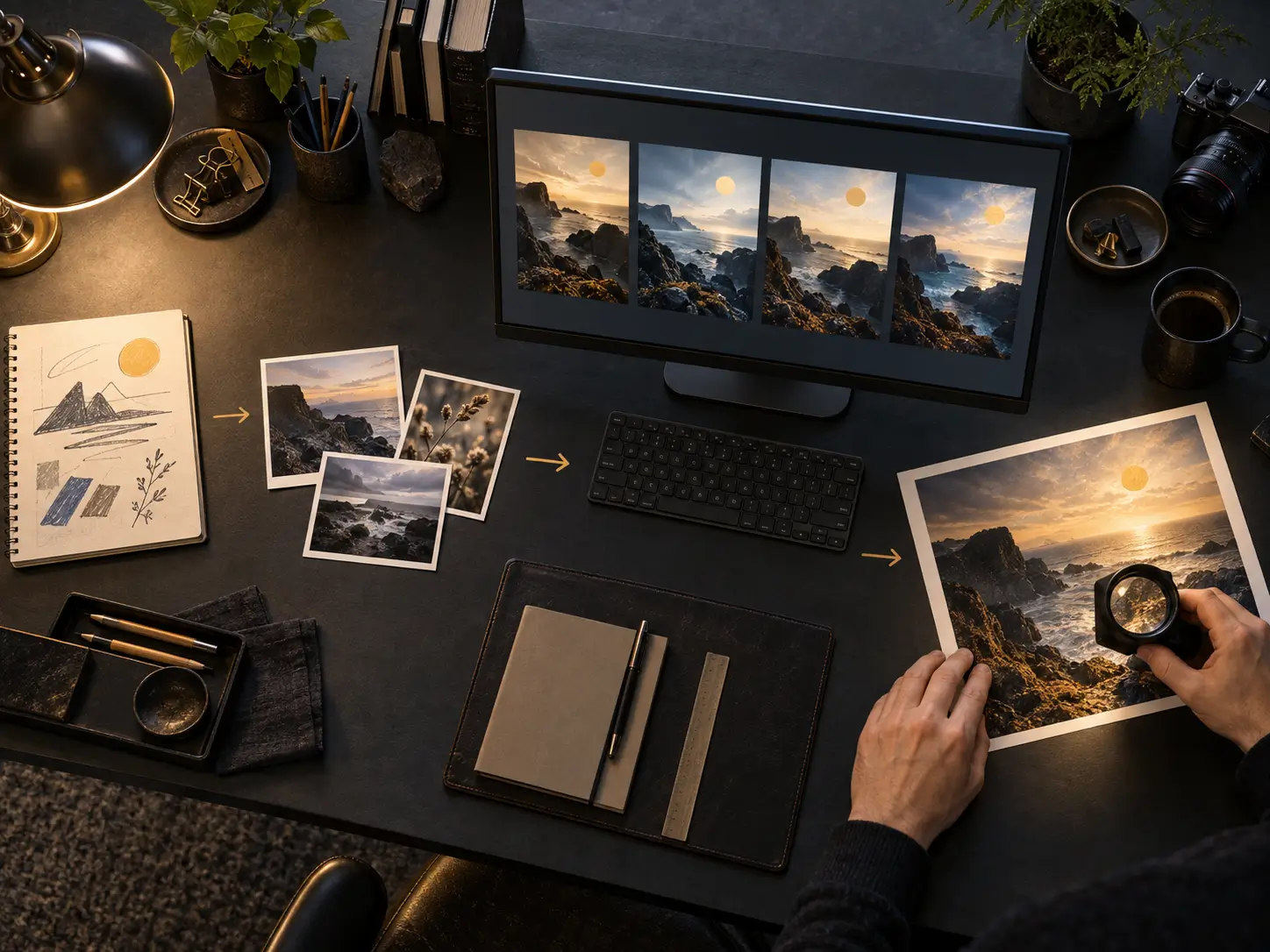
Use Nano Banana 2.5 for fast visual exploration, reference-guided editing, and repeatable creative production across common design tasks.
Product and Campaign Concepts
Place products in new environments, explore campaign directions, and create visual variations while keeping important materials, colors, and brand cues in the brief.
Character and Style Exploration
Use a focused reference set to explore poses, scenes, wardrobe, and art direction. Repeat key identity and style requirements in the prompt when consistency matters.
Posters, Covers, and Social Graphics
Combine a clear hierarchy, short text, and a defined aspect ratio to generate layouts for announcements, editorial covers, thumbnails, and social campaigns.
Create with Nano Banana 2.5 in Three Steps
Step 1 Define Pass and Fail Before Generating
Write down the exact text, object count, composition, identity details, and constraints that must survive. A clear checklist prevents visual polish from masking instruction failures.
Step 2 Generate with Nano Banana 2.5
Choose Nano Banana 2.5, select the image size and format, then submit your prompt. Add reference images when you need stronger guidance for identity, products, composition, or style.
Step 3 Review the Full-Size Result
Check text, anatomy, geometry, repeated patterns, and reference fidelity at full size. Refine the prompt and generate another variation when an important detail needs correction.
How to Use Illustration
Pricing
Generate professional images with your favorite Nano banana 2 AI plan.
Basic
A straightforward way to get started with nano banana 2 AI image generation.
Includes
- 1000 credits (never expire)
- 166 images generation ($0.12 / image)
- No watermark
- Character consistency
- batch generation
- permanent image download link
- Commercial use rights
Credits never expire!
Max
PopularFor professionals who need high-volume image generation.
Everything in Pro, plus
- 7500 credits (never expire)
- 1250 images generation ($0.08 / image)
- No watermark
- Character consistency
- batch generation
- permanent image download link
- Commercial use rights
- Priority support
- Access to all new releases
Credits never expire!
Pro
Great for educators, designers, and marketers.
Everything in Basic, plus
- 3300 credits (never expire)
- 550 images generation ($0.09 / image)
- No watermark
- Character consistency
- batch generation
- permanent image download link
- Commercial use rights
- Priority support
- Access to all new releases
Credits never expire!
Frequently Asked Questions
What is Nano Banana 2.5?
Nano Banana 2.5 is an AI image generation and editing experience for creating polished visuals from text prompts and reference images. It is designed for practical creative work such as product concepts, campaign graphics, posters, covers, and visual variations.
Can I use reference images?
Yes. Upload reference images when you want to guide identity, product details, composition, or style. Use focused references and state which details Nano Banana 2.5 should preserve or change.
What kinds of images can I create?
You can create product scenes, marketing concepts, editorial artwork, posters, social graphics, character studies, and other visual directions. Results improve when the prompt defines the subject, layout, camera, lighting, materials, and required text.
How do I get better Nano Banana 2.5 results?
Write a structured prompt with the subject, composition, perspective, lighting, style, exact text, and exclusions. Keep references relevant, inspect the full-size image, and change one instruction at a time when refining a result.
Can Nano Banana 2.5 generate text inside images?
Nano Banana 2.5 can create visuals containing short text, making it useful for posters, title cards, and social graphics. Review spelling, punctuation, repeated labels, and letter shapes at full resolution before using the image.
Can I use generated images commercially?
Paid plans include commercial use rights. You are still responsible for ensuring that your prompts, reference images, trademarks, likenesses, and final outputs comply with applicable rights and platform policies.