YOUR PHOTO, A CHRISTMAS SETTING

AI Christmas Photo Generator

Use the AI Christmas Photo Generator to turn your photo into a festive Christmas portrait. Upload, choose a look, compare and download. Cozy room is selected to start.

1. Upload

Drop a photo or click to uploadOr paste a photo here

2. Choose a Christmas look

3. Generate

Example
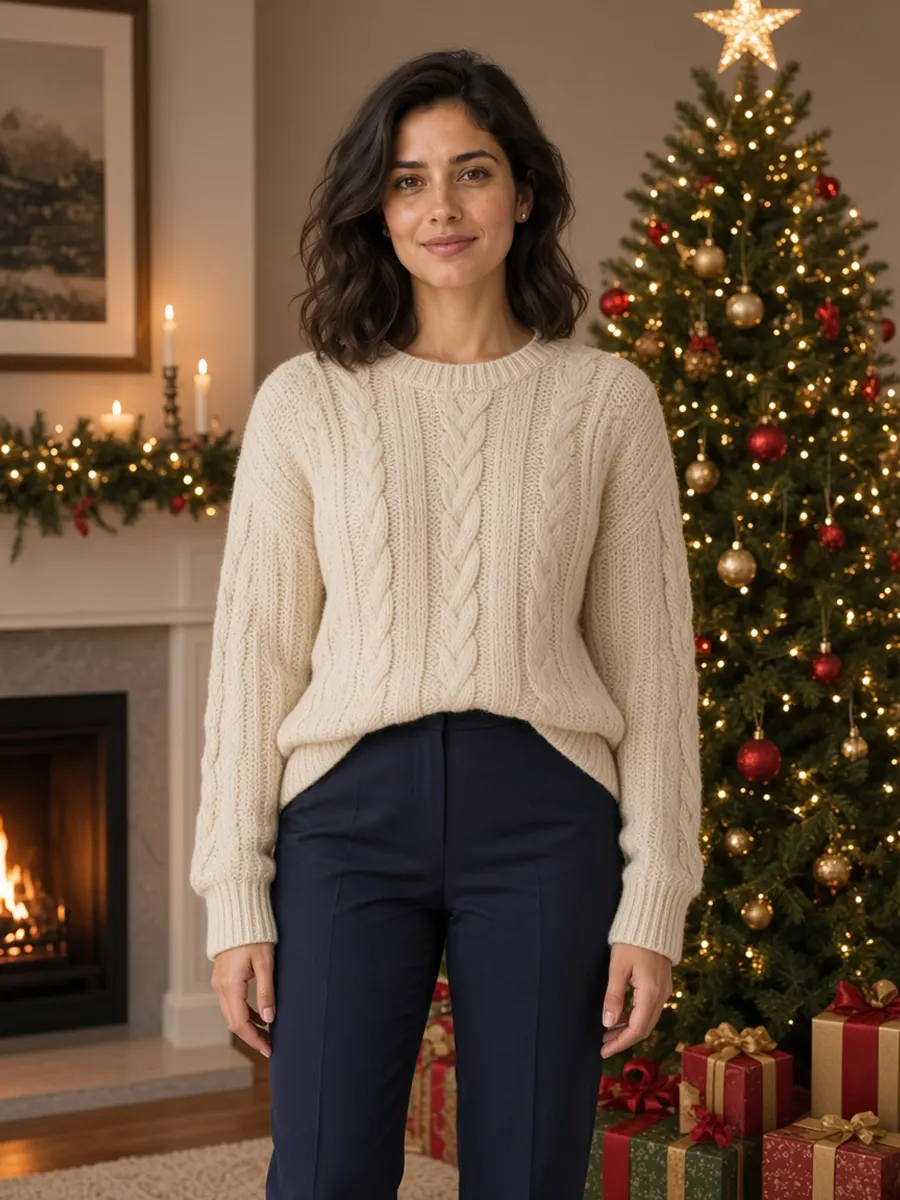
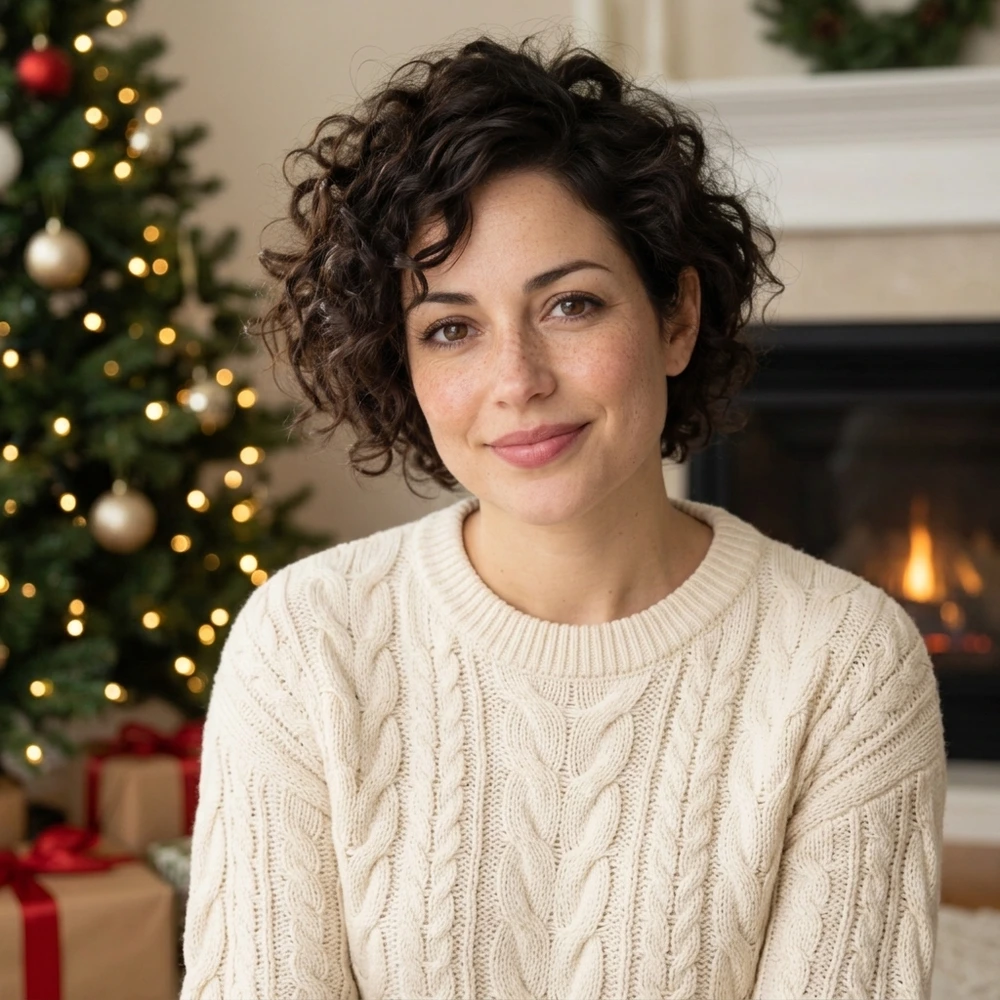
The same woman after the AI Christmas photo edit, in a cream sweater by the tree
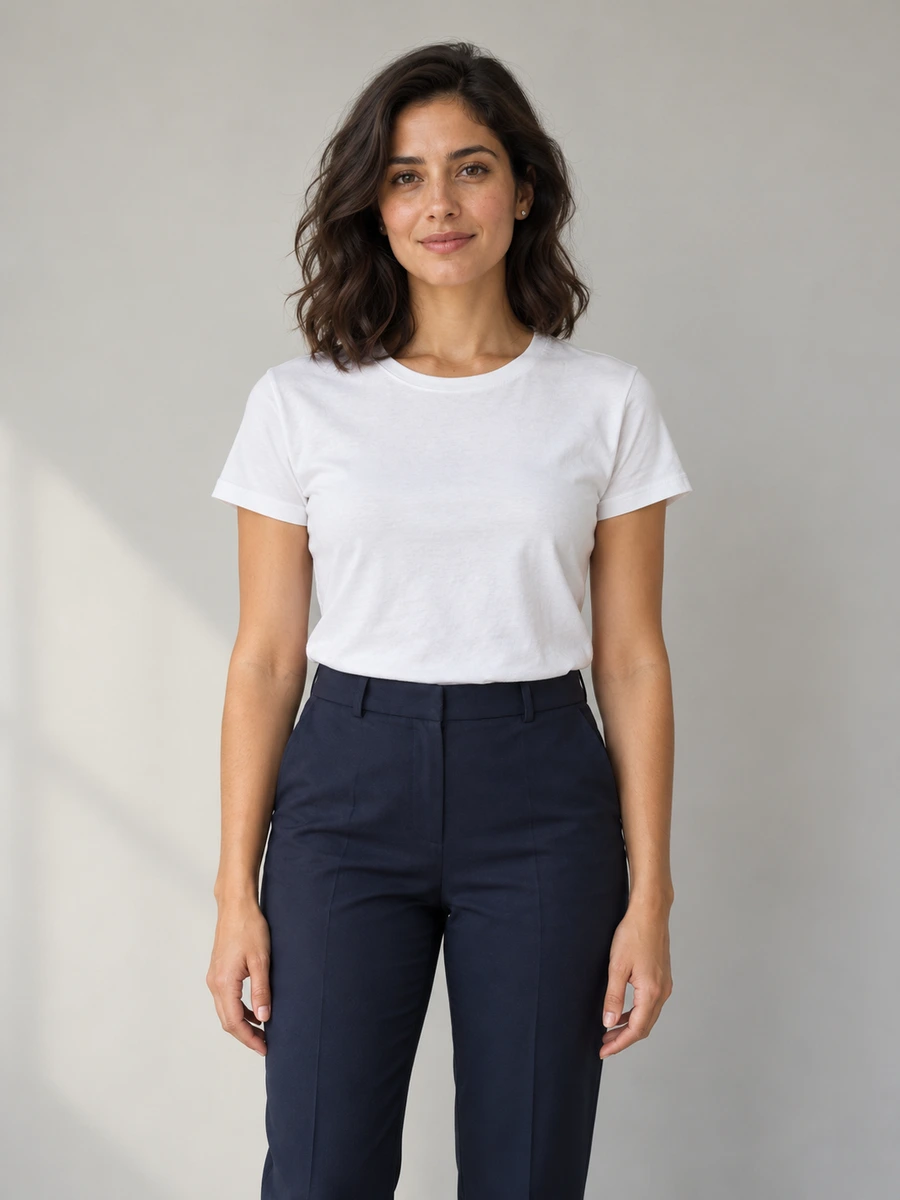
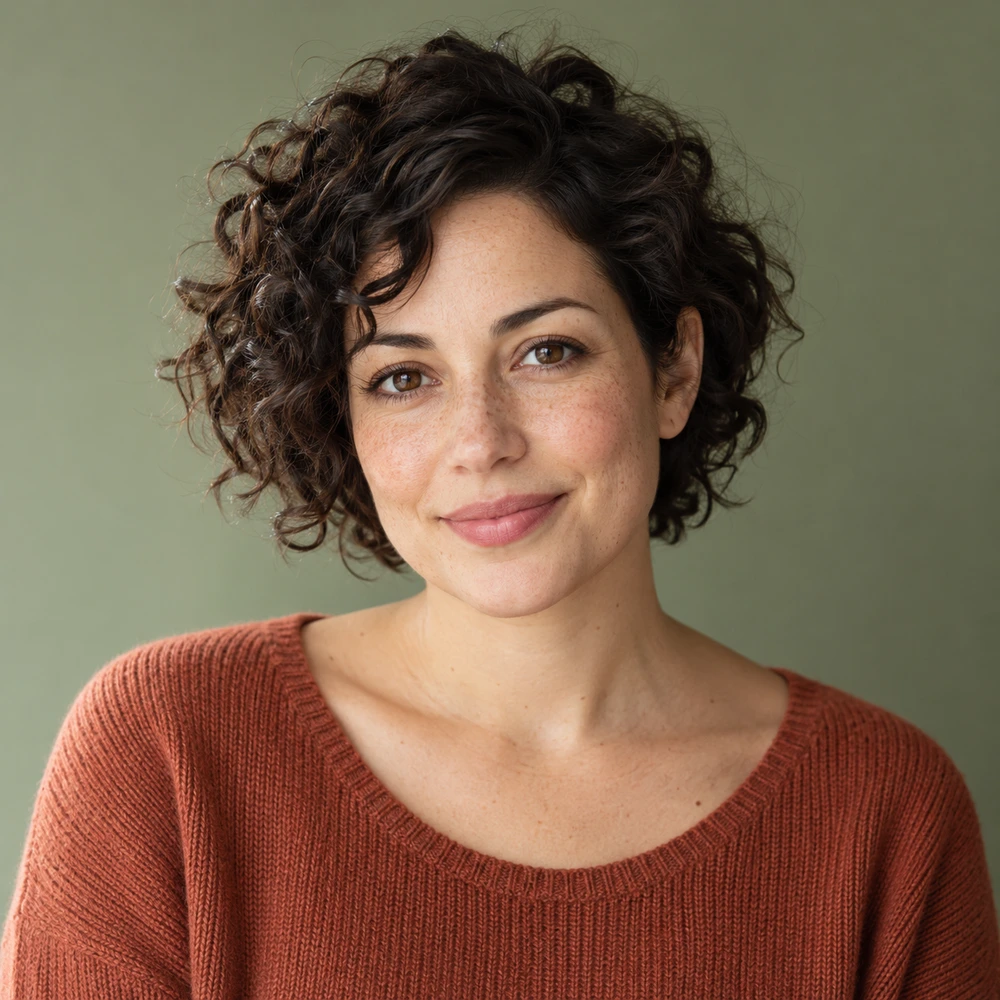
Original casual portrait used for the AI Christmas Photo Generator comparison
Original
Christmas edit

Everyday photo to Christmas portrait

Your Christmas portrait will replace this example

ORIGINAL / CHRISTMAS EDIT

Find the holiday setting that feels like you

These AI Christmas Photo Generator examples show original photos beside actual edits using the matching presets. Look at the scene, clothing and lighting together, then check what changed in the person. Each example illustrates one result; your own photo may need a different direction.

Curly-haired woman before a warm-room AI Christmas Photo Generator editORIGINAL
Curly-haired woman beside a decorated tree after a AI Christmas Photo Generator editCHRISTMAS EDIT

A warm portrait beside the tree

A softly lit room, a decorated tree and festive knitwear give an everyday portrait a seasonal setting. Try this look for a personal holiday profile or a picture to place inside a greeting-card layout. Compare the eyes, smile and hair with the original before choosing a version to share.

Man photographed at the beach before a AI Christmas Photo Generator transformationORIGINAL
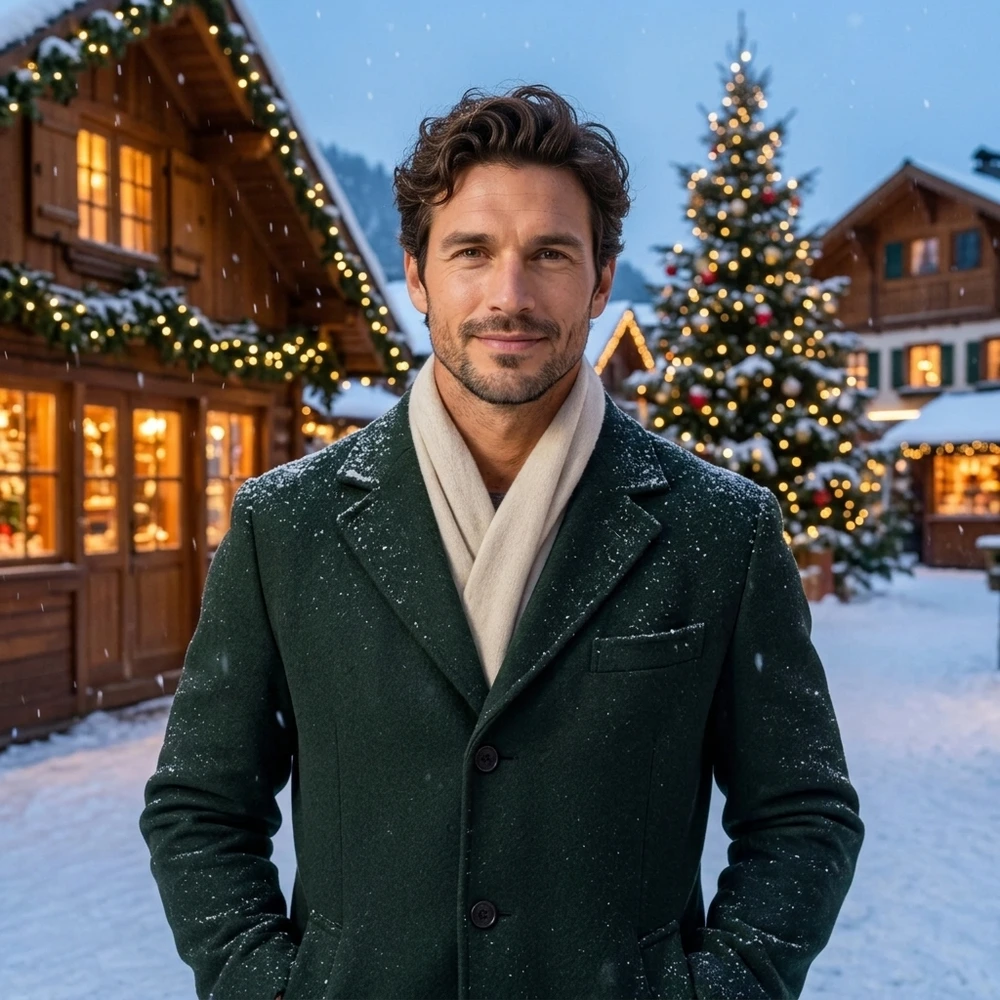
Man in winter clothing in a snowy village created by the AI Christmas Photo GeneratorCHRISTMAS EDIT

A winter scene with warm window light

Move an outdoor portrait into a snow-covered village with cool evening light and glowing windows. The preset also requests winter clothing, so inspect the scarf, coat edges and hands. A source with a clear face and comfortable framing gives the scene a better starting point than a distant or heavily cropped subject.

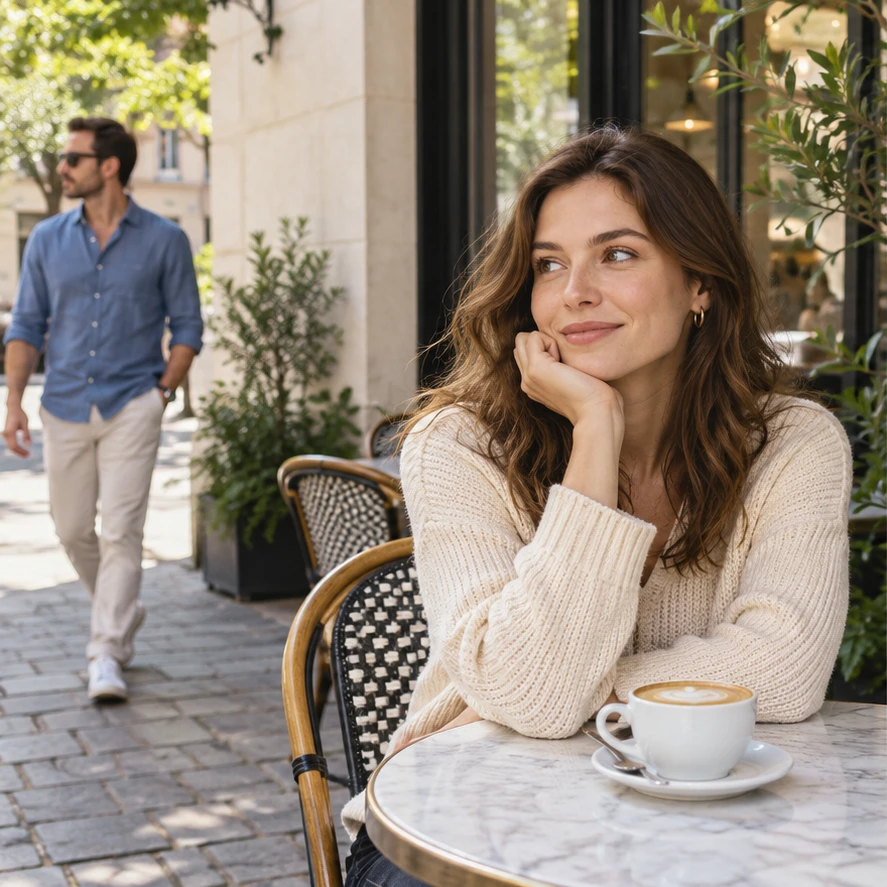
Two adults in a café before the AI Christmas Photo Generator studio exampleORIGINAL
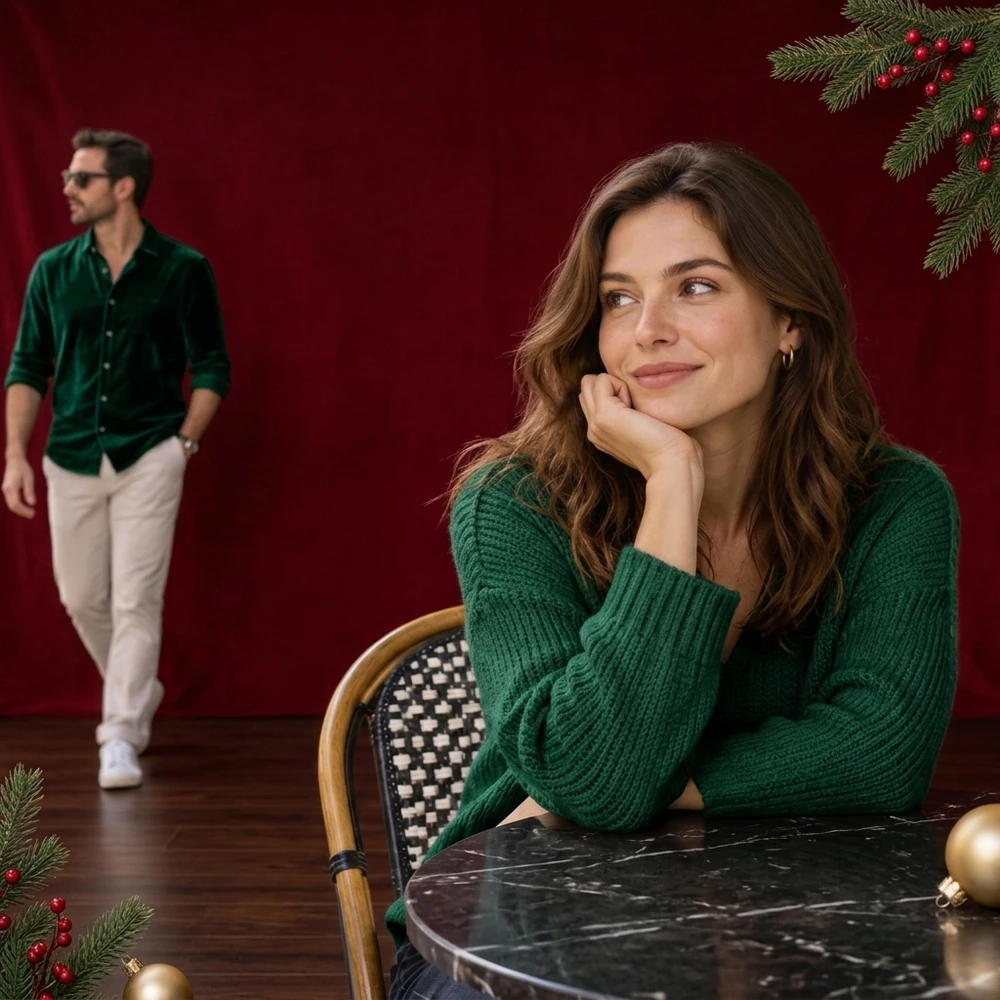
Two adults against a festive red backdrop in a AI Christmas Photo Generator studio resultCHRISTMAS EDIT

A clean festive studio portrait

A deep red backdrop and restrained decorations put attention on the people in the frame. This pair explores the studio look with two adults. Some people also try a family Christmas photo here, but review each face separately: a good result for one person does not establish reliable likeness for every person in a couple or group photo.

ONE PHOTO, THREE STEPS

How to use the AI Christmas Photo Generator

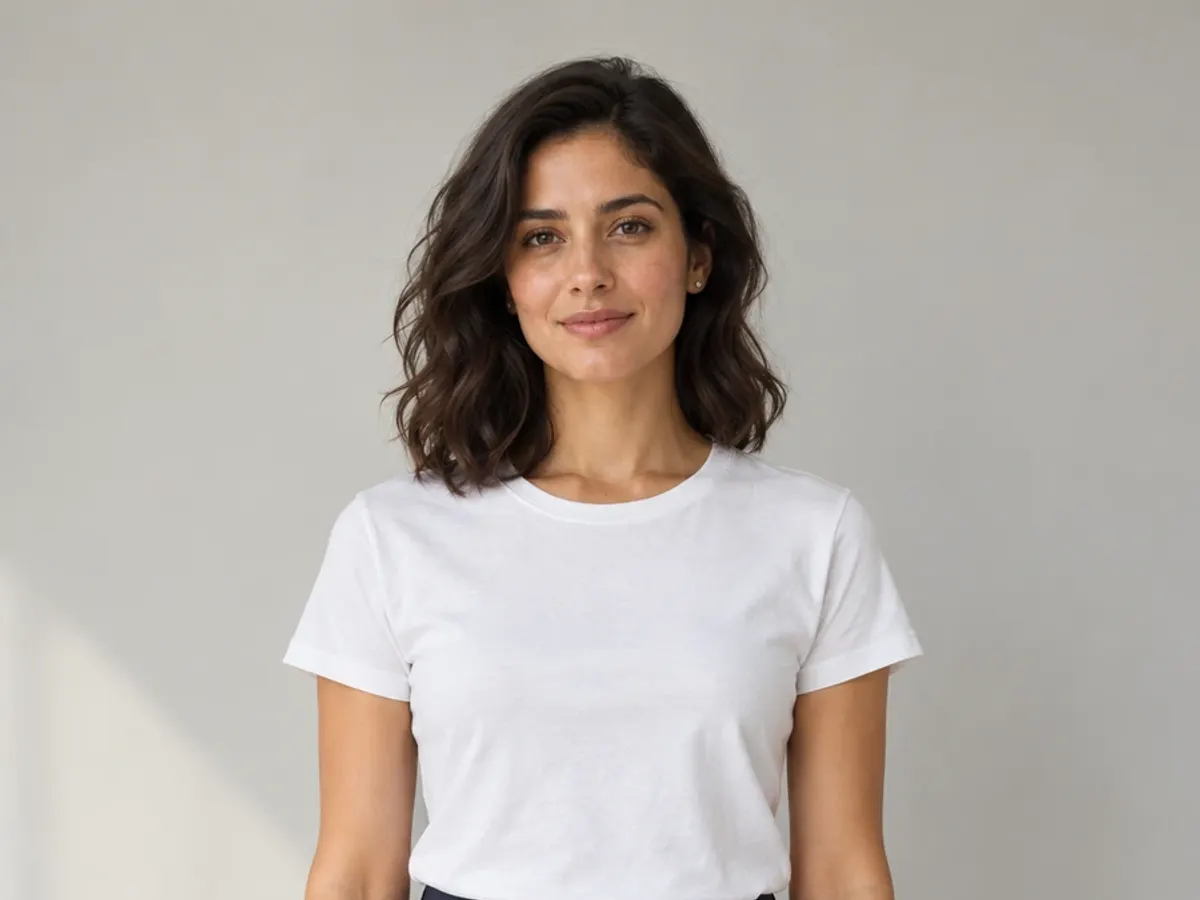
Start with a picture in which you can clearly see the people you want to keep. The upload supplies the face, pose and composition; the selected look describes the festive setting and clothing for the AI Christmas photo.

A clear, evenly lit portrait with an unobstructed face, ready to upload01

Upload a clear photo

Drop, paste or choose a JPG, PNG or WebP. You can explore the sample before using your own picture. Prefer a sharp, evenly lit portrait with visible eyes and enough space around the body. Upload and look selection work before login; the tool asks you to sign in when you generate.

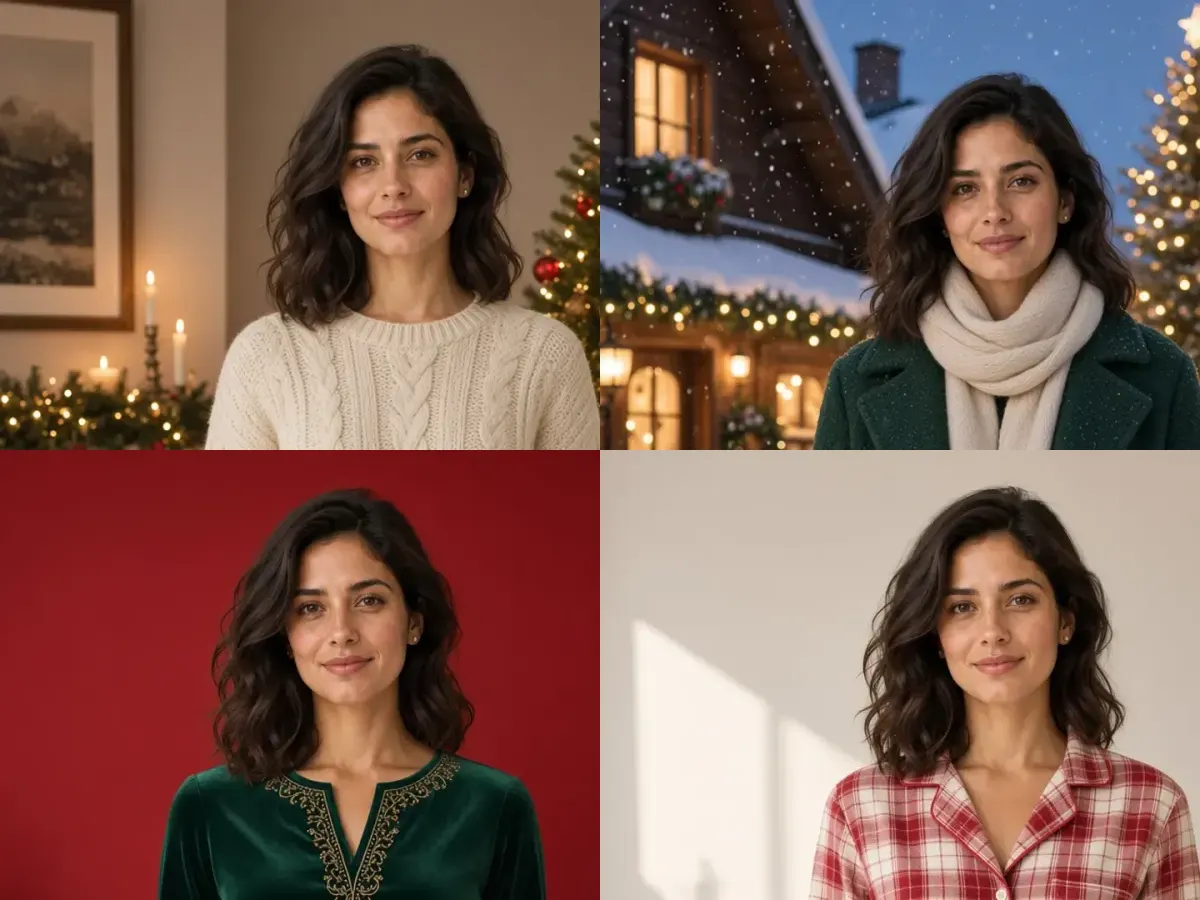
The same woman in four Christmas looks: cozy room, snowy village, red studio, and festive pajamas02

Choose one Christmas look

Start with the cozy room, or choose a snowy village, red studio or festive pajamas. Select Custom to describe a different Christmas setting. Name the change and any visible details you want to keep, such as your hairstyle, expression or pose. A focused request is easier to compare with the source.

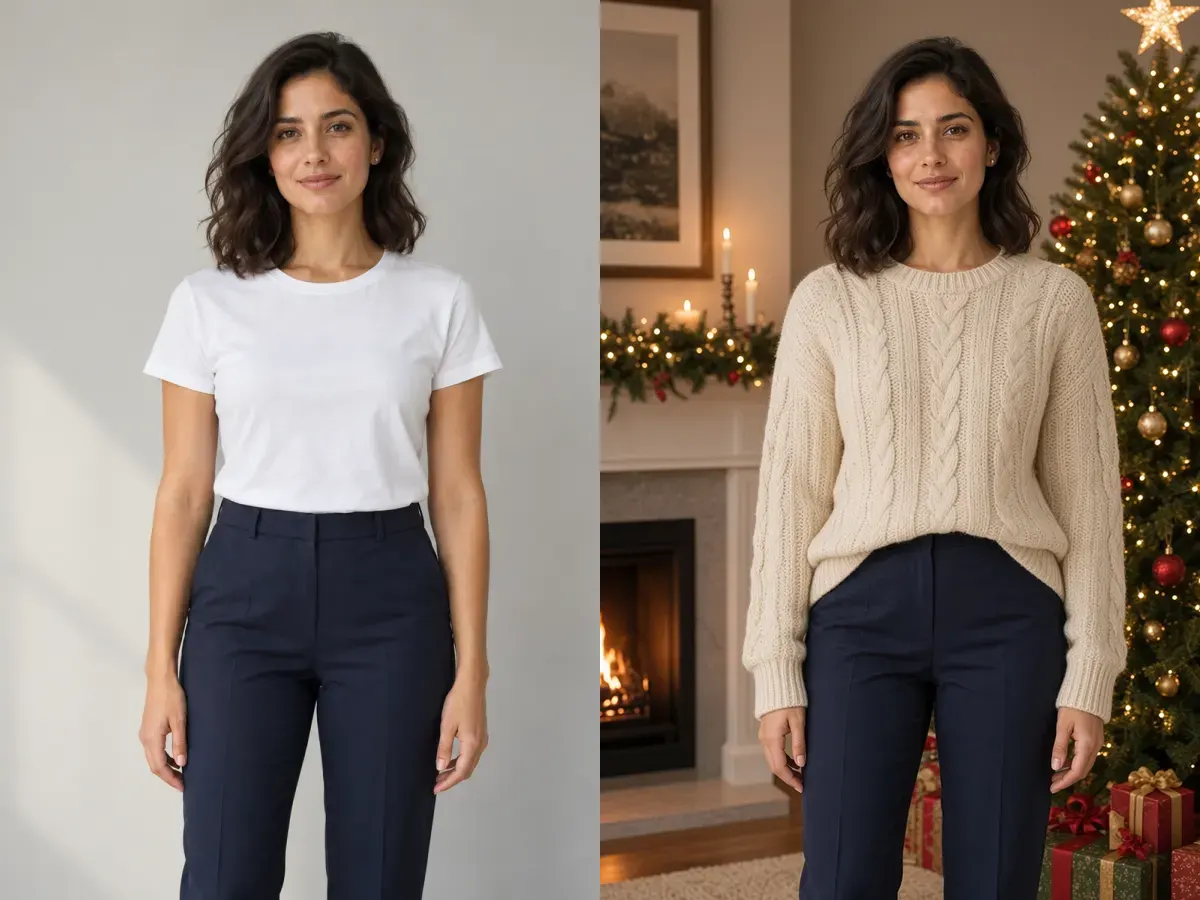
The same woman before and after a Christmas portrait edit, shown side by side to compare03

Compare and download

Check the credit cost on the button and generate one photo. Use the before-and-after slider to inspect the new scene and the person together. Check faces, hands and clothing at full size before downloading. To explore another look, return to the original photo and choose a new direction.

A CLEAR REFERENCE HELPS

Keep the person at the center of the picture

The AI Christmas Photo Generator creates a new interpretation of your photo. A recognizable face is the goal, and small features can still change. Give the edit a clear starting point and review the details that make the portrait yours.

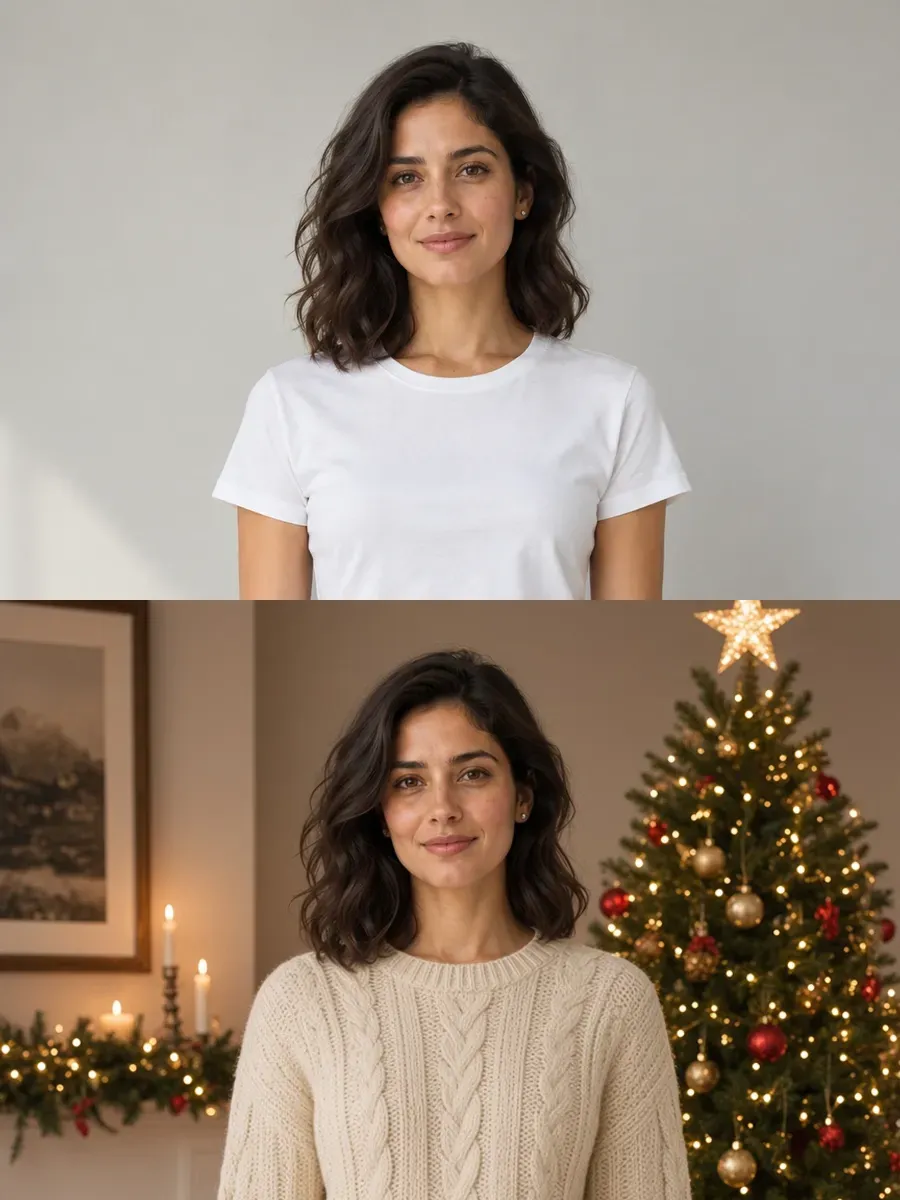
A clear, evenly lit reference photo of a woman above the same woman in a festive Christmas portrait

Choose visible faces and even light

Use an image with open eyes, natural facial detail and minimal blur. Strong shadows, sunglasses, hair across the face and very small faces make likeness harder to judge. For a group, choose a photo where everyone is already present and clearly visible; this page does not combine separate photos of different people.

Describe a scene you can recognize

In Custom, specify a setting, a lighting mood and a clothing change if needed. For example, ask for a snowy Christmas market with a green coat while keeping your pose and hairstyle. Keep the request consistent with the source rather than asking for several poses or conflicting environments in one attempt.

Inspect faces, hands and the headcount

Compare the eyes, teeth, smile, fingers and body proportions with the original. For more than one person, check that everyone is still present and individually recognizable. A convincing festive background can distract from changed facial details. Keep a useful result before trying another version, and restart from the source when likeness drifts.

Finish card layouts after the Christmas portrait

Use the downloaded picture in a separate layout editor when you need exact greeting text, borders or a specific card size. Leave room around the subject for cropping. Check the returned pixel dimensions against your intended use; a digital portrait is not automatically suitable for a large print.

AI Christmas Photo Generator questions

Do I need to upload a photo?

Yes. An AI Christmas photo on this page starts from one existing photo. Upload your own picture or choose Try a sample to explore the process. The sample demonstrates the scene choices; replace it with your photo when you want a personal result.

Will my face stay exactly the same?

Exact likeness is not guaranteed. The presets ask to preserve identity, expression and pose, but the output can change facial features, skin detail, hands or body proportions. Use a clear source and compare the result carefully, especially before using a portrait as a personal keepsake.

Can I try a family, couple or pet photo?

You can upload those photos, but results vary. A family Christmas photo, a couple, or a pet can change around faces, overlapping bodies, small subjects and fur. Check every person or animal individually. The examples do not establish reliable family or pet performance, and the tool cannot assemble separate photos into one family portrait.

Can I change outfits or add a Christmas message?

The presets request clothing suited to the selected setting, and Custom can describe another festive outfit. Clothing details may change. For a Christmas message, exact spelling or a specific card design, add the wording in a separate layout editor after choosing the portrait.

Is creating a Christmas portrait free?

Generating a photo requires an account and credits. Uploading a picture and choosing a look do not start a generation. Check the current cost on the Generate button; another attempt is another charged generation. The information icon beside the button explains retry costs.

What do I download, and can I print it?

This page generates one PNG in the 1K output class. Dimensions and framing can differ from the uploaded photo. Download the result, inspect it at full size and check its actual pixel dimensions against your printer or card service requirements. Keep the original photo for future edits.

Try the AI Christmas Photo Generator with your own picture

Start with your own picture, choose one look, and compare the Christmas portrait as carefully as the decorations. The original stays beside the result so you can decide what to download.

Create your Christmas photo