
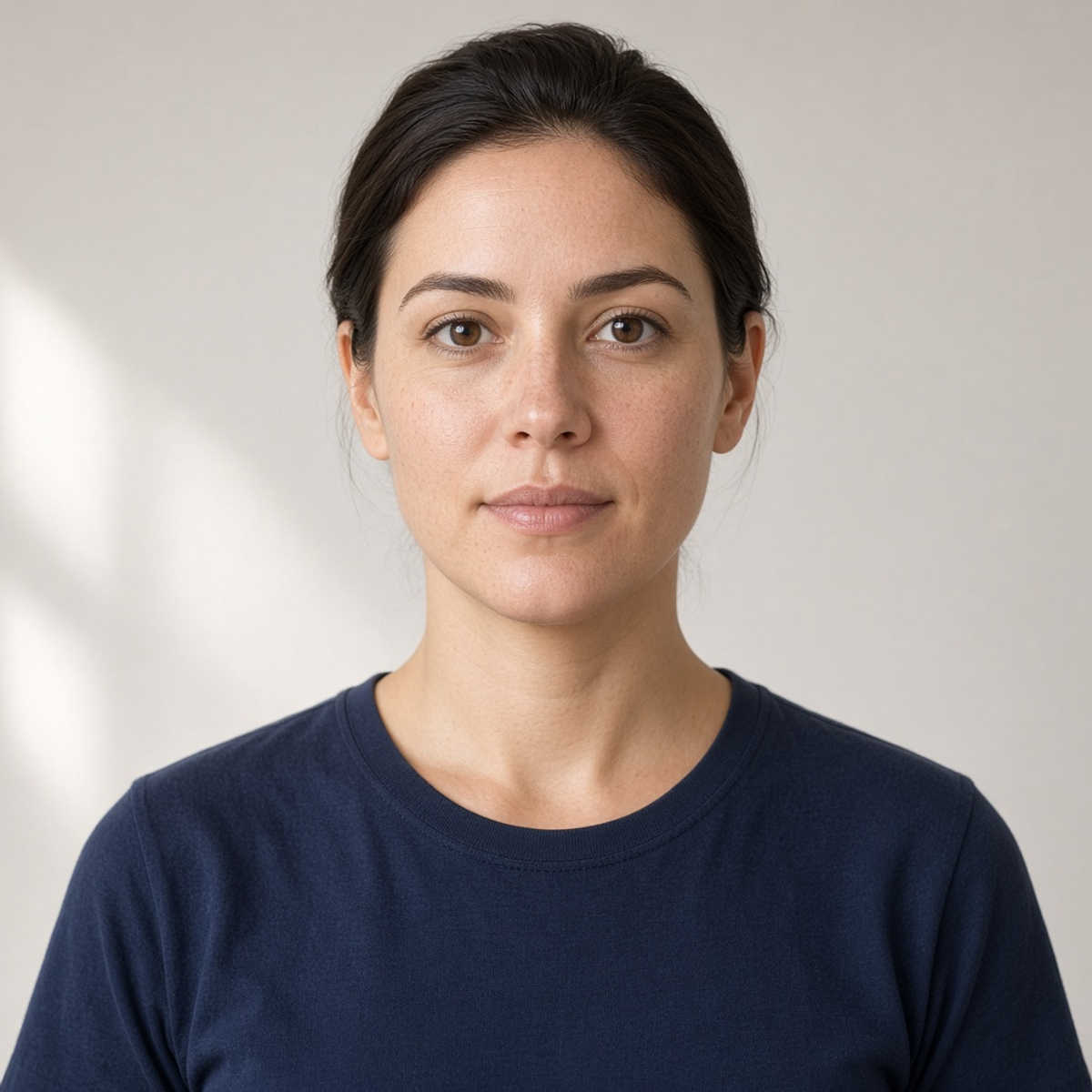
 ORIGINAL
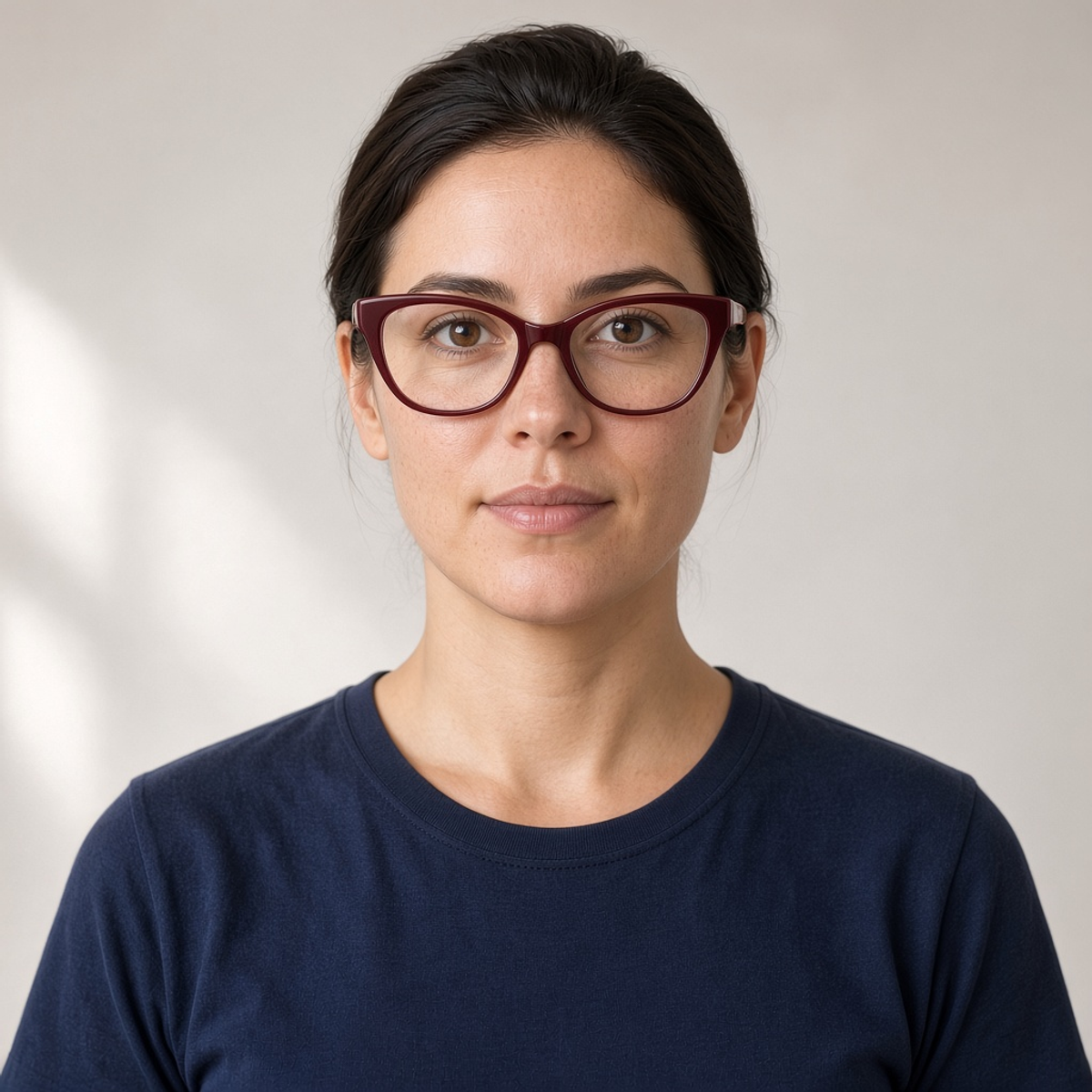 TRY-ON
Cat-eye
The outer corners lift. Check whether the upsweep crosses the brow or sits just above the eye.
YOUR PHOTO, A DIFFERENT FRAME
Use Virtual Glasses Try On to preview a frame on a face photo you already have. Pick a classic rectangle, browline, aviator, cat-eye, rimless pair or another preset, or describe your own.
5 credits per image · The sample is a photo, not your upload
Your try-on will replace this example
SAME PORTRAIT, DIFFERENT FRAMES
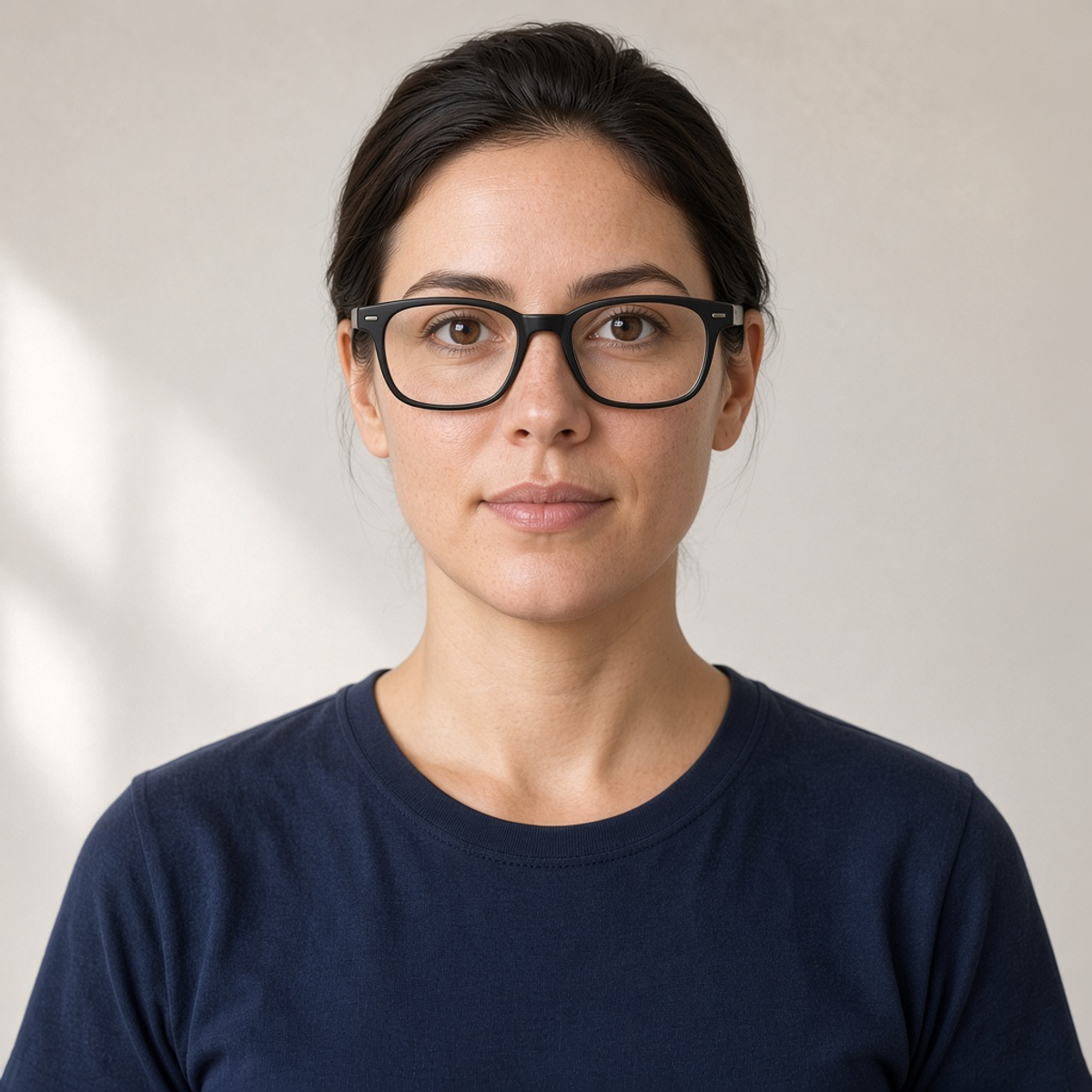
These pairs start from the same sample portrait. They show the shape of a try-on, not a measurement of a real pair. Use a preset, then judge the result on your own photo.
ORIGINALTRY-ONThe outer corners lift. Check whether the upsweep crosses the brow or sits just above the eye.
ORIGINAL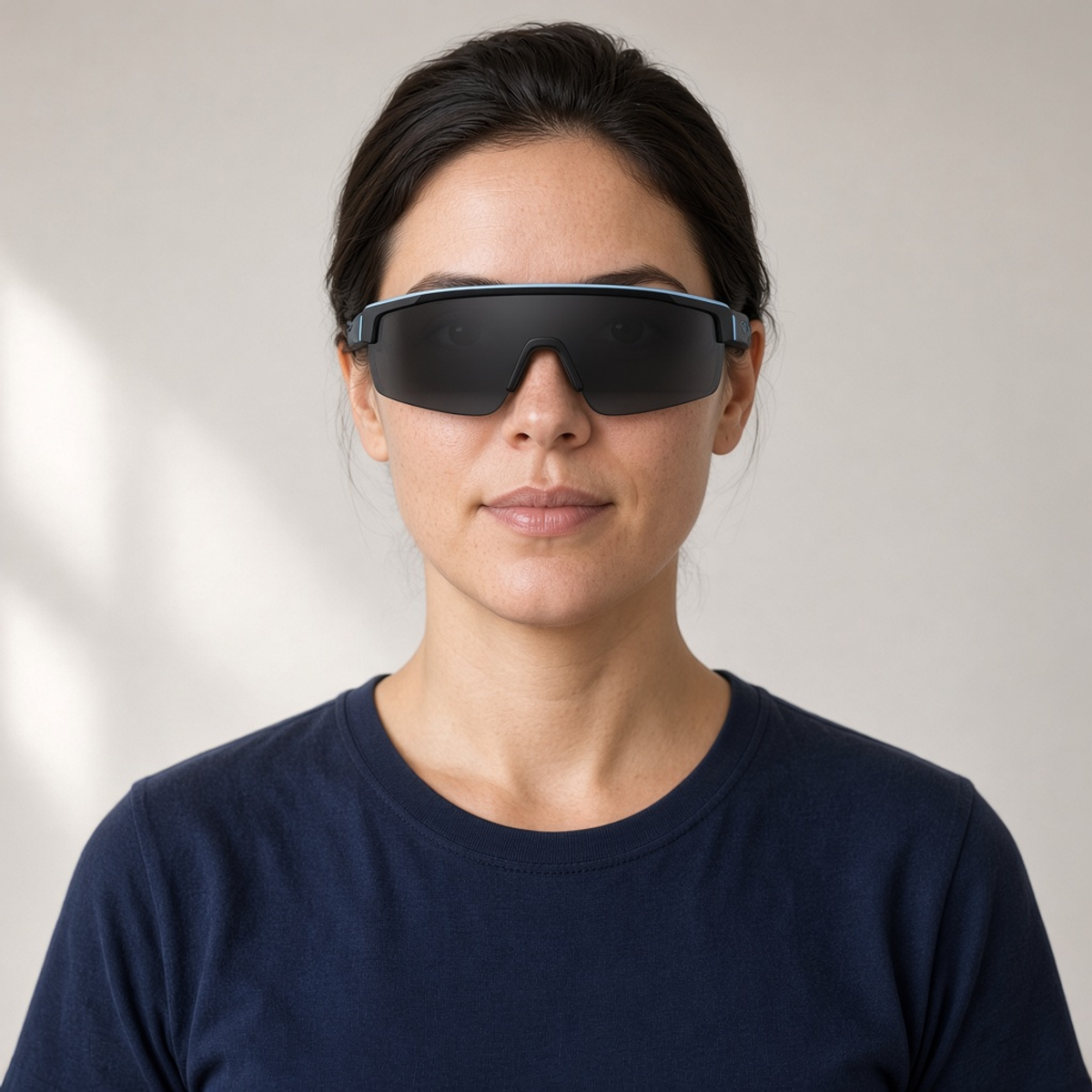 TRY-ON
One dark shield instead of two optical lenses. Useful when you want sunglasses, not a clear everyday frame.
ORIGINAL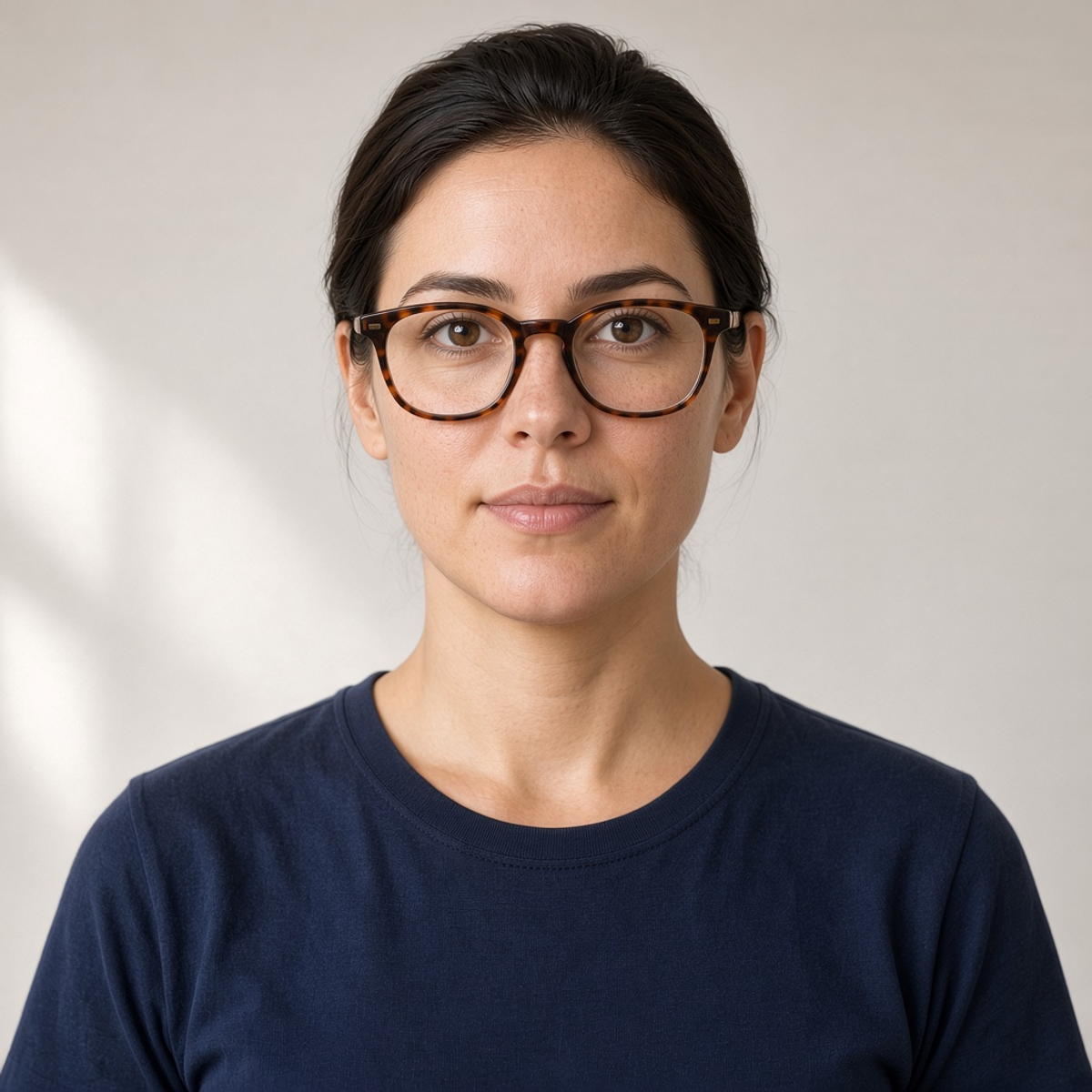 TRY-ON
A mottled brown rounded square. Look at the rim pattern and whether the eyes still read through the lens.
ORIGINAL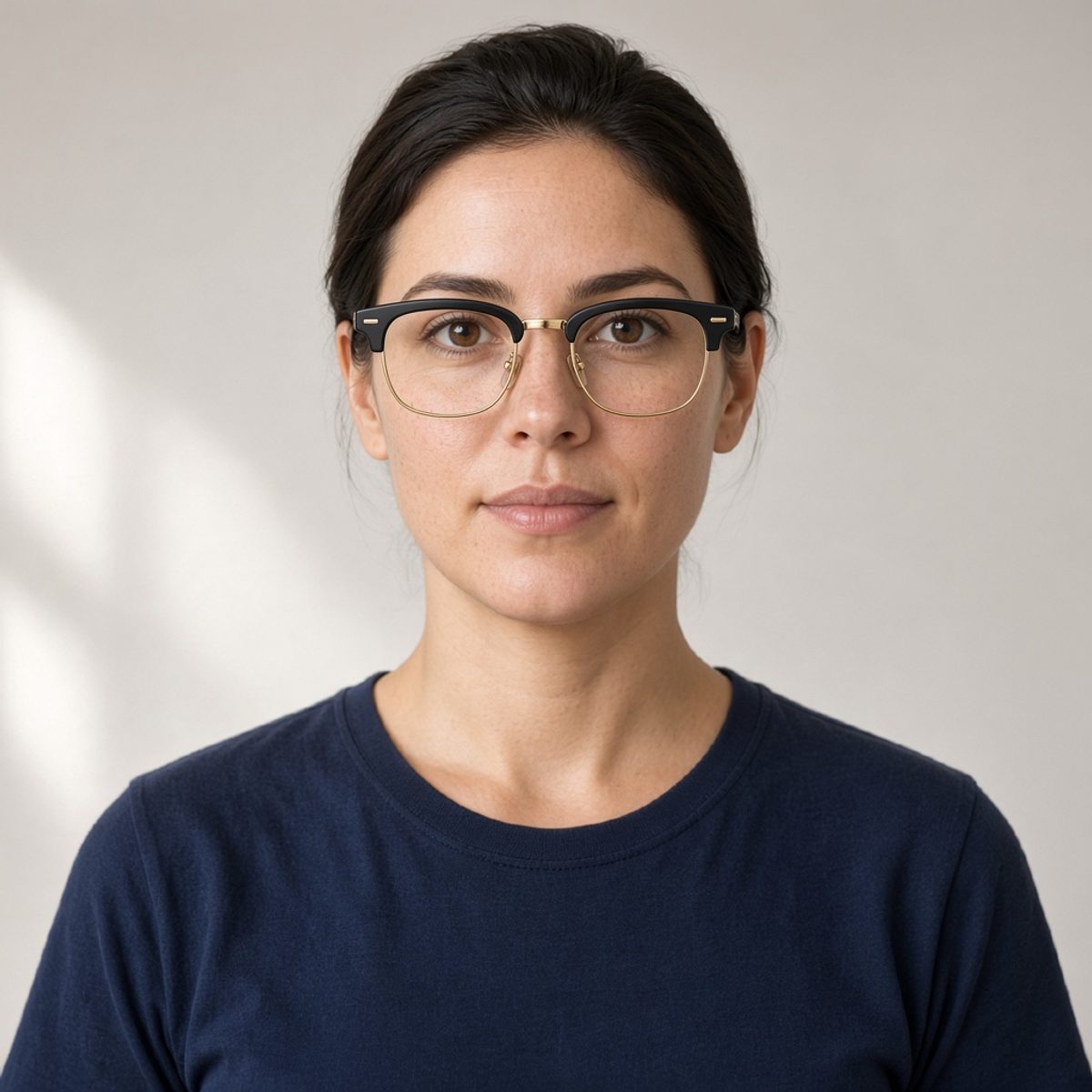 TRY-ON
A dark bar sits on the brow line and a thin gold rim finishes the bottom. Check that the bar does not swallow the eyebrows.
ORIGINAL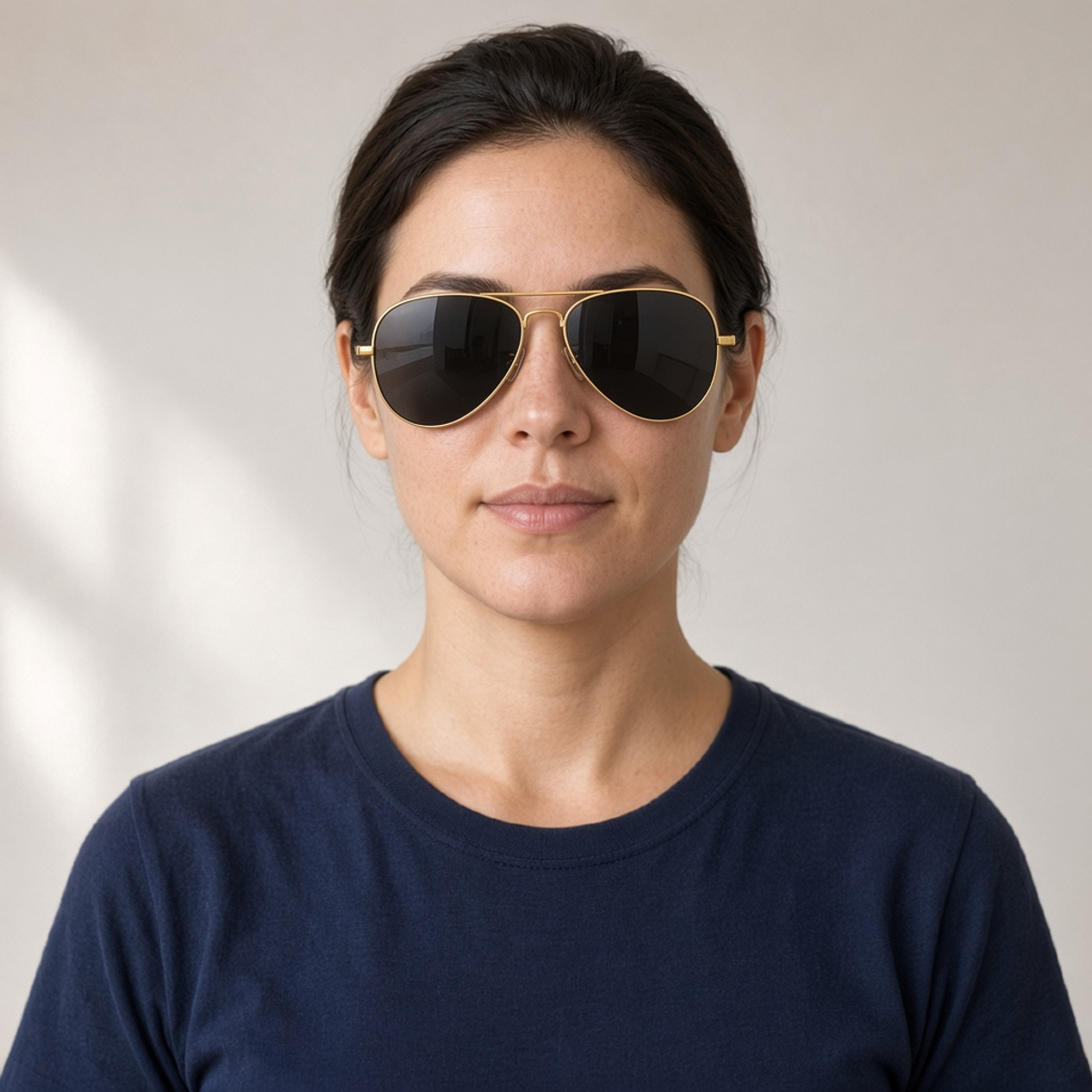 TRY-ON
Gold teardrop sunglasses with a double bridge. The lenses should cover the eyes and follow the nose, not float in front of it.
ORIGINAL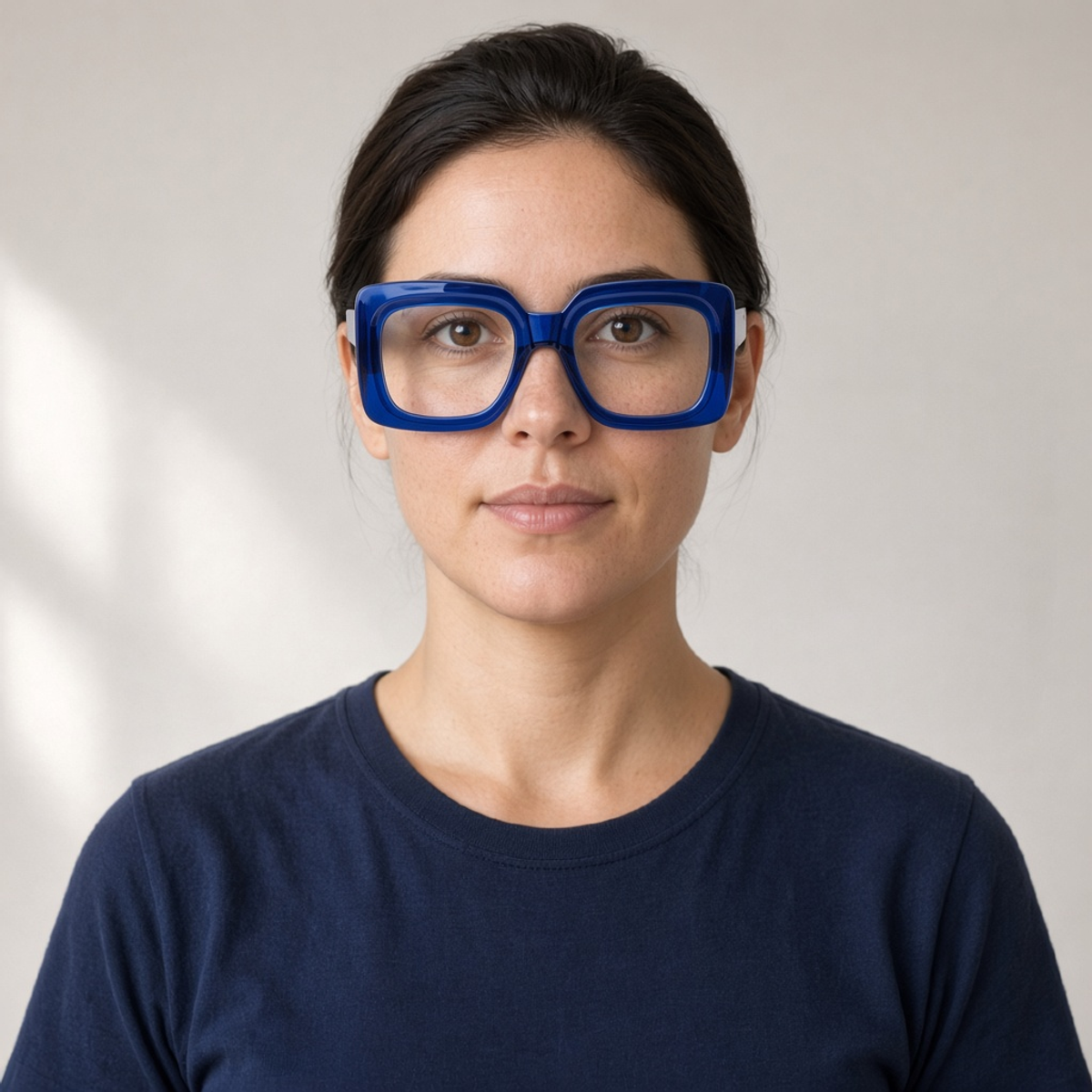 TRY-ON
Large cobalt squares. They should look bigger than a daily frame without covering the whole face.
ORIGINAL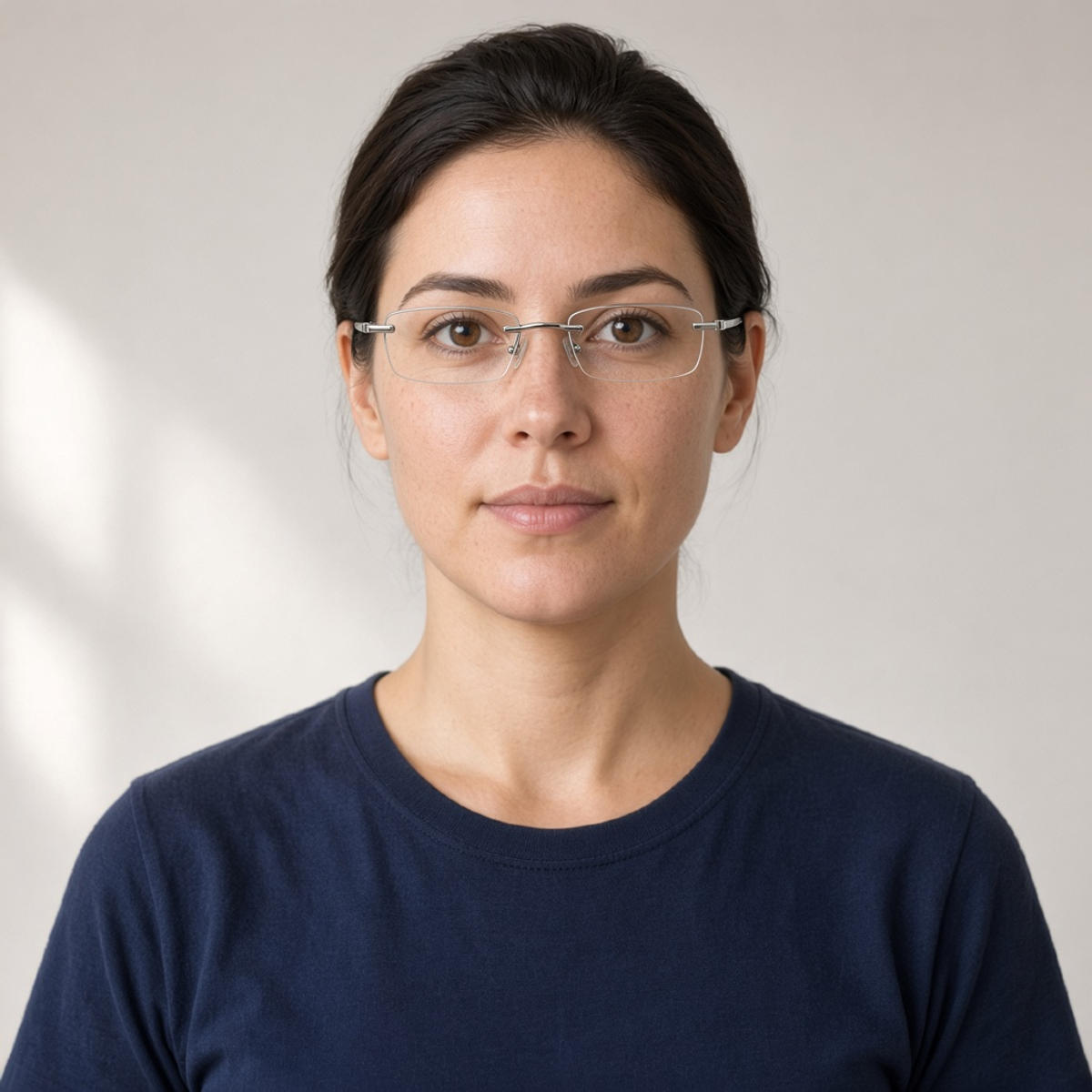 TRY-ON
Almost no frame: clear lenses, a thin metal bridge and temples. The eyes should stay easy to see.
ONE PHOTO, ONE FRAME
Start with a clear face and one frame. A single change is easier to judge than a request that also restyles the hair, clothes or background.
Use a sharp JPG, PNG or WebP where both eyes, the nose bridge and the sides of the face are visible. A photo without glasses is easier to read. Keep the original so you can compare the try-on against it.
Classic black starts selected. The row also includes round metal, cat-eye, clear acetate, sport wrap, tortoiseshell, browline, aviator, oversized blue and rimless. Custom is for a specific pair: name the shape, material, color and whether the lenses are clear or tinted.
The button shows the cost, 5 credits for each image. The example slider is a separate sample photo. Your result is paired with the photo you submitted. Check the bridge, the pupils and the temples before you download.
A PREVIEW, NOT A FITTING
The try-on asks the editor to add glasses and leave the rest of the photo alone. It can still redraw eyes, brows or the hairline. Use the original as the reference, not the previous result.
A straight-on portrait gives the frame a nose and two ears to land on. A profile, a tilted chin, bangs over one eye, or a face that is small in a group photo leaves less to align. Crop closer if the face is a small part of the shot.
“Thin gold hexagon, clear lenses” is a usable brief. “Make me look expensive” is not. Say acetate or metal, and say if you want sunglasses. Change only the glasses in that attempt.
Look at the bridge on the nose, whether the lenses line up with the pupils, and whether a temple disappears into the hair or floats beside the ear. Clear lenses should still show the eye. A dark wrap is supposed to cover them.
If the eyes or the jaw drift, start again from the unedited photo with a narrower description. This preview does not know your face width, pupillary distance or frame size in millimeters.
BEFORE YOU ORDER A PAIR
Look at a rectangle, a round wire pair and a cat-eye on the same face before an appointment. The picture can rule a shape in or out. It cannot tell you the lens width.
Use Sport wrap, or describe aviators, for a tinted pair on a portrait you already like. Check that the shield follows the face instead of hovering in front of it.
Try a look on a photo you have permission to edit. Treat the result as a concept and compare it with the real product before you publish it as a listing.
It edits the face photo you upload and draws the frame you pick onto that person. You can compare the try-on with the original and download a result. It is a picture of a frame on a face, not a size recommendation.
A sharp, front-facing photo of one person, with both eyes and the nose bridge visible. JPG, PNG and WebP work. The upload control shows the file size limit. Hair over an eye, heavy blur, or a strong profile makes the frame harder to place.
Yes. Choose Custom and the description box opens. Name the shape, color, material and lens tint. “Thin gold aviators with a light brown lens” is more useful than “nice glasses.”
The edit asks to preserve your face, hair, expression, clothes and background, and to change the glasses. That is a request, not a lock. Compare the eyes, brows and jaw with your original before you use the image.
The presets replace the glasses in the photo. A picture without glasses is easier to judge, because the editor does not also have to remove a frame and fill in the skin behind it. If you want to keep part of the old pair, say so in Custom.
No. The result does not know your pupillary distance, face width or lens prescription. Temple length and how the frame pinches can be invented. Use the preview to compare shapes, then check a real pair.
Each generated image costs 5 credits, and a retry is a new image. The button shows that cost before you generate. Picking a frame or loading the sample does not use credits. New accounts receive 10 signup credits.
No. The before-and-after example is a sample portrait, and the frame thumbnails are product photos of the presets, including a rectangle, browline, aviator, cat-eye, oversized blue pair and rimless glasses. They stay on the page so you can tell the styles apart. Your result uses the photo you upload.
Upload a front-facing face photo, pick one pair, and compare the try-on with the original before you download it.