
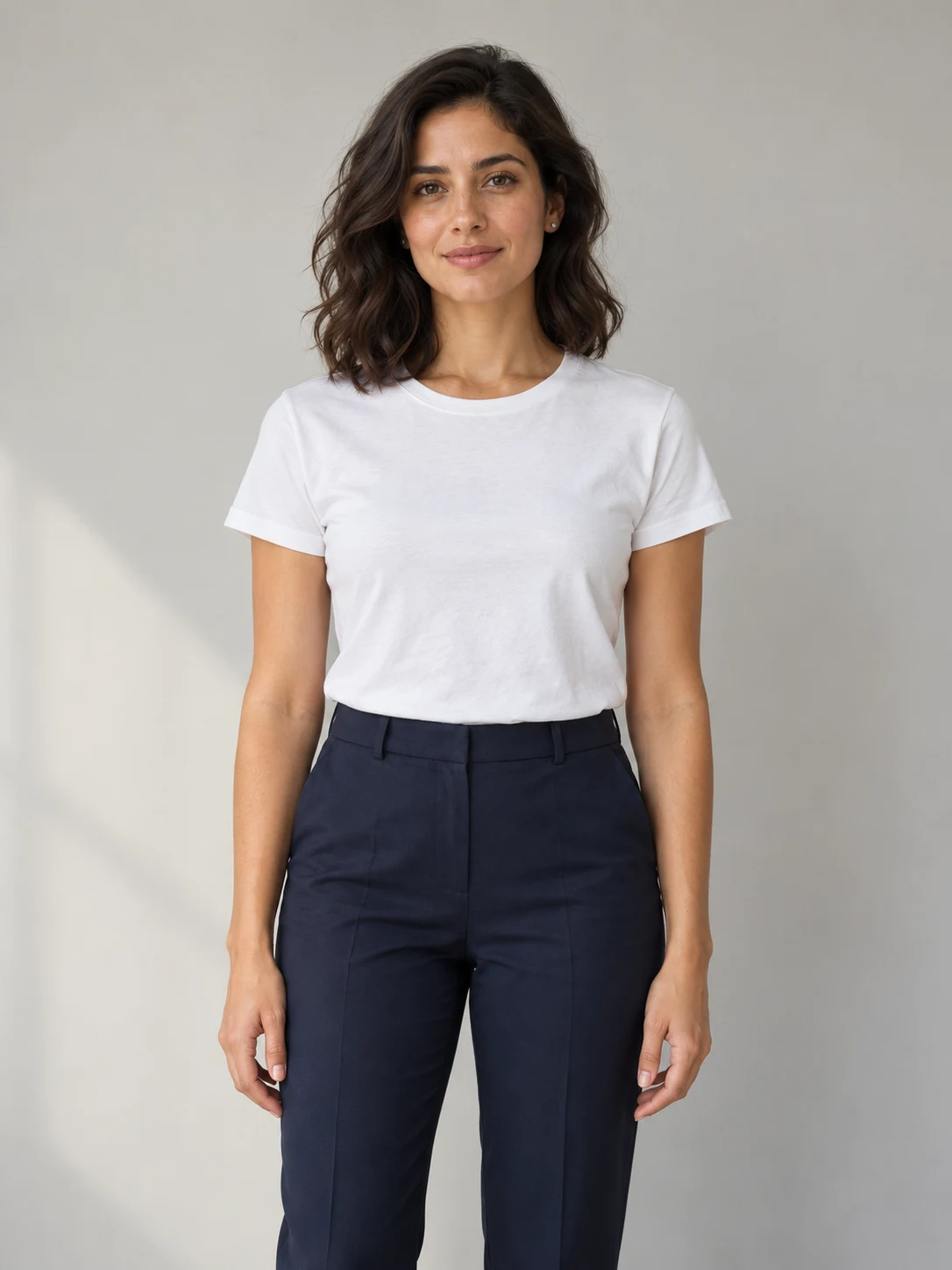
 BEFORE
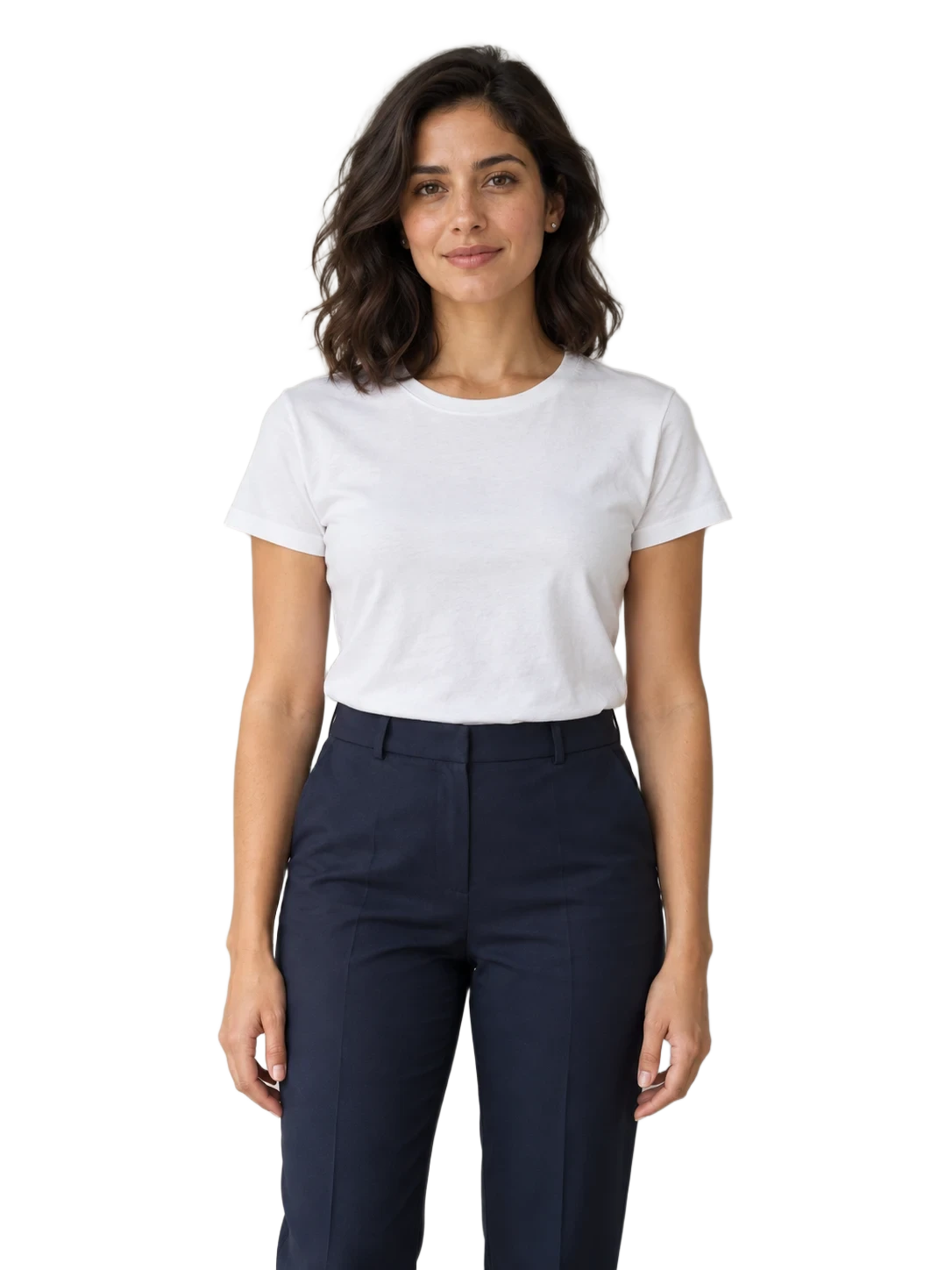 TRANSPARENT PREVIEW
Portraits for a new layout
Place a portrait on a profile banner, presentation or event card. Inspect fine hair and the outline of the shoulders against both a light and a dark background before you export.
YOUR IMAGE. MORE POSSIBILITIES.
Keep the subject.
Lose the background.
Upload a photo to the Transparent Background Generator, check the cutout on light or dark, and download a transparent PNG.
 ORIGINAL IMAGE
 TRANSPARENT CUTOUT
Coral headphones, ready for your own background
Actual background-removal result. The checkerboard is a preview only; check fine edges against the background you plan to use.
1 credit per image · Sign in to process
See the workflowTHE BACKGROUND REMOVER
The Transparent Background Generator works on an existing image. Choose a clear subject, then check the result before using it in a listing, slide or design.
or drop one image here
JPG, PNG or WebP · Up to 5 MB · 256–4096 px per side · Large images resized automatically
Your upload and result stay out of the public gallery.
A new removal uses 1 credit. Changing the preview background and downloading a finished PNG use no extra credits.
Your cutout will appear here
The checkerboard only shows transparency. It is never added to the downloaded PNG.
CUTOUTS THAT FIT YOUR CANVAS
Use the Transparent Background Generator to prepare an existing subject for a new layout. These examples show actual background-removal results. Check fine edges against the background you intend to use.
BEFORETRANSPARENT PREVIEWPlace a portrait on a profile banner, presentation or event card. Inspect fine hair and the outline of the shoulders against both a light and a dark background before you export.
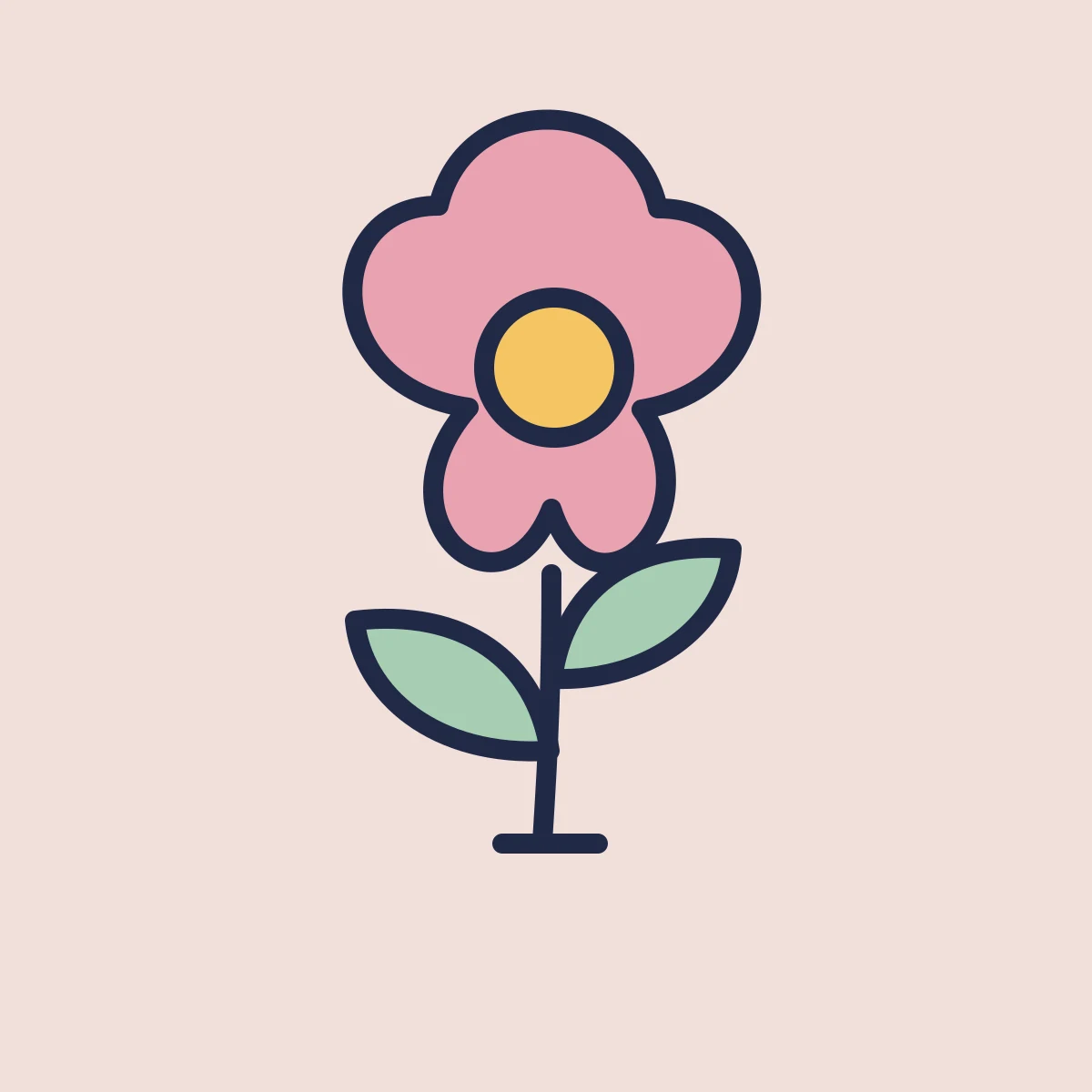 BEFORE
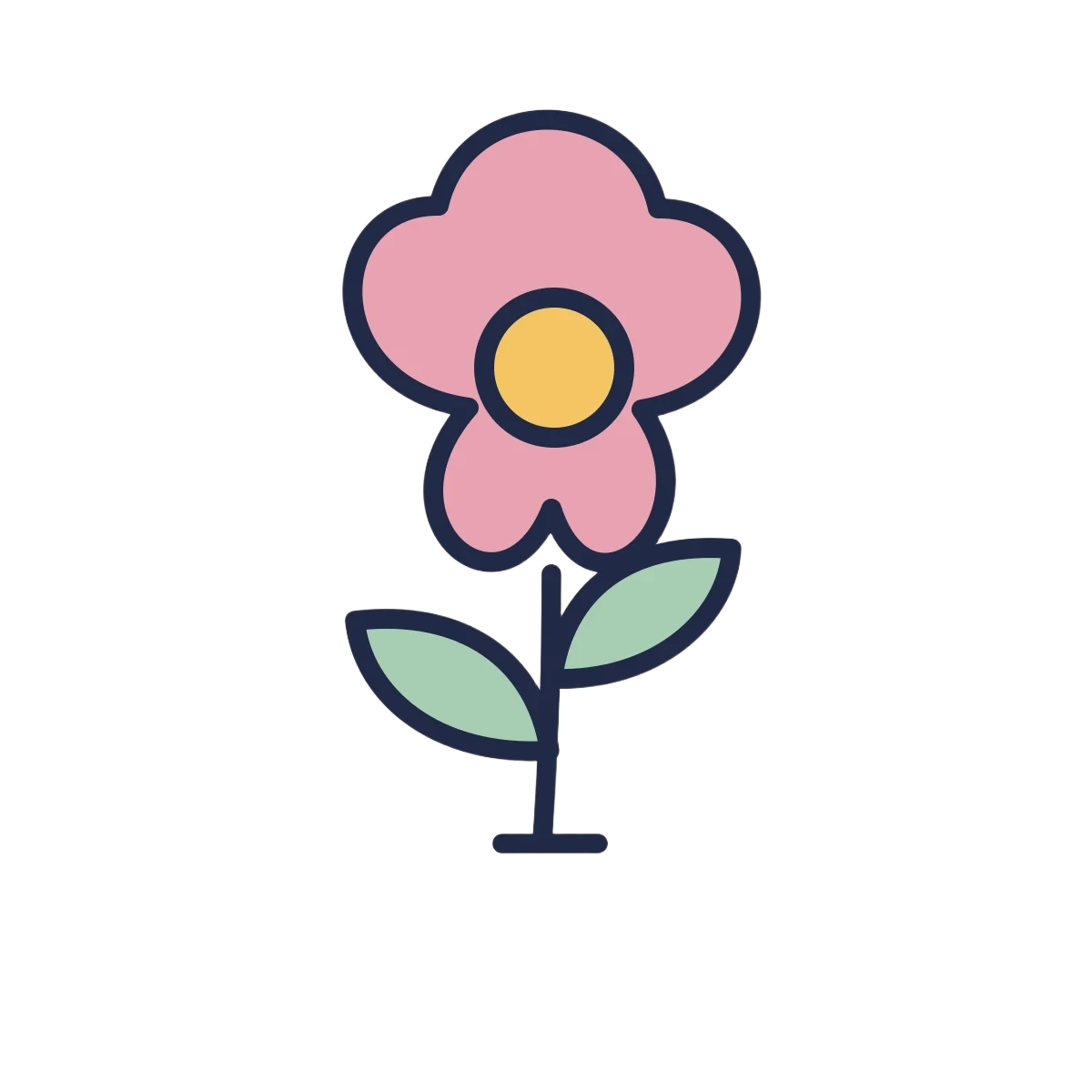 TRANSPARENT PREVIEW
Prepare a bold illustration for a slide, thumbnail or sticker layout. A clear outline helps; tiny lettering, pale lines and disconnected marks need a closer look after the background is removed.
FROM PHOTO TO REUSABLE CUTOUT
There is no prompt to write or model to choose. The Transparent Background Generator removes the background from one uploaded image at a time.
Upload a JPG, PNG or WebP with one main subject and a visible outline. Keep the original file so you can compare small details. Very busy scenes or a subject that blends into its surroundings are harder to separate.
Sign in, confirm the 1-credit cost, and start processing. Keep this page open while the task runs. If the connection drops, use Check status or Check this request to recover the existing task.
Switch between checkerboard, light and dark previews. Inspect the outline, interior gaps and any pale details. Download the transparent PNG and place it on your intended background to make a final check.
TRANSPARENCY IS IN THE FILE
An image generator can draw gray squares when asked for a transparent background. Those squares are still image pixels. A useful cutout needs an alpha channel that lets your design show through.
The Transparent Background Generator exports PNG. JPEG cannot keep an alpha channel, and a screenshot of the checkerboard bakes the preview into the image. Use the Download PNG button to save the actual cutout.
Look between arms, inside handles and around separate pieces of the subject. Background color can remain in small gaps. A light outline that disappears on white may become obvious against a dark design.
Hair, fur, motion blur, glass, smoke and translucent material can lose detail or keep a halo. This tool does not include a brush or manual mask editor. Use a dedicated editor when the cutout needs precise retouching.
It removes the background from an image you upload and returns a transparent PNG. It starts from your existing subject; it does not create a new image from a text prompt or replace the background with a different scene.
Each background removal costs 1 site credit. A new removal or retry after a completed task uses another credit. Preview background changes, status checks and downloading a completed PNG do not use extra credits. Failed tasks are refunded.
No. The checkerboard is drawn behind the result in your browser so you can see transparent areas. The downloaded PNG keeps its alpha channel. If your original image already contains a drawn checkerboard, the tool must remove those pixels like any other background; it may not remove every square cleanly.
Upload one JPG, PNG or WebP, up to 5 MB. Each side must be between 256 and 4096 pixels. Images above 16 megapixels or the processing file size limit are scaled down proportionally. Unsupported formats need to be converted before upload. The result is delivered as PNG at the processed image dimensions.
Fine or partly transparent edges are difficult to separate. Hair, fur, glass and soft shadows can be clipped or retain background color. Check the result against light and dark backgrounds, and use manual retouching when these details matter.
You can upload an existing logo, icon or illustration and remove its surrounding background. Check small text, enclosed spaces and pale marks carefully. This does not create vector artwork or add a sticker border; the downloaded result is a raster PNG.
Uploads and results from this tool are not published to the public gallery. You need to sign in to process an image and access its task. Use images you own or have permission to edit.
Create a new scene or backdrop when you want an image background instead of an empty canvas.
AI Logo GeneratorExplore a new logo concept, then bring a chosen image here if you need to remove its background.
Best Free Transparent Background Makers for 2026Compare free background removal tools, transparent PNG exports and download limits.
Start the Transparent Background Generator with one clear image. Review the cutout on your preferred background, then save the transparent PNG for your next design.