
A delivery by the tree
A quiet moment beside the presents, with Santa looking down at a gift. Start with an empty living-room photo for a Christmas-morning surprise.
A LITTLE CHRISTMAS MAGIC, IN YOUR OWN HOME
Catch Santa in your house, leaving gifts by your own tree. Upload a room, family or pet photo and choose his next move.
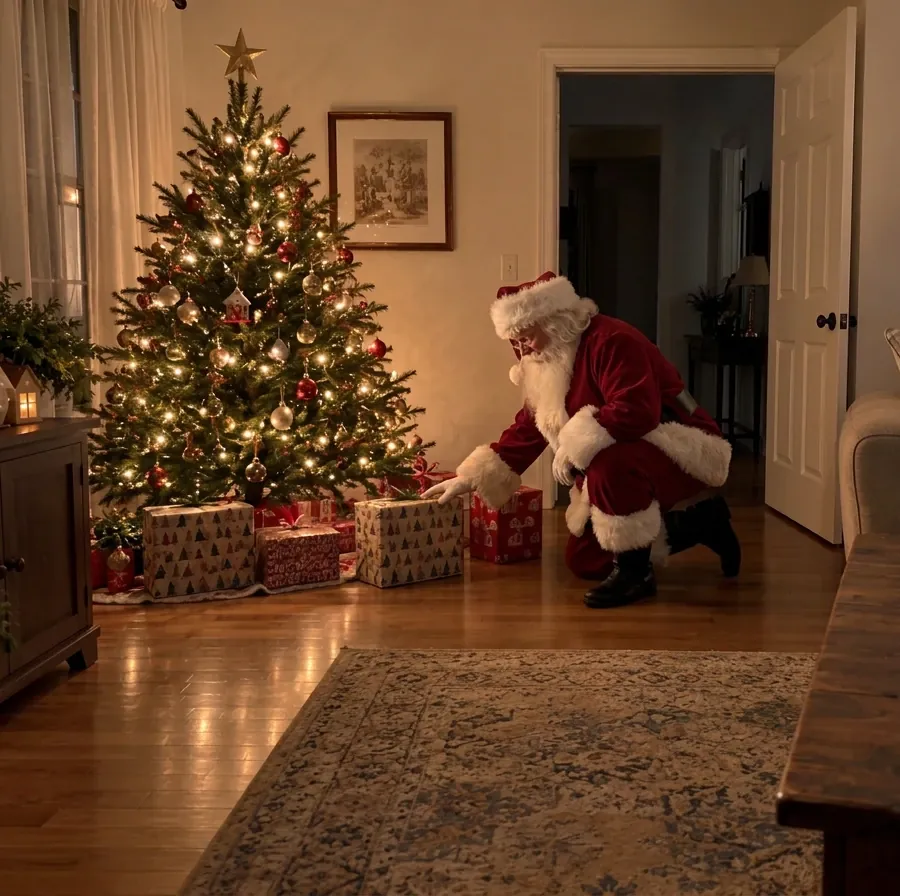
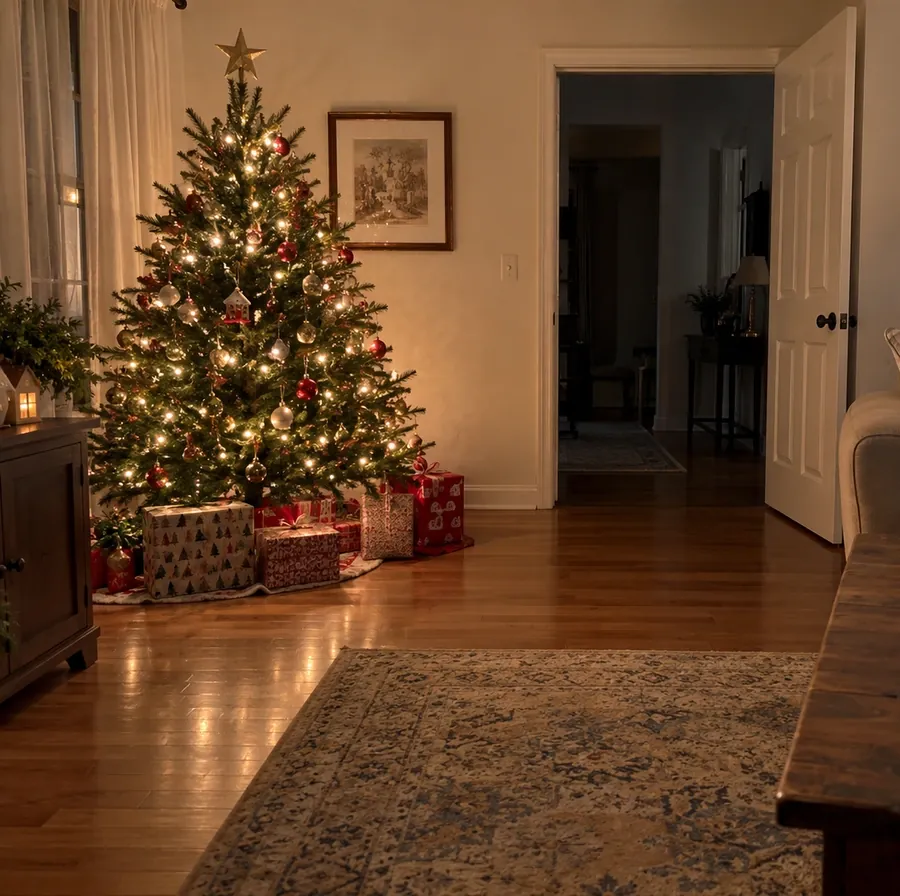
Your photo with Santa will replace this example
WHAT WILL YOU CATCH HIM DOING?
Choose the moment that fits your photo. These scenes guide Santa’s action and leave your existing setting as the reference. For a particular corner, gesture or expression, select Custom.
A quiet moment beside the presents, with Santa looking down at a gift. Start with an empty living-room photo for a Christmas-morning surprise.
Santa stops by the milk and cookies you already left out. A visible plate and table give him a natural place to pause.
A red shoulder and a familiar beard appear behind your door frame. A partly hidden Santa can feel more like an accidental sighting.
Santa joins your family or sits beside your dog. He uses available space while the people and pets keep their original poses.
FROM ORIGINAL PHOTO TO FESTIVE KEEPSAKE
Add Santa to Photo also works with the people and pets already in the frame. These fictional reference photos were edited with the same tool and Pose with us preset. Compare the faces, clothing, fur and room details as well as Santa.
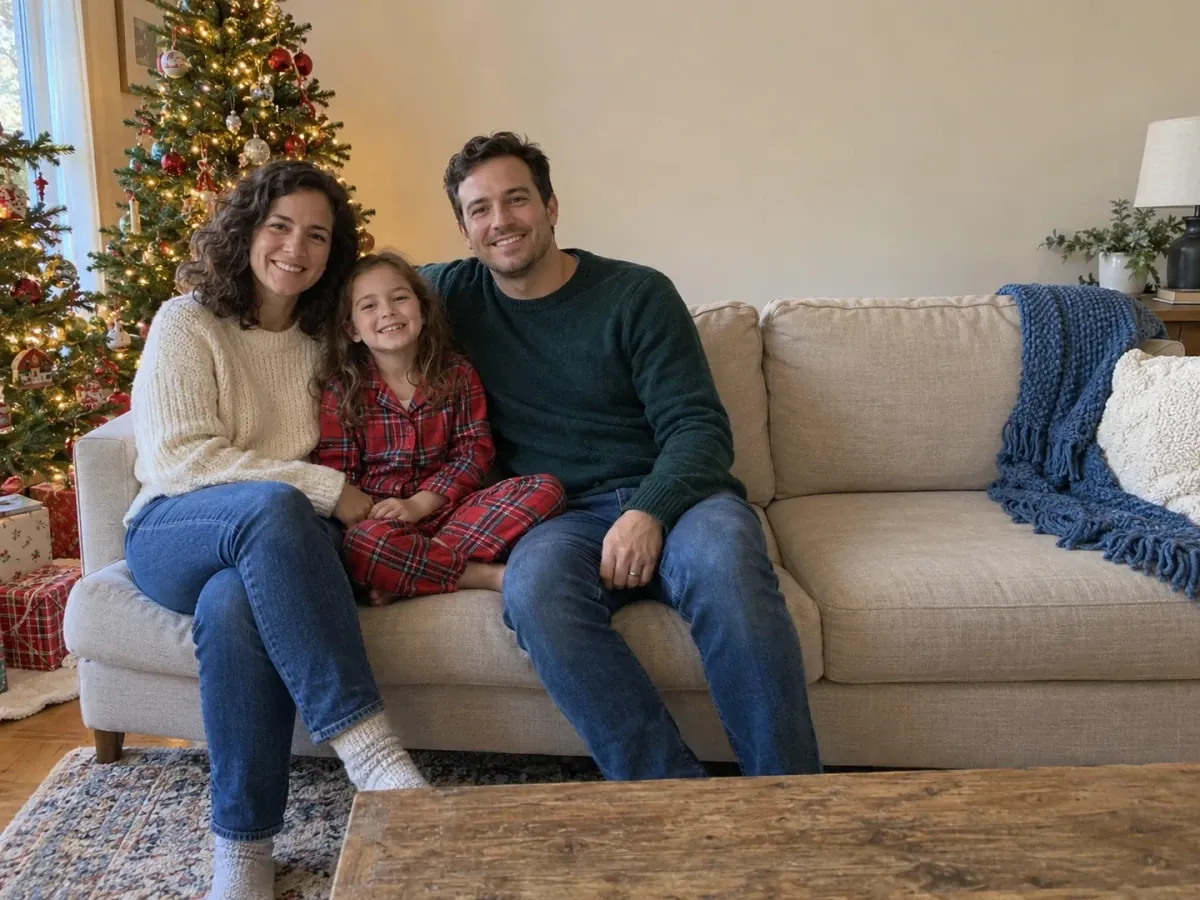
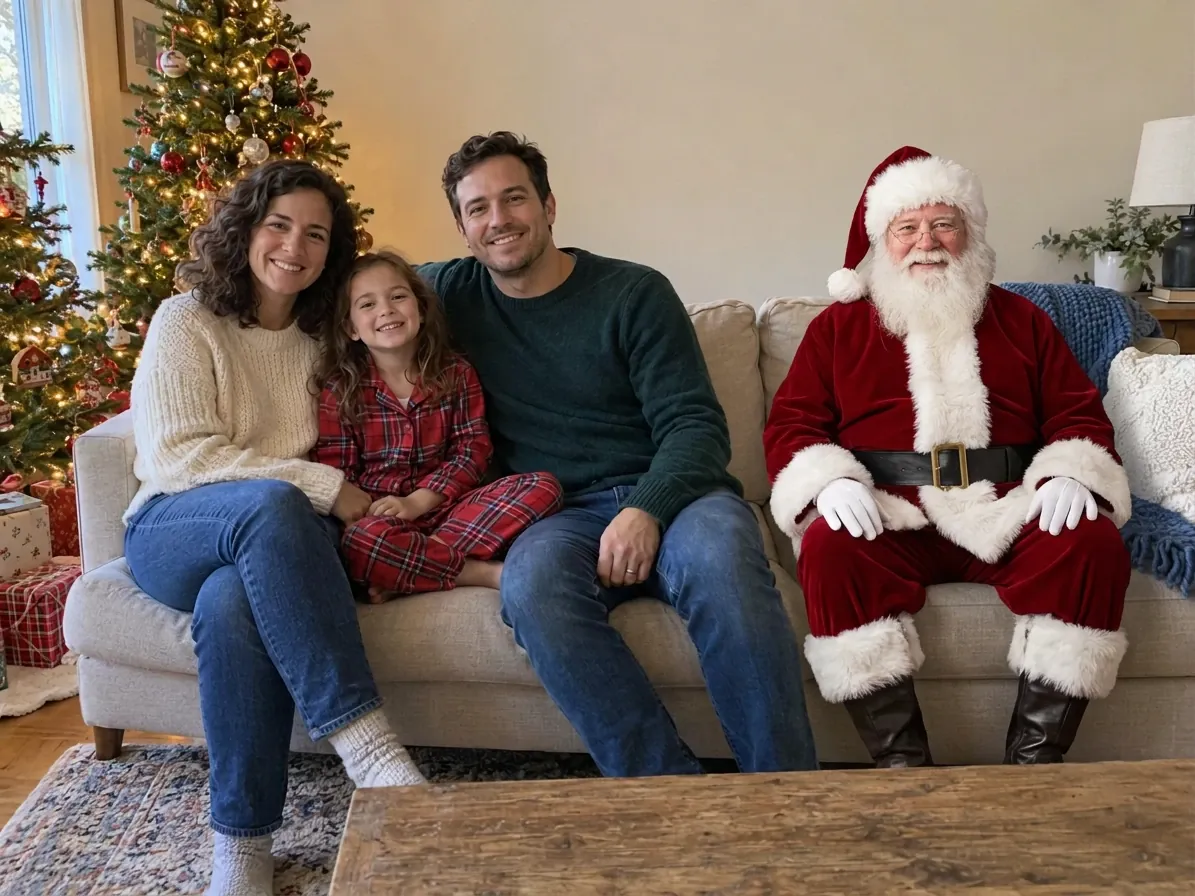
An empty sofa seat gives Santa somewhere to join the picture without asking the family to move. This scene is suited to a holiday message or a personal Christmas card. Check everyone’s features before printing.
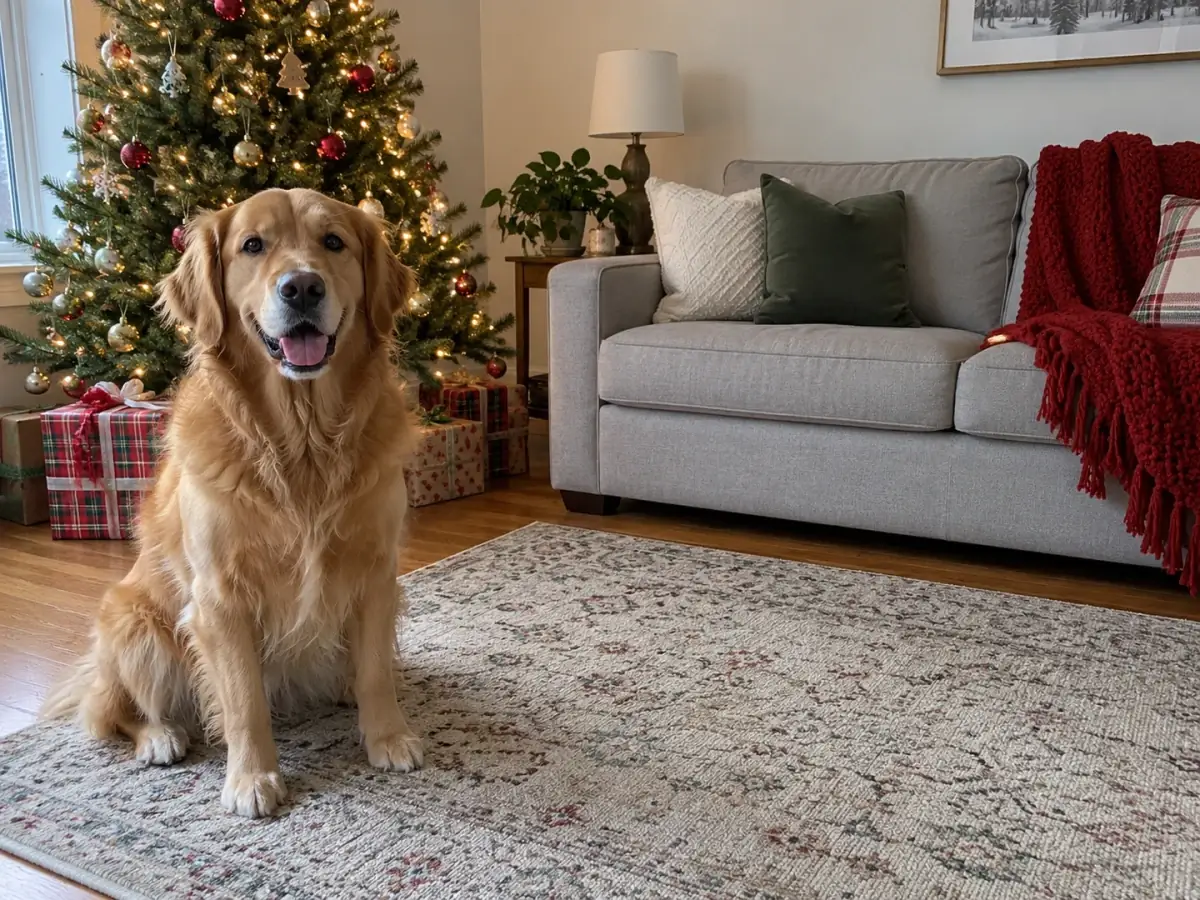
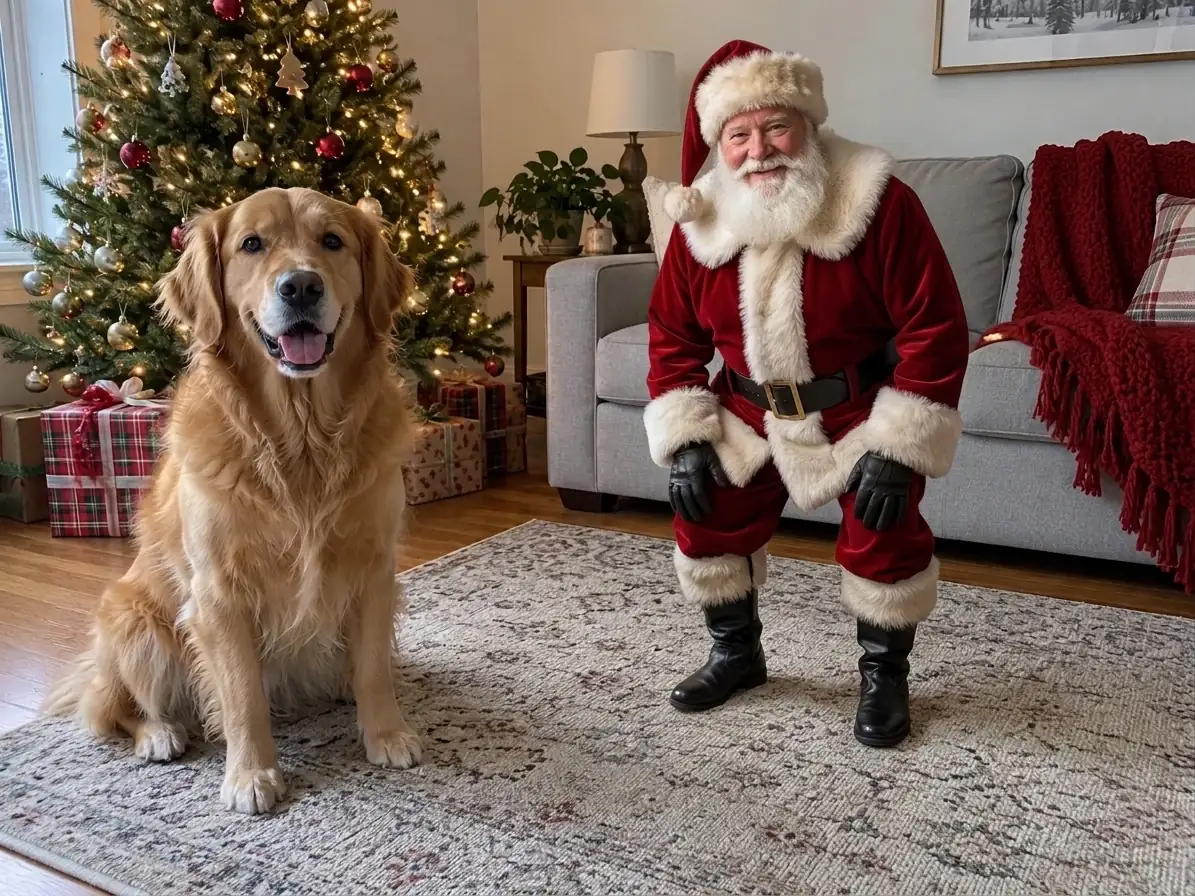
Keep your pet’s pose and let Santa take the space beside them. A low, relaxed pose together is a simpler starting point than asking him to lift or carry your dog, which can change its body or expression.
Start with a photo you already have. The editor runs in your browser on a phone or computer, with no app to install. You can upload and choose a scene before signing in.
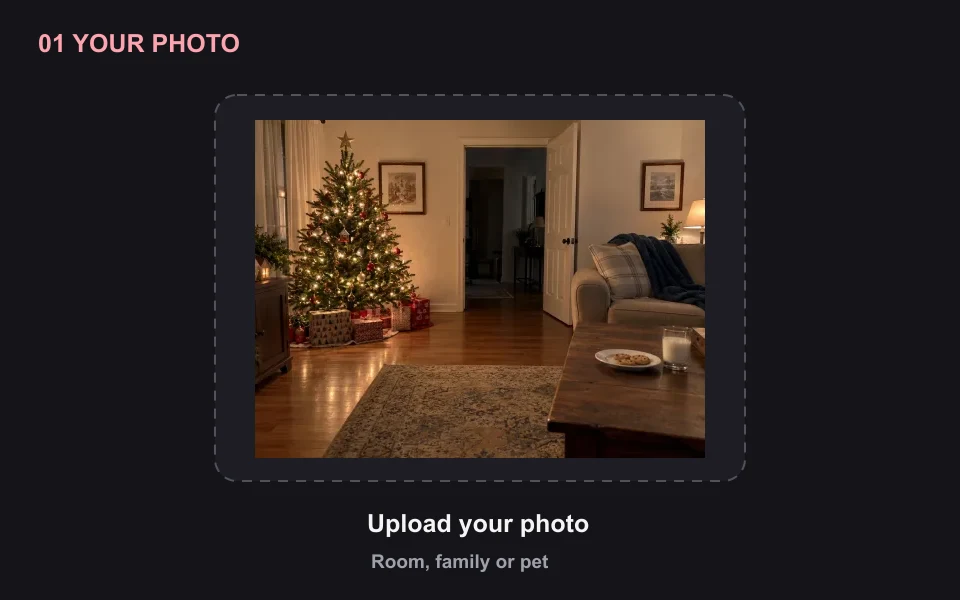 01
Choose a JPG, PNG or WebP with enough open space for an adult Santa. An empty room with the tree and presents is ideal for a caught-in-the-act scene; no child needs to appear. Keep the original file for comparison.
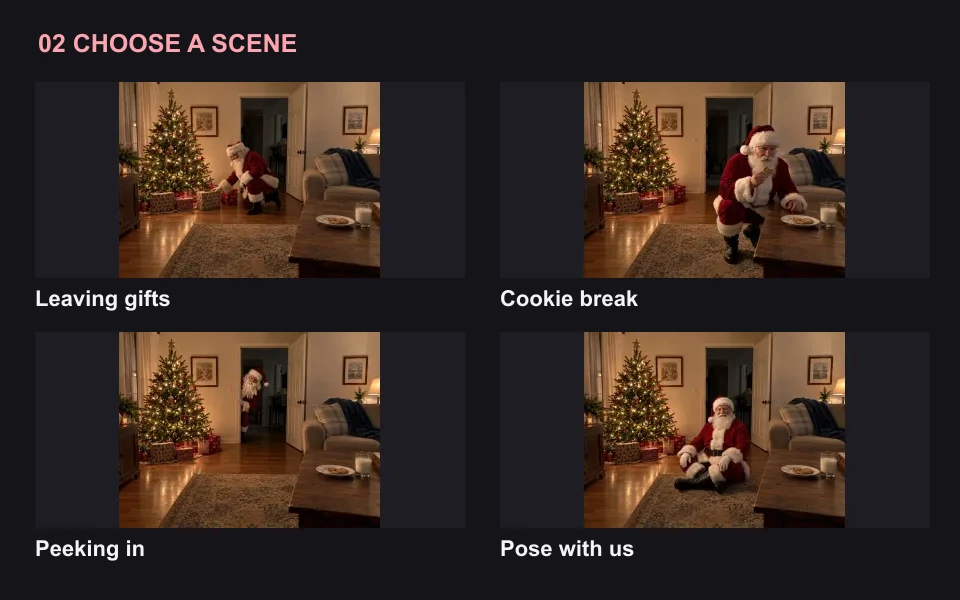 02
Leaving gifts is the default. Choose Cookie break, Peeking in or Pose with us for a different story. Custom opens a short instruction field: name Santa’s location and one simple action. Use what is already visible in your photo.
 03
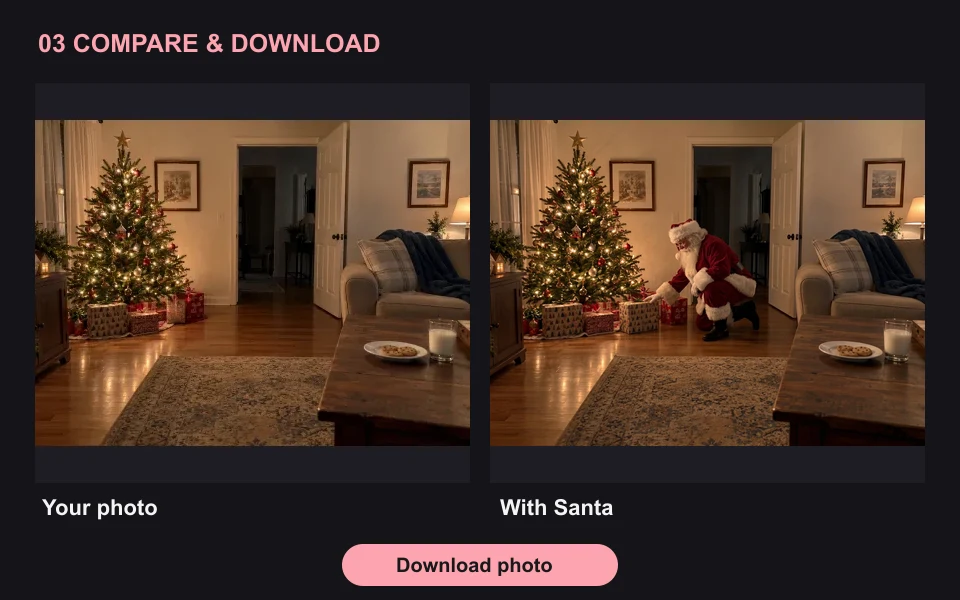
Sign in and generate at the cost shown on the button. Drag the comparison to check Santa’s scale and light, then inspect the original people and room. Download a useful result; each new image or retry uses another 5 credits.
MAKE THE MOMENT BELONG IN YOUR PHOTO
A convincing Christmas surprise starts with the home your family recognizes. Add Santa to Photo uses your original image to guide the edit; review the little details before sharing the finished picture.
Keep nighttime photos naturally dim. Santa should share the warm tree lights, soft lamp shadows or cooler window light already in the room. A bright, crisp figure in a grainy phone photo can look pasted in. Very dark or blurred sources leave less detail to work with.
Leave space beside the tree, a sofa or a visible doorway. Check his height against the door frame and his feet against the floor. A simple bend or seated pose is easier to judge than a complicated overlap with a child, pet or pile of presents.
Compare the tree decorations, gift wrapping, wall pictures and furniture. The instructions ask for those details to stay, but AI can still alter them. Faces, hands and pet markings also deserve a close look. Exact pixel preservation is not guaranteed.
Try “Santa caught on a night camera, grainy black-and-white, walking past the tree”. This page creates still photos, not video.
Yes. Upload your own living-room photo and choose Leaving gifts or Peeking in. Your existing tree, furniture and doorway guide the setting. The result is an AI-created Christmas keepsake; compare it with your original before showing or sharing it.
Eligible new accounts get 10 free trial credits, enough for two 1K Santa photos at 5 credits each. The signup trial is subject to IP-based eligibility limits, so check your balance after signing in. Upload, try the sample and pick a scene before signing in; a retry is a new generation.
The prompts ask the AI to preserve existing faces, clothes, poses and room details. Changes can still occur, so identical faces or untouched pixels are not guaranteed. Use a room photo without people for the visit scene, or review each person carefully in a family result.
Yes. Choose Custom and name a visible location plus an action, such as “beside the tree on the left, with a finger to his lips.” Placement is guided by your words. There is no drag-to-place character, brush or mask control on this page.
Choose Pose with us and upload a photo with space beside the people or pet. Santa is instructed to stand or sit nearby without covering faces or repositioning anyone. Holding a child or lifting a pet is a more complex edit and can change the original pose.
Yes, use the page in a mobile browser. Upload a JPG, PNG or WebP; convert an unsupported phone format before uploading. You receive one image in the 1K output class per run. Its dimensions can differ from the original, so check resolution before making a large print.
Add Santa to Photo inserts a Santa character into your existing scene. It is intended to keep your setting recognizable. For a new festive backdrop or outfit instead, use the AI Christmas Photo Generator linked below.
Add Santa to photo with a scene your family will recognize. A 1K image uses 5 credits; eligible new accounts receive 10 trial credits, enough for two Santa photos.
Add Santa to my photo