
A starter to build on
Make a small, expressive first-stage creature with a recognizable outline. This is the default because one clear body shape is a useful starting point for refining colors, ears, markings and elemental cues.
YOUR IDEA. A NEW CREATURE.
Turn an idea into an original fan creature with the AI Pokemon Generator. Start with Cute starter, or explore an evolution trio, animal fusion or pixel sprite.
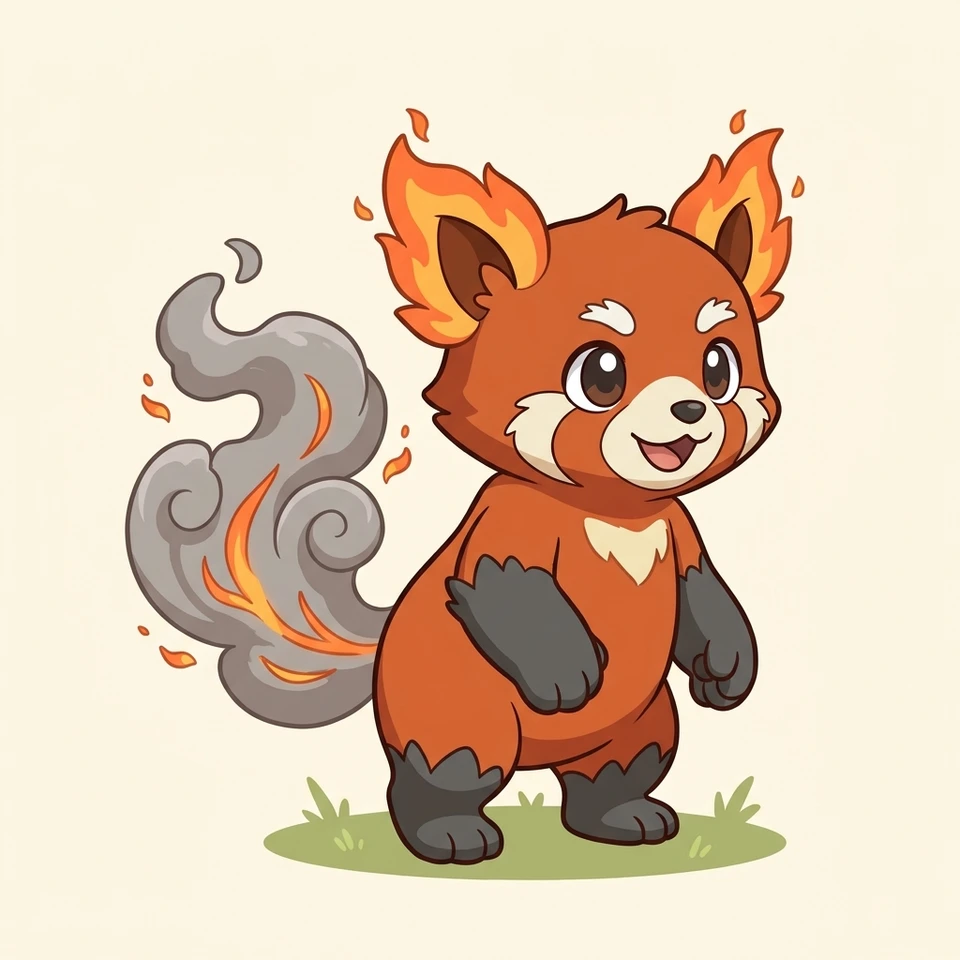
ONE IDEA, FOUR DIRECTIONS
Keep your creature idea and change how it is drawn. These four formats cover a simple first design, a related family, a coherent hybrid and a retro look. Choose a format below to load it into the tool.
Make a small, expressive first-stage creature with a recognizable outline. This is the default because one clear body shape is a useful starting point for refining colors, ears, markings and elemental cues.
Explore small, middle and final forms together in one image. The brief asks for shared colors and identifying features while size and complexity grow. Check that all three still look like the same species.
Blend your creature idea with a barn owl. The preset adds an owl face and wing-like forelimbs to one unified animal, rather than placing two creatures side by side. Choose Custom to describe a different combination.
Explore a battle-ready pose with square pixel clusters and a limited palette. The result is a raster illustration with a sprite-like appearance; it still needs pixel cleanup, sizing and background removal before game use.
Begin with a short design brief, then test one format. The walkthrough images illustrate the process using actual creature outputs; they are explanatory compositions.
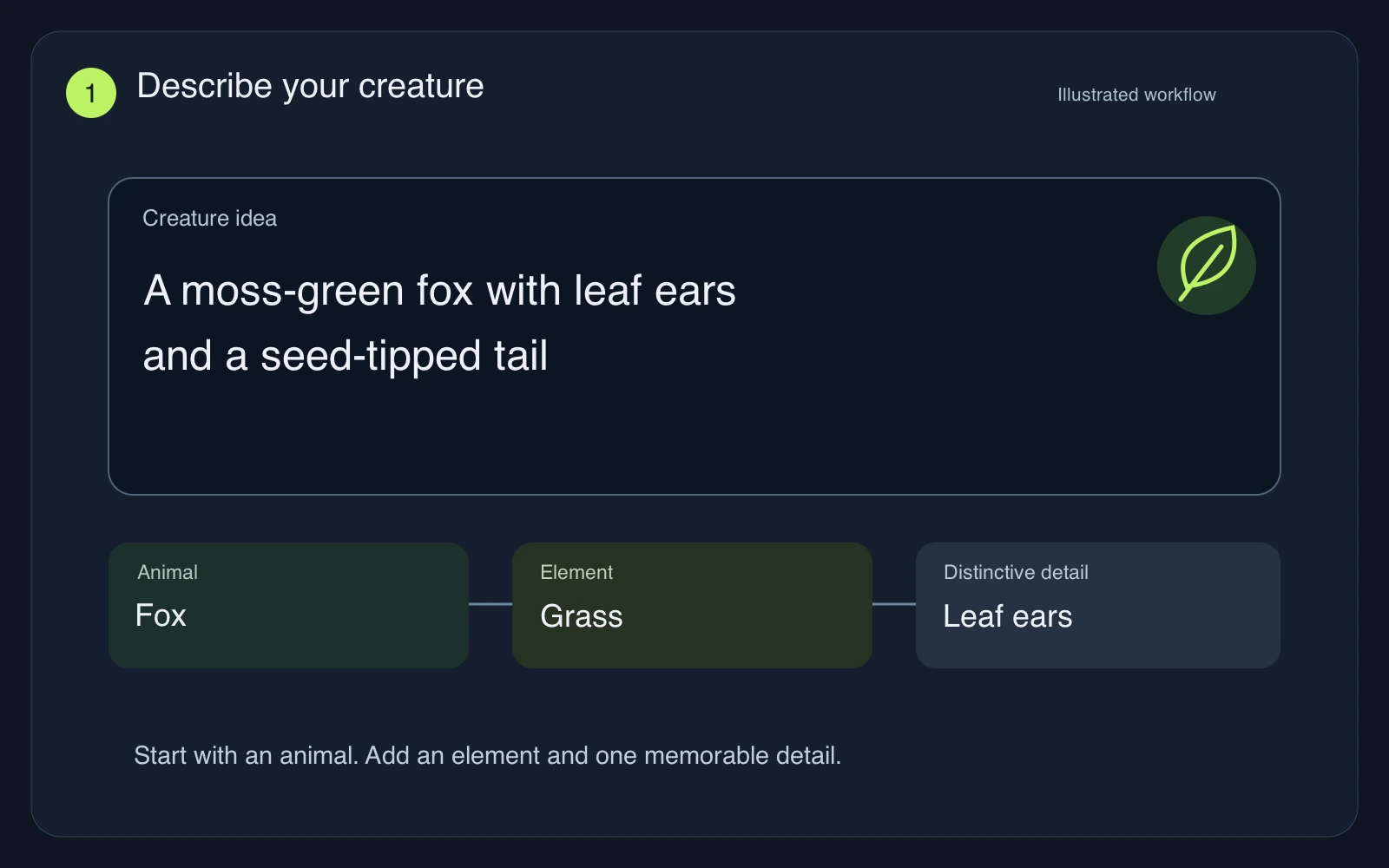 01
Name a base animal, one or two elements and two defining features. For example, try a Grass fox with leaf ears and a seed tail. Edit the prefilled idea to change the creature; keep the brief focused so its strongest features remain readable.
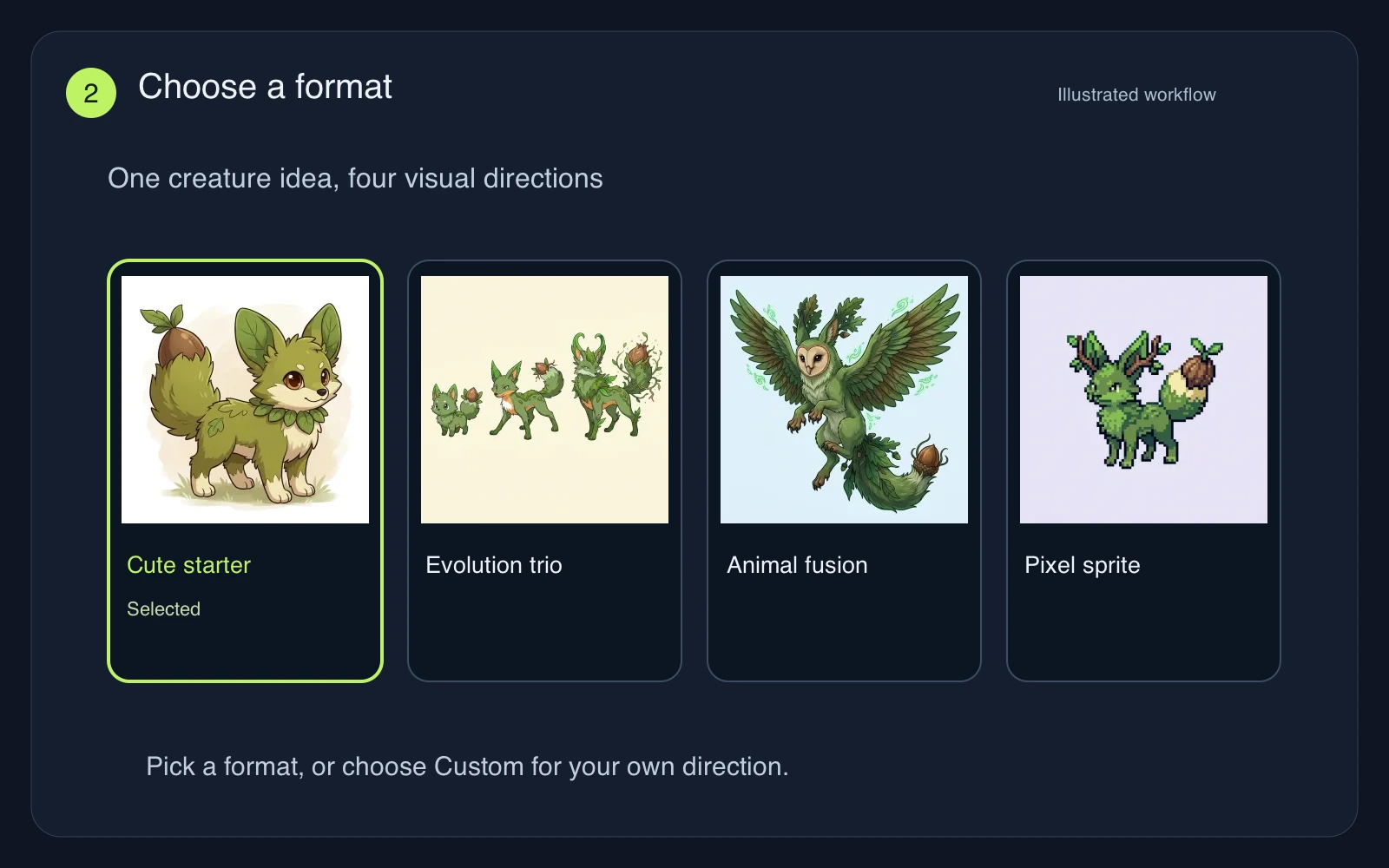 02
Cute starter is selected first. Switch to Evolution trio, Animal fusion or Pixel sprite to explore a different result. Custom opens a separate art-direction box while keeping your creature idea. No photo upload is needed for this workflow.
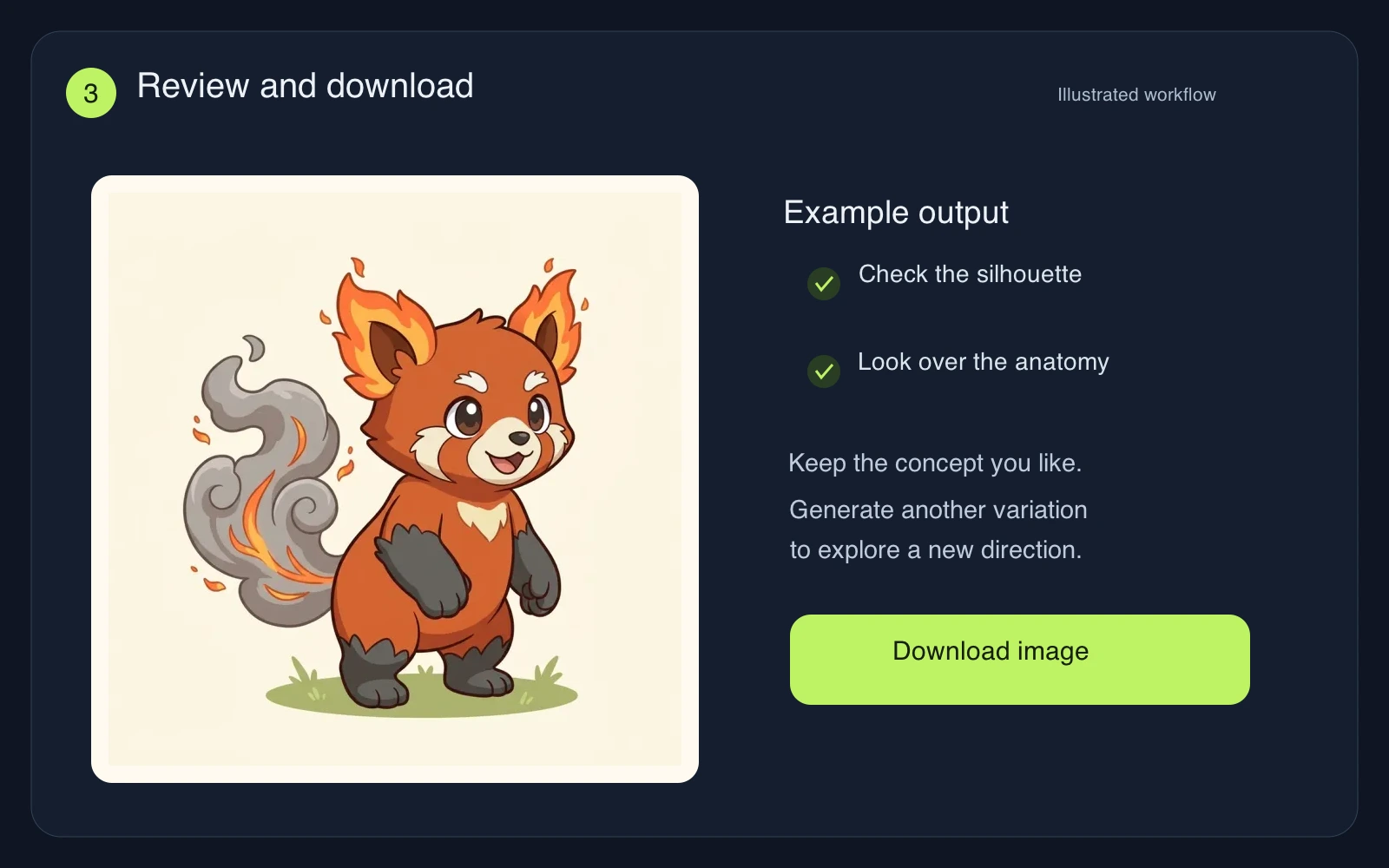 03
Check the credit cost on the button, sign in and generate. Review the face, limbs, silhouette and requested traits before downloading. Simplify the idea for another attempt when details compete. Each new generation uses credits and may change the design.
GIVE THE DESIGN A CLEAR IDEA
The AI Pokemon Generator works best with a few specific traits. Use the first result as a concept to develop, then refine the anatomy and details that matter to you.
A leaf-shaped ear and a seed tail tell a clearer story than a long list of armor, wings, horns and effects. Describe the silhouette first. Too many competing features can create cluttered anatomy or a creature that feels assembled from unrelated parts.
Use a material, shape or color to suggest the type: translucent fins for Water, ember markings for Fire or mineral plates for Rock. Ask for the physical trait you want to see instead of relying only on a type name.
Keep the same ear shape, tail motif or main colors across the three stages. Let one feature mature gradually. The lineup is a single concept image; separate attempts cannot lock the same identity, and small features may change within a family.
It creates original Pokemon-inspired fan-creature images from a written idea and a format. Fans often call these invented creatures Fakemon. Use them for private concept exploration, story ideas or drawing references. The tool does not add a species to an official game.
You can explore the examples, change the idea and choose a preset before signing in. Generating an image requires an account and credits. The button shows the cost before submission; check your available balance and any current offer on the sign-in screen.
Yes. Evolution trio requests three stages of one species in a single image. Animal fusion blends your idea with a barn owl. For a different hybrid, select Custom and describe the animals, the main body shape and the secondary features you want. Results may need refinement.
It produces a sprite-style image, not a transparent 64 × 64 file or an animated sprite sheet. Check the pixel edges, redraw inconsistent details, resize deliberately and remove the background in an editor. No animation frames, game code or playable creature data are generated.
This page focuses on creature artwork. Custom can explore an illustration style, but there is no card-layout editor, name generator or validated battle-stat system. Add names, typography, rules and layout in a separate editor after you have reviewed the image.
This tool uses text descriptions and has no upload slot. It cannot lock a design across separate generations. Describe the same key traits to guide another attempt, or download your preferred concept and refine it by hand for consistent character artwork.
Start with a simple animal and a memorable elemental detail. Use the AI Pokemon Generator to explore a direction, then develop the strongest concept further.
Create a creatureIndependent fan-creature tool, not affiliated with or endorsed by Pokémon, Nintendo, Game Freak or Creatures. Check a community’s rules before sharing AI-generated artwork.