
Native 4K generation
Generate a 4096 × 4096 image at 4K with a square canvas. Use 2K for faster iteration and save 4K for final images that need room for cropping.
Create up to 4K still images with MiniMax H3 Image. Start with a prompt or bring reference images to guide the subject, lighting, and layout.
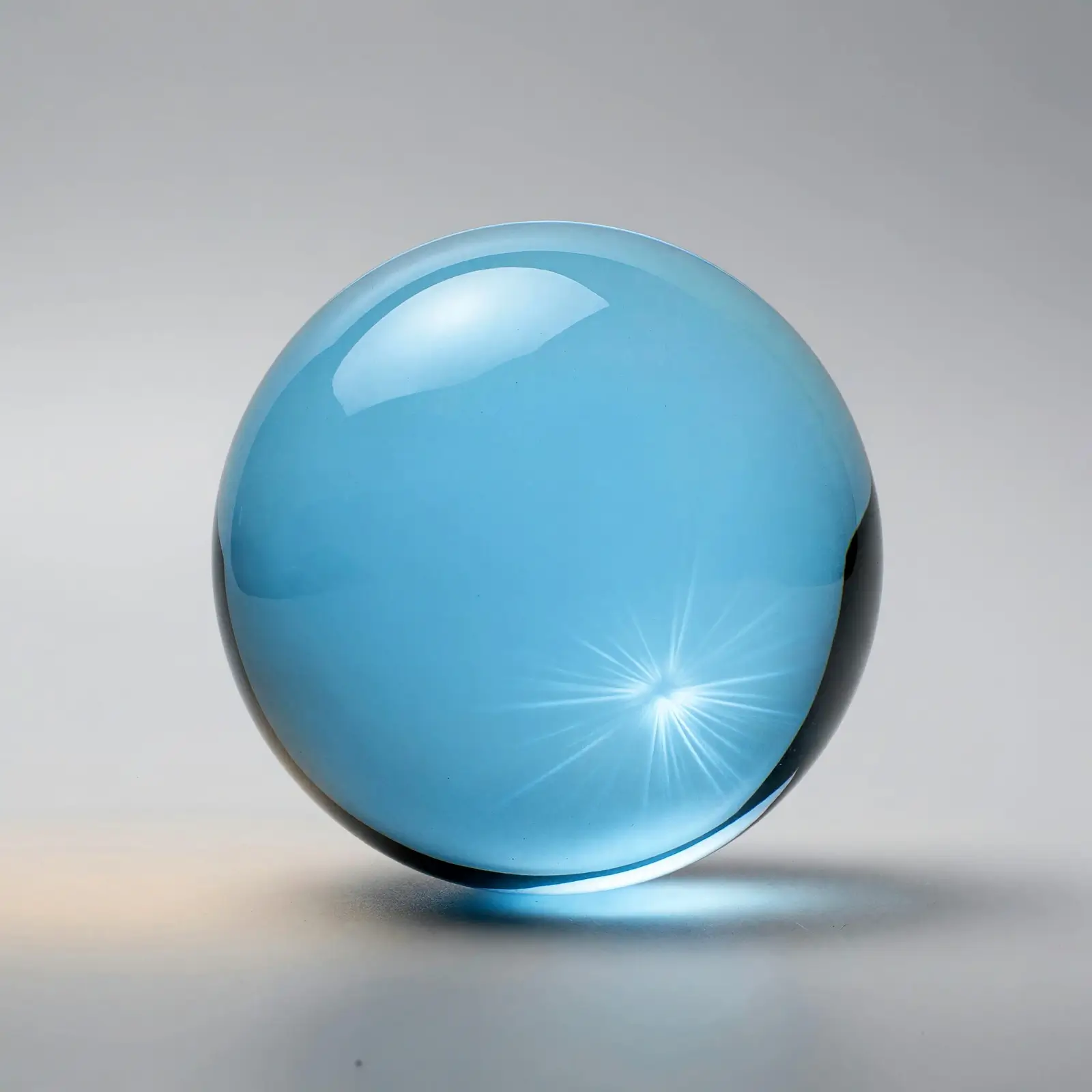
Generate a 4096 × 4096 image at 4K with a square canvas. Use 2K for faster iteration and save 4K for final images that need room for cropping.
Use one image as the base for an edit, or assign different roles to several references. For example, let one guide the subject and another guide the lighting.
Choose a fixed ratio for a specific placement, from 9:16 stories to 21:9 banners. In edit mode, Auto follows the first reference when its ratio is supported.
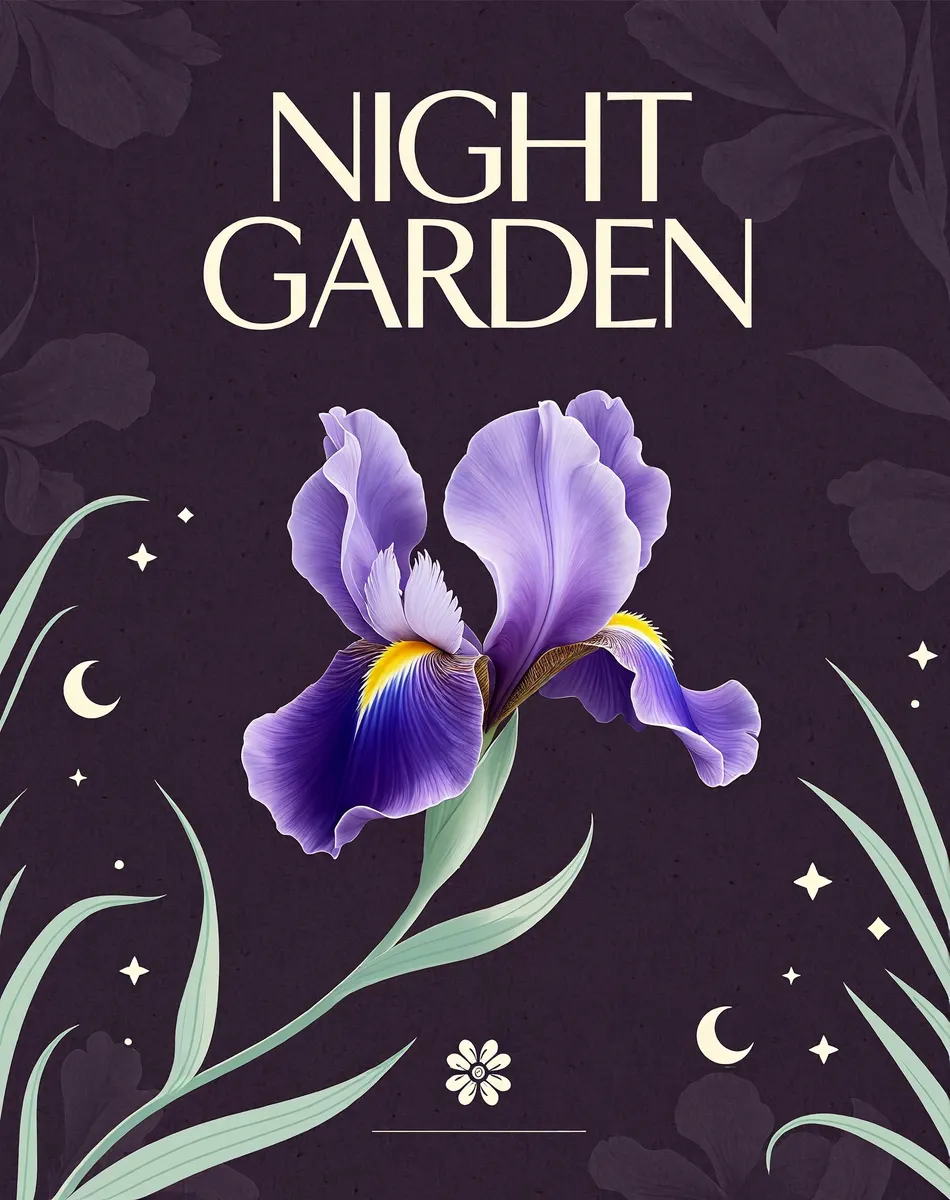
A 4:5 canvas gives the headline and the illustration room to breathe. Put the exact words in quotes and proofread the generated lettering before export.
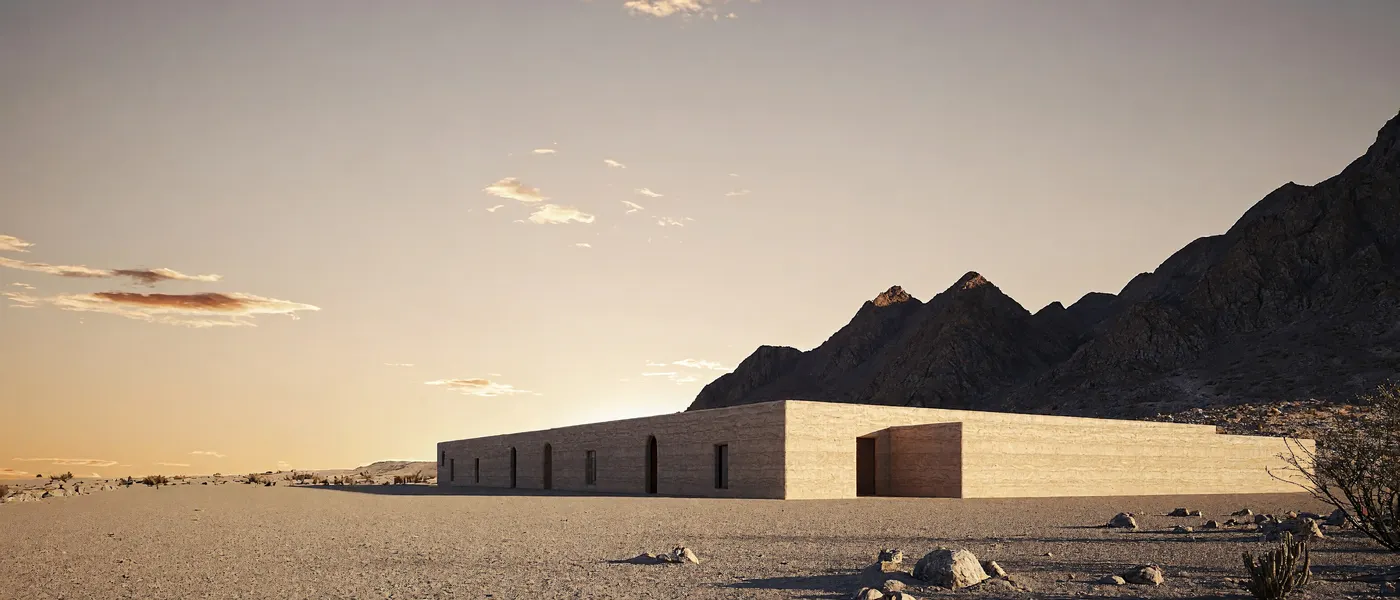
Set 21:9 for a wide header. Describe where the main subject sits and leave open space for headlines or buttons you’ll add on the site.
Use a reference when you already have a composition you like. In this MiniMax H3 Image edit, the prompt asked to turn the vase cobalt blue while keeping the ridges, branches, and framing.
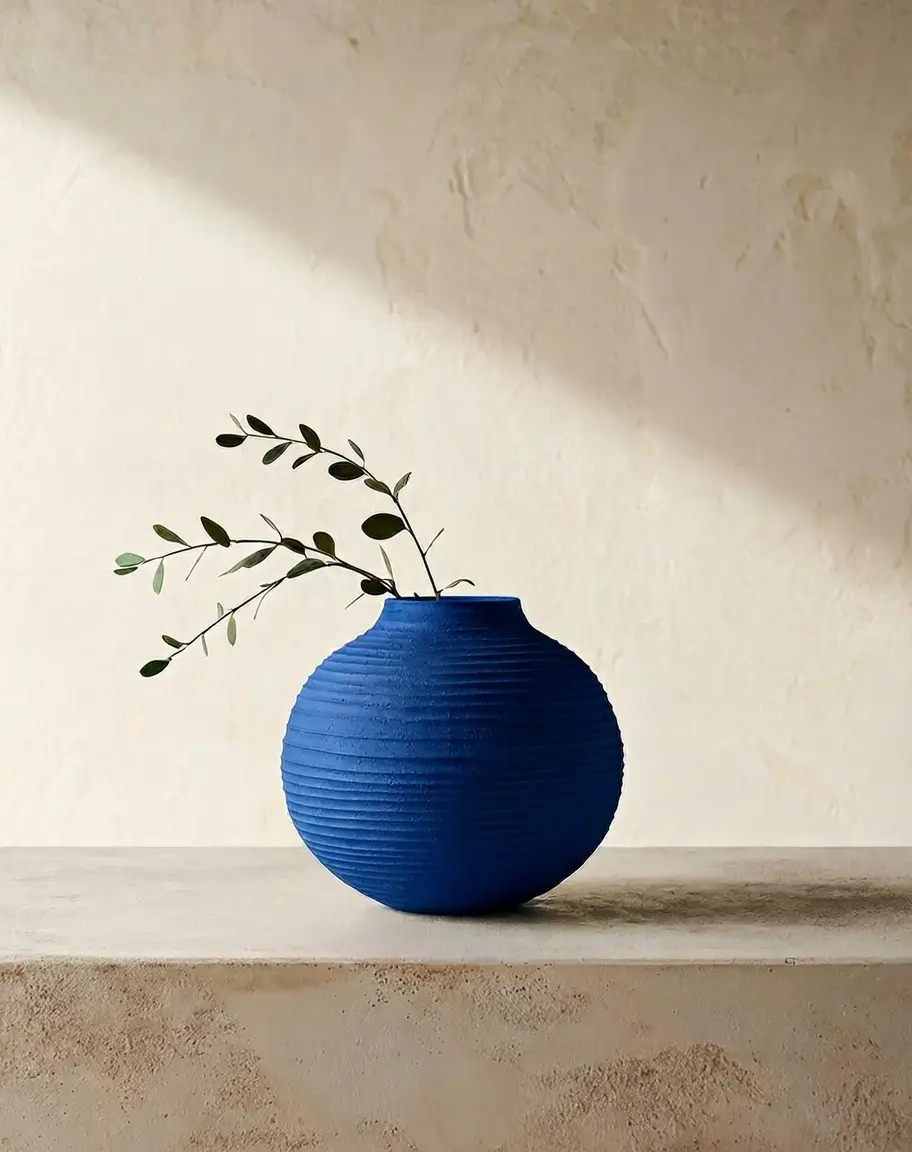
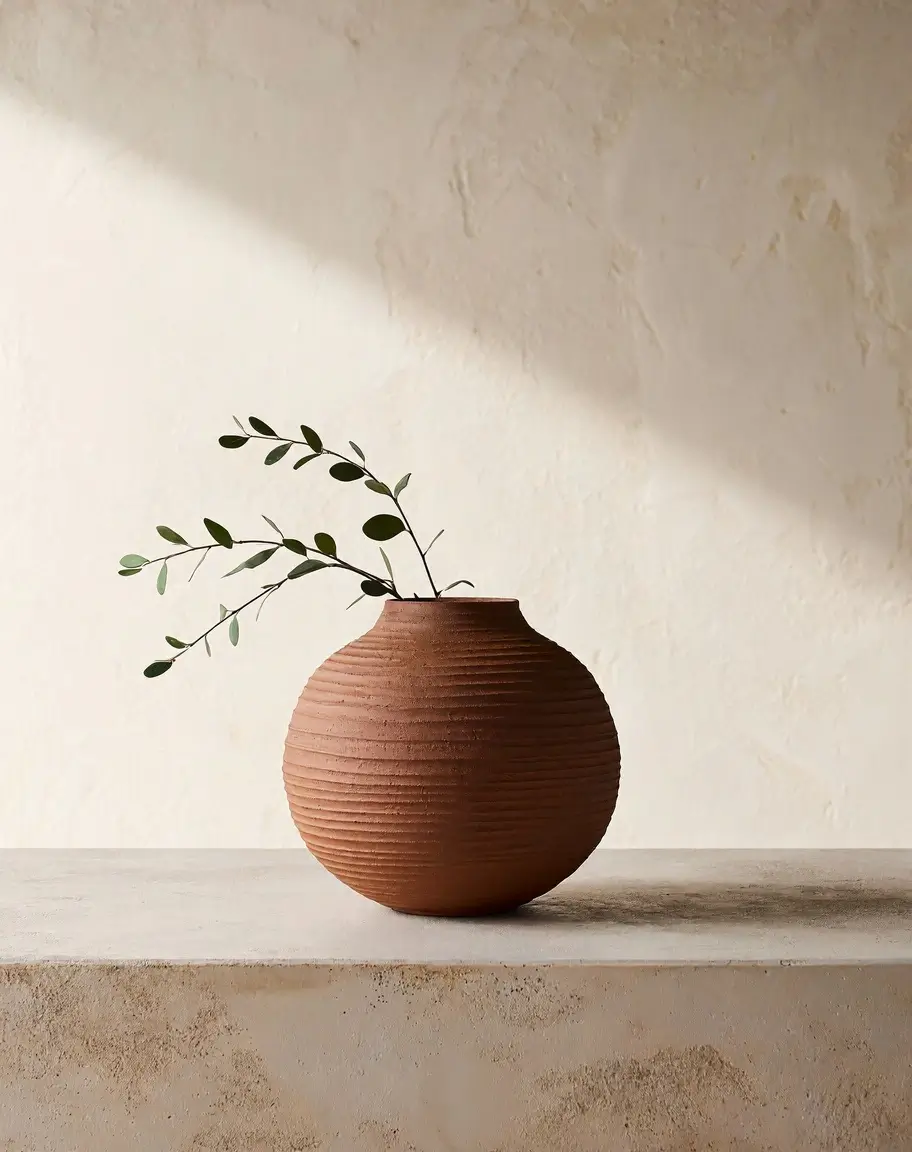
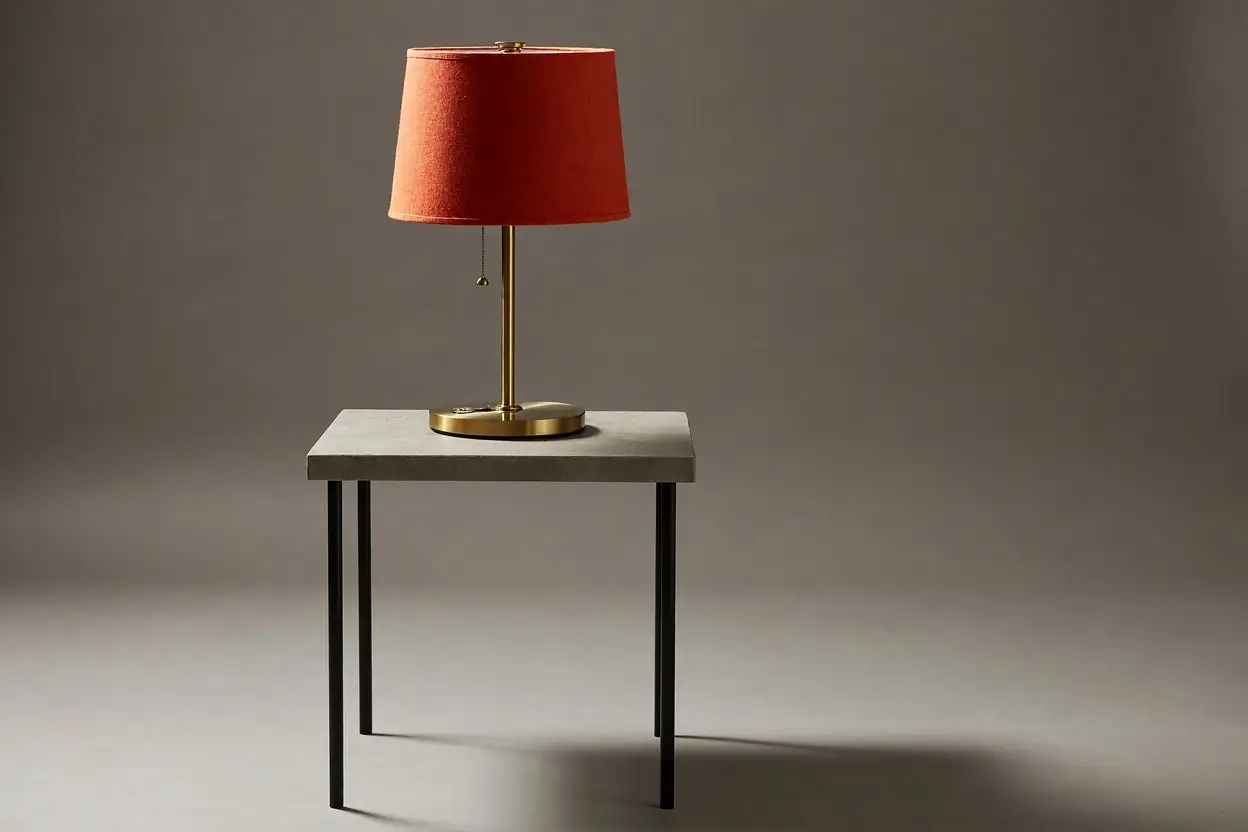
For text to image, specify the subject, angle, and light. Leave space in the composition for any copy you’ll add later.
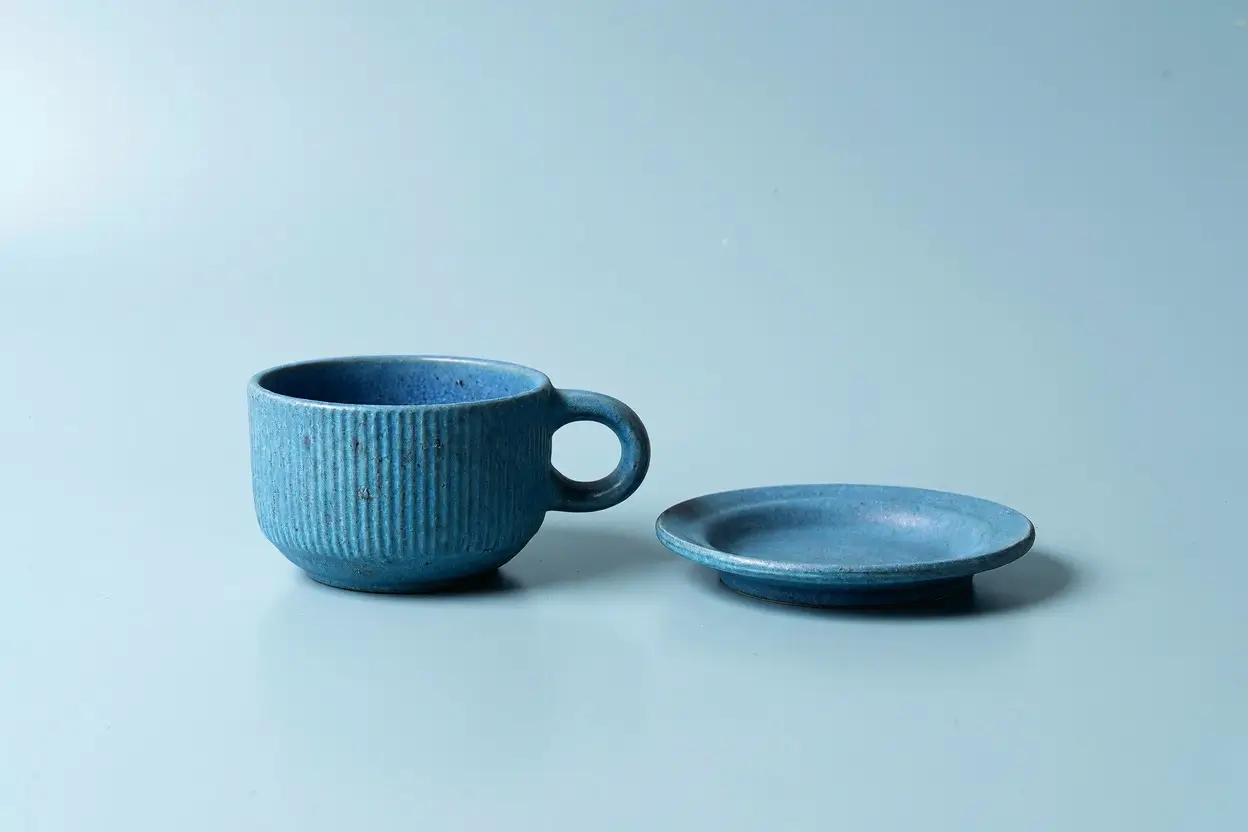
For edits, cite uploads in order as <Picture 1>, <Picture 2>, and so on. Say which image guides the subject or layout and what to keep.
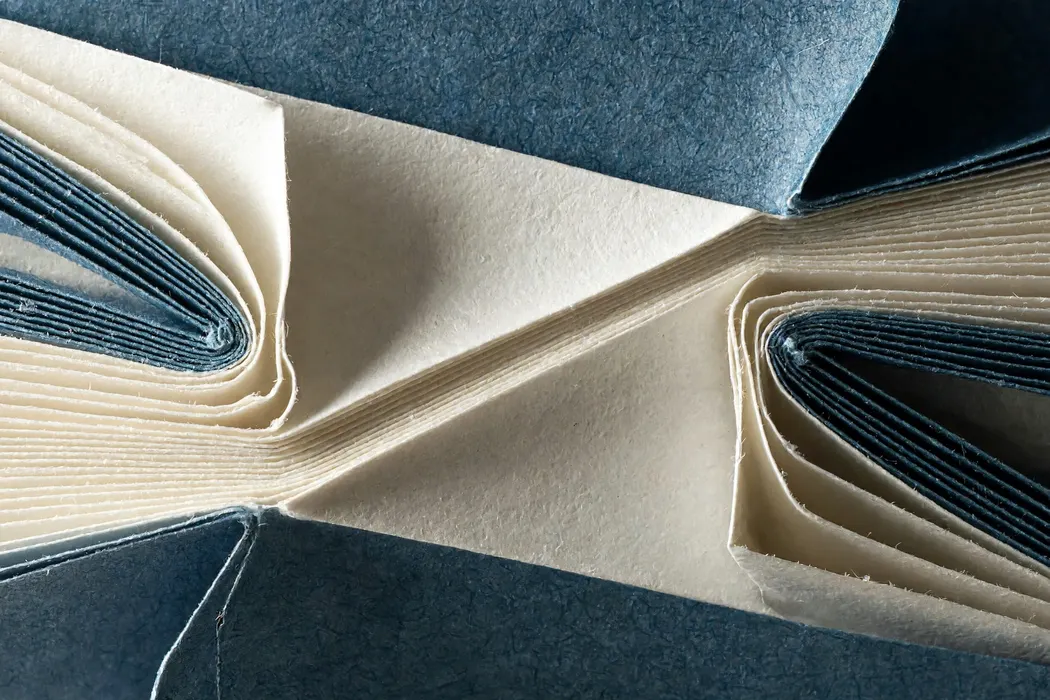
Start at 1K for layout checks or use the default 2K. Choose 4K when the final image needs more room for crops or fine textures.
Credits are charged per image. For edits, add 1 credit for each reference you upload. The generator shows your total before you submit.
It is MiniMax’s open-weight still-image model. It can generate a new image from text or use existing images to guide an edit or a new composition.
nanabanana2.run is an independent tool and is not affiliated with MiniMax. This page uses MiniMax H3 Image for still images. MiniMax H3 for video and Pruna AI’s P-H3-Image (PH3) are separate models.
At 1:1, 4K is 4096 × 4096 pixels. At 21:9, it is 6272 × 2688. The pixel dimensions vary with the selected aspect ratio.
The editor accepts up to 16 JPEG, PNG, or WebP files, up to 20 MB each. Adding references may make a job take longer.
Small type and precise placement can shift, particularly when combining references. Check the result at full size and add critical text in a design editor.
Each image costs 3 site credits at 1K or 2K and 8 at 4K. Editing adds 1 credit per reference. The generator shows the total before submission.
Choose PNG or JPEG. PNG preserves fine edges without JPEG compression, while JPEG typically makes a smaller file for sharing and web use.