
GPT Image 2.5: What the Mona Lisa Tests Actually Show
GPT Image 2.5 is not an announced OpenAI model name yet. Early Arena reports connect the anonymous mona-lisa-1 and luna-lisa-alpha checkpoints with a possible next release, but the mapping, launch date, and final capabilities remain unconfirmed. While those tests continue, you can generate and edit images here with the currently available GPT Image 2 model.
Signals Worth Separating from the Hype
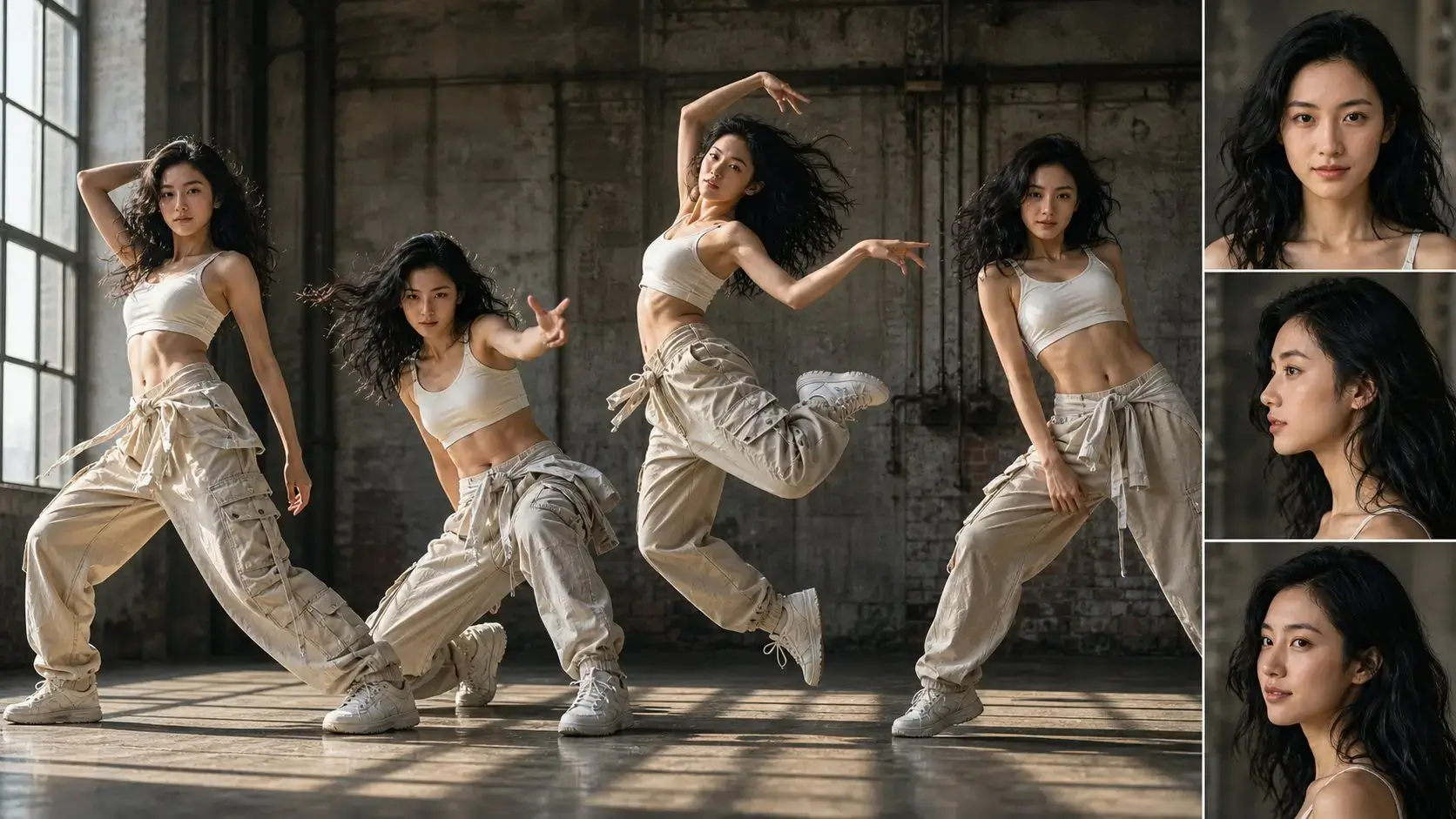
Anonymous Arena checkpoints can reveal where image models may be heading, but they do not establish a product name, API specification, or release promise.
Two Checkpoints, No Confirmed Product Name
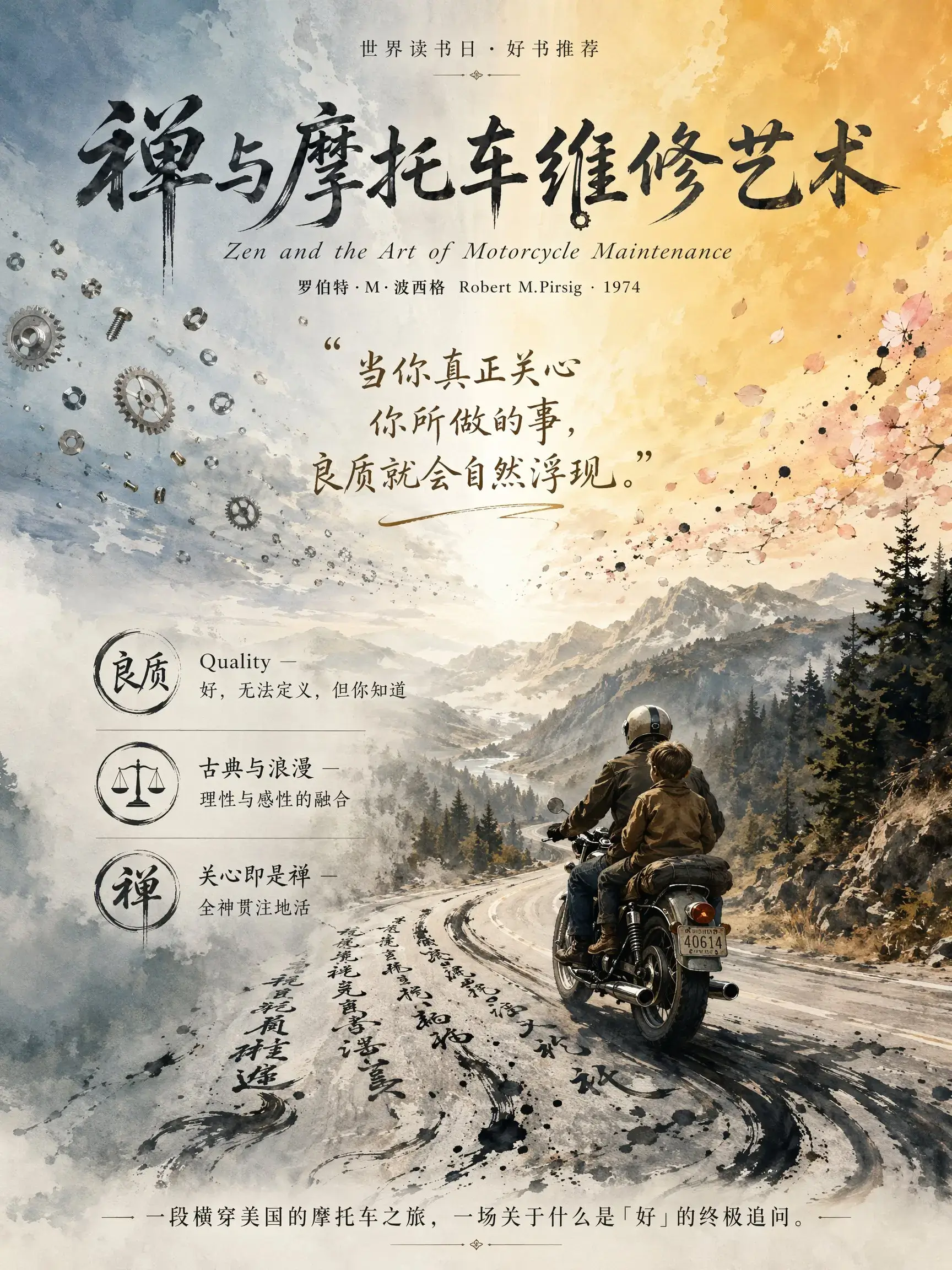
Community reports associate mona-lisa-1 with a larger next-generation checkpoint and luna-lisa-alpha with a faster, smaller checkpoint. That interpretation is plausible, not official: OpenAI has not confirmed that either will ship as GPT Image 2.5 or GPT Image 2.5 Mini.
Prompt Following and Text Are the Early Focus
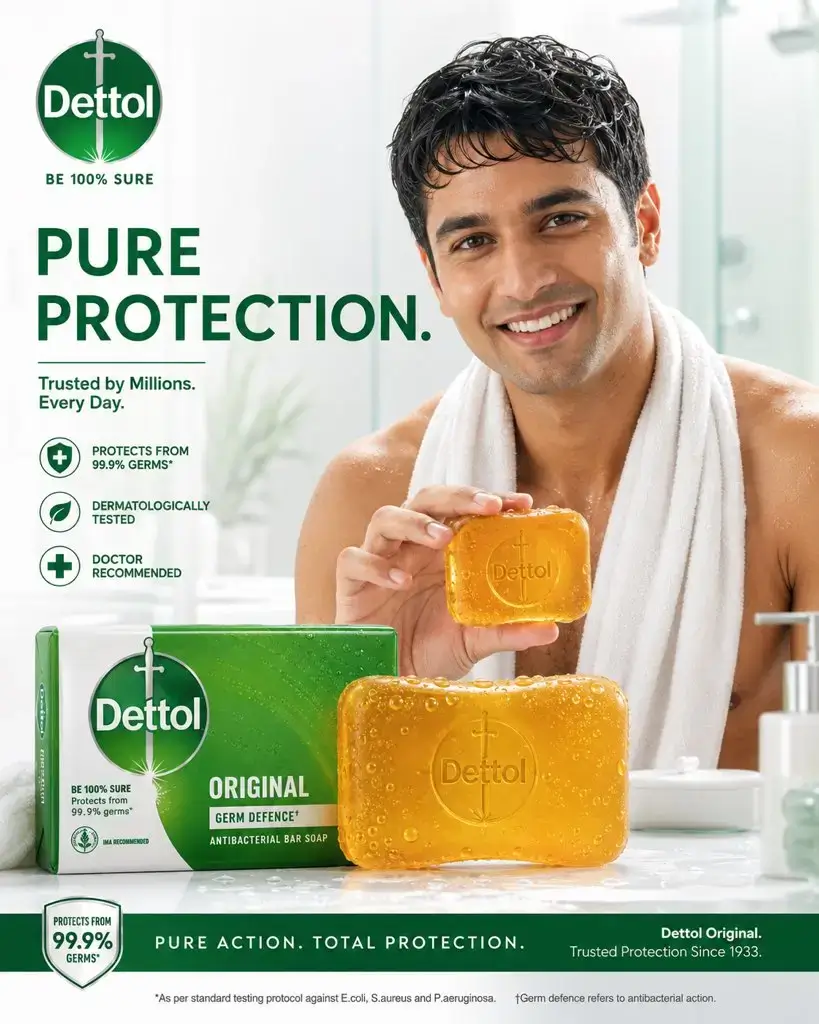
Testers most often praise adherence to long instructions, natural-looking edits, and more coherent text or layouts. Results vary by prompt, so these observations should be treated as early qualitative signals rather than a stable benchmark.
The Noise Artifact Problem Is Not Settled
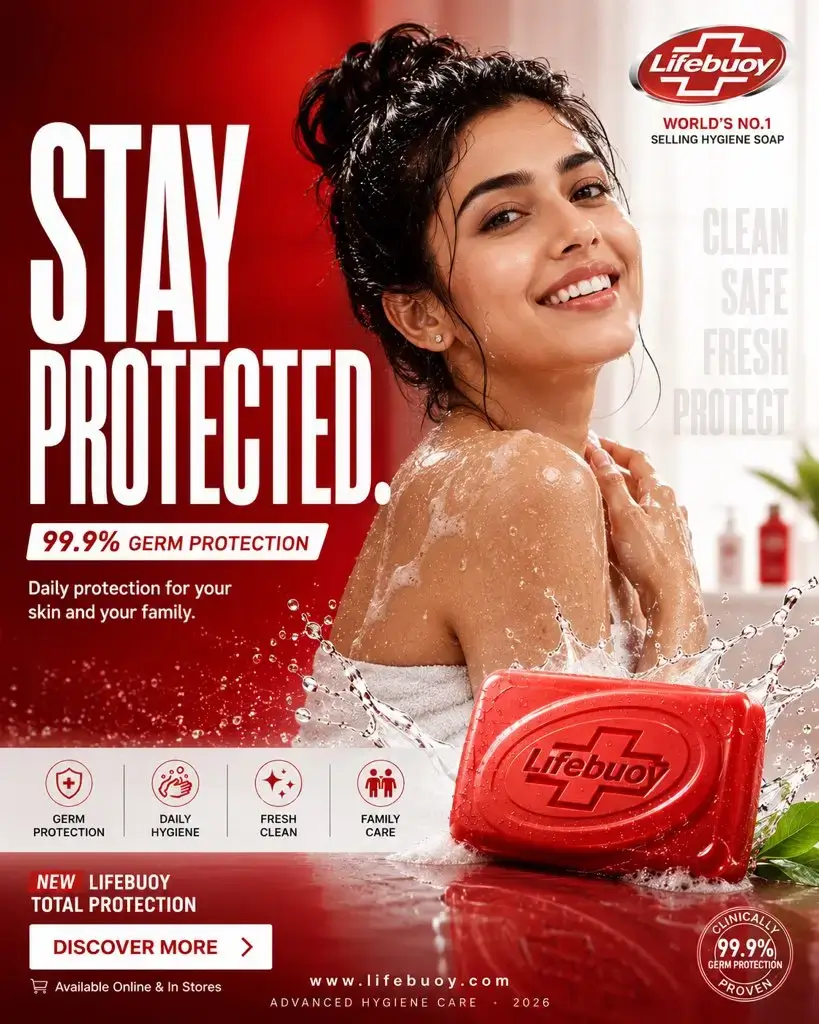
Reports still call out speckling and rough textures around typography and dense details. Some comparisons show a visible improvement over GPT Image 2; others are close enough that viewers prefer the current model. Exact typography and repeated edits still need careful review.
What Must Be Confirmed Before It Becomes a Real Release
A codename in anonymous testing is not an API contract. These are the details that would turn the GPT Image 2.5 keyword into a product creators can evaluate properly.
Official Naming and Model IDs
OpenAI would need to confirm the product name and publish the API identifiers. Until then, mona-lisa-1, luna-lisa-alpha, GPT Image 2.5, and GPT Image 2.5 Mini should not be treated as interchangeable names.
Repeatable Editing Quality
One strong Arena result does not show whether faces, products, typography, and layouts survive several edits. Multi-step consistency matters more than a single polished sample for production work.
Input, Output, and Pricing Limits
Reference-image counts, supported sizes, transparency, output formats, latency, safety behavior, and API pricing remain unknown for any future checkpoint. Current GPT Image 2 settings should not be presented as 2.5 specifications.
A Clear Answer on Texture Artifacts
Designers need clean edges and predictable typography at export size. A release-quality upgrade should reduce visible grain and speckling without removing useful photographic texture.
Use GPT Image 2 While the Next Checkpoint Is Still Anonymous
The generator on this page is intentionally labeled GPT Image 2. It gives you a current baseline for the same jobs early testers are using to judge the rumored checkpoints.
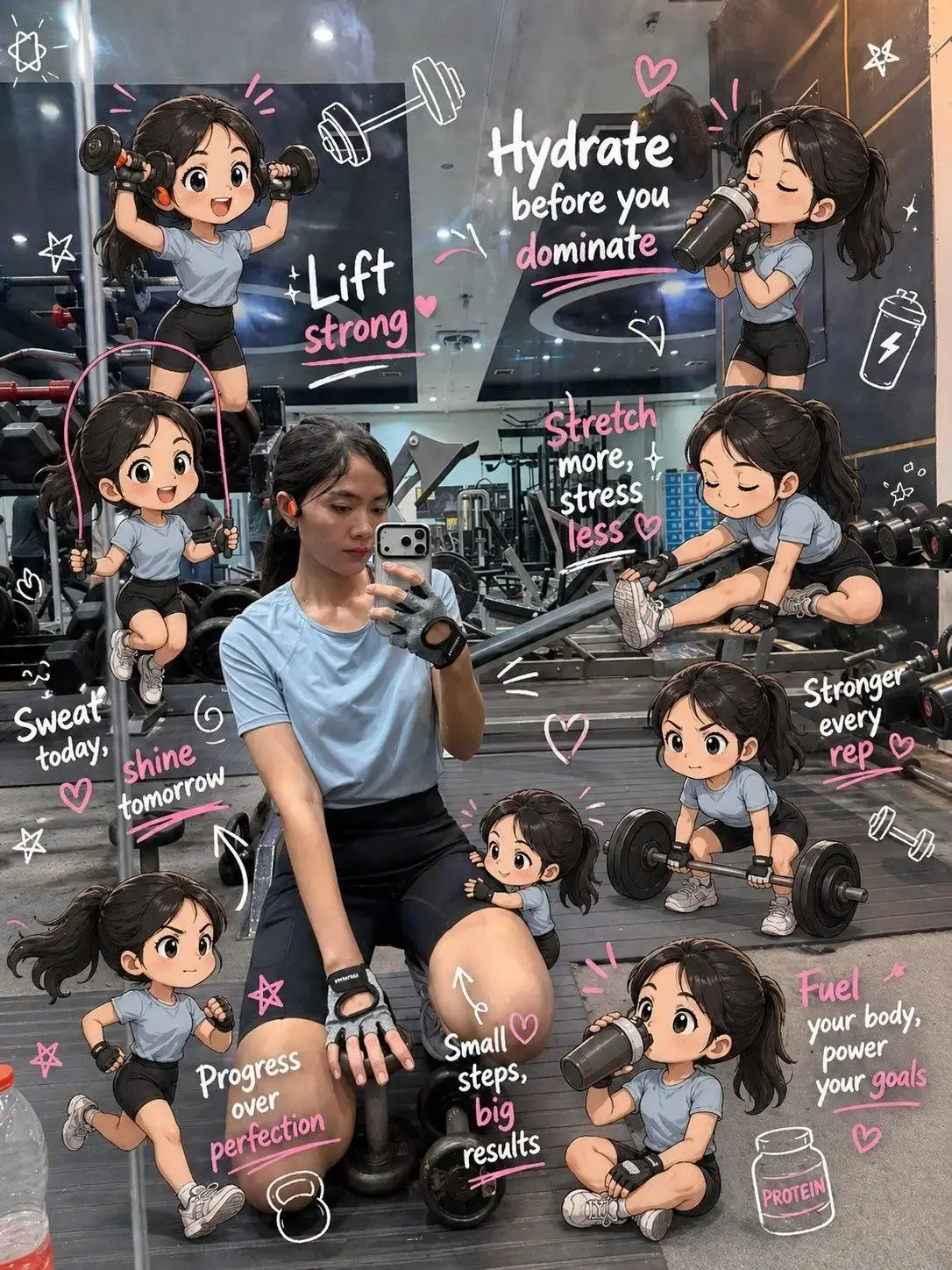
Test Long, Structured Prompts
Specify the subject, background details, camera, lighting, typography, and required objects. Save the prompt so you can compare the same instruction when an officially documented successor becomes available.
Build a Reference-Image Baseline
Upload a product, character, or composition and record which details GPT Image 2 preserves. A future model is only an upgrade if it improves the details that matter in your real editing workflow.
Inspect Text and Dense Details at Full Size
Zoom in on small lettering, edges, skin texture, repeated patterns, and fine materials. Those areas make noise artifacts and instruction failures easier to spot than a reduced social-media preview.
Build a Baseline You Can Compare Later
Step 1 Choose a Real Production Prompt
Use a prompt from your actual workflow instead of a vague beauty shot. Include exact text, layout, objects, materials, and constraints so failures are easy to identify.
Step 2 Generate with the Labeled GPT Image 2 Model
The model selector and request both use GPT Image 2. Add reference images when consistency or editing matters, then keep the prompt and inputs for a future side-by-side test.
Step 3 Review the Result at Export Size
Check prompt compliance, readable text, geometry, repeated details, and noise. A future GPT Image 2.5 release should be judged against these concrete failures, not a codename or launch claim.
How to Use Illustration
Pricing
Generate professional images with your favorite Nano banana 2 AI plan.
Basic
A starter plan for nano banana 2 AI image generation.
Includes
- 1000 credits (never expire)
- $0.10/枚
- 166 images generation ($0.12 / image)
- No watermark
- Character consistency
- batch generation
- permanent image download link
- Commercial use rights
Credits never expire!
Max
PopularFor professionals who need high-volume image generation.
Everything in Pro, plus
- 7500 credits (never expire)
- $0.07/枚
- 1250 images generation ($0.08 / image)
- No watermark
- Character consistency
- batch generation
- permanent image download link
- Commercial use rights
- Priority support
- Access to all new releases
Credits never expire!
Pro
Great for educators, designers, and marketers.
Everything in Basic, plus
- 3300 credits (never expire)
- $0.08/枚
- 550 images generation ($0.09 / image)
- No watermark
- Character consistency
- batch generation
- permanent image download link
- Commercial use rights
- Priority support
- Access to all new releases
Credits never expire!
Frequently Asked Questions
Is GPT Image 2.5 officially released?
No official OpenAI model named GPT Image 2.5 was documented in the sources reviewed for this page on August 23, 2026. The name is a community interpretation of anonymous Arena checkpoints and may change before any release.
Are mona-lisa-1 and luna-lisa-alpha both GPT Image 2.5?
That has not been confirmed. Early reports describe mona-lisa-1 as a possible larger checkpoint and luna-lisa-alpha as a faster, smaller checkpoint, but OpenAI has not published their final product names or relationship.
Which model does the generator on this page use?
The live generator uses GPT Image 2. Its model label, generation request, credit rules, supported settings, and result history all follow the existing GPT Image 2 integration.
What improvements are early testers reporting?
Reports most often mention better adherence to detailed prompts, natural-looking edits, coherent text, or faster output from the smaller checkpoint. These are anecdotal observations from anonymous testing, not official capability claims.
What limitations should I watch?
Noise and speckling around text or dense details remain the most repeated complaint. Testers also disagree on how large the quality jump is, and there is no confirmed release date, API specification, pricing, or supported output matrix.